
1. Introduction
This manual provides detailed instructions for the safe and effective use of your ResponseBridge B007 Wireless Voice Amplifier and Ear-Hook Headset Microphone. This portable PA system is designed to amplify your voice with clarity and comfort, making it ideal for teachers, tour guides, fitness instructors, and presenters. Please read this manual thoroughly before operation and retain it for future reference.
2. Package Contents
- 1x B007 Voice Amplifier
- 1x Wireless Ear-Hook Headset Microphone
- 1x Auxiliary Cable
- 1x Shoulder Strap
- 1x User Manual
3. Product Overview
The ResponseBridge B007 is a compact and powerful voice amplification system. It features a 15W output speaker, AI noise-cancelling technology for clear audio, and Bluetooth 5.0 for versatile connectivity. The lightweight ear-hook headset microphone ensures comfort during extended use.
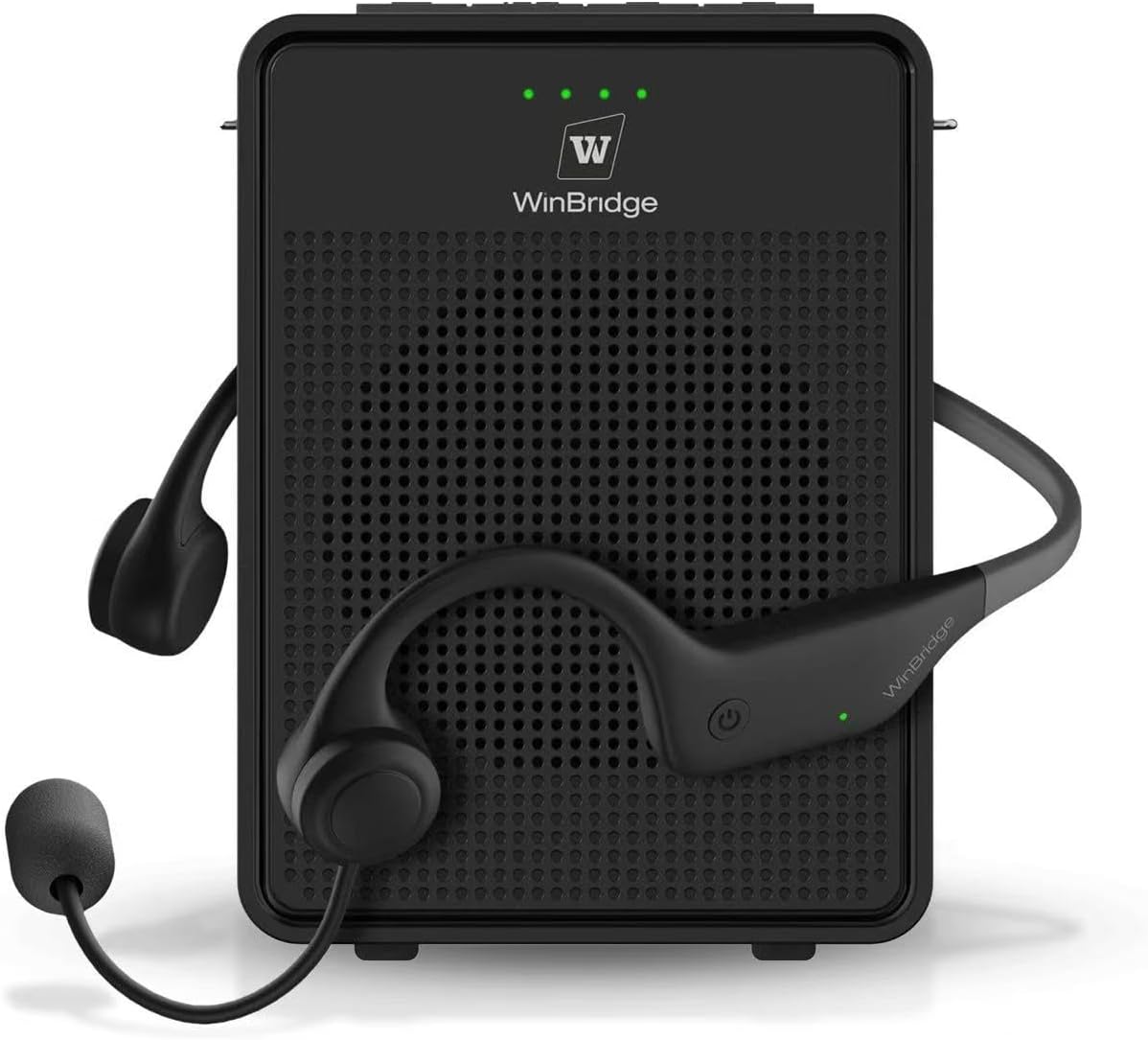
Figure 3.1: ResponseBridge B007 Voice Amplifier and Ear-Hook Headset Microphone.
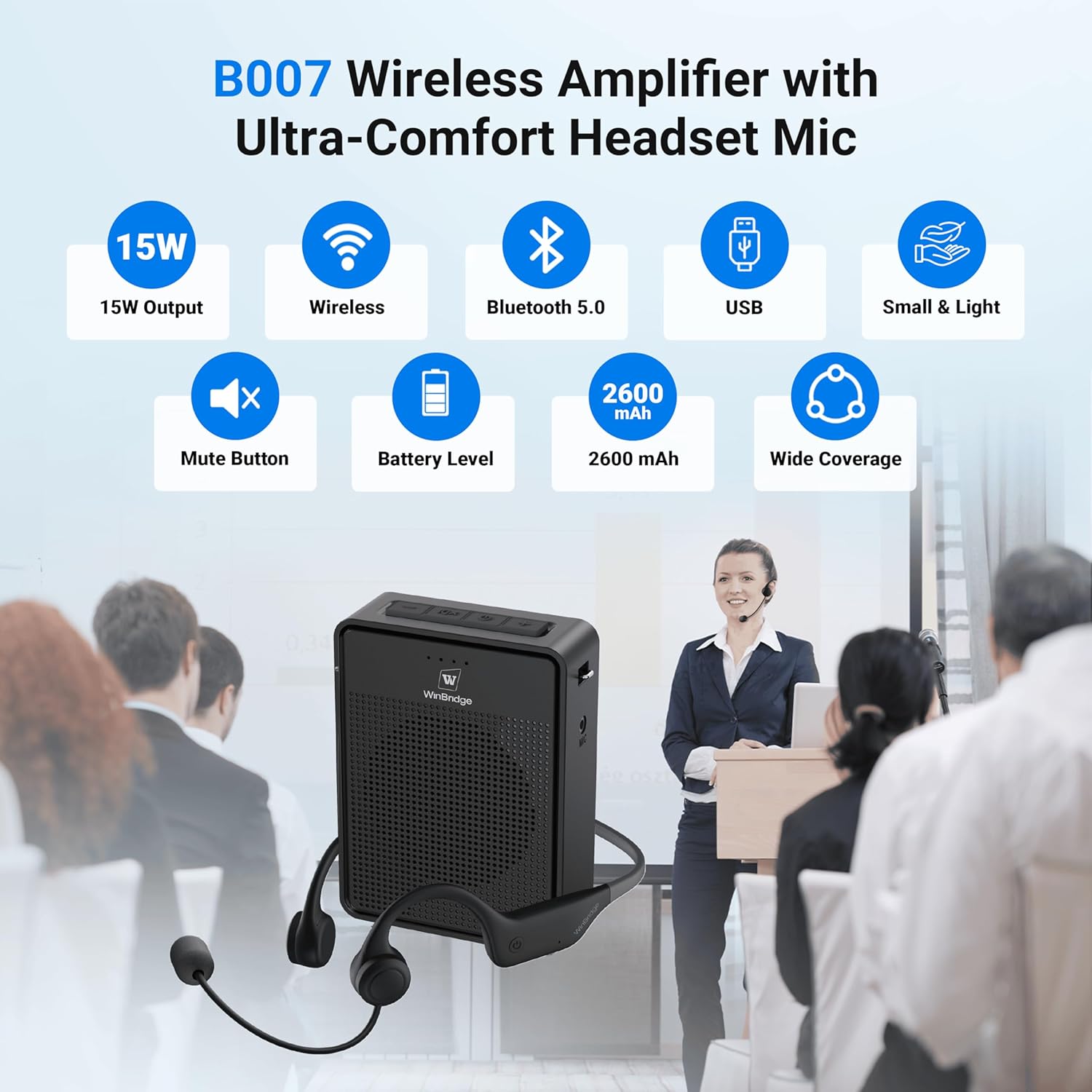
Figure 3.2: Overview of B007 features including 15W output, wireless, Bluetooth 5.0, USB, small & light design, mute button, battery level, 2600mAh battery, and wide coverage.

Figure 3.3: Illustration of AI Noise Cancelling Microphone blocking out background noise for better amplification.

Figure 3.4: Detailed diagram showing the volume, mute, and power buttons on the amplifier, and volume controls and charging port on the headset.
4. Setup Instructions
4.1 Wearing the Ear-Hook Headset
- Gently place the ear-hook headset over your head, ensuring the ear pieces rest comfortably over your ears.
- Adjust the flexible microphone boom so that the microphone is positioned directly in front of your mouth for optimal voice pickup.

Figure 4.1: The ergonomic design of the ear-hook microphone ensures comfort and stability, preventing discomfort often associated with conventional headsets.
4.2 Powering On and Pairing
- Voice Amplifier: Press and hold the power button on the amplifier until the indicator lights illuminate.
- Headset Microphone: Press and hold the power button on the headset until the indicator light turns on.
- The microphone and amplifier are designed for automatic wireless pairing. They should connect instantly upon powering on. A successful connection is usually indicated by a solid blue light on the headset and green lights on the amplifier.
4.3 Video Guide: Unboxing and Setup
Video 4.2: This official seller video demonstrates the unboxing process, how to wear the ear-hook headset, and the basic setup of the ResponseBridge Wireless Voice Amplifier. It highlights the automatic pairing feature and initial sound test.
Video 4.3: This official seller video provides a detailed overview of the voice amplifier, including unboxing, components, and initial setup steps. It covers connecting the lanyard and wearing the headset.
5. Operating Instructions
5.1 Volume Adjustment
- Amplifier: Use the '+' and '-' buttons on the amplifier to increase or decrease the overall volume.
- Headset: The headset also features integrated volume controls for fine-tuning your audio input.
5.2 Mute Function
Press the mute button (speaker icon) on the amplifier to temporarily silence your voice. Press it again to unmute.
5.3 Bluetooth/USB Playback
The amplifier supports Bluetooth 5.0 and USB drive playback. To play background music while speaking, connect your device via Bluetooth or insert a USB drive with audio files. The amplifier will automatically play audio from the USB drive.

Figure 5.1: The B007 amplifier can play music via Bluetooth while simultaneously amplifying your voice.
6. Charging
The voice amplifier and ear-hook headset microphone are equipped with rechargeable batteries. Use the provided split USB charging cable to charge both devices simultaneously. The amplifier and microphone will last for approximately 8-12 hours on a single charge.
- Connect the split USB cable to a USB power adapter (not included).
- Plug one micro-USB end into the amplifier's charging port and the other into the headset's charging port.
- Indicator lights will show charging status. The lights will turn off when fully charged.
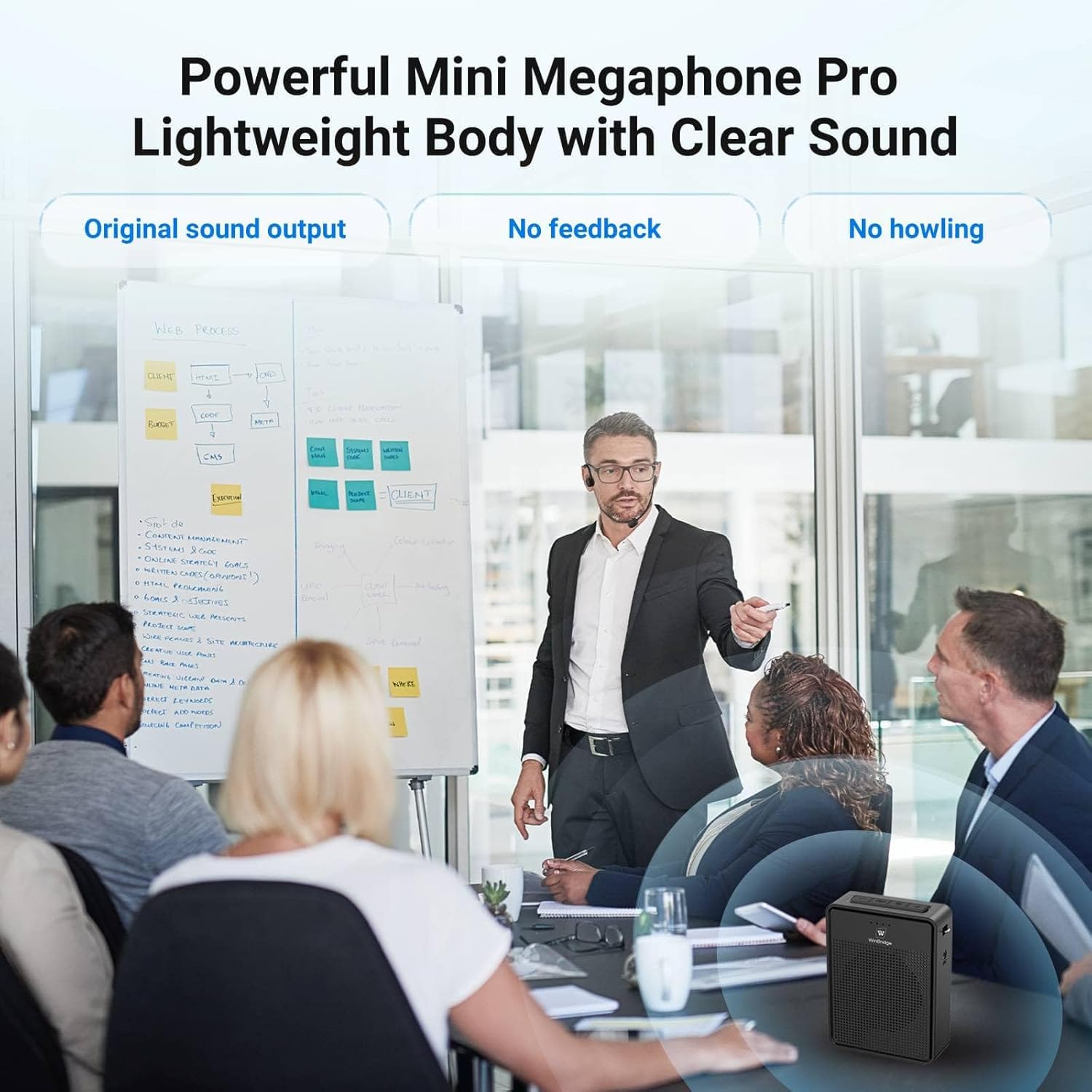
Figure 6.1: The B007 system offers 8+ hours of microphone working time and 7-9 hours of speaker working time on a single charge.
7. Wearing Options
The compact design of the amplifier offers multiple wearing options for convenience and freedom of movement:
- Shoulder/Waist Strap: Use the adjustable strap to wear the amplifier across your body or around your waist.
- Belt Clip: The amplifier features a built-in clip to attach it directly to your belt or pocket.

Figure 7.1: The amplifier can be worn with an adjustable waistband, as a crossbody bag, or clipped to the back.
7.1 Video Guide: Wearing and Portability
Video 7.2: This official seller video demonstrates various ways to wear the amplifier, including using the shoulder strap and belt clip, highlighting its portability and secure fit.
8. Specifications
| Feature | Specification |
|---|---|
| Mounting Type | Portable |
| Power Source | Battery Powered |
| Material | Acrylonitrile Butadiene Styrene (ABS) |
| Number of Channels | 1 |
| Audio Input | Wireless Microphone |
| Output Wattage | 15.0 W |
| Battery Type | Lithium Polymer |
| Item Weight | 0.634 ounces |
| Product Dimensions | 1.22 x 4.53 x 3.35 inches |
| Connectivity Technology | Bluetooth |
| Compatible Devices | Bluetooth Devices |
9. Maintenance
- Cleaning: Use a soft, dry cloth to clean the amplifier and headset. Do not use liquid cleaners or aerosols.
- Storage: Store the device in a cool, dry place away from direct sunlight and extreme temperatures when not in use.
- Battery Care: To prolong battery life, charge the device regularly, even if not in frequent use. Avoid fully discharging the battery.
10. Troubleshooting
- No Sound: Ensure both the amplifier and headset are powered on and successfully paired. Check volume levels on both devices.
- Feedback/Howling: Reduce the volume, ensure the microphone is not too close to the speaker, and adjust the microphone's position away from direct speaker output.
- Pairing Issues: Turn both devices off and then on again to re-initiate automatic pairing. Ensure no other Bluetooth devices are interfering.
- Charging Problems: Verify that the charging cable is securely connected to both the device and the power source. Check if the power adapter is functioning correctly.
11. Warranty and Support
ResponseBridge offers a 12-month replacement promise for this product. For any warranty claims, technical support, or inquiries, please contact ResponseBridge customer service through the retailer where the product was purchased or visit the official ResponseBridge website.

Figure 11.1: The product comes with a 12-month replacement promise.


