
1. Product Overview
The ResponseBridge B002 is an ultra-portable wireless voice amplifier and speaker system designed for clear and powerful audio projection. It features a 15W output, covering up to 10,000 sq.ft, and offers versatile connectivity options including Bluetooth and USB. The system includes a lightweight headset microphone for hands-free operation and an extended battery life for prolonged use.
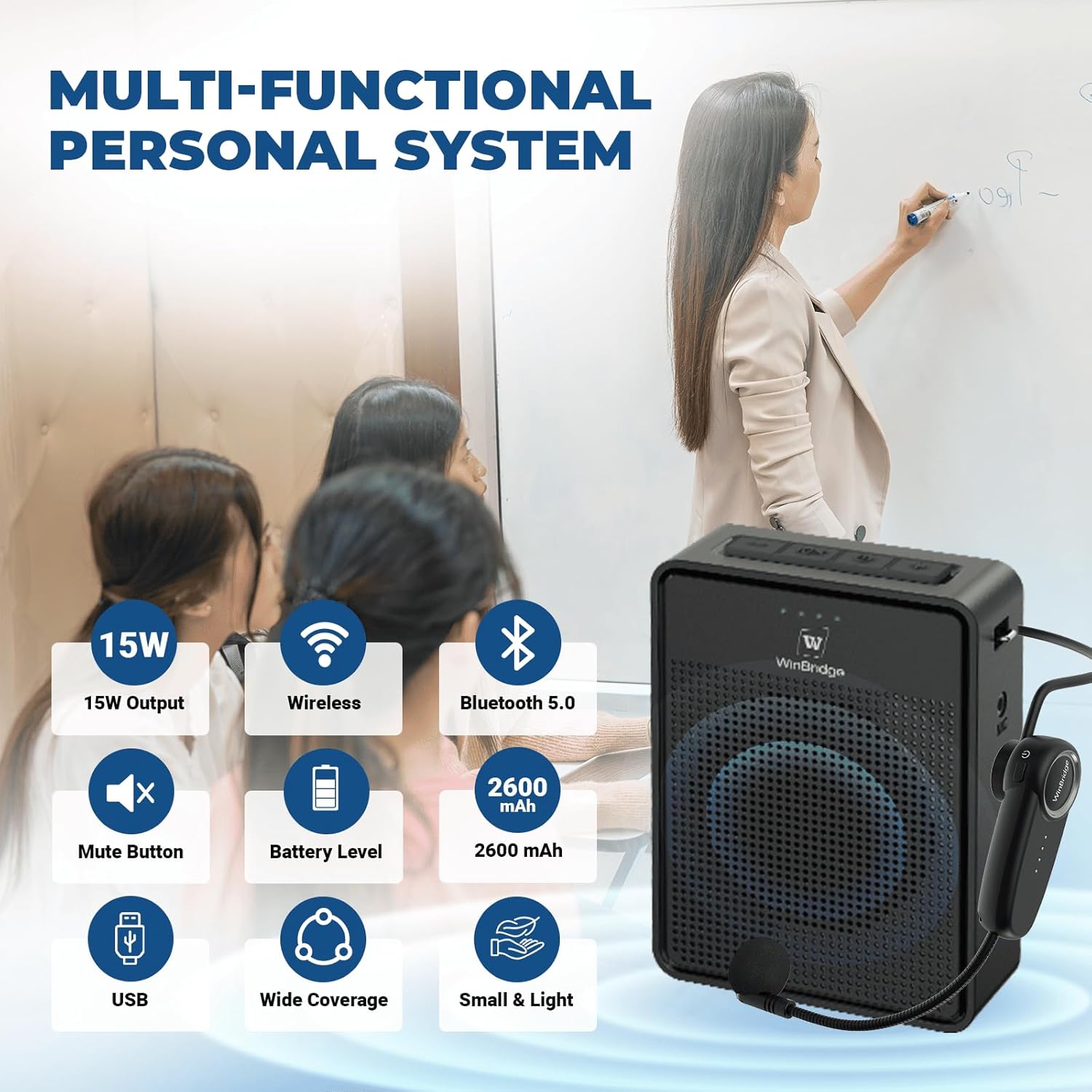
Image: The ResponseBridge B002 Wireless Voice Amplifier and its accompanying headset microphone, showcasing its compact design.
2. Package Contents
Ensure all items are present in the package:
- 1 x Wireless Voice Amplifier (Main Unit)
- 1 x Bluetooth Microphone Headset
- 1 x Adjustable Belt
- 1 x Type-C Charging Cable
- 1 x User Manual
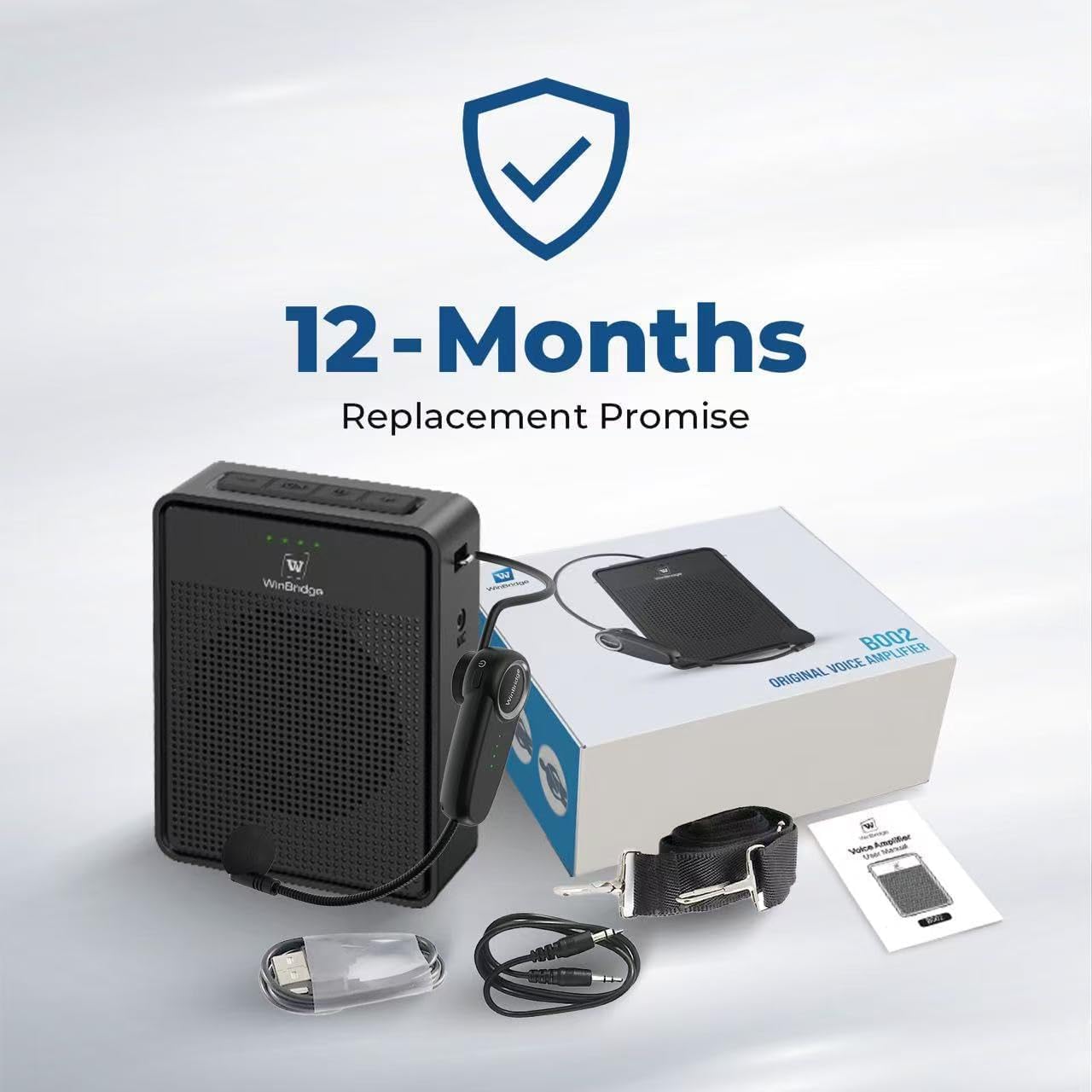
Image: All components included in the ResponseBridge B002 package: main amplifier unit, headset microphone, adjustable belt, charging cable, and user manual.
3. Setup Instructions
3.1 Assembling the Headset Microphone
- Locate the wireless earhook and the microphone boom.
- Align the microphone boom with the designated slot on the earhook.
- Gently insert and rotate the microphone boom clockwise to secure it. To disassemble, rotate counter-clockwise.
Video: A demonstration of how to assemble the 2-in-1 microphone headset for the B002 voice amplifier.
3.2 Charging the Devices
Before first use, fully charge both the voice amplifier and the headset microphone.
- Connect the Type-C charging cable to the charging port on each device and to a USB power adapter (not included).
- The LED indicators will show charging status. A full charge provides 9-15 hours of use for the speaker and 9-10 hours for the microphone.
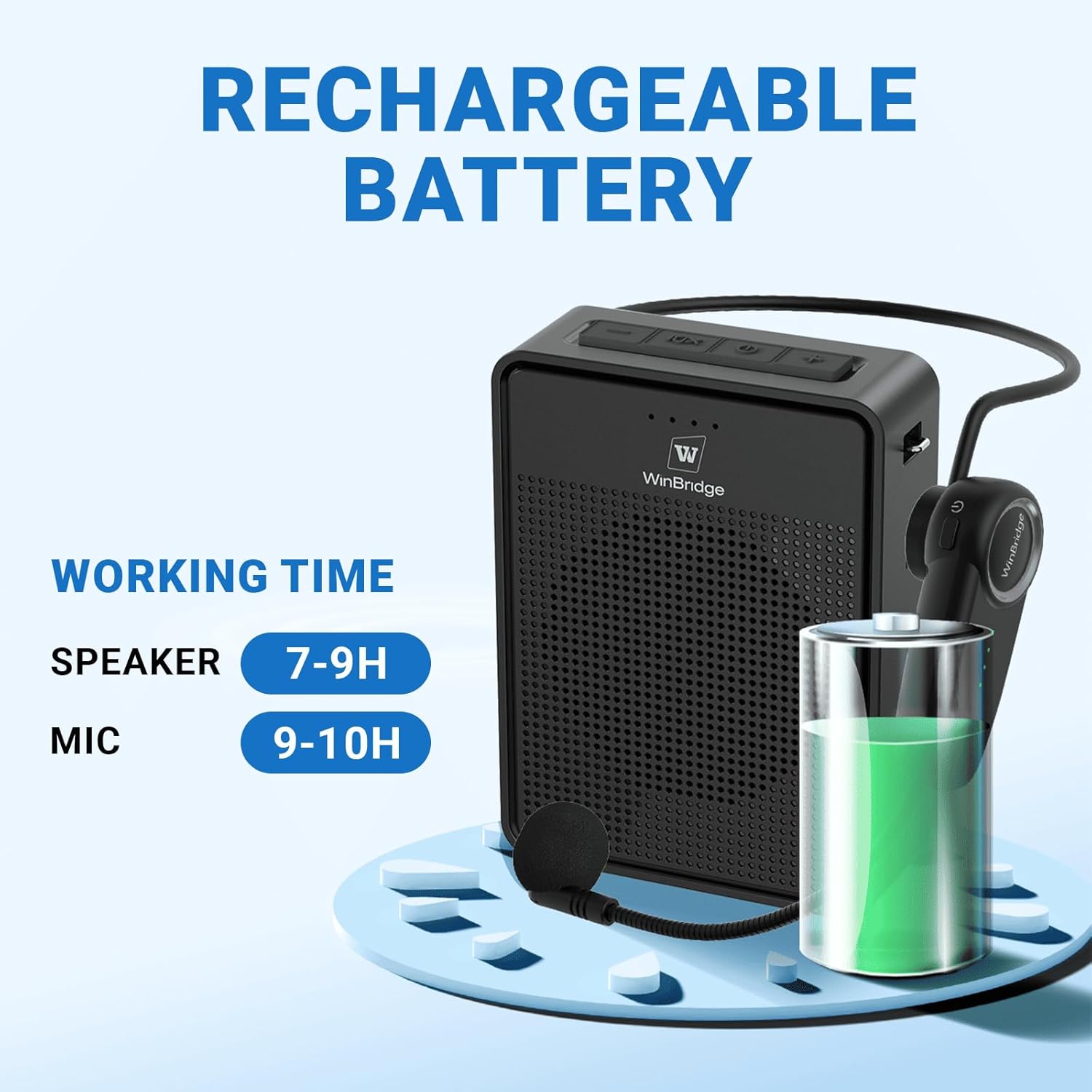
Image: The voice amplifier unit next to a battery icon, illustrating its rechargeable nature and extended working time.
3.3 Wearing the Amplifier and Headset
The B002 offers multiple wearing options for convenience:
- Belt Clip: Use the integrated clip on the back of the amplifier to attach it to your belt or waistband.
- Adjustable Belt/Lanyard: Attach the provided adjustable belt to the amplifier's loops and wear it around your neck or waist.
- Headset: Place the headset microphone comfortably over your head, positioning the microphone close to your mouth for optimal sound pickup.

Image: Three different ways to wear the portable voice amplifier: clipped to a belt, hung around the neck, and tied to the waist with the adjustable strap.
4. Operating Instructions
4.1 Power On/Off
- Amplifier: Press and hold the power button on the top panel until the LED indicators light up.
- Headset: Press and hold the power button on the headset until the LED indicator lights up.
- To power off, press and hold the respective power buttons again.
4.2 Automatic Pairing
The amplifier and headset microphone are designed for instant auto-pairing. Once both devices are powered on, they will automatically connect within 1 second. No manual setup is required.
4.3 Volume Control and Mute
- Volume Up: Press the "+" button on the amplifier.
- Volume Down: Press the "-" button on the amplifier.
- Mute: Press the mute button (often marked with an "X" or mute symbol) on the amplifier to temporarily silence the audio output. Press again to unmute.

Image: A close-up view of the top panel of the voice amplifier, showing the volume up, mute, power, and volume down buttons, along with the microphone, DC, and USB ports on the side.
4.4 Bluetooth Mode
The amplifier can function as a Bluetooth speaker:
- Ensure the amplifier is powered on.
- Activate Bluetooth on your smartphone, tablet, or other compatible device.
- Search for "B002" (or similar device name) in your device's Bluetooth settings and pair.
- You can now stream music or other audio through the amplifier while still using the microphone for voice amplification.
4.5 USB Mode
Insert a USB drive into the USB port on the amplifier to automatically play audio files stored on the drive. Use the volume buttons to control playback volume.
5. Maintenance
- Keep the device dry and away from extreme temperatures.
- Clean the amplifier and headset with a soft, dry cloth. Avoid using harsh chemicals or abrasive materials.
- Store the device in a cool, dry place when not in use.
- Charge the battery regularly, even if not in frequent use, to maintain battery health.
6. Troubleshooting
| Problem | Possible Cause | Solution |
|---|---|---|
| No sound from amplifier. | Device is off, low battery, volume too low, or not paired. | Ensure both devices are powered on and charged. Increase volume. Check pairing status. |
| Feedback/Squealing noise. | Microphone too close to the amplifier. | Increase the distance between the microphone and the amplifier. Reduce volume if necessary. |
| Microphone not pairing. | Low battery, out of range, or temporary glitch. | Charge both devices. Ensure they are within close proximity. Power cycle both devices. |
| Battery not charging. | Faulty cable or power adapter. | Try a different Type-C cable and/or USB power adapter. |
7. Specifications
- Model Number: B002
- Output Power: 15W
- Coverage Area: Up to 10,000 sq.ft (1,000㎡)
- Speaker Battery Life: 9-15 hours (continuous use)
- Microphone Battery Life: 9-10 hours (continuous use)
- Connectivity: Bluetooth, USB
- Material: Acrylonitrile Butadiene Styrene (ABS)
- Item Weight: 207 Grams (7.3 ounces)
- Product Dimensions (L x W x H): 3.35 x 1.22 x 4.53 inches
- Frequency Response: 50 KHz
- Number of Channels: 1
8. Warranty and Support
The ResponseBridge B002 Wireless Voice Amplifier Headset comes with a 12-month warranty and lifetime U.S. tech support.
For any issues or support needs, please contact ResponseBridge customer service directly. Our commitment is to provide reliable support and satisfactory solutions.
