
1. Introduction
The Momcozy BM04 Smart WiFi Baby Monitor is designed to provide parents with peace of mind through advanced monitoring features. This system includes a parent unit with a 5-inch 1080P display and two cameras, offering both local and remote viewing options. With features like split-screen view, clear night vision, two-way audio, and smart alerts, you can stay connected to your baby anytime, anywhere.

Figure 1: Momcozy BM04 Smart WiFi Baby Monitor System
2. What's Included
Your Momcozy BM04 package includes the following components:
- Parent Unit (5-inch 1080P Display)
- Baby Camera (x2)
- Power Adapters (for parent unit and cameras)
- USB-C Cables
- Wall Mount Kit (with hardware)
- User Guide
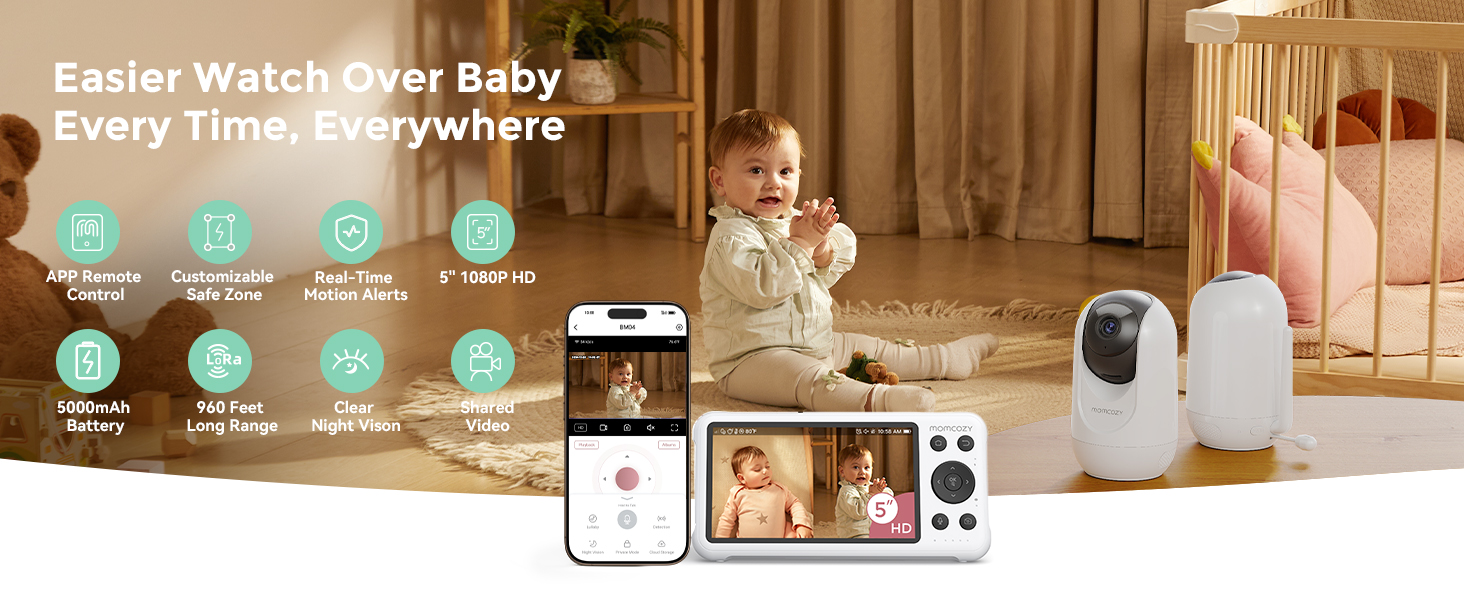
Figure 2: Included Components of the Momcozy BM04 System
3. Setup
Follow these steps to set up your Momcozy BM04 Baby Monitor:
- Power On: Connect the power adapters to the parent unit and each baby camera. Plug them into a power outlet. The devices will power on automatically.
- Camera Placement: Place the baby cameras in desired locations within your baby's room. Ensure a clear line of sight to the crib or play area. The cameras can be placed on a flat surface or mounted on a wall using the provided kit.
- Parent Unit Connection: The parent unit and cameras are pre-paired at the factory. Once powered on, the parent unit should automatically display the camera feeds.
- App Connection (Optional for WiFi Mode):
- Download the Momcozy App from your smartphone's app store.
- Create an account and follow the in-app instructions to add your BM04 monitor. This typically involves scanning a QR code on the camera or parent unit.
- Ensure your phone is connected to a 2.4GHz WiFi network for initial setup.
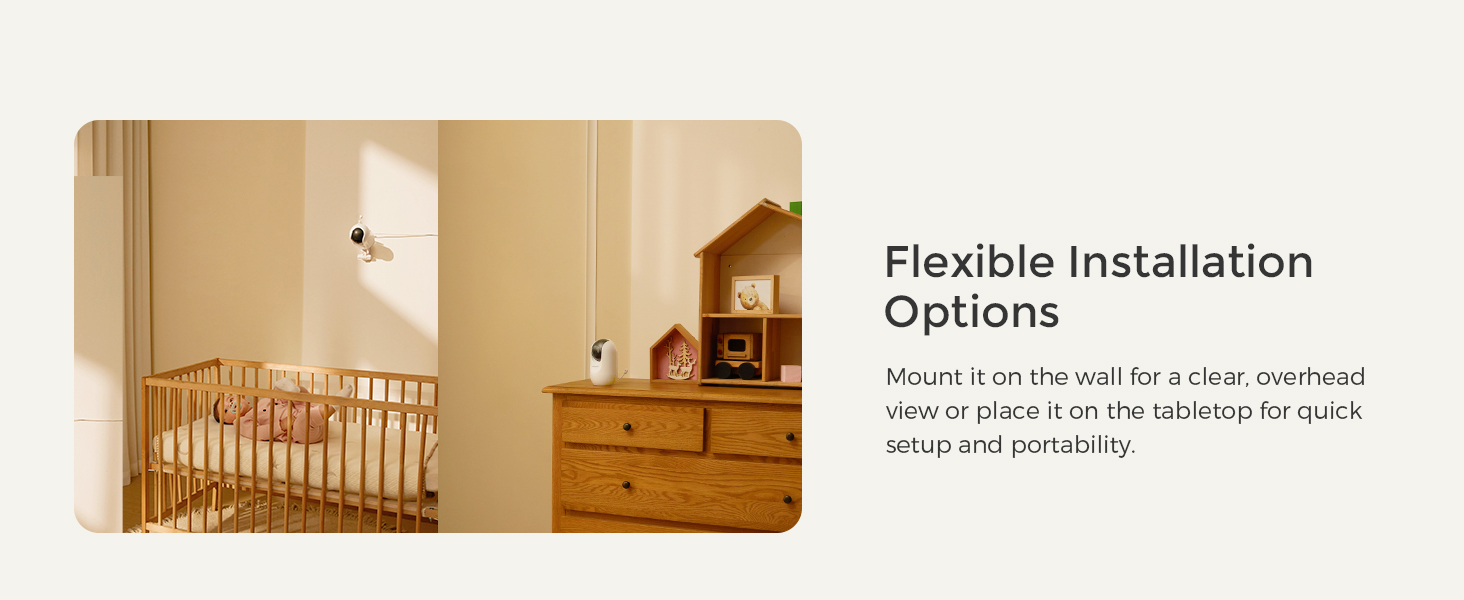
Figure 3: Flexible Installation Options
4. Operating Instructions
The Momcozy BM04 offers a range of features for comprehensive baby monitoring:
4.1 Dual-Mode Monitoring (WiFi & Non-WiFi)
Choose between secure local monitoring via the parent unit (non-WiFi) or remote access through the Momcozy App (WiFi) for on-the-go viewing. Advanced encryption ensures privacy.
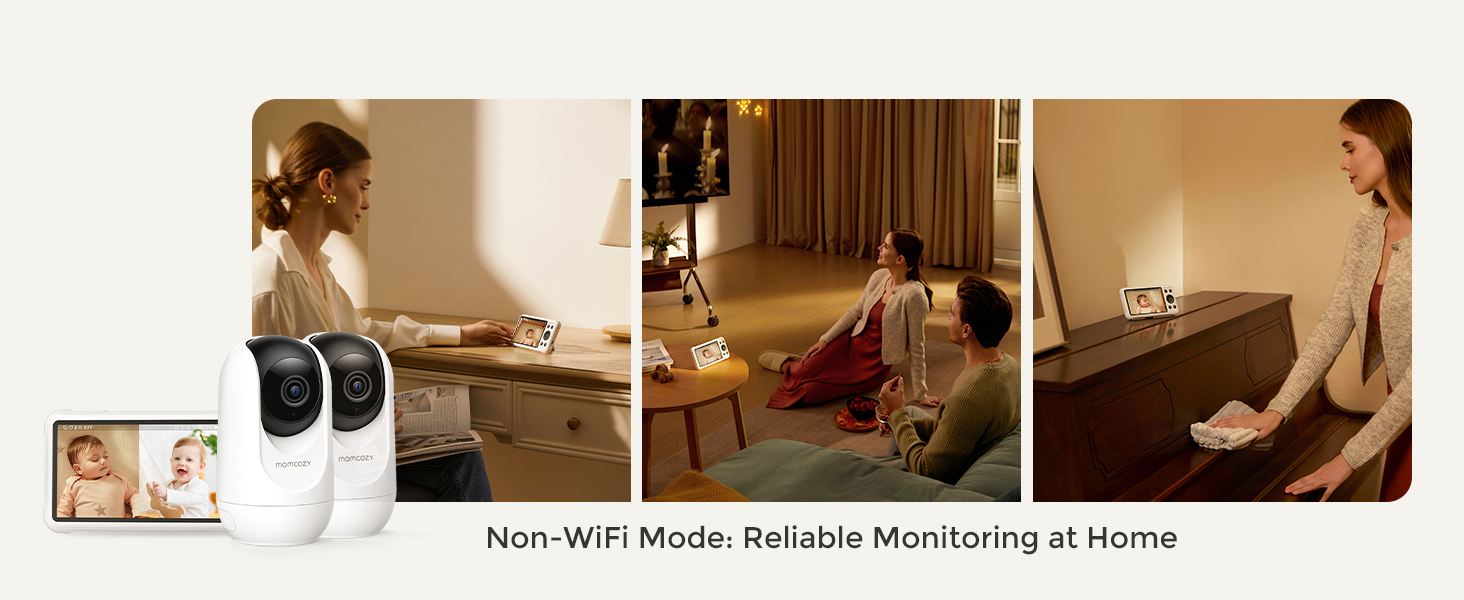
Figure 4: Non-WiFi Mode for Home Monitoring
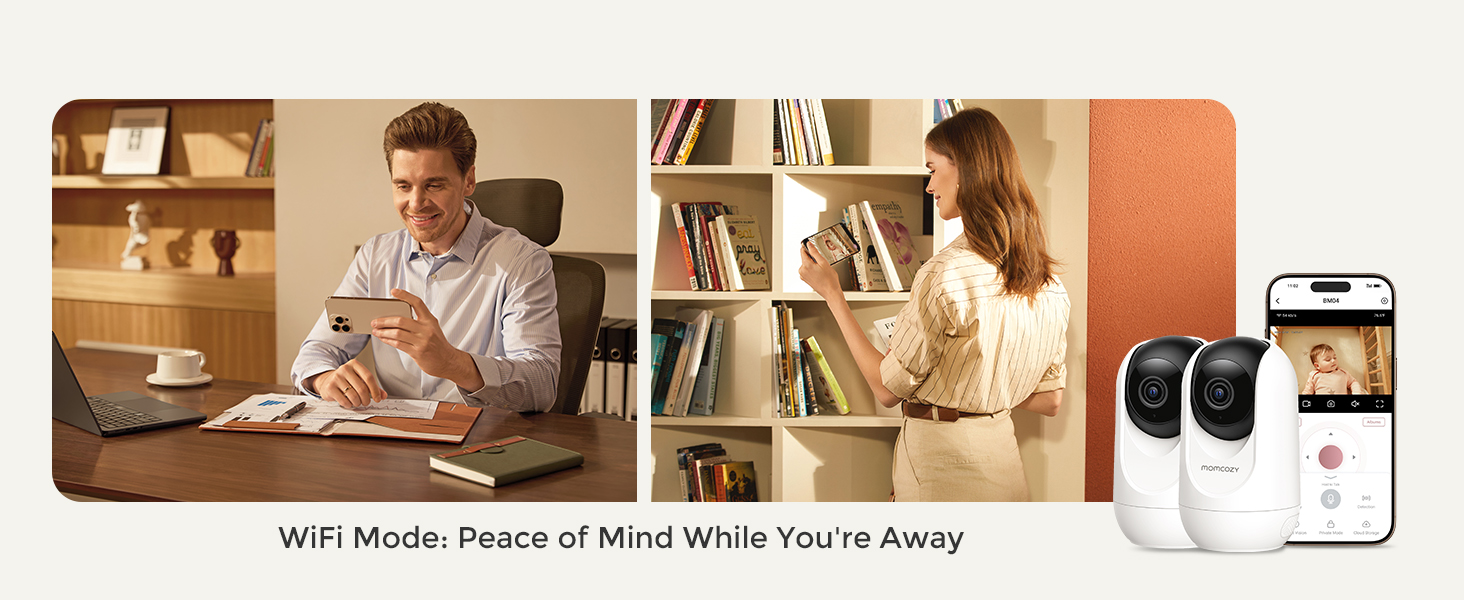
Figure 5: WiFi Mode for Remote Monitoring
4.2 Split-Screen View
Monitor two cameras simultaneously on the parent unit's 5-inch display. The system supports up to 4 camera connections for expanded coverage.
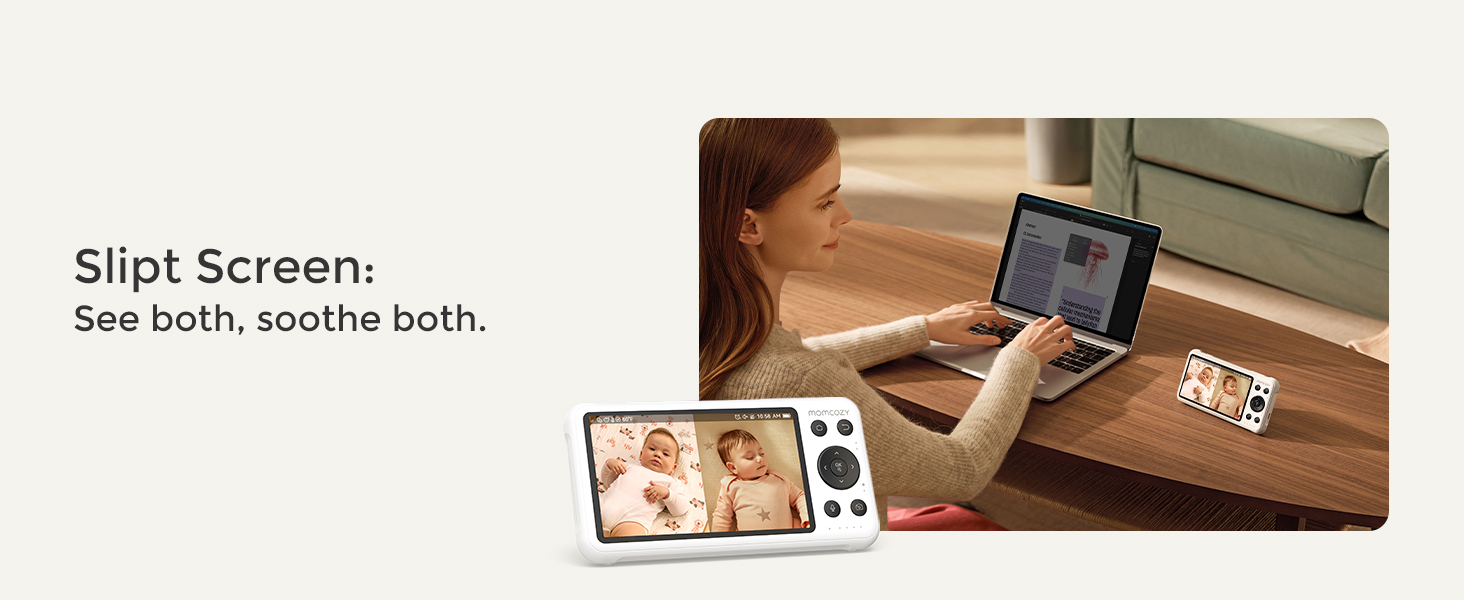
Figure 6: Split-Screen Monitoring
4.3 Smart Motion Detection & Safe Zone
Receive real-time motion alerts on your app for events like covered faces or unusual movement. You can also define customizable safe zones within the camera's view to get alerts if your baby moves outside a designated area.
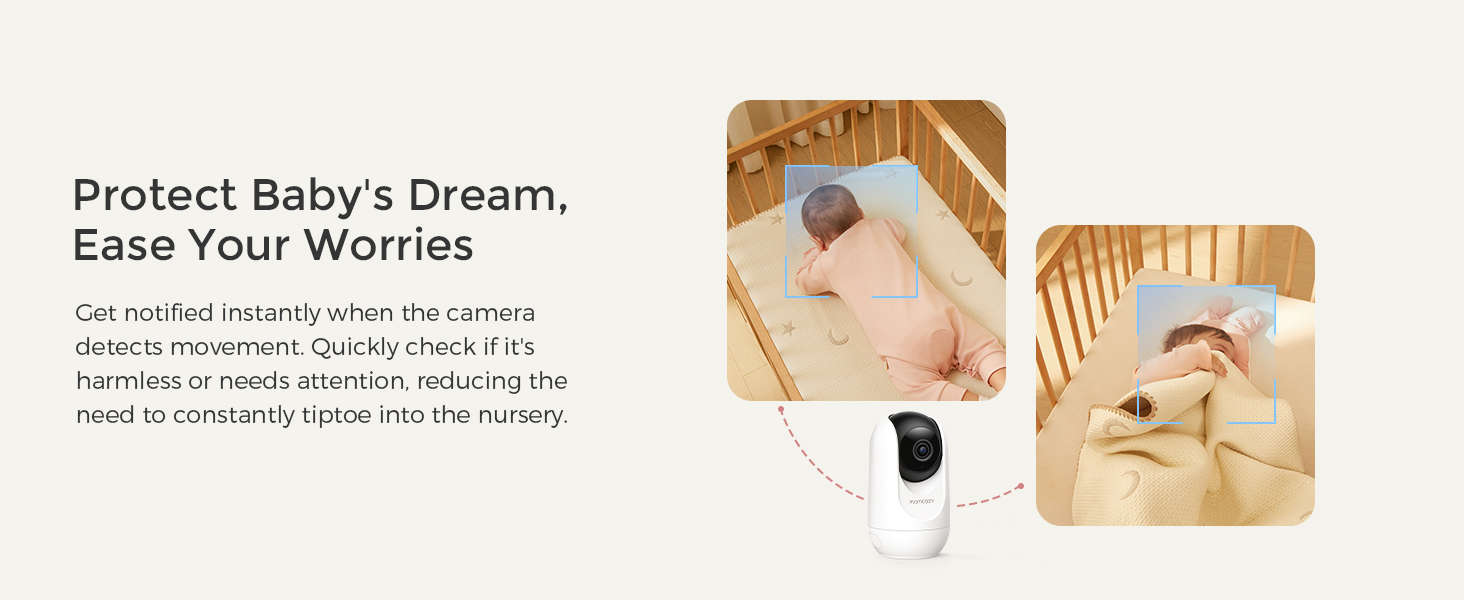
Figure 7: Motion Detection
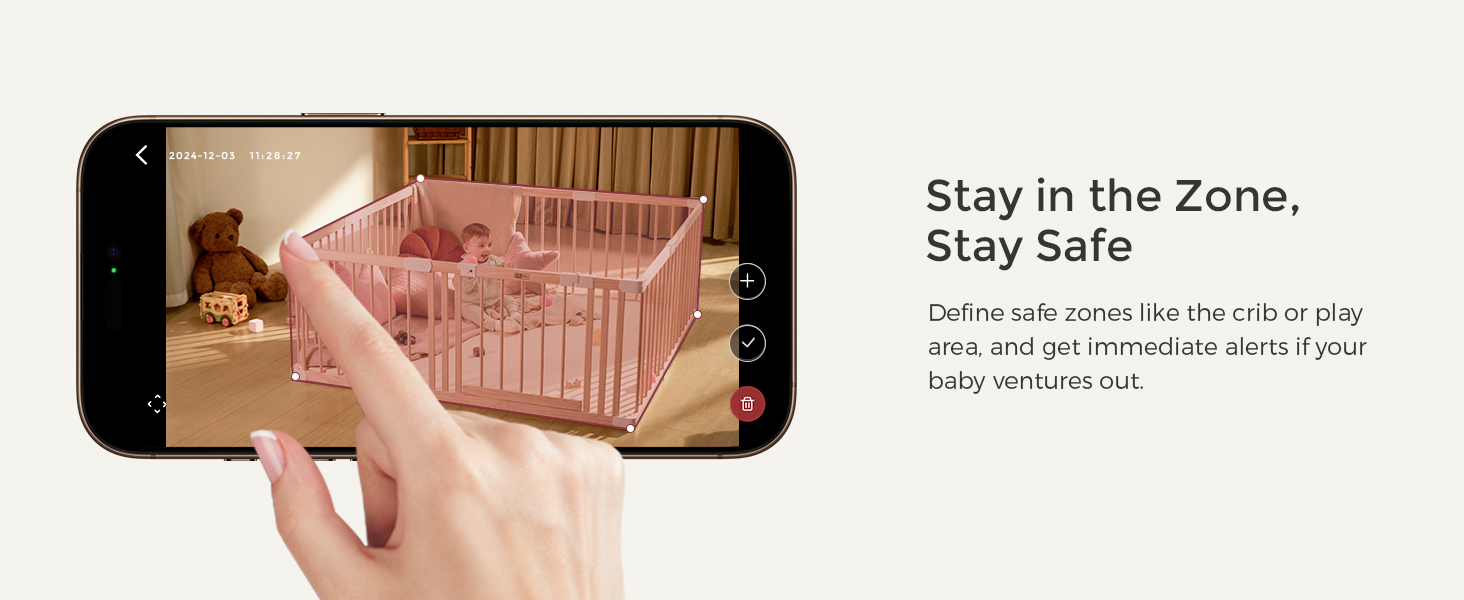
Figure 8: Customizable Safe Zone
4.4 Two-Way Audio & Lullabies
Use the two-way audio feature to talk to your baby from the parent unit or app. Soothe your baby with built-in lullabies, choosing from 8 tunes and 10 volume levels.
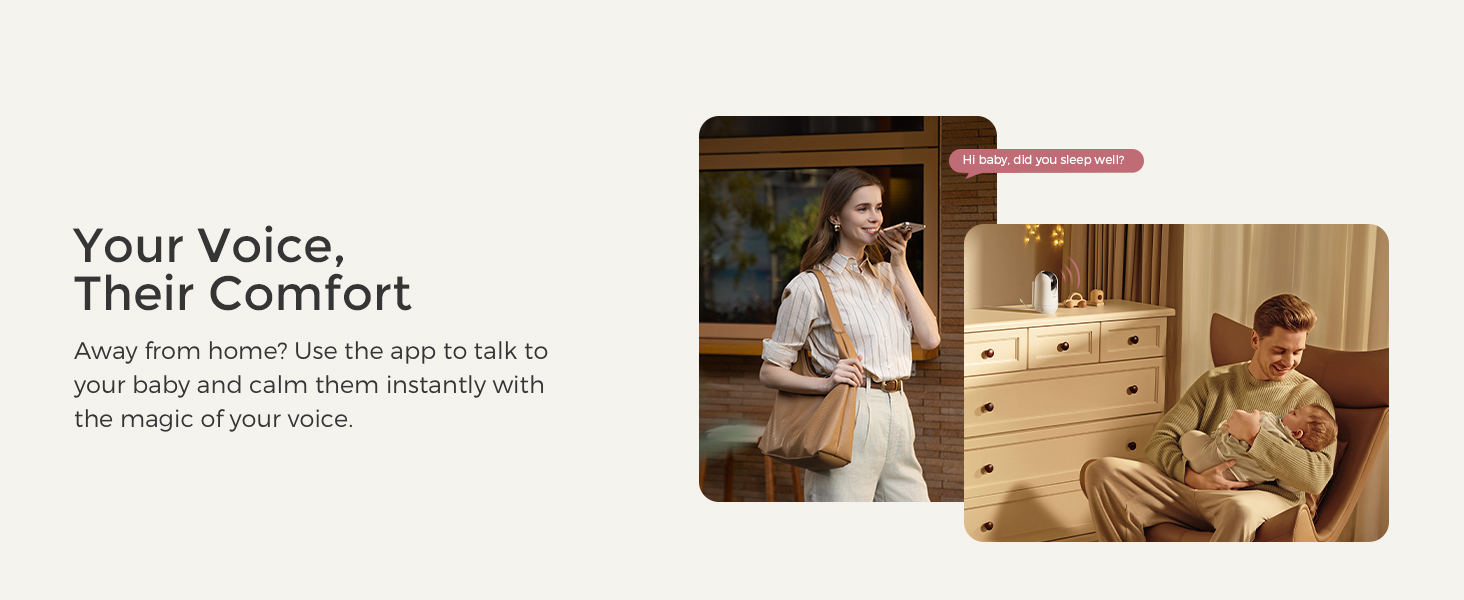
Figure 9: Two-Way Audio
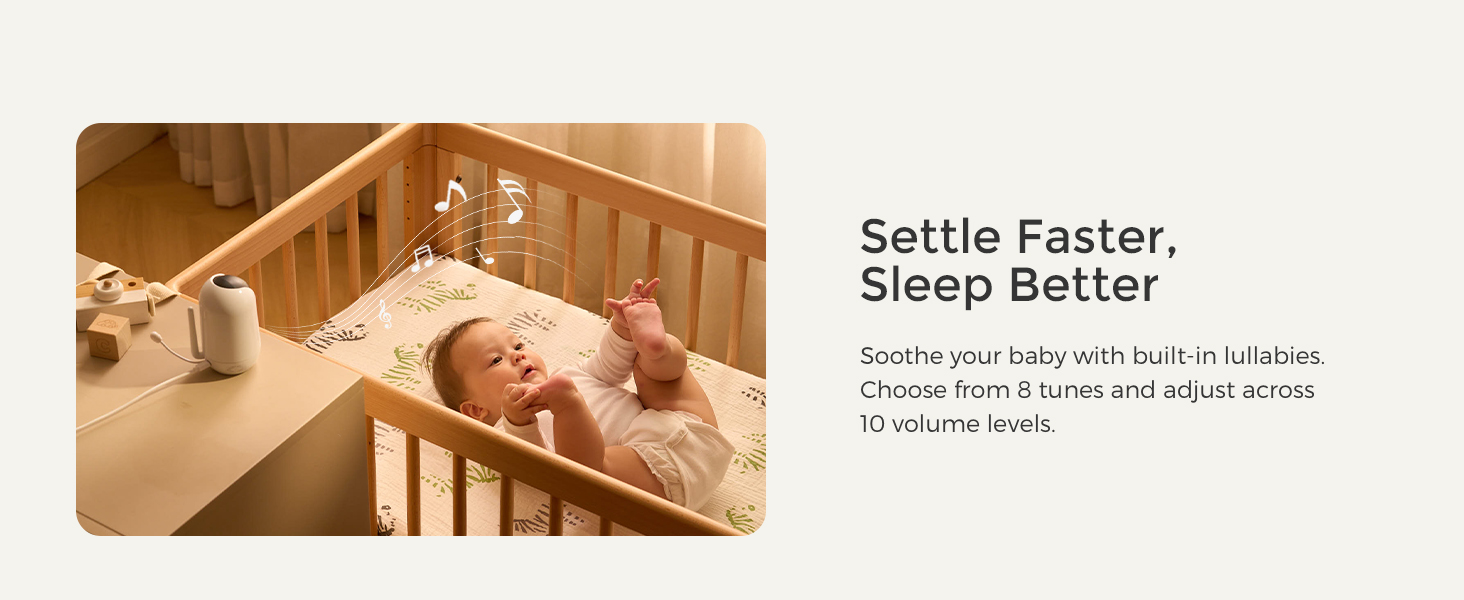
Figure 10: Lullaby Feature
4.5 Night Vision & Pan/Tilt/Zoom
Enjoy clear 1080P night vision for monitoring in low-light conditions. The camera pans 350° and tilts 110°, with 2x or 4x zoom, ensuring no blind spots.
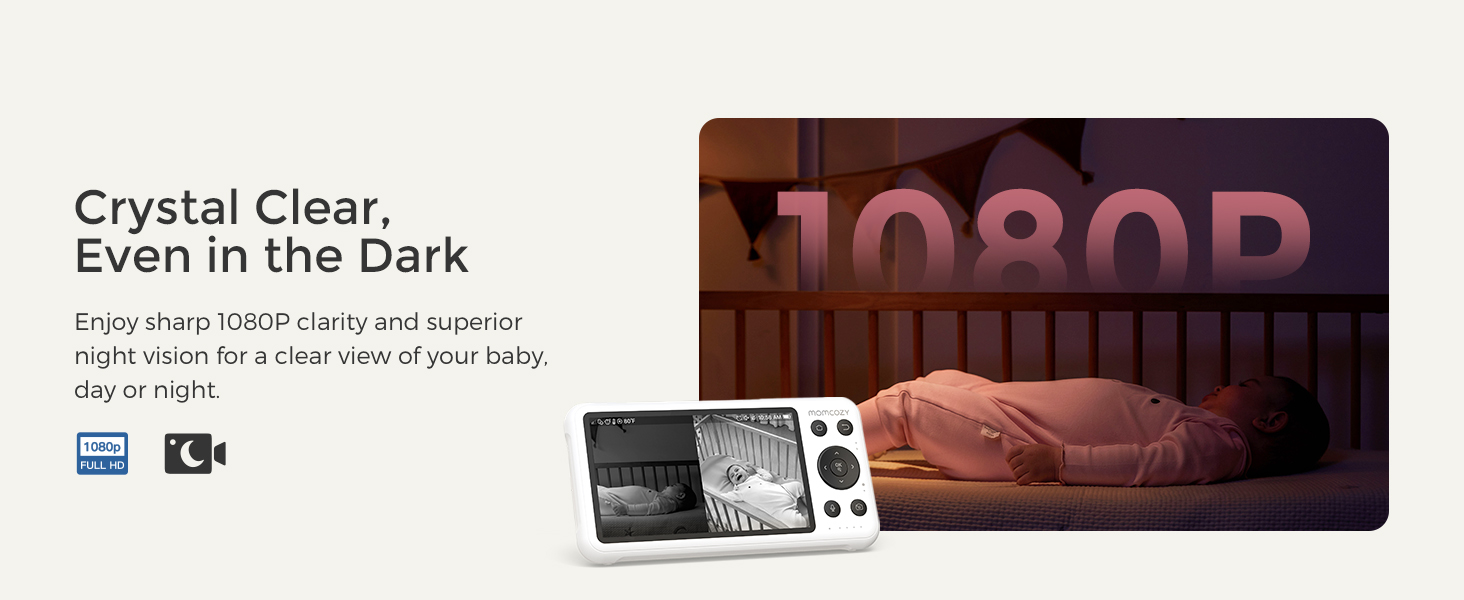
Figure 11: Crystal Clear Night Vision
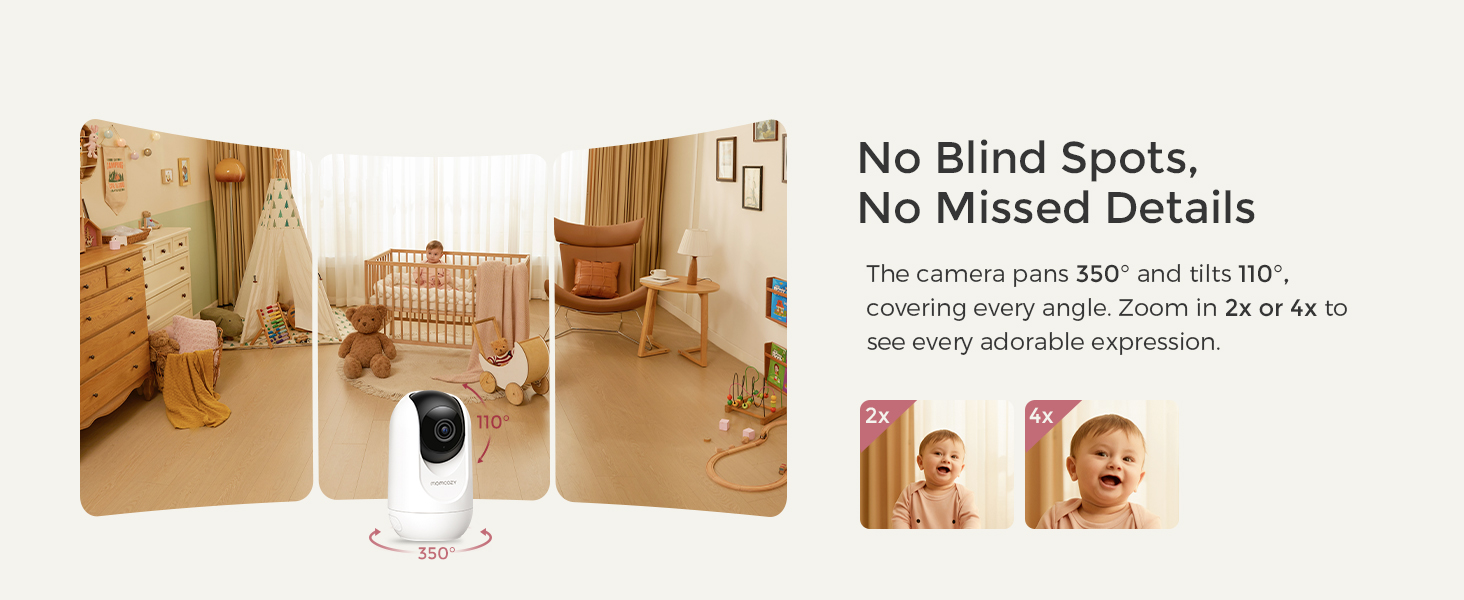
Figure 12: Wide Range of Motion (Pan/Tilt)
4.6 Temperature Monitoring & VOX Mode
The parent unit displays the room temperature and can alert you if it goes beyond a preset range. Activate VOX mode to have the screen light up only when your baby makes noise, conserving battery and allowing undisturbed rest.
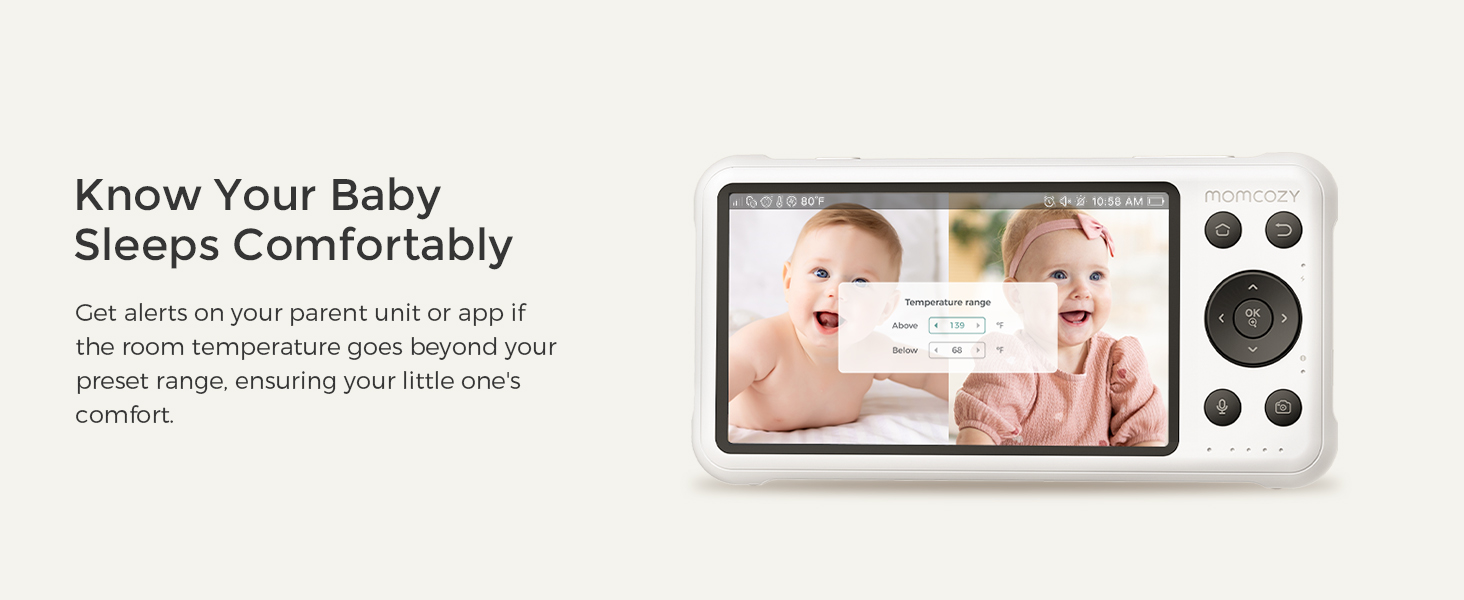
Figure 13: Temperature Monitoring
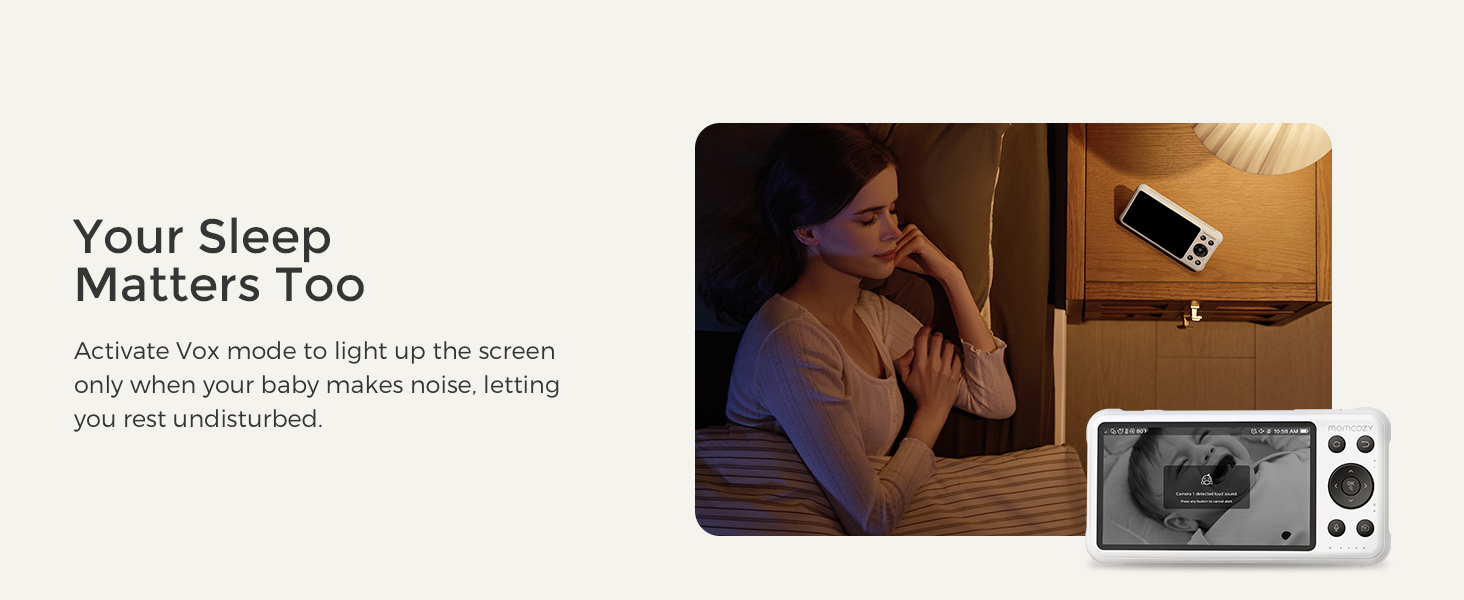
Figure 14: VOX Mode for Power Saving
4.7 Video Recording & Storage
Choose between 24/7 continuous recording or motion-activated clips. Store videos locally with a memory card (sold separately) or opt for secure cloud storage (subscription sold separately).
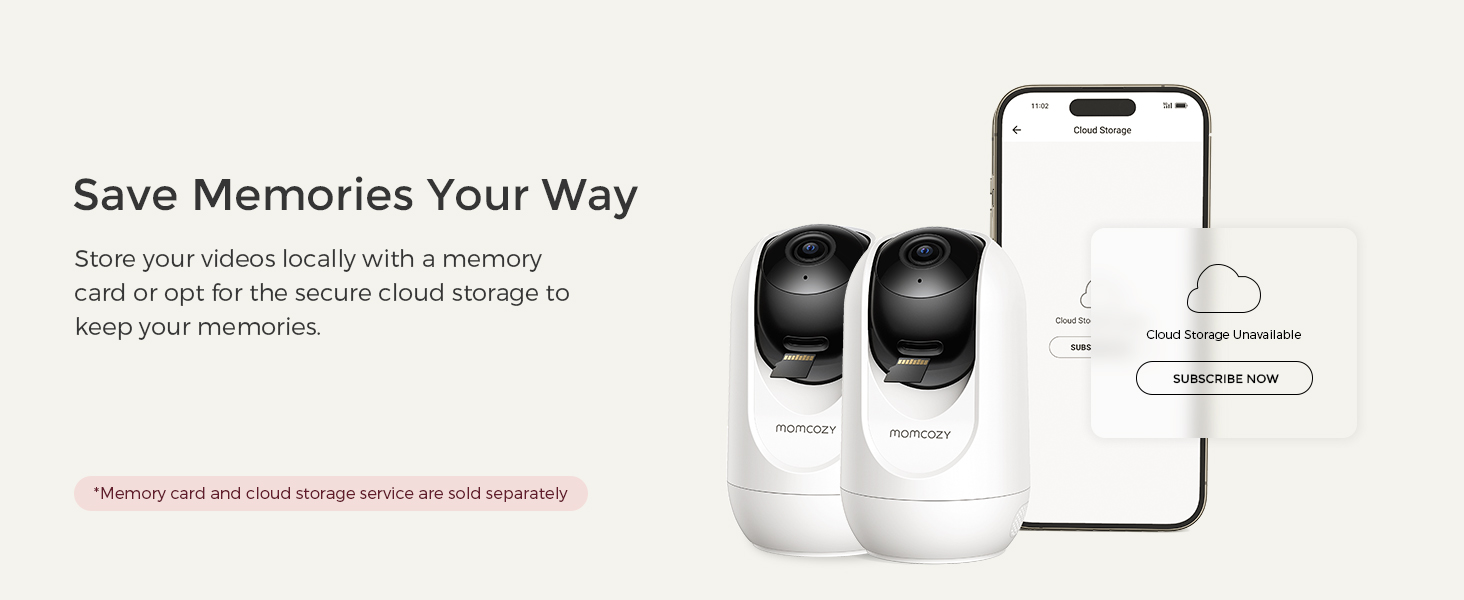
Figure 15: Video Storage Options
4.8 Shared Video Access
The Momcozy App allows you to share live video access with up to 20 family members, enabling loved ones to watch precious moments from anywhere.
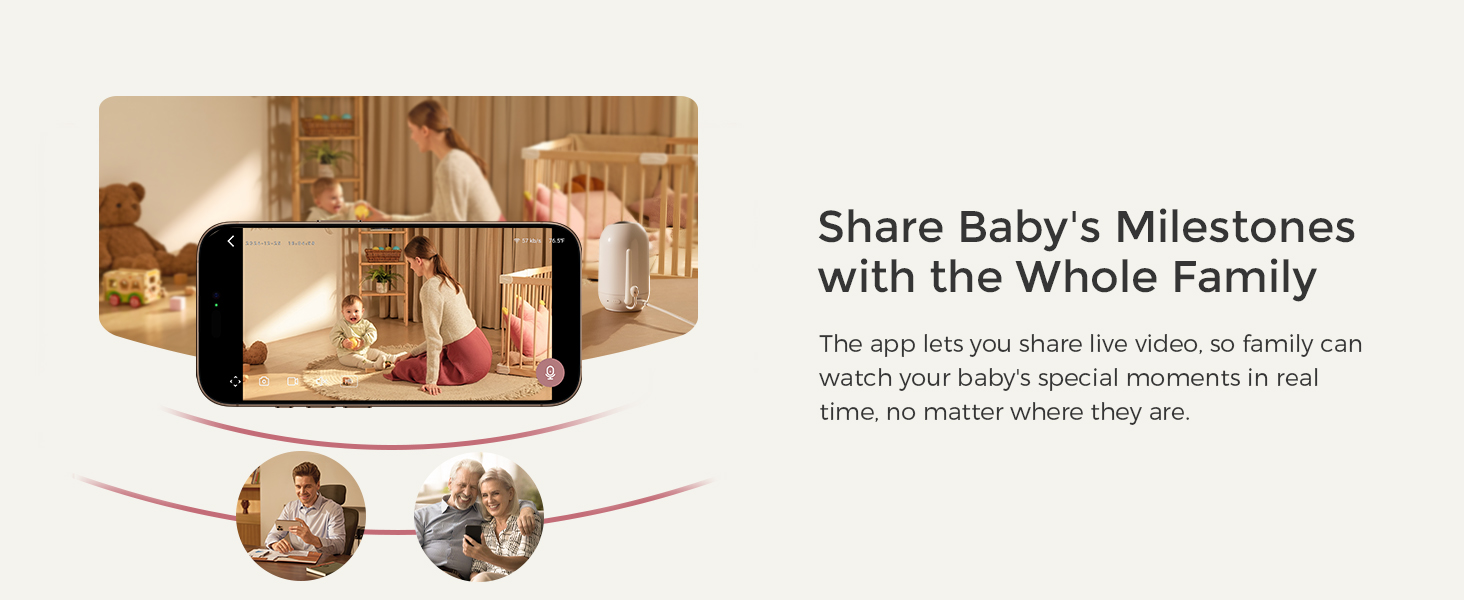
Figure 16: Shared Video Access
5. Maintenance
To ensure optimal performance and longevity of your Momcozy BM04 Baby Monitor:
- Cleaning: Use a soft, dry cloth to clean the camera lenses and parent unit screen. Avoid abrasive cleaners or solvents.
- Battery Care: For the parent unit's 5000mAh battery, avoid extreme temperatures. Fully charge the unit before first use and when the battery is low.
- Software Updates: Regularly check the Momcozy App for any available firmware updates for your monitor to ensure the latest features and security.
- Storage: If storing the monitor for an extended period, ensure it is fully charged and stored in a cool, dry place.
6. Troubleshooting
If you encounter issues with your Momcozy BM04, try the following solutions:
- No Picture/Sound:
- Ensure all units are powered on and connected to a power source.
- Check that the cameras are within range of the parent unit (up to 960 feet).
- Re-pair the cameras with the parent unit if necessary (refer to user guide for specific steps).
- Poor Picture Quality:
- Ensure camera lenses are clean.
- Check for obstructions between the camera and parent unit.
- Verify strong WiFi signal if using app.
- App Disconnection:
- Ensure your smartphone has a stable internet connection.
- Restart the Momcozy App.
- Check for app updates.
- Battery Draining Quickly:
- Reduce screen brightness on the parent unit.
- Enable VOX mode to turn off the screen when quiet.
7. Specifications
| Feature | Detail |
|---|---|
| Model Number | BM04-2C |
| Screen Size | 5 inches |
| Video Resolution | 1080P (Camera) |
| Connectivity | FHSS (Non-WiFi), 2.4GHz WiFi (App) |
| Battery Capacity | 5000mAh (Parent Unit) |
| Range | Up to 960 feet (line of sight) |
| Pan/Tilt | 350° Pan, 110° Tilt |
| Zoom | 2x, 4x Digital Zoom |
| Night Vision | Infrared |
| Two-Way Audio | Yes |
| Temperature Sensor | Yes |
| Lullabies | 8 pre-set tunes |
| Storage Options | Memory Card (sold separately), Cloud Storage (subscription sold separately) |
8. Warranty & Support
For warranty information and customer support, please refer to the official Momcozy website or contact their customer service directly. Details are typically provided in the packaging or on the product's dedicated support page online.


