1. Introduction
Thank you for choosing the Sharmeal 5000A Jump Starter with Air Compressor. This versatile device is designed to provide reliable jump-starting power for various vehicles, inflate tires, and serve as a portable power bank and emergency light source. This manual provides essential information for safe and effective use, maintenance, and troubleshooting.
Please read this manual thoroughly before operating the device and keep it for future reference.
2. Safety Information
WARNING: Improper use of this device can result in injury, property damage, or electric shock. Always follow these safety guidelines.
- Do not expose the device to rain or wet conditions.
- Do not operate the device if it has been dropped or damaged.
- Keep out of reach of children.
- Ensure proper ventilation during use and charging.
- Do not short-circuit the jump starter clamps.
- Always connect the positive (+) clamp to the positive (+) battery terminal and the negative (-) clamp to a suitable ground point on the vehicle chassis, away from the battery.
- Disconnect the clamps in reverse order after jump starting.
- Avoid prolonged operation of the air compressor to prevent overheating. Allow it to cool down between uses.
- Wear eye protection when working with batteries.
3. Product Overview
The Sharmeal 5000A Jump Starter with Air Compressor is a compact and powerful multi-functional device.

Image: The Sharmeal 5000A Jump Starter with its included accessories, including jump cables, air hose, and charging cable.
3.1. What's in the Box
- Portable Lithium Car Battery Jump Starter (x1)
- Smart Jump Cable (x1)
- Air Pump Hose (x1)
- Gas Nozzles (x3)
- USB Type-C Charging Cable (x1)
- User Manual (x1)

Image: A visual representation of all items included in the product packaging.
3.2. Device Components

Image: Labeled diagram showing the different ports and controls of the jump starter unit.
- Inflatable Port
- USB Output (5V/2A)
- Type-C Input (5V/2A)
- LED Light (Lighting/Strobe/SOS)
- Operation Buttons
- LED Display
- Jump Start Output

Image: A detailed view of the intelligent screen display, showing battery level, inflation mode, and real-time tire pressure readings.
4. Setup
4.1. Initial Charging
Before first use, fully charge the jump starter. Connect the provided USB Type-C charging cable to the Type-C Input port (3) on the device and the other end to a 5V/2A USB power adapter (not included). The LED display (6) will indicate the charging status. Charging is complete when the battery indicator shows full.
It is recommended to fully charge the device every 3-6 months to maintain battery health, even if not in use.
5. Operating Instructions
5.1. Jump Starting a Vehicle
This jump starter is suitable for 12V vehicles with up to 9.0L gas and 7.0L diesel engines.
- Ensure the jump starter is sufficiently charged (at least 50% battery).
- Turn off the vehicle's ignition and all accessories.
- Connect the blue end of the smart jump cable to the Jump Start Output port (7) on the jump starter.
- Connect the red (+) clamp to the vehicle's positive (+) battery terminal.
- Connect the black (-) clamp to a solid, unpainted metal part of the vehicle's engine block or chassis, away from the battery.
- Once connected, the smart cable indicator light will show readiness.
- Start the vehicle's engine. If it doesn't start immediately, wait 30 seconds before trying again. Do not crank for more than 3 seconds per attempt.
- Once the vehicle starts, immediately disconnect the black (-) clamp first, then the red (+) clamp.
- Disconnect the smart jump cable from the jump starter.
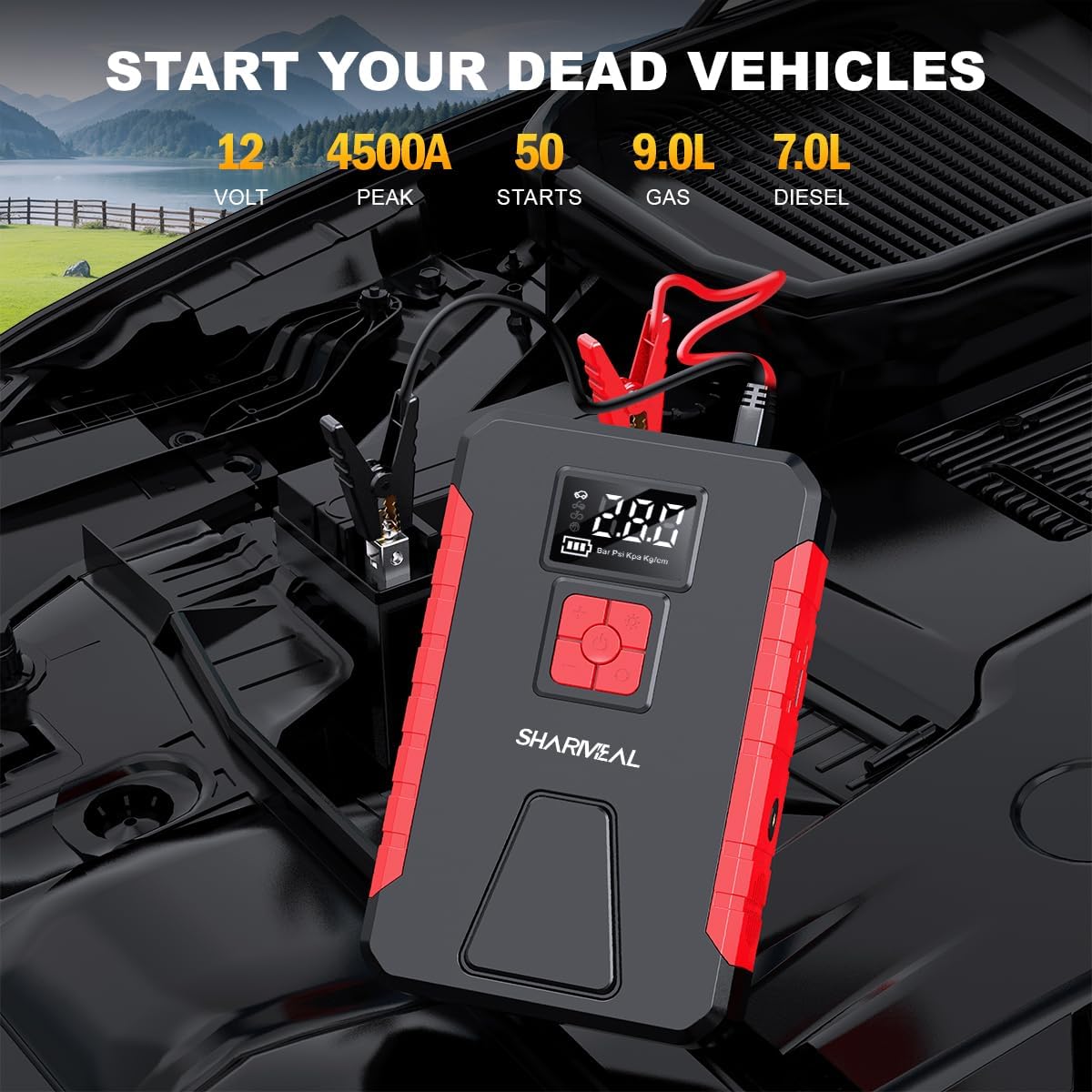
Image: The Sharmeal jump starter connected to a car battery in an engine bay, demonstrating the jump-starting process.
5.2. Using the Air Compressor
The integrated 150PSI air compressor can inflate tires and other inflatables.
- Connect the air pump hose to the Inflatable Port (1) on the jump starter.
- Attach the other end of the hose to the tire valve or use the appropriate gas nozzle for other inflatables.
- Press the power button to turn on the device. The LED display (6) will show the current pressure.
- Use the operation buttons (5) to set the desired pressure unit (PSI, BAR, KPA, Kg/cm²) and target pressure.
- Press the inflation button (usually the power button or a dedicated inflate button) to start inflation. The compressor will automatically stop when the preset pressure is reached.
- Disconnect the hose from the tire/inflatable.

Image: The Sharmeal device with its air hose connected to a tire, illustrating its tire inflation capability and showing various pressure settings.
5.3. Using the LED Light
The device features a multi-mode LED light (4) for various situations.
- Press and hold the LED light button (part of operation buttons 5) to turn on the flashlight mode.
- Press again to cycle through Strobe Light mode.
- Press again for SOS Light mode.
- Press and hold again to turn off the light.
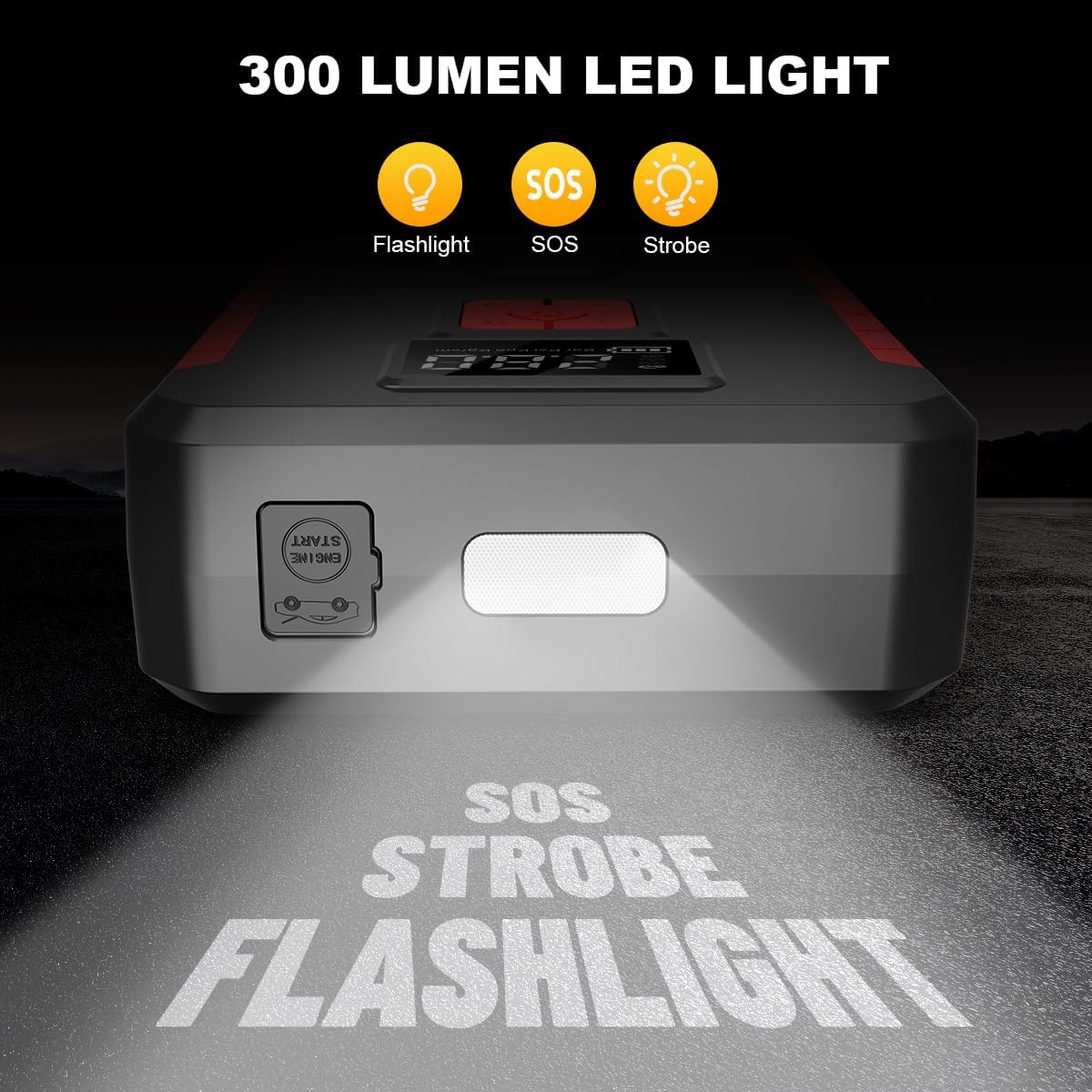
Image: The Sharmeal device demonstrating its 300 lumen LED light with flashlight, SOS, and strobe modes projected onto a surface.
5.4. Using as a Power Bank
The USB Output port (2) allows you to charge various electronic devices.
- Connect your device's USB charging cable to the USB Output port (2) on the jump starter.
- The jump starter will automatically begin charging your device.

Image: The Sharmeal device connected via USB cables to a smartphone and a laptop, illustrating its function as a versatile power bank.
6. Maintenance
6.1. Charging
To prolong the battery life, it is recommended to fully charge the jump starter after each use and at least once every 3-6 months, even if not used. This prevents deep discharge and maintains battery capacity.
6.2. Storage
Store the device in a cool, dry place, away from direct sunlight, moisture, and extreme temperatures. Keep it away from flammable materials and corrosive chemicals.
6.3. Cleaning
Wipe the device with a soft, damp cloth. Do not use harsh chemicals or abrasive cleaners. Ensure all ports are free of dust and debris.
7. Troubleshooting
| Problem | Possible Cause | Solution |
|---|---|---|
| Device does not turn on. | Battery is depleted. | Charge the device fully. |
| Vehicle does not jump start. | Low battery on jump starter; incorrect clamp connection; vehicle battery severely discharged. | Ensure jump starter is fully charged. Check clamp polarity and connection to vehicle. Try again after 30 seconds. If battery is completely dead, it may require professional assistance. |
| Air compressor does not inflate. | Hose not properly connected; target pressure not set; device overheated. | Ensure hose is securely attached to both the device and the valve. Set a target pressure on the display. Allow device to cool down if it has been running for an extended period. |
| LED light not working. | Battery depleted; button not pressed correctly. | Charge the device. Press and hold the LED light button. |
If problems persist, please contact customer support.
8. Specifications
| Feature | Specification |
|---|---|
| Brand | Sharmeal |
| Model | TM16F |
| Peak Output Current | 5000 Amps |
| Air Compressor Pressure | 150 PSI |
| Engine Compatibility (Gas) | Up to 9.0L |
| Engine Compatibility (Diesel) | Up to 7.0L |
| USB Output | 5V/2A |
| Type-C Input | 5V/2A |
| LED Light Output | 300 Lumens |
| Battery Type | Lithium |
| Manufacturer | Foshan Xianming Intelligent Technology Co, Ltd. |
9. Warranty and Support
For warranty information and customer support, please refer to the contact details provided on the product packaging or the official Sharmeal website. Keep your purchase receipt as proof of purchase for any warranty claims.