
Introduction
The Timekettle Polypal P1 AI Translation Earbuds are designed to facilitate seamless communication across language barriers. These earbuds support 138 languages and regional accents, offering a versatile solution for travel, business, and learning. Key features include live translation, floating subtitles, chat mode, photo translation, AI summary, and high-fidelity audio for music and calls.
Equipped with Bluetooth 5.3 and ANC noise cancellation, the Polypal P1 ensures clear voice pickup and stable connectivity. This manual provides detailed instructions for setting up, operating, maintaining, and troubleshooting your earbuds.

Overview of the Polypal P1 AI Translation Earbuds and their 7-in-1 features.
What's in the Box
Please verify that all items are present in your package:
- Earbuds Case ×1
- Charging Cable ×1
- Earbuds ×2
- Silicone Ear Tips ×2 pairs (4 pieces total)
- Translation Minutes Redemption Card ×1
- User Manual

The package contents of the Polypal P1 AI Translation Earbuds.
Setup
- Download the Polypal App: Search for "Polypal" in your device's app store (iOS or Android) and install the application.
- Bluetooth Pairing:
- Open the charging case. The earbuds will automatically enter pairing mode.
- On your smartphone, go to Bluetooth settings and select "Polypal P1" from the list of available devices to connect.
- Activate Translation Features:
- Open the Polypal app.
- Locate the "Membership Card" or "Redeem" section within the app.
- Scratch off the coating on your Translation Minutes Redemption Card to reveal the code.
- Enter the code into the app to activate your translation minutes.
Video: How to activate the translation feature of Polypal P1 earbuds.
Operating Instructions
1. Live Translation
The Live Translation feature allows for real-time translation of conversations, meetings, or lectures. Spoken words are captured and translated directly into your ear through the earbuds within seconds.
- Open the Polypal app and select "Live Translation" mode.
- Choose your source and target languages.
- Begin speaking, and the translation will be delivered to your earbuds.

Live translation in action, enabling real-time communication.
Video: Instructions on how to use the Live Translation feature.
2. Chat Mode (Tap-to-Talk)
Chat Mode is ideal for direct conversations with others. Only one person needs to wear the earbuds. Tap the earbud, speak, and your translated message will play from your phone's speaker.
- Select "Chat Translation" in the Polypal app.
- Tap and hold the earbud to speak. Release to translate.
- The translated audio will play through your phone's speaker, allowing the other person to hear.
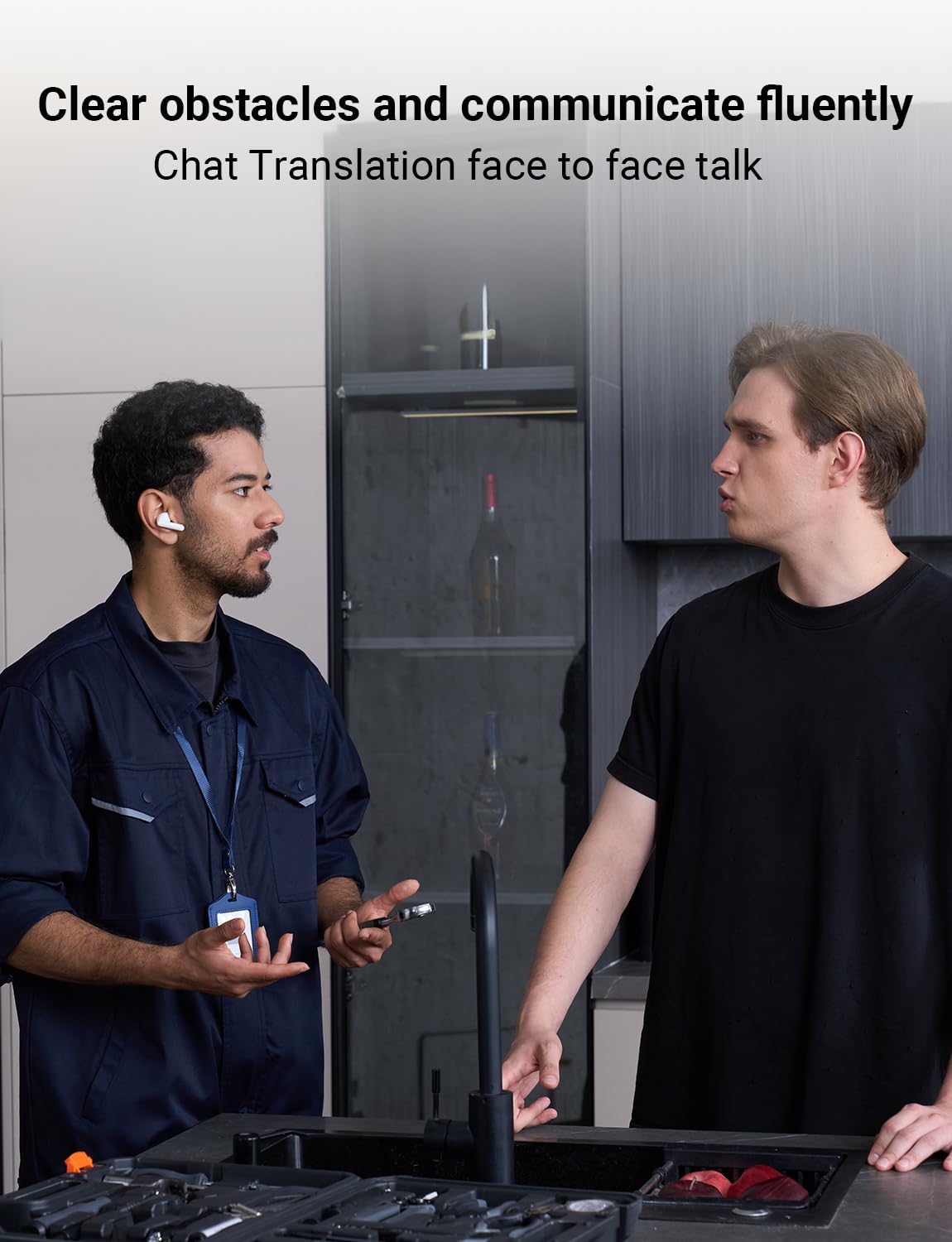
Chat translation for face-to-face conversations.
Video: Guide on using the Chat Translation feature.
3. Floating Subtitles (Video Translation)
This mode provides real-time captions for videos on platforms like YouTube or TED Talks, eliminating the need for audio playback. The app displays translated subtitles as the video plays.
- Enable the Floating Window permission for the Polypal app in your phone settings.
- Open the Polypal app and select "Floating Subtitles."
- Choose your desired languages.
- Start playing a video on your device, and translated subtitles will appear.

Video translation with floating subtitles for understanding foreign language content.
Video: Demonstrating how to use the Floating Subtitles feature.
4. Photo Translation
Translate text from images instantly by pointing your phone's camera at signs, menus, or documents.
- In the Polypal app, select the "Photo Translation" feature.
- Choose your source and target languages.
- Point your camera at the text you wish to translate. The app will display the translation.

Photo translation for instant clarity on signs and documents.
Video: Guide on how to use the Photo Translation feature.
5. AI Summary
The AI Summary feature automatically condenses spoken content from meetings or lectures into concise summaries, helping you focus on key information without taking notes. (Note: This feature is not available in Chat mode).
- After a live translation or recording, access the AI Summary function within the app.
- Select a summary template, and the app will generate a concise summary of the spoken content.

AI Summary feature providing intelligent audio-to-text summarization.
Video: How to use the AI Summary feature on iOS devices.
6. Music Playback & Phone Calls
Beyond translation, the Polypal P1 earbuds function as standard Bluetooth earbuds for audio playback and hands-free calls.
- Once paired via Bluetooth, you can play music or take calls directly through the earbuds.
- Use the touch controls on the earbuds to manage playback (play/pause, skip tracks) and answer/end calls.

Enjoying music and making calls with the Polypal P1 earbuds.
Video: Instructions on how to use the Music Playback feature.
Maintenance
Proper maintenance ensures the longevity and optimal performance of your Polypal P1 earbuds.
- Cleaning: Regularly clean the earbuds and charging case with a soft, dry, lint-free cloth. Avoid using abrasive materials or harsh chemicals.
- Ear Tips: Remove and clean the silicone ear tips periodically with mild soap and water. Ensure they are completely dry before reattaching.
- Charging Ports: Keep the charging contacts on the earbuds and inside the case clean and free of debris.
- Storage: When not in use, store the earbuds in their charging case to protect them from dust and damage.
- Avoid Moisture: Do not expose the earbuds or case to excessive moisture or liquids.
Troubleshooting
If you encounter issues with your Polypal P1 earbuds, try the following troubleshooting steps:
- Earbuds Not Connecting:
- Ensure the earbuds are charged.
- Turn off and on your phone's Bluetooth.
- Forget the device in your phone's Bluetooth settings and re-pair.
- Place earbuds back in the case, close, wait a few seconds, then reopen to reset.
- Translation Not Working:
- Check your internet connection (Wi-Fi or mobile data) as most translation features require it.
- Ensure the Polypal app is updated to the latest version.
- Verify that your translation minutes are active.
- Check microphone permissions for the Polypal app in your phone settings.
- Poor Audio Quality:
- Ensure earbuds are properly seated in your ears.
- Clean the ear tips and speaker mesh.
- Check for interference from other Bluetooth devices.
- App Crashing/Freezing:
- Close and restart the Polypal app.
- Restart your smartphone.
- Clear the app's cache (Android) or reinstall the app (iOS/Android).
Specifications
| Feature | Detail |
|---|---|
| Brand | Timekettle |
| Model Name | P1 |
| Color | White |
| Ear Placement | In Ear |
| Form Factor | In Ear |
| Connectivity Technology | Bluetooth |
| Bluetooth Version | 5.3 |
| Bluetooth Range | 15 meters |
| Noise Control | Active Noise Cancellation |
| Battery Average Life (Translation) | 5 hours (earbuds), 15 hours (with charging case) |
| Battery Charge Time | 1.5 hours |
| Control Method | App, Touch Control |
| Compatible Devices | Cellphones (iOS & Android) |
| Item Weight | 1.44 ounces |
| Material | Acrylonitrile Butadiene Styrene (ABS) |
Warranty and Support
The Timekettle Polypal P1 AI Translation Earbuds come with a 1-year warranty.
For technical support, warranty claims, or further assistance, please contact Timekettle Tech, the seller. You can typically find their contact information on the platform where you purchased the product or through the official Timekettle website.
Timekettle is dedicated to providing customer service and continuous app upgrades to enhance your product experience.


