
1. Safety Information
Please read and understand all instructions before beginning installation. Failure to follow these instructions could result in electric shock, fire, or personal injury.
- Ensure power is disconnected at the circuit breaker before installation or maintenance.
- All wiring must be in accordance with national and local electrical codes.
- Consult a qualified electrician if you are unsure about wiring procedures.
- The fan must be mounted to a structurally sound ceiling capable of supporting the fan's weight.
- Do not operate the fan with damaged blades.
- Keep hands and objects clear of the fan blades during operation.
- This fan is suitable for indoor and covered outdoor areas. Do not expose directly to rain.
2. Package Contents
Verify that all components are present before proceeding with installation.
- Ceiling Fan Motor Assembly
- Fan Blades (5 double-sided: black/wood grain)
- LED Light Kit
- Remote Control
- Mounting Hardware (bracket, screws, downrods)
- Downrods (3.9" and 7.9")
- User Manual
Video: Unboxing and checking main parts and accessories before installation.
3. Installation Instructions
This ceiling fan offers three installation options: with an outlet box, with solid wood, or with a ceiling hook. Choose the method appropriate for your ceiling structure.
3.1. Preparing the Fan Blades and Light Kit
- Attach the fan blades to the motor assembly using the provided screws. The blades are double-sided, allowing you to choose between a black or wood grain finish.
- Secure the LED light kit to the fan motor assembly.

Image: Assembled fan with black blades and LED light.
Video: Detailed steps for assembling the fan blades and light kit.
3.2. Mounting Options
Select one of the following mounting methods:
- Option 1: With Outlet Box - Secure the mounting bracket to an existing electrical outlet box.
- Option 2: With Solid Wood - Attach the mounting bracket directly to a solid wood beam using wood screws.
- Option 3: With Ceiling Hook - Utilize a ceiling hook for hanging the fan, ensuring the hook is securely fastened to a structural element.

Image: Visual guide for the three available mounting options.
Video: Step-by-step installation for different ceiling types.
Connect the fan's power cord to the appropriate power source. The fan comes with a 196.8-inch power cord for flexible placement. Ensure all connections are secure.
4. Operating Instructions
Your SPACORA ceiling fan can be controlled using the included remote control or a dedicated smartphone application.
4.1. Remote Control Operation
The remote control allows you to manage all fan and light functions.
- Power On/Off: Use the "ON/OFF" buttons for the fan and light independently.
- Fan Speed: Select from 6 speed settings (1-6) to adjust airflow.
- Light Color Temperature (3CCT): Cycle through 3000K (Warm), 4500K (Natural), and 6500K (White) using the light button.
- Dimming: Adjust light brightness from 10% to 100%.
- Reverse Function (F/R): Change the direction of blade rotation for summer (downward airflow) or winter (upward airflow for heat circulation).
- Timer: Set the fan to turn off automatically after 1, 4, or 8 hours.

Image: Remote control layout and functions.
Video: Remote control instruction for fan and light functions.
4.2. App Control Instructions
Download the corresponding smartphone application to control your fan from your mobile device. Follow the in-app instructions for pairing your fan.
- The app provides similar controls to the remote, including fan speed, light color temperature, dimming, and timer settings.
- Ensure your fan is powered on and within range of your device for successful pairing.
Video: App control instructions for fan and light functions.
4.3. Key Features
- Quiet DC Motor: Operates with low noise levels (as low as 25-35 decibels) for a comfortable environment.
- Memory Function: Remembers your last settings for light color temperature and brightness.
- Reversible Blades: Allows for year-round use to optimize air circulation.
- Waterproof Design: Suitable for covered outdoor areas (not directly exposed to rain).
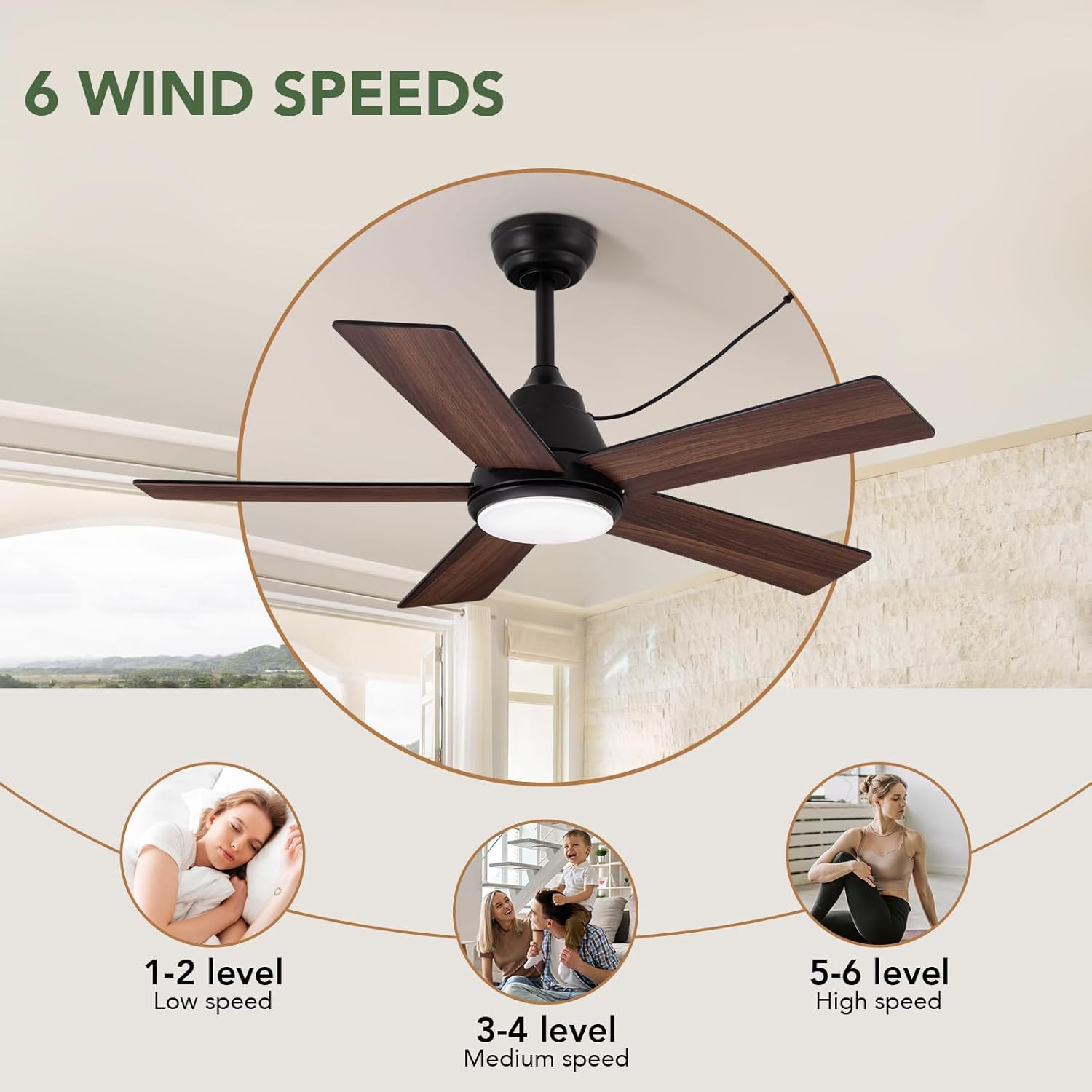
Image: Quiet DC motor feature.

Image: Reversible function for seasonal use.
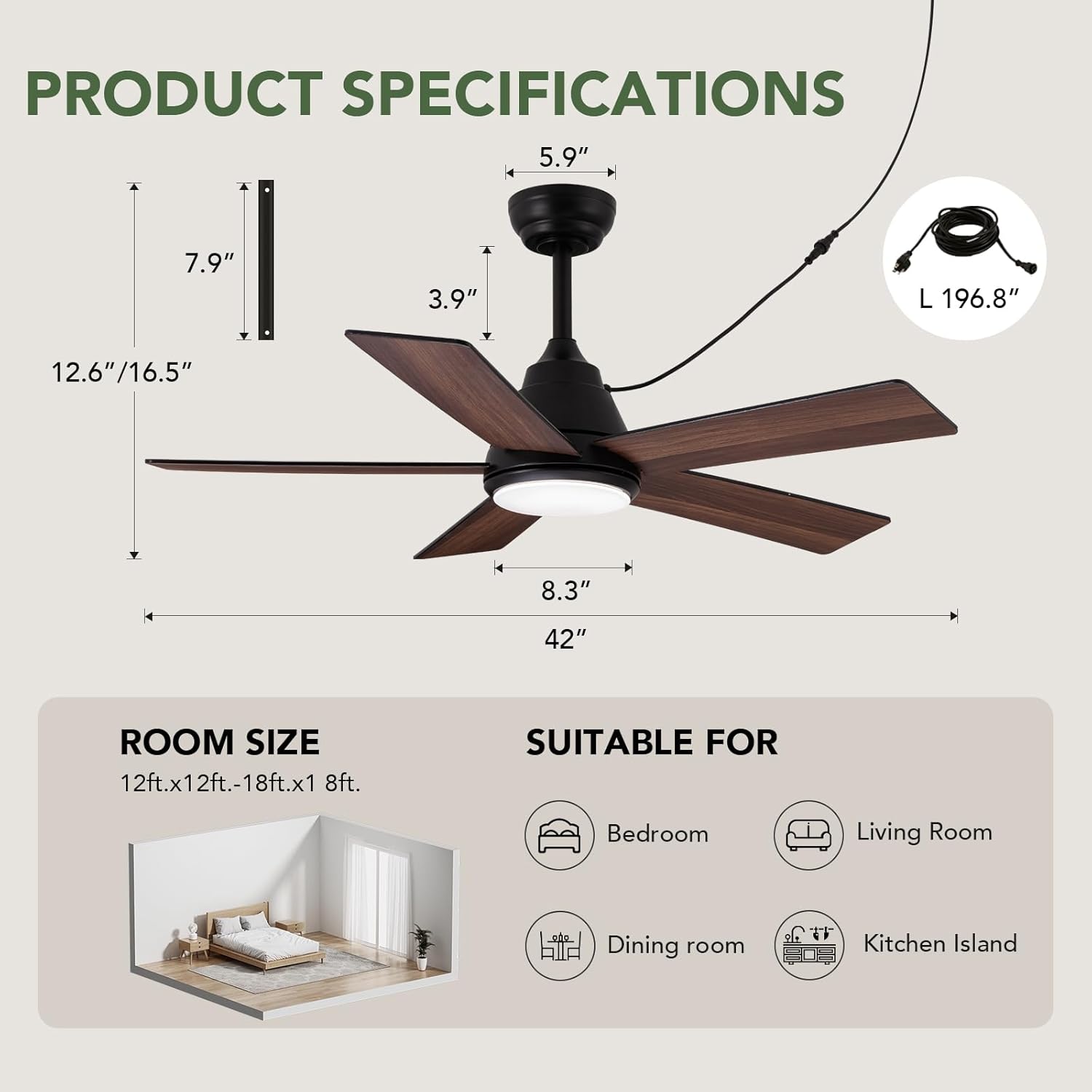
Image: Six wind speed settings.

Image: Dimmable and 3CCT light adjustment.
5. Maintenance
Regular maintenance ensures optimal performance and longevity of your ceiling fan.
- Cleaning: Use a soft, damp cloth to clean the fan blades and motor housing. Do not use abrasive cleaners or solvents.
- Blade Inspection: Periodically check that all blade screws are tight. Loose screws can cause wobbling and noise.
- Light Kit: The LED light source is replaceable. If replacement is needed, contact customer support for guidance.
- Motor Lubrication: The DC motor is permanently lubricated and does not require additional oiling.
6. Troubleshooting
If you experience issues with your fan, refer to the following common problems and solutions:
| Problem | Possible Cause | Solution |
|---|---|---|
| Fan does not start | No power, loose wiring, remote not paired. | Check circuit breaker, ensure all connections are secure, re-pair remote control. |
| Fan wobbles | Loose blade screws, unbalanced blades, improper mounting. | Tighten all blade screws, ensure blades are correctly installed, verify mounting bracket is secure. |
| Light does not work | Loose wiring, faulty LED module, remote battery low. | Check light kit connections, replace remote battery, contact support if LED module is faulty. |
| Remote not responding | Low battery, remote not paired, interference. | Replace remote battery, re-pair remote, ensure no obstructions between remote and fan. |
7. Specifications
| Feature | Detail |
|---|---|
| Model Number | FS8913-01 |
| Size | 42 inches |
| Motor Type | DC Motor |
| Light Source | 21W LED (Replaceable) |
| Color Temperature | 3000K/4500K/6500K (3CCT) |
| Dimming Range | 10% - 100% |
| Fan Speeds | 6 |
| Control Methods | Remote Control, Smartphone App |
| Timer Settings | 1H, 4H, 8H |
| Noise Level | As low as 25-35 dB |
| Power Cord Length | 196.8 inches |
| Indoor/Outdoor Use | Yes (covered outdoor areas only) |
| Dimensions (L x W x H) | 41.97"L x 41.97"W x 16.5"H |
| Item Weight | 13.6 Pounds |
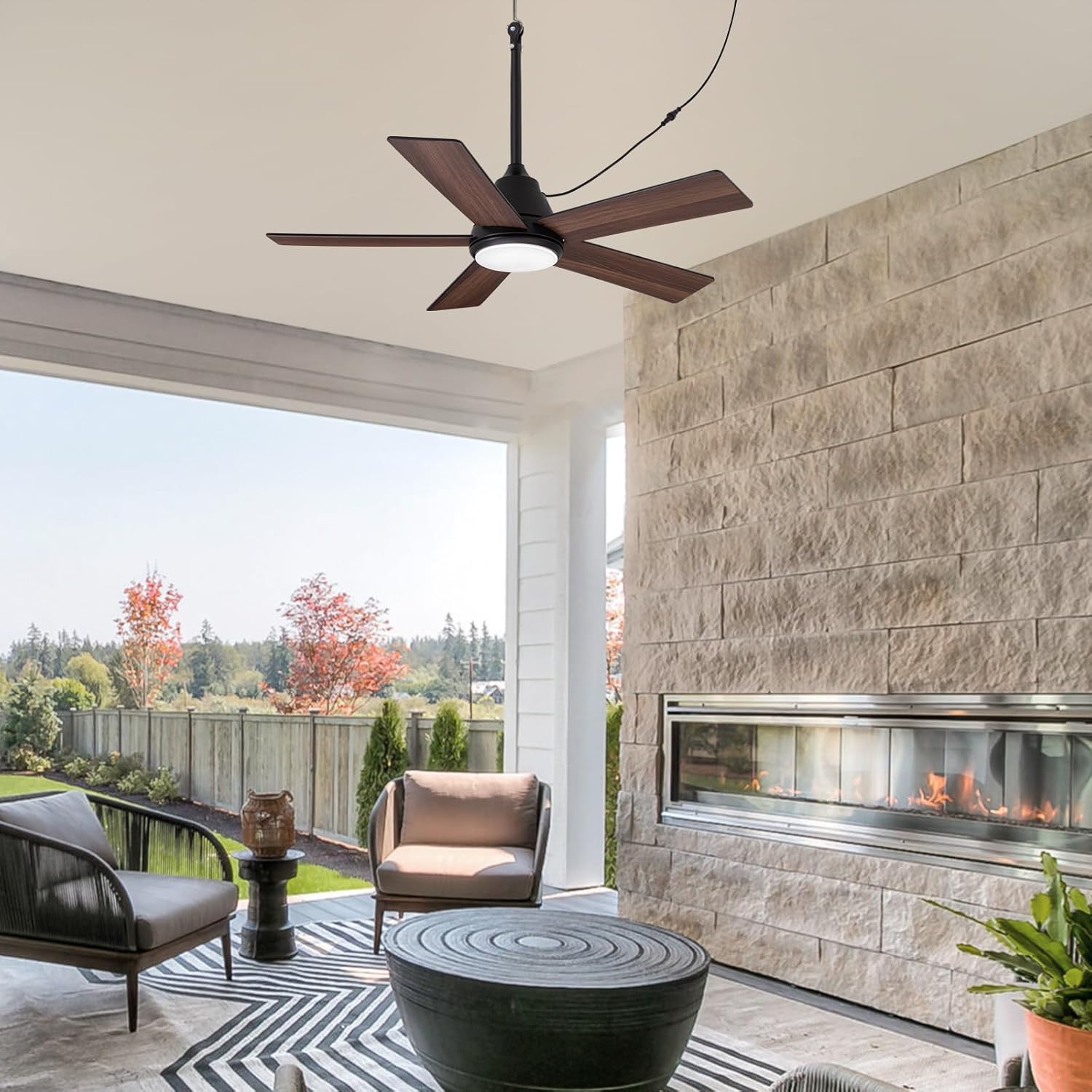
Image: Product specifications and room suitability.
8. Warranty and Support
SPACORA provides a 3-year warranty for this ceiling fan. If you encounter any issues during use or installation, please contact our professional support team for assistance.
For customer support, please refer to the contact information provided in your purchase documentation or visit the official SPACORA website.