
1. Product Overview
The NOUUI NU-TV003 Wireless TV Headphones provide a high-fidelity audio experience for television viewing, featuring ultra-low latency and a convenient charging base. Designed for ease of use, these headphones offer multiple connectivity options and extended battery life.
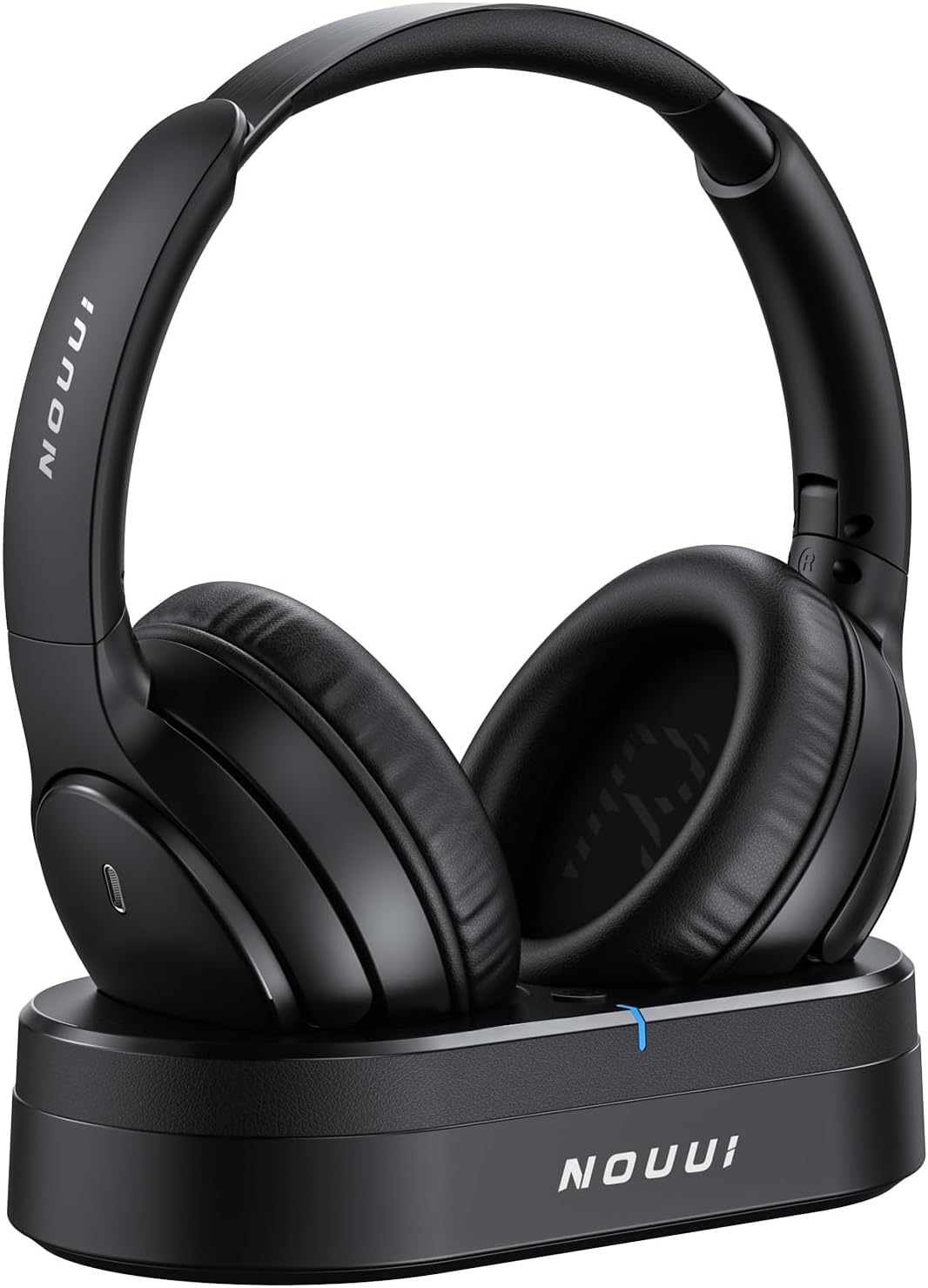
Image 1: NOUUI Wireless TV Headphones on their charging base.
2. Package Contents
Verify that all items are present in the package:
- NOUUI Wireless Headphones
- Transmitter Charging Base
- Optical Audio Cable
- 3.5mm AUX Audio Cable
- RCA Adapter Cable
- USB-C Charging Cable
- User Manual
3. Setup Instructions
3.1 Connecting the Transmitter Charging Base
The transmitter charging base serves as both a charging station and an audio source for your headphones. It supports Optical, 3.5mm AUX, and RCA connections.
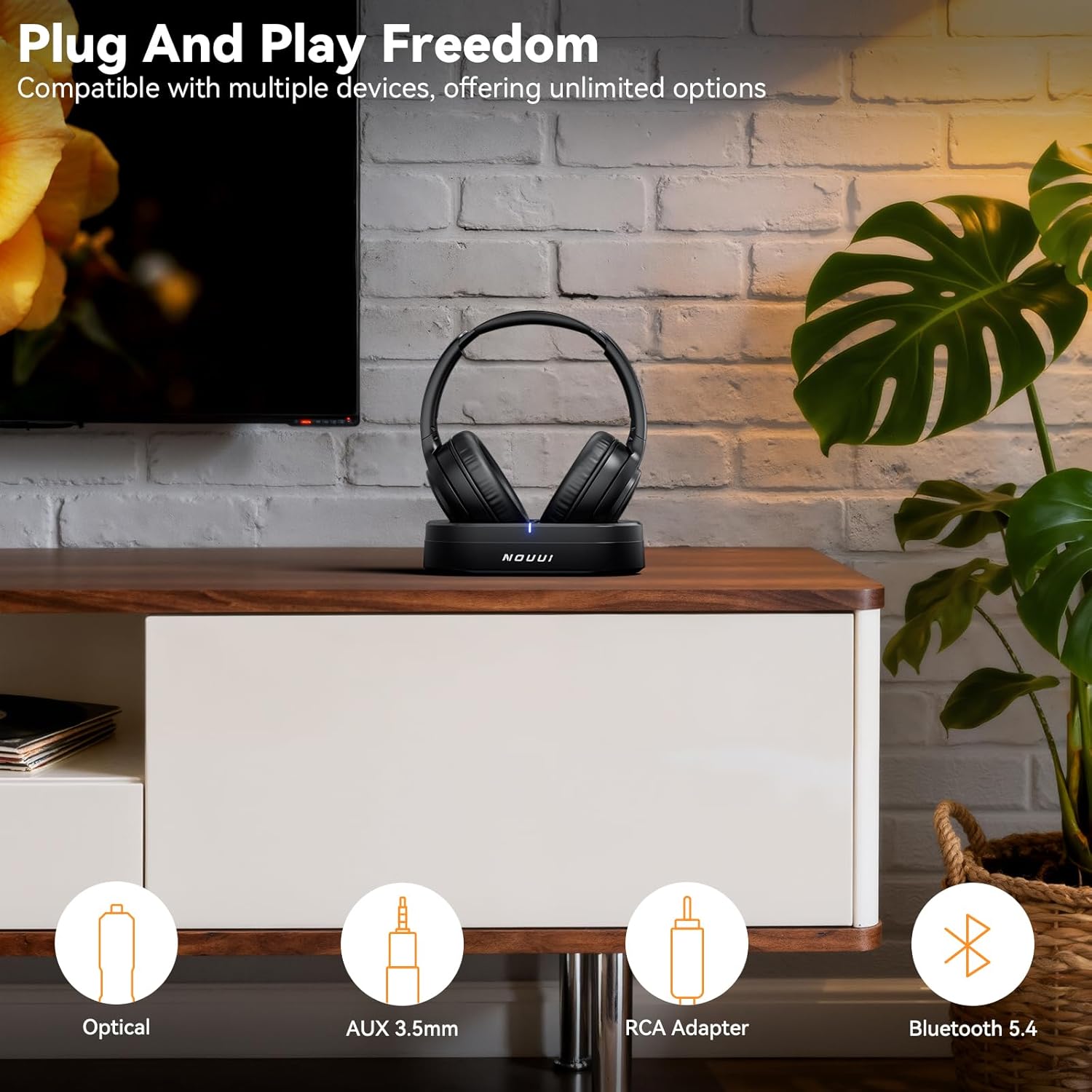
Image 2: The transmitter charging base displaying its various connection ports.
- Power Connection: Connect the USB-C charging cable to the transmitter and plug the other end into a suitable USB power adapter (not included) or a TV USB port.
- Audio Connection (Choose One):
- Optical: Connect the Optical audio cable from your TV's Optical Out port to the Optical In port on the transmitter. Ensure your TV's audio output is set to 'PCM' format.
- 3.5mm AUX: Connect the 3.5mm AUX cable from your TV's headphone jack or audio out port to the AUX In port on the transmitter.
- RCA: Use the RCA adapter cable with the 3.5mm AUX cable. Connect the red and white RCA plugs to your TV's RCA audio output ports and the 3.5mm end to the AUX In port on the transmitter.
- Transmitter Power On: Once connected, the transmitter will power on automatically. The LED indicator on the transmitter will illuminate.
3.2 Initial Headphone Pairing and Charging
The headphones are designed for automatic pairing with the transmitter. For first-time use, ensure the headphones are charged.
- Place the headphones onto the transmitter charging base. Ensure the charging contacts align. The headphone LED indicator will show charging status.
- Once charged, remove the headphones from the base. They will automatically power on and attempt to connect to the transmitter. A successful connection is indicated by a stable LED light on the headphones.

Image 3: Close-up of the headphones and charging base, highlighting the power button and charging contacts.
4. Operating Instructions
4.1 Powering On/Off
- Power On: Press and hold the Power button on the headphones for approximately 3 seconds until the LED indicator lights up.
- Power Off: Press and hold the Power button for approximately 3 seconds until the LED indicator turns off.
- Automatic Power Off: The headphones will automatically power off after a period of inactivity or when placed back on the charging base.
4.2 Volume Control
Adjust the volume using the dedicated volume buttons located on the headphones.
- Press the '+' button to increase volume.
- Press the '-' button to decrease volume.
4.3 Wearing the Headphones
Adjust the headband for a comfortable and secure fit. The earcups are designed to provide passive noise isolation for an immersive audio experience.
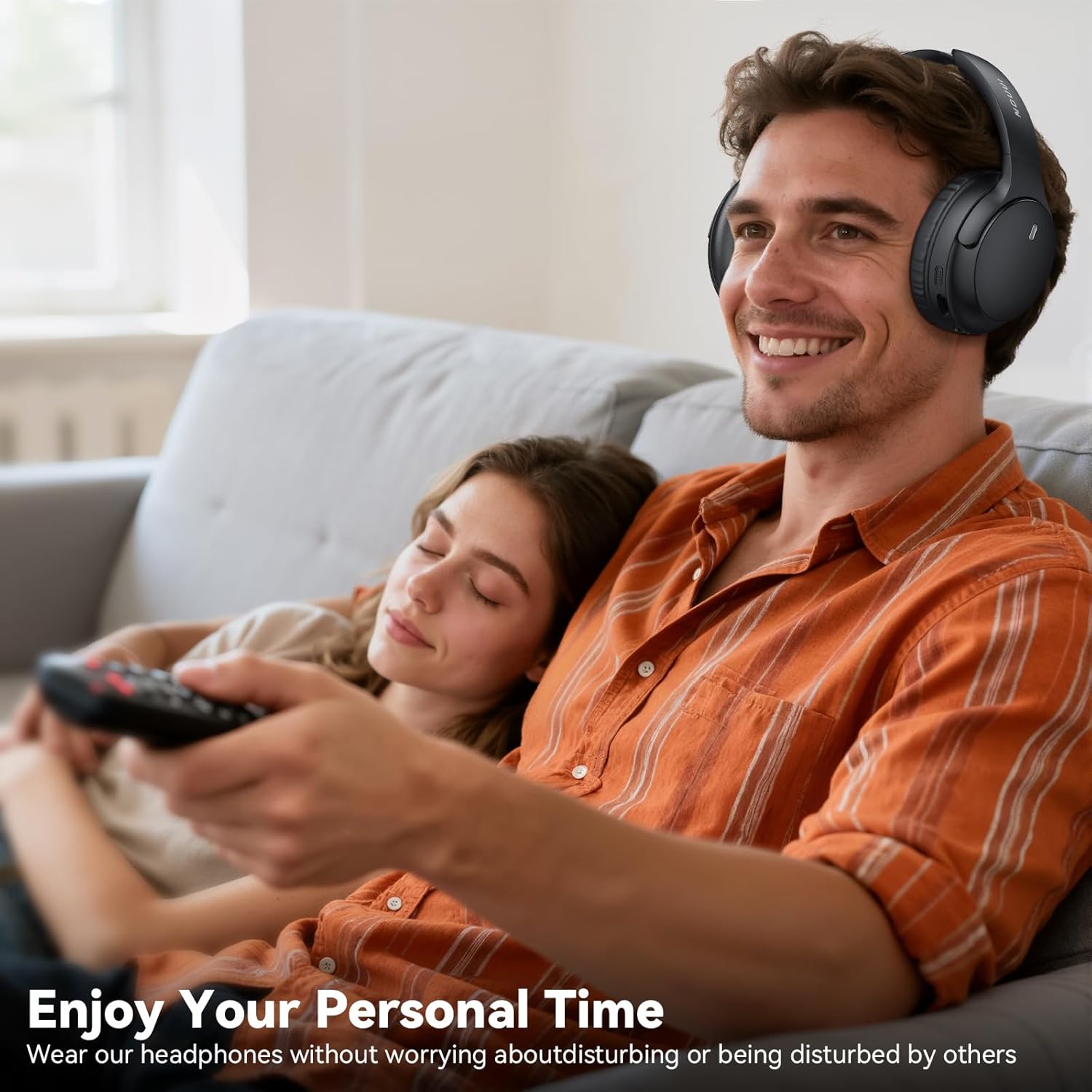
Image 4: A man wearing NOUUI headphones while watching television, illustrating comfortable use.
4.4 Ultra-Low Latency and Range
Equipped with Bluetooth 5.4 technology, these headphones achieve precise audio-video synchronization with a latency as low as 40ms. The reliable connection range extends up to 100 feet (30 meters), allowing freedom of movement.

Image 5: Visual representation of the headphones' 100ft/30m range and ultra-low latency.
4.5 High-Volume Mode for Seniors
The headphones feature a high-volume mode, allowing individuals with hearing difficulties to listen clearly without disturbing others in the household. Adjust the volume to a comfortable level using the headphone controls.
Image 6: An elderly man enjoying audio with the headphones, highlighting the high-volume feature.
4.6 Bluetooth Connectivity (for other devices)
In addition to connecting to the transmitter, the headphones can also connect directly to other Bluetooth-enabled devices such as smartphones, tablets, and laptops.
- Ensure the headphones are powered on and not connected to the transmitter.
- Activate Bluetooth pairing mode on the headphones (refer to specific button press sequence if available, otherwise assume automatic pairing when not connected to transmitter).
- On your device, search for 'NOUUI NU-TV003' in the Bluetooth settings and select to pair.
5. Maintenance
5.1 Charging
The headphones offer up to 65 hours of battery life on a single charge. To recharge, simply place them back on the transmitter charging base. They will automatically begin charging.

Image 7: Illustrates the extended battery life of the headphones during prolonged use.
5.2 Cleaning and Storage
- Wipe the headphones and charging base with a soft, dry cloth. Avoid using harsh chemicals or abrasive materials.
- Do not immerse the headphones or transmitter in water.
- When not in use, store the headphones on the charging base to keep them charged and organized.
6. Troubleshooting
If you encounter issues, refer to the following common troubleshooting steps:
- No Sound:
- Ensure the headphones are powered on and connected to the transmitter.
- Check all audio cable connections between the TV and the transmitter.
- Verify the TV's audio output settings (e.g., set to PCM for Optical).
- Adjust the volume on both the headphones and the TV.
- Connection Issues:
- Ensure the headphones are within the 100-foot (30-meter) range of the transmitter.
- Power cycle both the headphones and the transmitter.
- If connecting via Bluetooth to another device, ensure the headphones are in pairing mode and the device's Bluetooth is enabled.
- Charging Problems:
- Ensure the headphones are correctly seated on the charging base and the charging contacts are clean.
- Verify the USB-C power cable is securely connected to the transmitter and a working power source.
7. Specifications
| Feature | Specification |
|---|---|
| Model Name | NU-TV003 |
| Connectivity Technology | Wireless |
| Wireless Communication Technology | Bluetooth 5.4 |
| Included Components | Charging Station |
| Material | Faux Leather |
| Specific Uses For Product | TV Watching |
| Compatible Devices | Televisions, Smartphones, Tablets, Laptops |
| Control Method | Touch |
| Battery Life | 65 Hours |
| Audio Driver Type | Dynamic Driver |
| Bluetooth Range | 30 Meters (100 feet) |
| Earpiece Shape | Over Ear |
| Noise Control Features | Passive Noise Isolation |
| Special Feature | HIFI Stereo Sound, Noise Isolation, Ultra-Low Latency, Long Battery Life, High-Volume Mode for Seniors |
| Item Weight | 1.59 pounds |
| Color | Black |
8. Warranty and Support
NOUUI products are designed for reliability and performance. For warranty information or technical support, please refer to the contact details provided on the product packaging or the official NOUUI website. Keep your purchase receipt for warranty claims.