
Important Safety Information
Before operating your DUODIAN F20i Electric Scooter, please read this manual thoroughly and retain it for future reference. Always wear a helmet and appropriate safety gear. Adhere to local traffic laws and regulations. This scooter has been tested to UL2272 and UL2054 standards for electrical safety.
- Do not use the product while charging.
- Do not charge or use the battery once water damage has occurred.
- If not used for a long time, it is recommended to charge the battery every three months.
- Do not step on the folding handle or the safety lock.
Package Contents
Verify that all items are present in the package:
- 1x DUODIAN F20i Electric Scooter
- 1x Charger Adapter
- 1x Installation Tool (Allen wrench)
- 1x User Manual
Assembly
1. Unboxing and Initial Setup
Carefully remove the scooter from its packaging. The scooter is well-protected with foam wrapping. Locate the small box containing the toolkit and user manual.
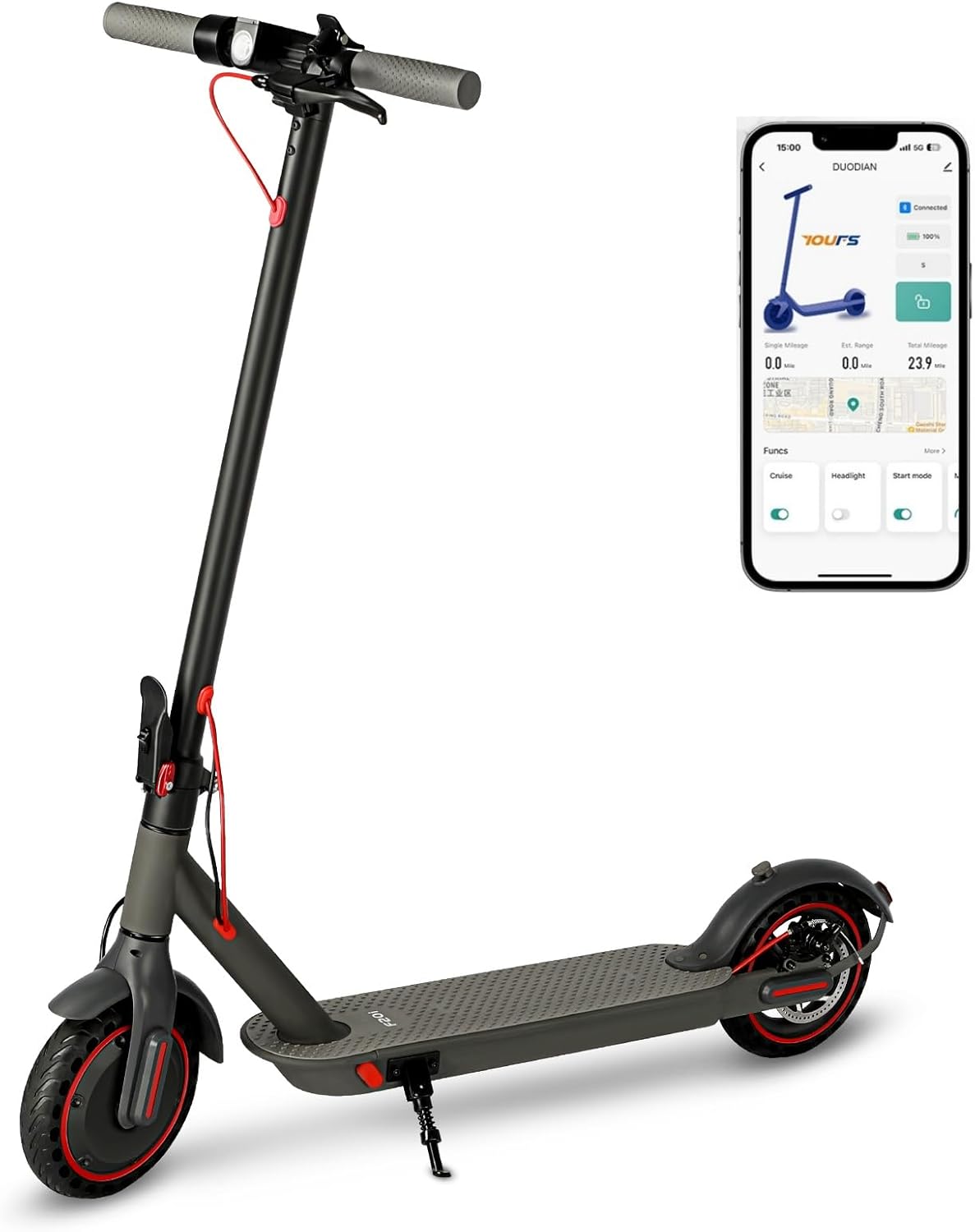
Image: The DUODIAN F20i Electric Scooter as it appears when first unboxed, wrapped in protective material.
2. Handlebar Installation
- Lift the handlebar stem until it clicks into the upright position. Secure it by locking the folding mechanism.
- Carefully feed the wiring from the handlebar assembly through the stem.
- Align the handlebar with the stem, ensuring the brake lever is on the left side and the accelerator on the right.
- Secure the handlebar to the stem using the provided screws and Allen wrench. There are six screw points: two on each side and two in the front.

Image: Close-up of the assembled handlebars, showing the LED display and controls.
Charging the Scooter
Before first use, fully charge the scooter's battery. The charging port is conveniently located at the front of the deck, near where your feet would be placed. Lift the orange protective cover to access the port.
- Connect the charger to the scooter's charging port.
- Plug the charger into a standard wall outlet.
- The charger's indicator light will typically show red when charging and turn green when fully charged.
- A full charge takes approximately 5 hours.
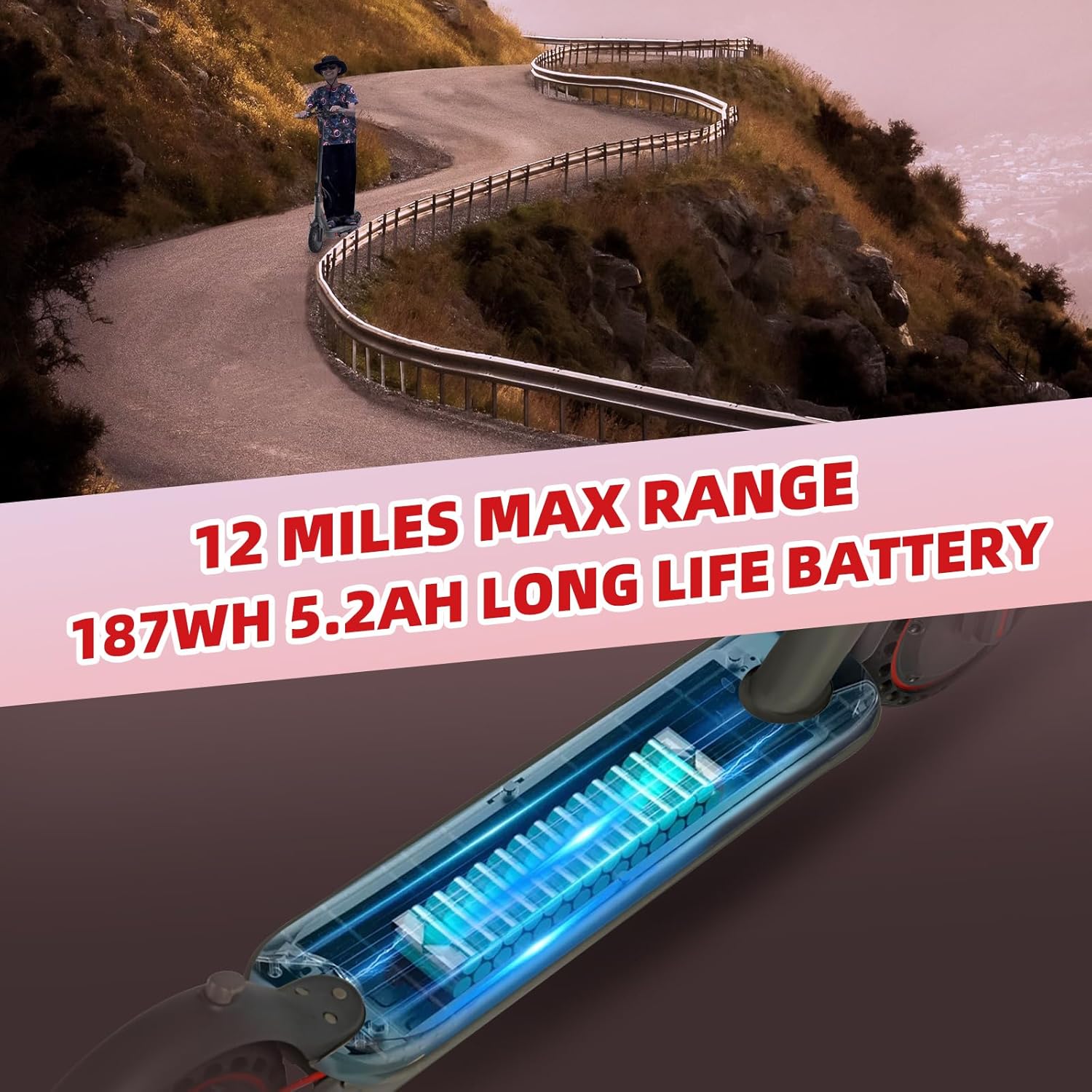
Image: Illustration highlighting the scooter's battery and maximum range.
Operating Your Scooter
1. Power On/Off and Display
Press and hold the power button on the LED display to turn the scooter on or off. The LED display shows current speed, speed mode, and battery level.
2. Speed Modes
The scooter features three adjustable speed modes to suit different riding preferences. Cycle through the modes using the button on the display.
3. Braking System
The DUODIAN F20i is equipped with a reliable double braking system for enhanced safety. This includes a front E-Brake and a rear disc brake.

Image: Close-up of the scooter's rear wheel, showcasing the disc brake system and taillight.
4. Lighting
For visibility and safety during night rides, the scooter features a bright headlight and warning taillights.

Image: A person riding the scooter at dusk, demonstrating the illuminated headlight and taillight.
5. App Control
Connect your smartphone to the scooter via the dedicated app for additional features and controls. Scan the QR code on the handlebar display or visit https://a.smart321.com/comyongfengshun to download the app.
App features include:
- Remote lock functions to prevent theft.
- Speed settings adjustment.
- Light control.
- Viewing riding modes and statistics.
Image: The scooter's LED display alongside a smartphone showing the connected app interface with various control options.
Folding and Portability
The DUODIAN F20i Electric Scooter features a convenient foldable design, allowing it to be collapsed in approximately 3 seconds for easy transport and storage. Weighing only 32 pounds, it is lightweight enough to carry upstairs or fit into a car trunk.
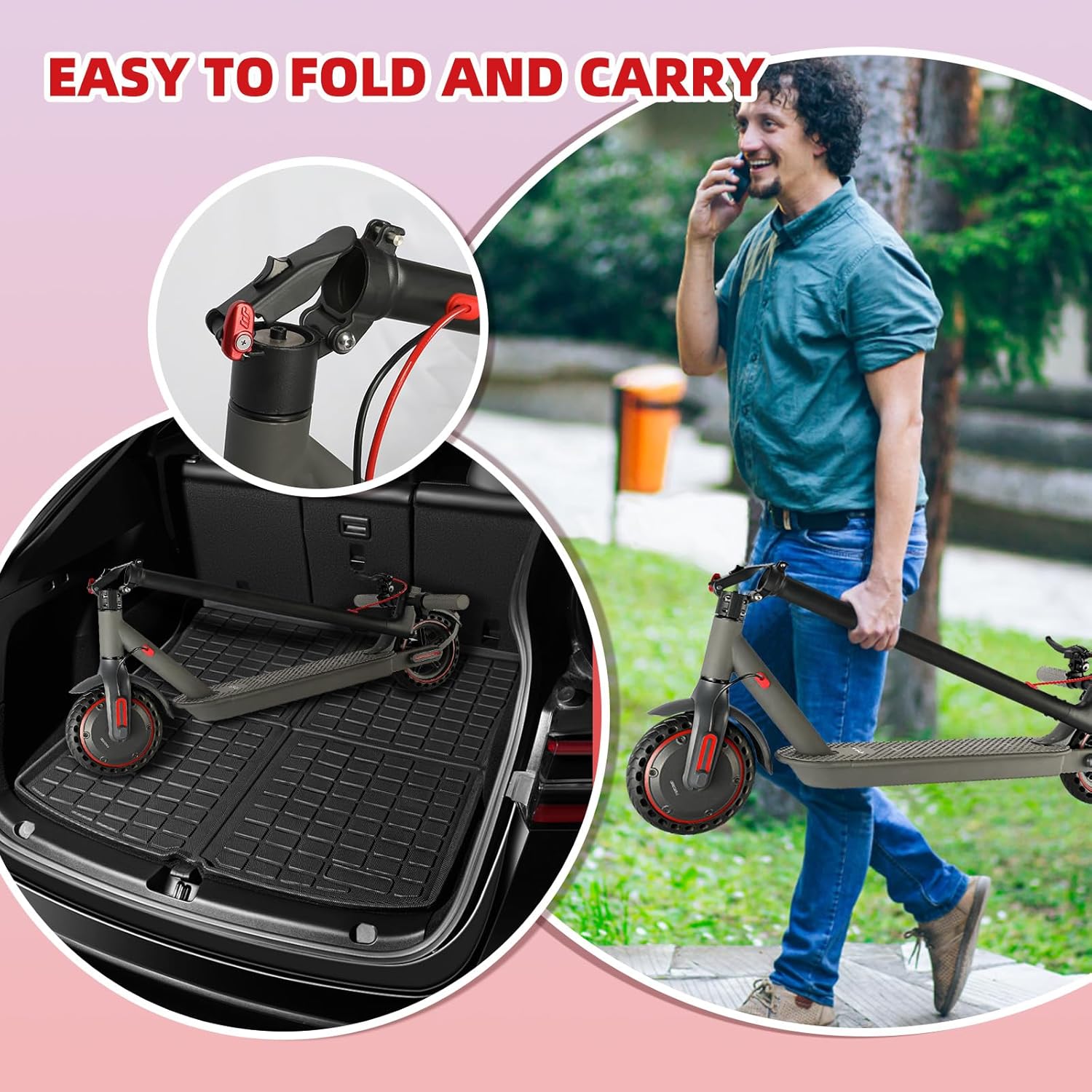
Image: The scooter shown in its folded state, being placed into a car trunk and carried by hand.
Maintenance
Regular maintenance ensures the longevity and optimal performance of your scooter.
- Tires: The 8.5-inch solid tires are maintenance-free, eliminating concerns about punctures. Periodically inspect them for wear and tear.
- Battery: To maintain battery health, especially during periods of non-use, charge the battery at least once every three months. Avoid using or charging if water damage is suspected.
- Cleaning: Wipe down the scooter with a damp cloth. Do not use high-pressure water or immerse the scooter in water.
- Brakes: Regularly check the functionality of both the E-brake and disc brake. Ensure the brake lever provides adequate stopping power.
- Connections: Periodically check all screws and connections to ensure they are tight and secure.
Troubleshooting
If you encounter issues with your scooter, consider the following basic troubleshooting steps:
- Scooter not turning on: Ensure the battery is charged. Check all electrical connections.
- Scooter not moving: If the scooter does not move after powering on, check the app settings. You may need to enable the 'null startup' option in the app for the motor to engage.
- Reduced performance: Check battery level. Ensure tires are free from debris.
- App connectivity issues: Ensure Bluetooth is enabled on your smartphone and the scooter is powered on and within range.
For persistent issues, please contact customer support.
Specifications
| Model | F20i |
| Motor Power | 350W (500W Peak) |
| Max Speed | 15.5 MPH (25 KM/H) |
| Max Range | 12 Miles |
| Battery | 36V / 5.2Ah (187Wh) |
| Tire Size | 8.5 Inches (Solid) |
| Max Load | 220 lbs (100 kg) |
| Charging Time | Approx. 5 Hours |
| Item Weight | 32 Pounds |
| Product Dimensions | 17"L x 43"W x 43"H |
Warranty
The DUODIAN F20i Electric Scooter comes with a 1-Year Manufacturer Warranty. Please retain your proof of purchase for warranty claims. For details regarding warranty coverage and procedures, refer to the specific warranty documentation included with your product or contact customer support.
Support
For any questions, technical assistance, or support needs, please contact DUODIAN customer service:
- Email: service@duodianbike.com
- WhatsApp: +8619142187744
Our support team is available to assist you.