
Thunelec U9
Thunelec U9 Wireless Earbuds Instruction Manual
Model: U9
1. Introduction
Thank you for choosing Thunelec U9 Wireless Earbuds. These earbuds combine advanced audio technology with user-friendly features to provide an exceptional listening experience. This manual will guide you through the setup, operation, and maintenance of your new device.
2. What's in the Box
- U9 Wireless Earbuds (x2)
- Multifunctional Touch Charging Case (x1)
- Charging Cable (x1)
- User Manual (x1)
- Eartips (S / M / L sizes)

Image: All items included in the Thunelec U9 Wireless Earbuds package.
3. Product Overview
The Thunelec U9 Wireless Earbuds are designed for superior audio performance and user convenience.
- ANC & ENC Noise Cancellation: Advanced Active Noise Cancellation (ANC) blocks external sounds for immersive listening, while Environmental Noise Cancellation (ENC) ensures clear voice calls by reducing background noise.
- Intelligent Touchscreen Charging Case: The multifunctional charging case features a full-color LED touchscreen for easy control of settings, battery levels, and various functions without needing a connected app.
- Extended Battery Life: Enjoy up to 48 hours of total playtime with the charging case. Each earbud provides 6-8 hours of listening on a single charge.
- Superior Hi-Fi Stereo Sound: Equipped with 14.2mm dynamic drivers and composite dynamic coil horns for rich bass and crystal-clear audio across all genres.
- Bluetooth 5.4 Connectivity: Ensures a stable, efficient, and seamless connection with compatible devices.
- IPX7 Waterproof: Designed to withstand sweat and rain, making them suitable for workouts and outdoor activities.
- Secure & Comfortable Fit: Ergonomically designed with soft eartips for a lightweight and comfortable fit during prolonged use.
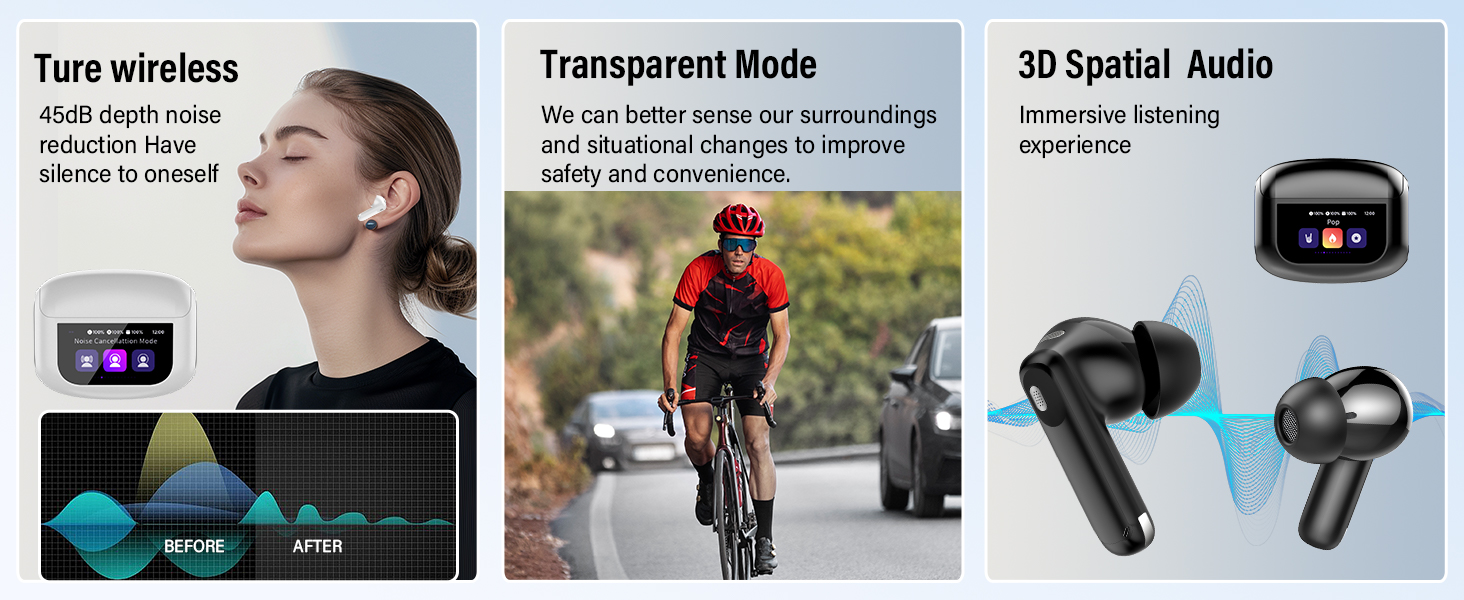
Image: Internal components contributing to the earbud's sound quality.
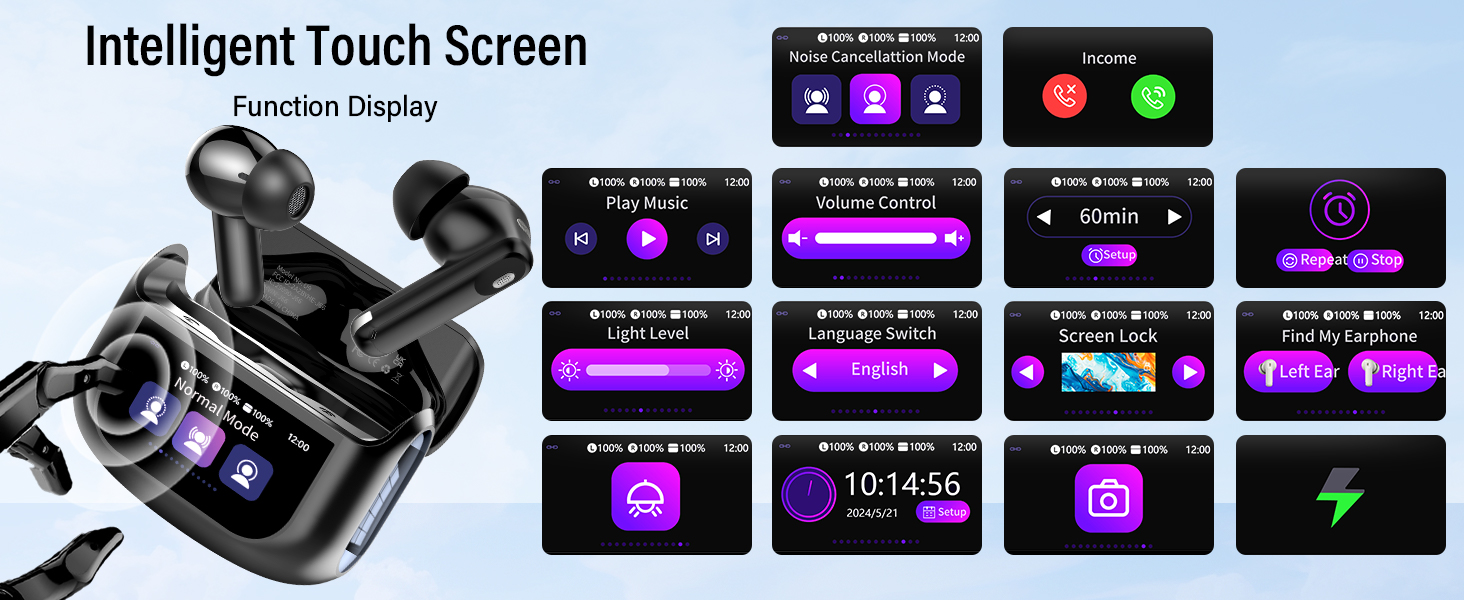
Image: Illustration of Active Noise Cancellation (ANC) and Environmental Noise Cancellation (ENC) in action.
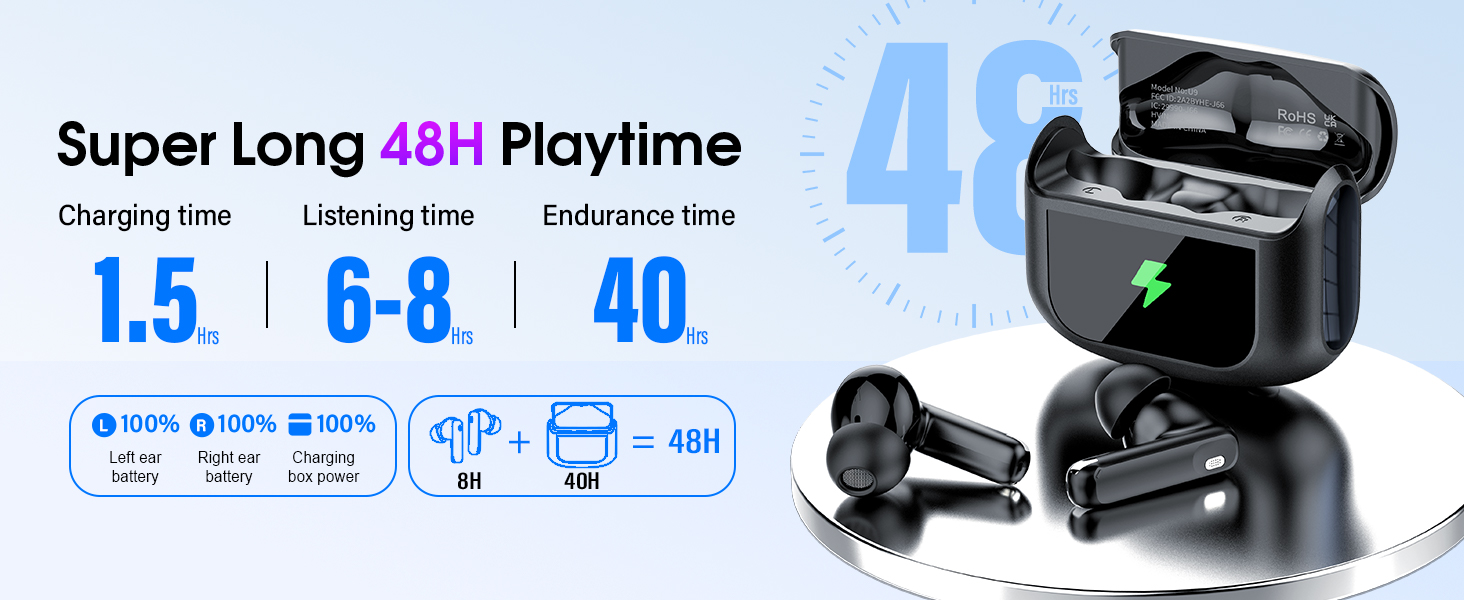
Image: Breakdown of the earbud and charging case battery life.
4. Setup
4.1. Initial Charging
Before first use, fully charge the charging case and earbuds. Connect the provided USB-C cable to the charging port on the case and a power source. The touchscreen display will show the charging status.
4.2. Bluetooth Pairing
- Take both earbuds out of the charging case. They will automatically enter pairing mode.
- On your device (smartphone, tablet, etc.), go to Bluetooth settings and search for "U9".
- Select "U9" to connect. A voice prompt will confirm successful pairing.
4.3. Wearing the Earbuds
Choose the eartips that provide the most comfortable and secure fit for optimal sound quality and noise isolation. Gently insert the earbuds into your ear canal and twist slightly to secure them.
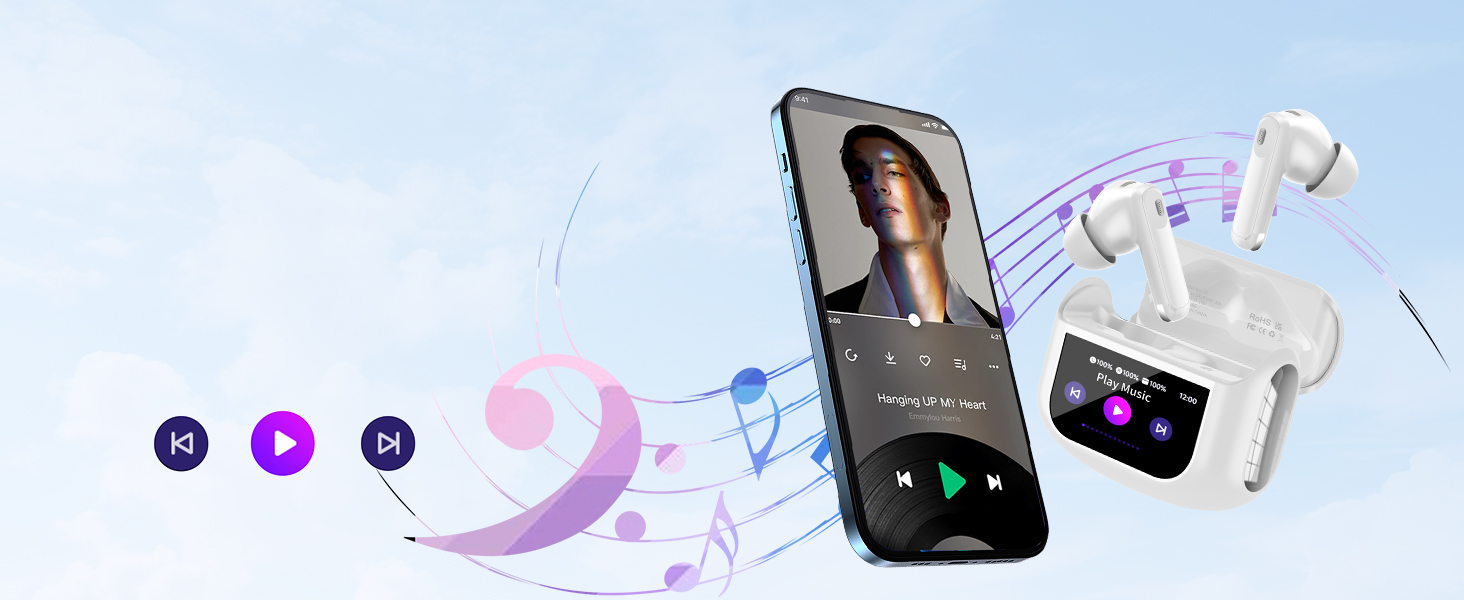
Image: Guide for achieving a secure and comfortable fit with the earbuds.
5. Operating Instructions
5.1. Touch Controls (on Earbuds)
| Action | Function |
|---|---|
| Long press L/R (2s) | Last Song / Next Song |
| Click 2 times | Play/Pause |
| Click 3 times (R) | ANC mode switching |
| Click 3 times (L) | Activate Voice Assistant |
| Click 1 time | Answer Call |
| Long press (2s) | Hang Up Calls or Reject Calls |
Note: Volume control can only be operated on the touchscreen case or your mobile phone.
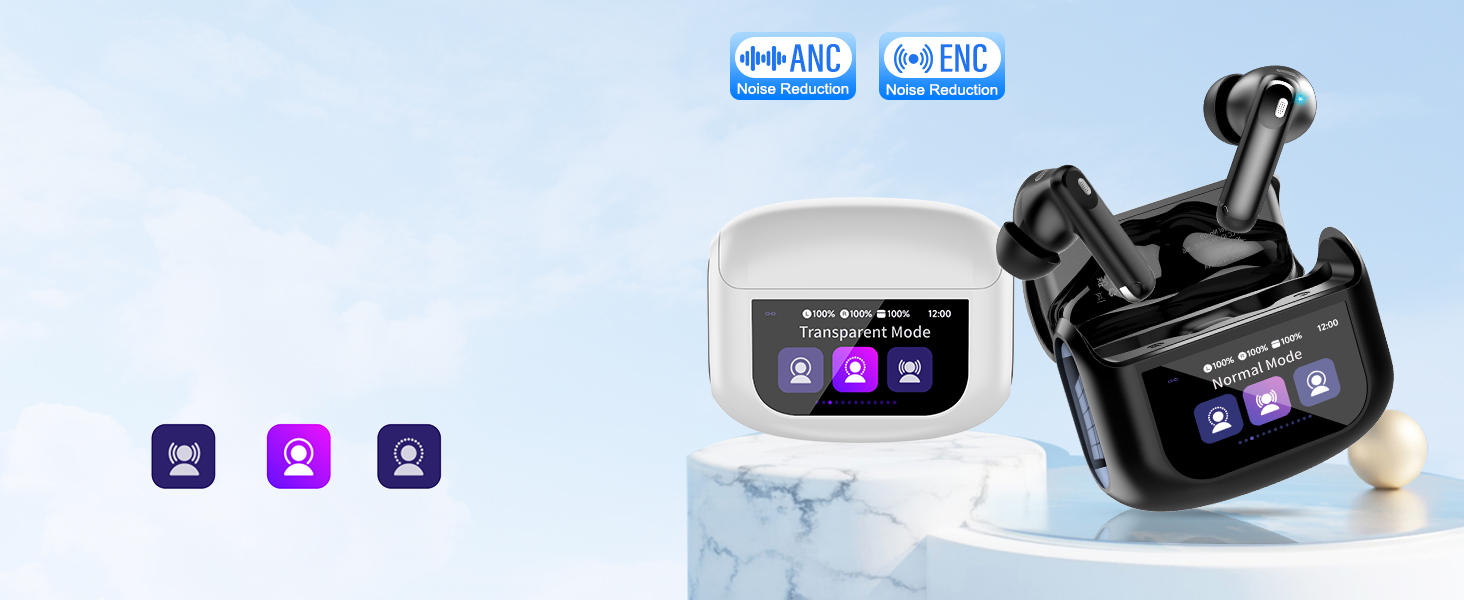
Image: Visual guide to earbud touch controls.
5.2. Touchscreen Controls (on Case)
The touchscreen on the charging case allows for intuitive control over various functions:
- Music Playback: Play, pause, skip tracks.
- Volume Control: Adjust audio volume directly.
- Noise Control Modes: Switch between Normal Mode, Noise Cancellation Mode (ANC), and Transparency Mode.
- EQ Modes: Select from 5 preset equalizer modes (Pop, Rock, Classic, Jazz, Normal) to personalize your sound.
- Screen Lock: Lock the touchscreen to prevent accidental touches.
- Find My Earphone: Locate misplaced earbuds by activating a sound.
- Settings: Adjust light level, language, and other device settings.
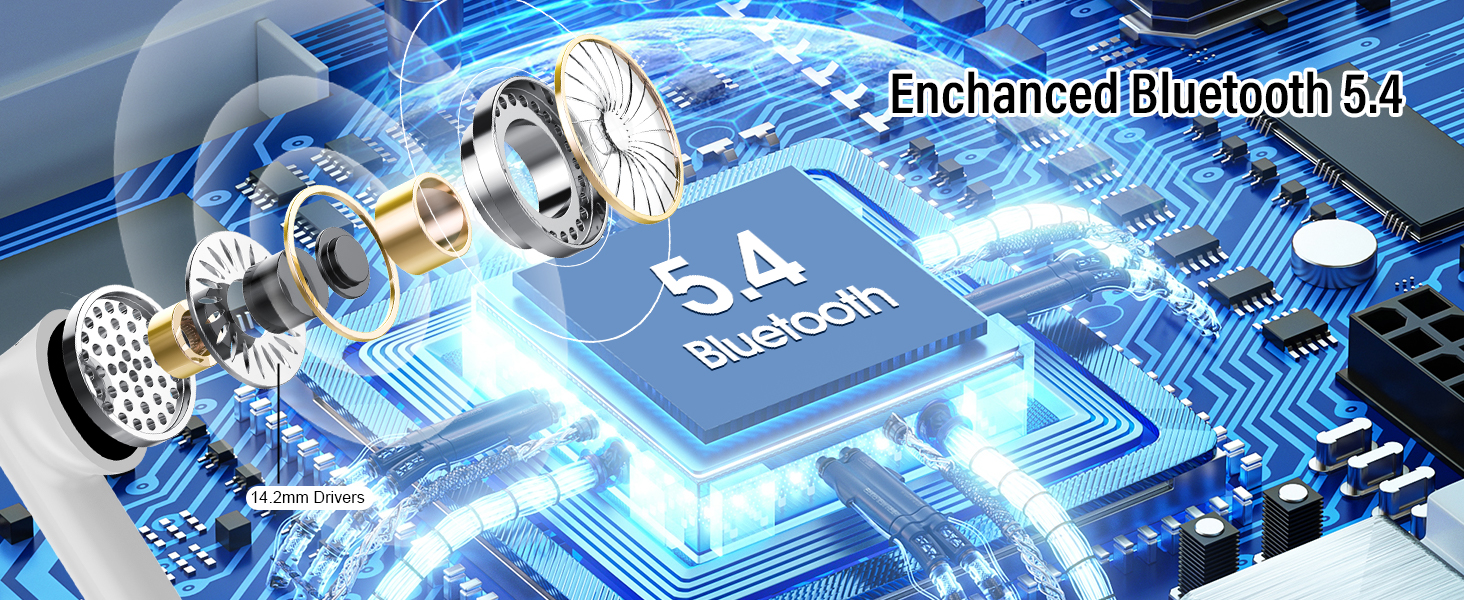
Image: Overview of the touchscreen interface on the charging case.
Video: Demonstrates the multi-function touchscreen controls of the U9 earbuds, showing navigation through various settings and features directly on the charging case.
Video: Provides a visual guide to the U9 Wireless Earbuds, showcasing their design, fit, and basic functionalities.
6. Maintenance
- Cleaning: Regularly clean the earbuds and charging case with a soft, dry, lint-free cloth. Avoid using harsh chemicals or abrasive materials.
- Storage: Store the earbuds in their charging case when not in use to protect them and keep them charged. Avoid extreme temperatures.
- Battery Care: To prolong battery life, avoid fully discharging the earbuds and case frequently. Charge them regularly, even if not in constant use.
7. Troubleshooting
7.1. Pairing Issues
- Ensure both earbuds are fully charged.
- Turn off Bluetooth on your device and turn it back on.
- Delete "U9" from your device's Bluetooth list and attempt to re-pair.
- If only one earbud is working, place both earbuds back in the charging case, close the lid, and wait for 12 seconds. Then, press and hold the reset button on the charging case for 5 seconds to complete the reset.
7.2. Sound Issues
- Check the volume levels on both your device and the earbud charging case.
- Ensure earbuds are properly seated in your ears for optimal sound.
- Clean any debris from the earbud nozzles.
7.3. Charging Issues
- Verify the charging cable is securely connected to both the case and the power source.
- Try a different charging cable or power adapter.
- Ensure the charging contacts on the earbuds and inside the case are clean and free of obstruction.
8. Specifications
| Feature | Detail |
|---|---|
| Model Name | U9 |
| Brand | Thunelec |
| Connectivity Technology | Wireless (Bluetooth 5.4) |
| Noise Control Features | Active Noise Cancellation, Passive Noise Cancellation, Sound Isolation |
| Control Type | Touch Control (on earbuds), Touchscreen (on case) |
| Battery Life | 48 Hours (with charging case) |
| Charging Time | 1.5 Hours (for case, for 2 hours of earbud use) |
| Water Resistance Level | Waterproof (IPX7) |
| Earpiece Shape | In Ear |
| Item Weight | 3.41 ounces |
| Included Components | U9 wireless earbuds*2, Multifunctional touch charging case*1, Charging cable*1, User Manual |
9. Warranty and Support
Thunelec products are designed and manufactured to the highest quality standards. For warranty information, technical support, or customer service inquiries, please refer to the contact details provided in the original product packaging or visit the official Thunelec website.
Ask a question about this manual
Ask about setup, troubleshooting, compatibility, parts, safety, or missing instructions. Manuals+ will review the question and use this page’s manual context to help answer it.