
Introduction
This manual provides detailed instructions for the installation, operation, and maintenance of your Genérico A28b Outdoor Security Camera. This camera offers comprehensive surveillance with Pan-Tilt-Zoom (PTZ) rotation, high-resolution video (4K/5MP/2MP options), color night vision, AI tracking, and two-way audio. Its IP66 rating ensures durability in various outdoor conditions.
Package Contents
Please verify that all items are present in your package:
- Genérico A28b Outdoor Security Camera
- Power Adapter
- Mounting Screws and Wall Plugs
- Waterproof Apron (for cable connections)
- User Manual

This image displays the complete contents of the product package: the A28b camera, a power adapter, mounting screws, a waterproof apron, and the user manual.
This video demonstrates the unboxing of the A28b camera, showing the camera unit, power supply, mounting accessories, and user manual included in the package.
Product Overview
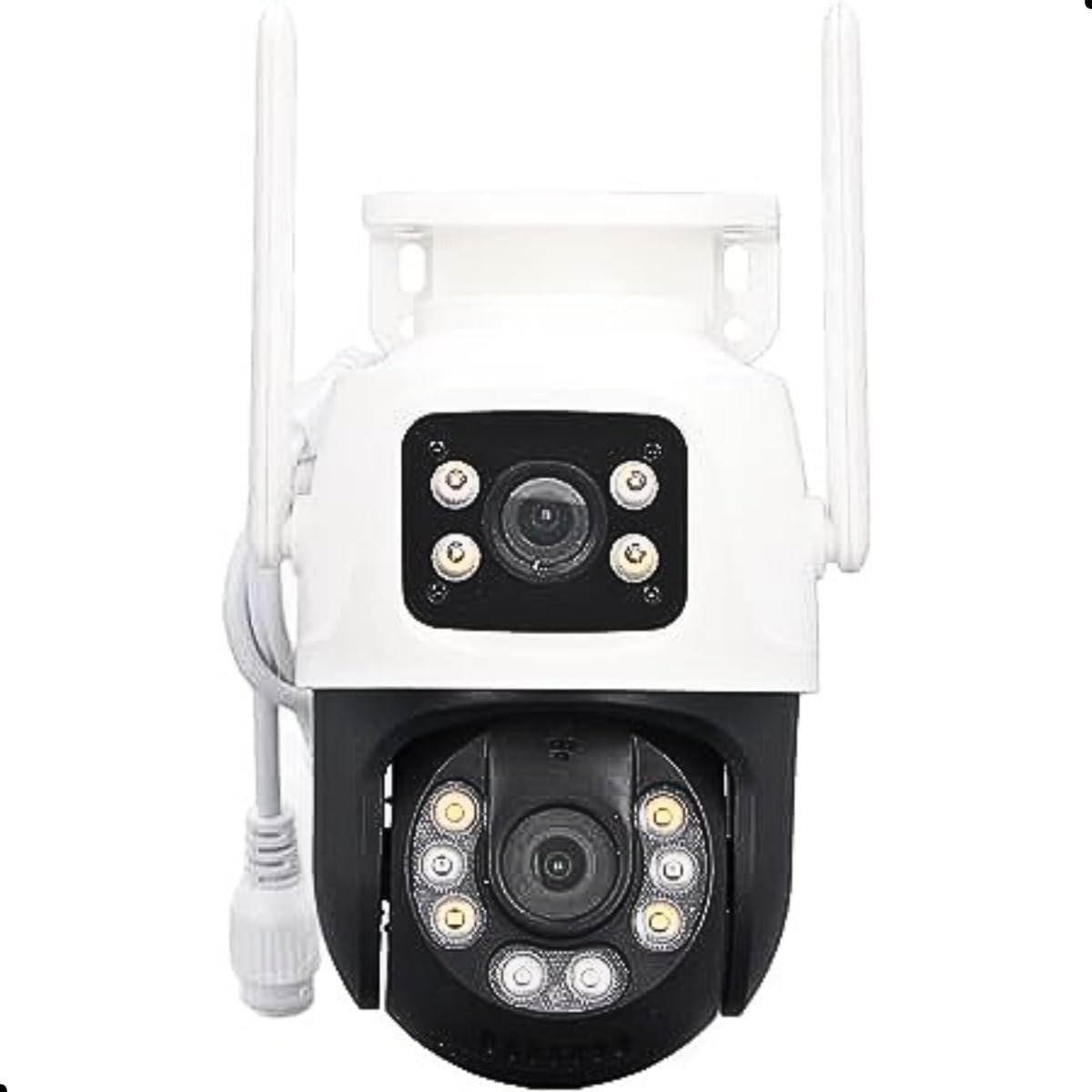
The A28b camera features a robust design with dual lenses for comprehensive coverage. It includes multiple LEDs for enhanced night vision and two external antennas for stable wireless connectivity.

This detailed diagram highlights the key components of the A28b camera, such as the dual antennas, waterproof housing, various LED lights for illumination, the dual lenses, the TF memory card slot, and the power (DC12V) and network (RJ45) ports.

This image provides the physical dimensions of the A28b camera (165mm height, 85mm width, 75mm depth) and lists technical parameters including AI human tracking, power supply details, weight, lens size, and video system.
Installation
Mounting the Camera
The camera is designed for wall mounting. Ensure the mounting surface is stable and can support the camera's weight.
- Prepare the Mounting Surface: Choose a suitable location for optimal surveillance coverage.
- Detach Mounting Plate: Carefully detach the mounting plate from the camera body. This may require some force.
- Mark Drill Holes: Use the mounting plate as a template to mark the positions for drilling on your chosen surface.
- Drill Holes: Drill holes at the marked positions. Insert the wall plugs if necessary.
- Secure Mounting Plate: Attach the mounting plate to the wall using the provided screws.
- Attach Camera: Reattach the camera body to the secured mounting plate, ensuring it clicks into place.
- Connect Power and Network: Connect the power adapter and, if using a wired connection, the RJ45 Ethernet cable. Use the waterproof apron for cable connections to protect against elements.
This image shows the A28b camera securely mounted on an outdoor wall, demonstrating its typical installation position.
This video demonstrates the unboxing of the camera and how to detach the mounting bracket from the main camera unit, which is a crucial step for installation.
Operating Instructions
Initial Setup and App Connection
Download the recommended mobile application (details usually found in the included manual or on the product packaging) to connect and control your camera. Follow the in-app instructions for pairing the camera with your smartphone via WiFi.
Pan-Tilt-Zoom (PTZ) Control
Utilize the mobile application to remotely control the camera's horizontal (355°) and vertical (90°) rotation, allowing you to adjust the viewing angle as needed.

This image illustrates the camera's 355-degree Pan-Tilt-Zoom (PTZ) capability, controlled via a smartphone application, allowing for wide area coverage.
AI Tracking and Motion Detection
The camera features AI-powered human detection and tracking. When motion is detected, the camera will automatically follow the subject and send real-time alerts to your smartphone.
Intelligent Night Vision
The camera provides clear, colorful night vision using integrated infrared LEDs and spotlights, ensuring visibility even in low-light conditions.
Two-Way Audio
Communicate with individuals near the camera using the built-in microphone and speaker through the mobile application.
Storage Options
Recordings can be stored on a microSD card (up to 128GB, not included) or via cloud storage (subscription service may apply).
Key Features
- High Resolution: Captures sharp and detailed images in 4K (or 5MP/2MP), ideal for clear identification.
- PTZ Rotation: Remote control for 355° horizontal and 90° vertical rotation, covering a wide area.
- Color Night Vision: Provides clear, colorful images in low-light conditions using infrared LEDs and spotlights.
- AI Tracking: Automatically detects and tracks moving people, ensuring no important details are missed.
- Two-Way Audio: Integrated speaker and microphone for remote communication.
- WiFi Connectivity: Connects to your WiFi network for remote access and live viewing via smartphone.
- Weather Resistance (IP66): Designed for outdoor use, resistant to rain, snow, and dust.
- H.265 Compression: Efficient video compression to save storage space and bandwidth.
- Dual Lens System: Offers both wide-angle (4.0mm) and telephoto (12mm) views simultaneously for comprehensive monitoring.
This image demonstrates the camera's dual-lens capability, providing both a wide-angle (4.0mm) and a zoomed-in (12mm) perspective simultaneously for enhanced monitoring.

This image emphasizes the A28b's 3+3MP dual camera system, indicating its wide-angle view and smart functionalities like motion detection, cloud storage, and night vision.
Specifications
| Feature | Detail |
|---|---|
| Model Name | A28b |
| Brand | Genérico |
| Resolution | 4K (or 5MP/2MP), Final Resolution: 3 MP, Video Capture Resolution: 1080p |
| Connectivity Technology | Wired (Ethernet), Wireless (WiFi) |
| Special Features | PTZ Rotation, Color Night Vision, AI Tracking, Two-Way Audio, IP66 Weather Resistance |
| Usage Environment | Outdoor |
| Compatible Devices | Computer, Smartphone |
| Mounting Type | Wall Mount |
| Material | Plastic |
| Optical Zoom | 4x |
| Digital Zoom | Supported |
| Max Flash Memory Supported | 128 GB (MicroSD) |
| Power Source | AC/DC (110-220 Volts) |
| Frame Rate | 30 frames per second |
| Item Dimensions | 16.5 x 12 x 18 cm |
| Item Weight | 600 Grams |
Maintenance
- Regular Cleaning: Periodically clean the camera lenses and housing with a soft, damp cloth to ensure clear image quality. Avoid abrasive cleaners.
- Firmware Updates: Check the mobile application regularly for firmware updates to ensure optimal performance and security.
- Cable Inspection: Inspect power and network cables for any signs of wear or damage, especially in outdoor installations.
- Storage Management: Regularly review and manage recorded footage on your microSD card or cloud storage to prevent data loss and ensure continuous recording.
Troubleshooting
No Power
- Ensure the power adapter is securely connected to the camera and a working power outlet.
- Verify the power outlet is functional by plugging in another device.
Cannot Connect to WiFi
- Ensure the camera is within range of your WiFi router.
- Verify your WiFi network name (SSID) and password are correct.
- Restart your router and the camera, then attempt to reconnect.
- Ensure your router is operating on a 2.4GHz frequency, as many security cameras do not support 5GHz.
Poor Image Quality
- Clean the camera lenses to remove dust or smudges.
- Ensure there are no obstructions blocking the camera's view.
- Check your internet connection speed; a slow connection can affect live stream quality.
Motion Detection Not Working
- Verify that motion detection is enabled in the camera's mobile application settings.
- Adjust the motion detection sensitivity settings.
- Ensure there are no objects constantly moving in the detection zone that might trigger false alarms.
Warranty and Support
This product comes with a standard manufacturer's warranty. For specific warranty terms, please refer to the documentation included in your package or contact the retailer. For technical support, troubleshooting assistance, or service inquiries, please contact the manufacturer or your point of purchase.