
MFVLP LC310
MFVLP LC310 Smartwatch User Manual
Model: LC310 | Brand: MFVLP
1. Introduction
This manual provides detailed instructions for the MFVLP LC310 Smartwatch. It covers device setup, operational procedures, health monitoring features, sports tracking, maintenance, and troubleshooting. Please read this manual thoroughly to ensure proper use and optimal performance of your smartwatch.

2. What's in the Box
Upon unboxing, please verify that all the following items are included:
- Smartwatch *1
- Watch Band *1
- Charging Cable *1
- User Manual *1
3. Initial Setup
3.1. Charging the Smartwatch
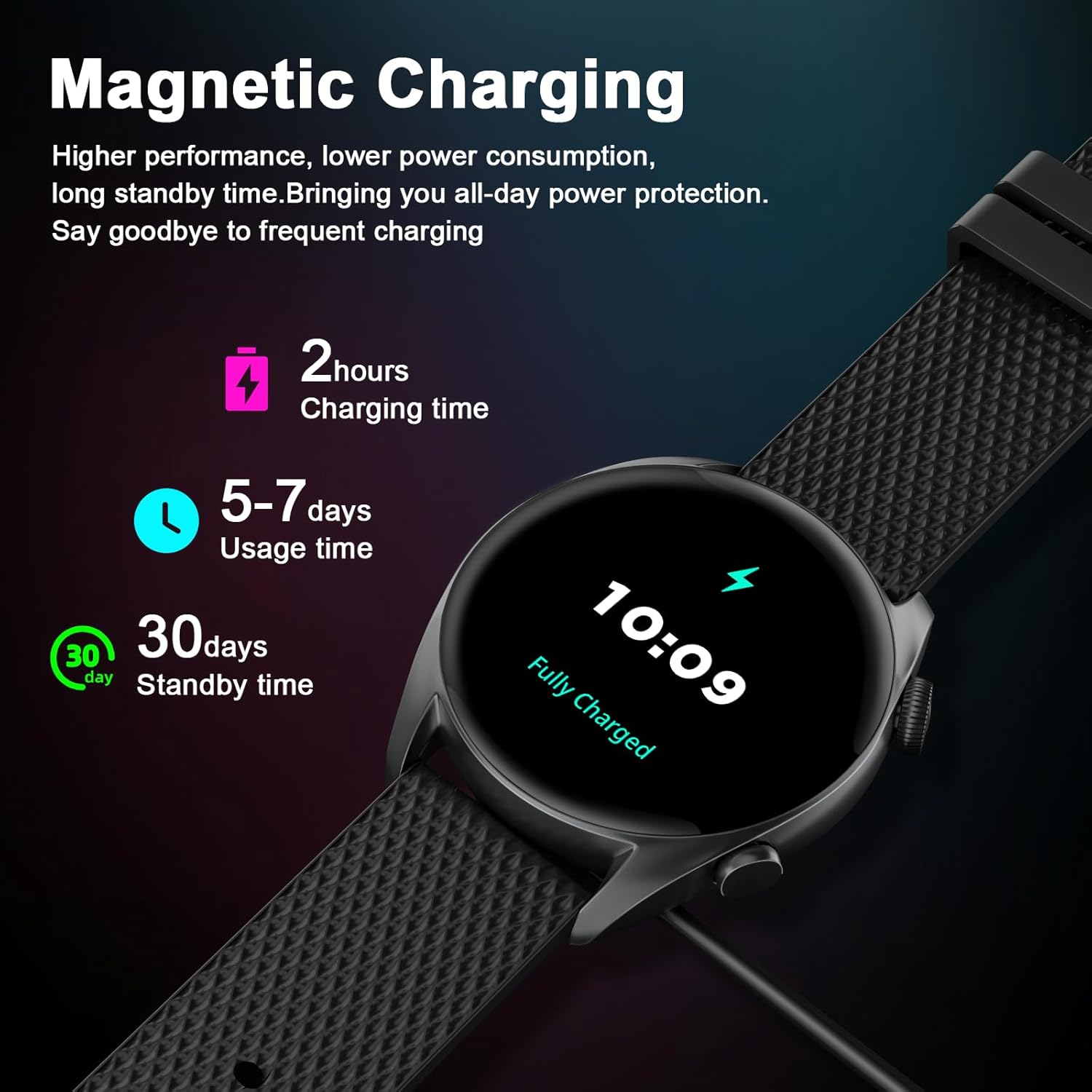
Before first use, fully charge your MFVLP LC310 Smartwatch. Connect the magnetic charging cable to the charging points on the back of the watch and to a USB power source. A full charge typically takes approximately 2 hours, providing 5-7 days of usage time and up to 30 days of standby time.
3.2. App Download and Installation
To unlock the full features of your smartwatch, download the 'Da Fit' application on your smartphone. The app is compatible with iOS 9.0 and above, and Android 5.0 and above.
- Turn on Bluetooth on your smartphone.
- Open Google Play Store (for Android) or App Store (for iOS).
- Search for "Da Fit" and download the application.
- Alternatively, scan the QR code below to directly access the download page:

You can also visit the official download link: http://plus.crrepa.com/app-download/dafit
3.3. Device Pairing
After installing the 'Da Fit' app, follow these steps to pair your smartwatch:
- Open the 'Da Fit' app on your smartphone.
- Navigate to the 'Add Device' section within the app.
- The app will scan for available devices. Select 'LC310' from the list.
- Confirm the pairing request on both your smartphone and the smartwatch.
For a visual guide on connecting your smartwatch with the mobile app, please refer to the video below:
3.4. Language Settings
You can adjust the language settings of your smartwatch through the 'Da Fit' app. Navigate to 'Others' or 'Display' settings within the app and select your preferred language from the available options.
4. Operating Your Smartwatch
4.1. Basic Navigation
The MFVLP LC310 Smartwatch features a responsive 1.43-inch AMOLED HD touch screen. Swipe across the screen to access different functions and menus. The side buttons provide additional navigation and quick access to features.
4.2. Watch Faces
Personalize your smartwatch with over 260 available dials. You can also customize watch faces using your favorite photos through the 'Da Fit' app.

4.3. Bluetooth Calls and Message Notifications
Once connected to your smartphone via Bluetooth, the smartwatch allows you to make, answer, or reject calls directly from your wrist. It also synchronizes contacts and saves call records. Receive notifications from various applications such as Facebook, WhatsApp, Instagram, and Twitter directly on your watch display. Note: Message replies are not supported directly from the watch.

4.4. 24/7 Health Monitoring
The LC310 Smartwatch is equipped with advanced optical sensors for continuous health tracking:
- Heart Rate Monitoring: Real-time monitoring of your heart rate to help track your cardiovascular health.
- Blood Oxygen (SpO2) Monitoring: Measures blood oxygen saturation levels, providing insights into your respiratory health.
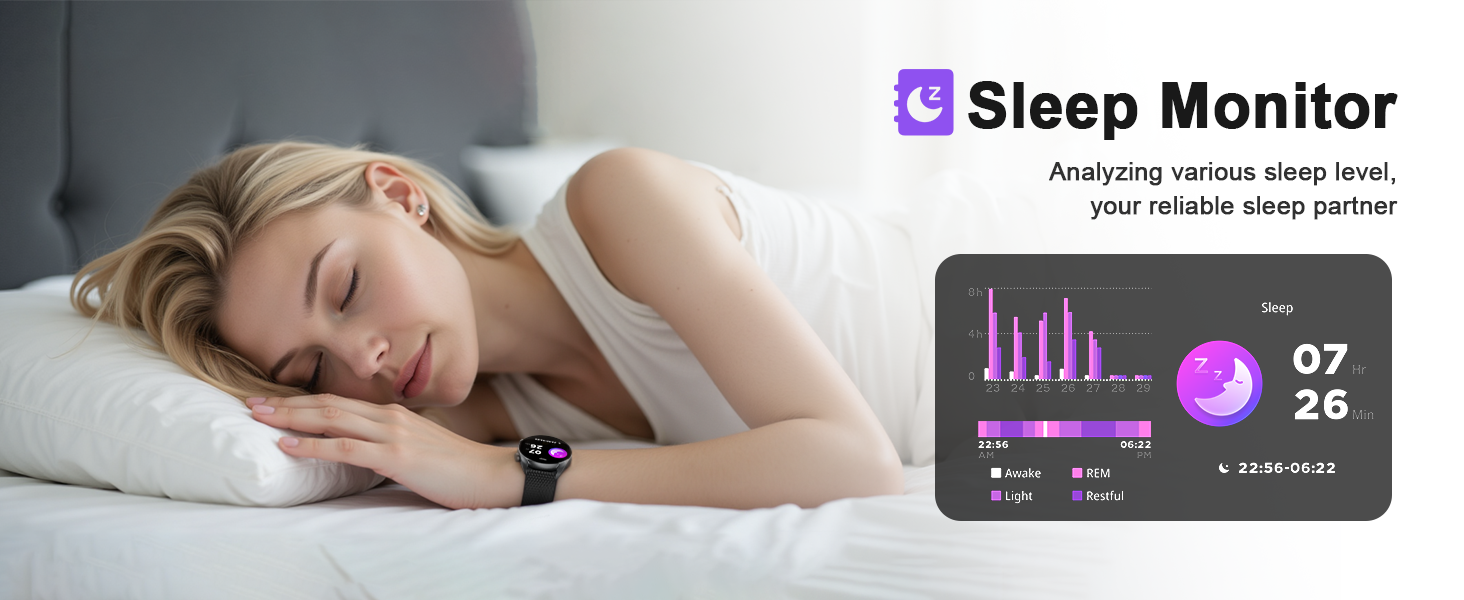
- Sleep Monitoring: Analyzes sleep patterns, including deep sleep, light sleep, and awake times, to help improve sleep quality.
- Women's Health Tracking: Records and provides reminders for menstrual periods.

4.5. 100+ Sports Modes
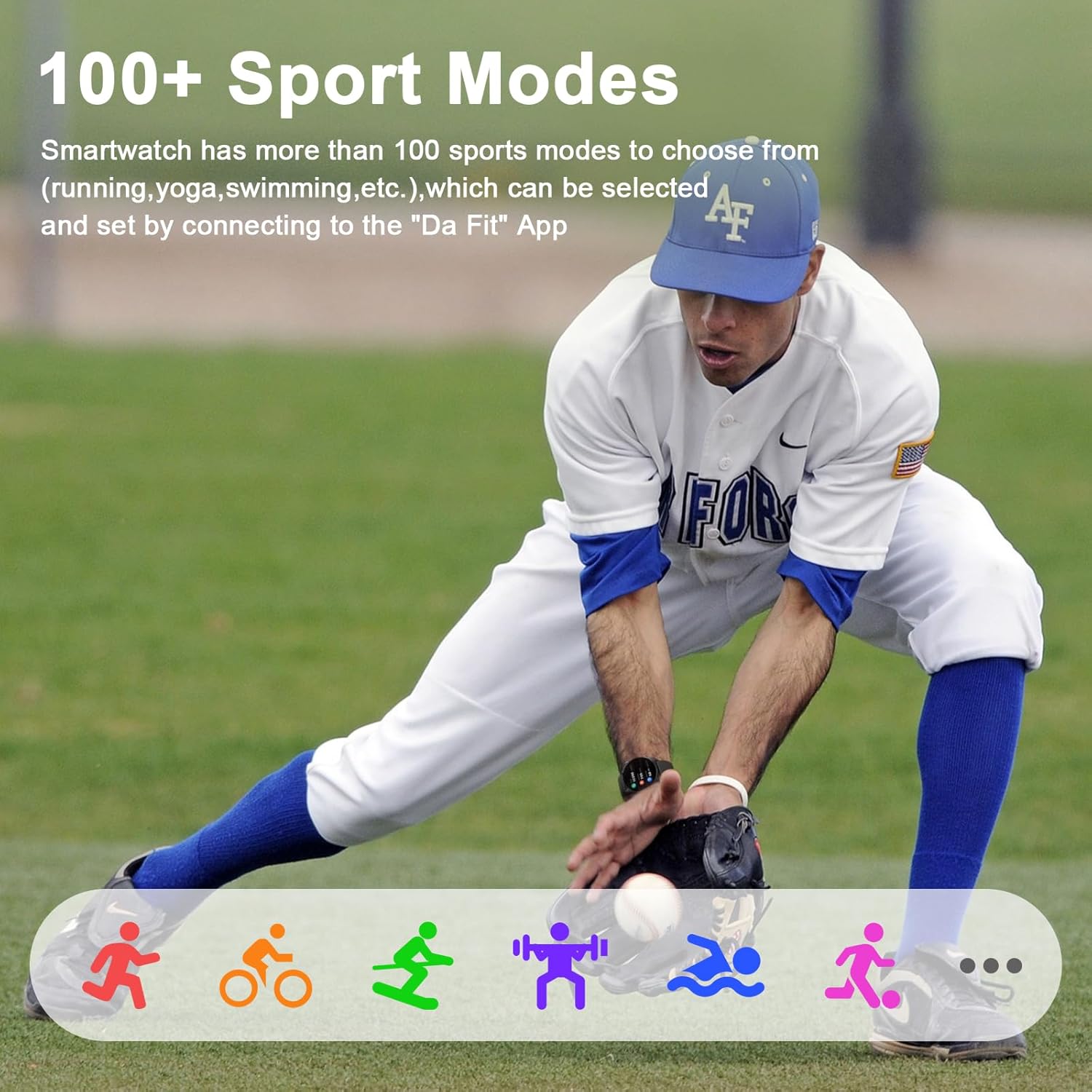
Engage in over 100 sports modes, including running, walking, fitness, swimming, hiking, cycling, mountaineering, and yoga. The watch records real-time data such as steps, distance, and calories burned, supporting both indoor and outdoor activities.
4.6. Additional Functions
The MFVLP LC310 Smartwatch offers several other practical features:
- Music Control: Manage music playback on your smartphone.
- Camera Control: Remotely control your smartphone's camera.
- Weather Forecast: Get real-time weather updates.
- Sedentary Reminder: Alerts you to move after periods of inactivity.
- Alarm Clock: Set alarms for daily reminders.
- Stopwatch & Timer: Useful tools for timing activities.
- Do Not Disturb Mode: Silence notifications during specific times.
- Brightness Adjustment: Customize screen brightness.
- Find Mobile Phone: Locate your paired smartphone.
- Voice Assistant: Interact with your device using voice commands.
- SOS Function: For emergency situations.
5. Maintenance
5.1. Water Resistance
The MFVLP LC310 Smartwatch is IP68 waterproof and dustproof. This means it can withstand daily activities such as hand washing, face washing, and showering. It is also suitable for swimming. However, to ensure long-term durability, avoid using the watch in saunas or soaking it in seawater.

5.2. Cleaning and Care
To maintain your smartwatch, regularly wipe the screen and strap with a soft, dry cloth. If necessary, a slightly damp cloth can be used, followed by immediate drying. Avoid using harsh chemicals or abrasive materials, as these can damage the device.
6. Troubleshooting
If you encounter issues with your MFVLP LC310 Smartwatch, consider the following common solutions:
- Connectivity Issues: Ensure Bluetooth is enabled on your smartphone and the 'Da Fit' app is running in the background. Try restarting both your smartphone and the smartwatch.
- Inaccurate Data: Ensure the watch is worn snugly on your wrist, not too tight or too loose, for accurate sensor readings.
- Battery Life: Optimize battery life by adjusting screen brightness, reducing notification frequency, and disabling unnecessary features.
- Screen Unresponsive: Try restarting the watch by pressing and holding the side button.
If problems persist, refer to the 'Da Fit' app's help section or contact customer support.
7. Specifications
| Feature | Detail |
|---|---|
| Model Number | LC310 |
| Screen Size | 1.43 Inches AMOLED HD |
| Resolution | 640*640 |
| Connectivity | Bluetooth |
| Water Resistance | IP68 |
| Battery Capacity | 290 Milliamp Hours (1 AAAA battery included) |
| Usage Time | 5-7 days |
| Standby Time | 30 days |
| Operating System Compatibility | Android 5.0 or above, iOS 9.0 or above |
| Memory Storage Capacity | 128 MB |
| RAM Memory Installed Size | 640 KB |
| GPS | Via Smartphone |
| Item Weight | 5 ounces |
| Package Dimensions | 9.33 x 2.99 x 0.87 inches |
8. Warranty and Support
For warranty information, technical assistance, or any product-related inquiries, please refer to the contact details provided with your purchase or visit the official MFVLP support channels. Keep your proof of purchase for warranty claims.
Ask a question about this manual
Ask about setup, troubleshooting, compatibility, parts, safety, or missing instructions. Manuals+ will review the question and use this page’s manual context to help answer it.