
Product Overview
The ALTSON L220Z is a 10-inch LED video conference light designed to provide optimal illumination for various activities such as video calls, online meetings, live streaming, and content creation. It features adjustable brightness, color temperature, and a flexible design for versatile positioning.
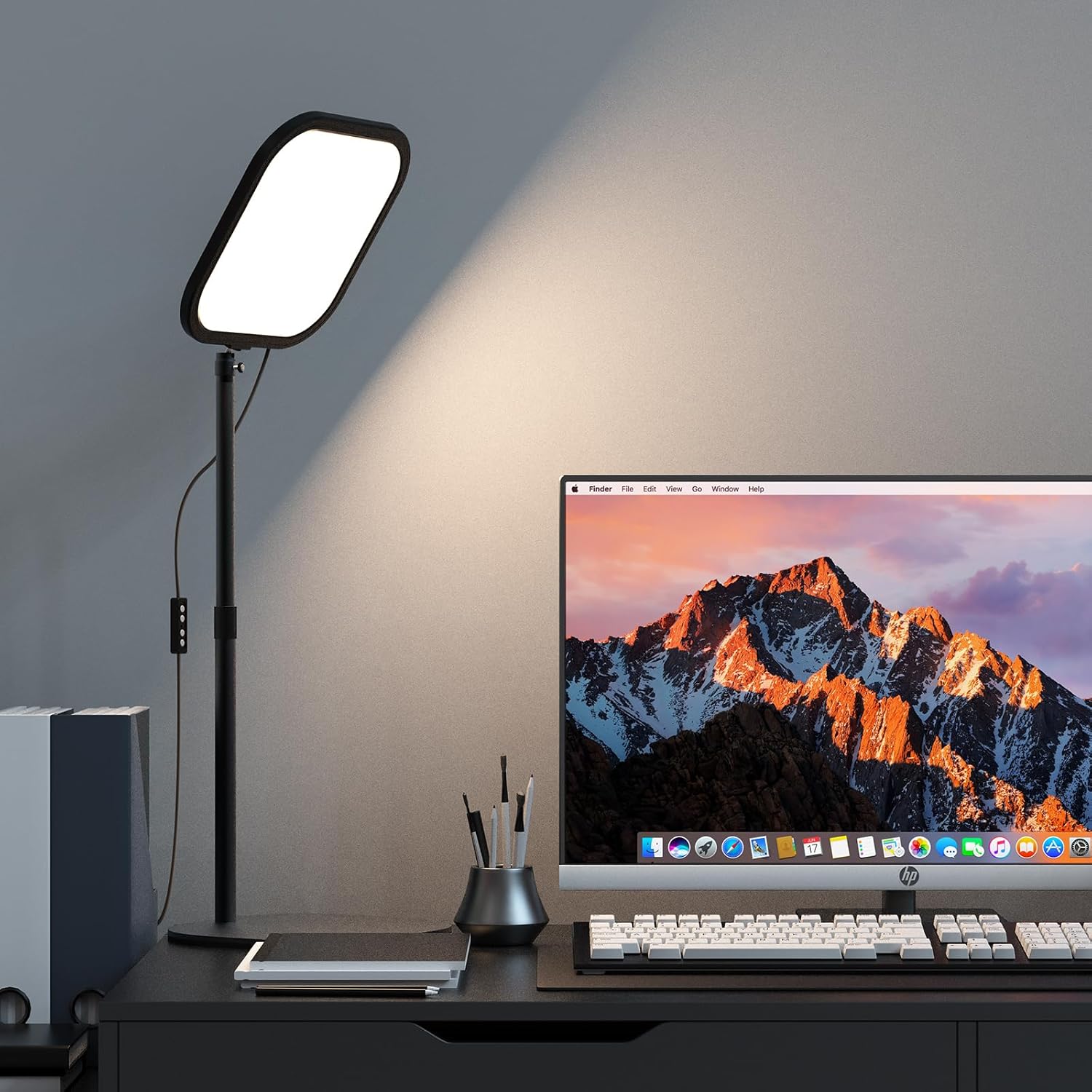
Image: The ALTSON L220Z LED video conference light positioned on a desk, providing illumination for a user working on a laptop. The light features a square panel and an adjustable stand.
Package Contents
Before assembly, please verify that all components listed below are present in your package:
- Square Light x 1
- Bracket x 1
- Ball Head x 1
- USB-C Cable x 1
- Phone Holder x 1
- User Manual x 1

Image: A visual representation of all items included in the ALTSON L220Z package, including the square light, anti-slipping base, adjustable stand, ball head, USB-C cable, phone holder, and user manual.
Setup Instructions
Follow these steps to assemble your ALTSON L220Z LED Video Conference Light:
- Attach the Stand to the Base: Insert the bottom end of the adjustable stand into the center hole of the anti-slipping metal base. Ensure it is securely seated.
- Install the Ball Head: Screw the ball head onto the top of the adjustable stand. Tighten it firmly to prevent wobbling.
- Mount the Square Light: Attach the square light panel to the ball head. The light panel has a 1/4-inch threaded hole for secure mounting.
- Attach the Phone Holder (Optional): If desired, attach the phone holder to the adjustable stand at a comfortable height.
- Connect Power: Plug the USB-C cable into the light panel's USB-C port and connect the other end to a 5V/3A USB power source (e.g., laptop, computer, power bank, or wall adapter).
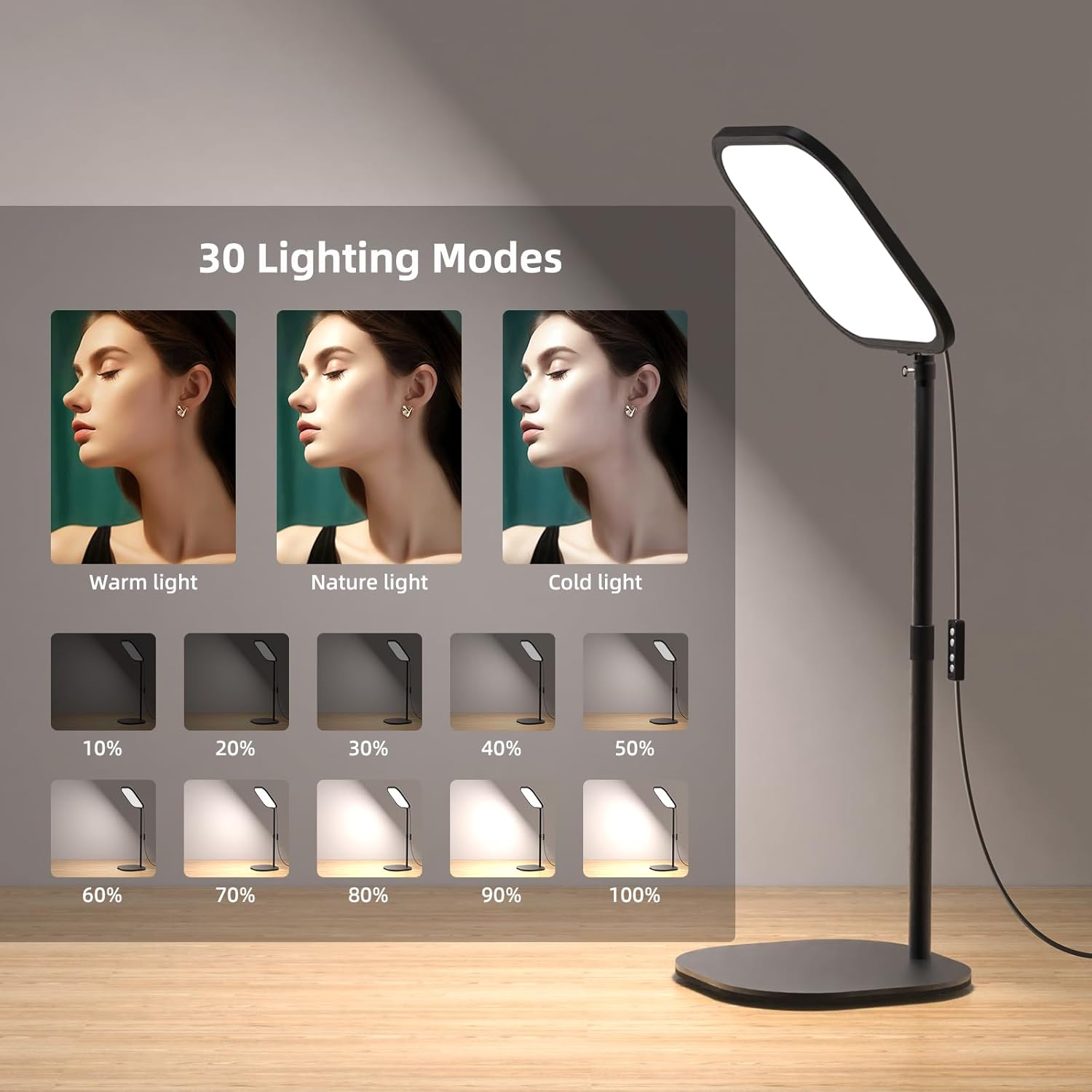
Image: This image illustrates the 360-degree rotation capability of the light panel and the adjustable height of the stand, along with the phone holder attachment point.
Operating Instructions
The ALTSON L220Z light is controlled via an inline remote on the USB-C cable.
Power On/Off
- Press the Power Button on the inline remote to turn the light on or off.
Adjusting Brightness
- Use the '+' button to increase brightness (10 levels, 10-100%).
- Use the '-' button to decrease brightness.
Changing Color Temperature
- Press the Mode Button (usually indicated by a sun or color icon) to cycle through the three color temperature modes:
- Warm Light: 2500K
- Natural Light: 4500K
- Cool Light: 8500K
Adjusting Height and Angle
- Height Adjustment: Loosen the locking mechanism on the adjustable stand to extend or retract the stand. Securely tighten it once the desired height (23''-33'') is reached.
- Angle Adjustment: The ball head allows for 360° rotation and tilt of the light panel. Loosen the ball head's locking knob, adjust the light to your preferred angle, and then tighten the knob.

Image: This graphic displays the various lighting options available, including warm, natural, and cold light, along with brightness levels from 10% to 100%.

Image: A close-up of the USB-C charging cable, highlighting its compatibility with various power sources like laptops and power banks.
Maintenance
Proper maintenance ensures the longevity and optimal performance of your ALTSON L220Z light.
- Cleaning: Use a soft, dry cloth to wipe the light panel and stand. Avoid abrasive cleaners or solvents that could damage the surface. Ensure the device is unplugged before cleaning.
- Storage: When not in use, store the light in a cool, dry place away from direct sunlight and extreme temperatures.
- Cable Care: Avoid bending or crimping the USB-C cable excessively. Always grasp the plug, not the cable, when disconnecting.
Troubleshooting
If you encounter issues with your ALTSON L220Z light, refer to the following common solutions:
| Problem | Possible Cause | Solution |
|---|---|---|
| Light does not turn on. | No power, loose connection, faulty cable. |
|
| Brightness or color temperature cannot be adjusted. | Remote control malfunction, light in a fixed mode. |
|
| Light is unstable or wobbles. | Loose stand or ball head connection. |
|
Specifications
| Feature | Detail |
|---|---|
| Brand | ALTSON |
| Model Name | L220Z |
| Connectivity Technology | USB |
| Hardware Interface | USB Type C |
| Product Dimensions (L x W x H) | 12" x 2.56" x 15.6" |
| Screen Size | 10 inches |
| Power Output | 15W (1700 Lumens max) |
| Color Temperature | 2500K (Warm), 4500K (Natural), 8500K (Cool) |
| Brightness Levels | 10 (10-100% dimmable) |
| Color Rendering Index (CRI) | 95+ |
| Adjustable Height | 23''-33'' (Telescopic stand 14in-24in) |
| Rotation | 360° (Ball Head) |
| Base | 8.2-inch metal base with thickened pad |
| Compatible Devices | Laptop, Computer, Power Bank |
| Water Resistance Level | Not Water Resistant |
| UPC | 791126795696 |
Warranty Information
The ALTSON L220Z LED Video Conference Light comes with a 24-Month Warranty from the date of purchase. This warranty covers manufacturing defects and issues arising from normal use. Please retain your proof of purchase for warranty claims. For detailed terms and conditions, refer to the official ALTSON website or contact customer support.
Customer Support
For any questions, technical assistance, or warranty claims, please contact ALTSON customer support:
- Email: support@altson.com (Example email, please refer to actual product documentation for correct contact information)
- Website: www.altson.com (Example website, please refer to actual product documentation for correct contact information)
When contacting support, please have your product model (L220Z) and proof of purchase ready.