
1. Introduction
The HonHey Handheld Misting Fan F11 is a versatile 3-in-1 device designed to provide instant cooling relief. It functions as a handheld fan, an adjustable desk fan, and a refreshing misting device. Its compact and lightweight design makes it ideal for various settings, including home, office, travel, and outdoor activities. This manual provides essential information for the safe and efficient operation of your fan.
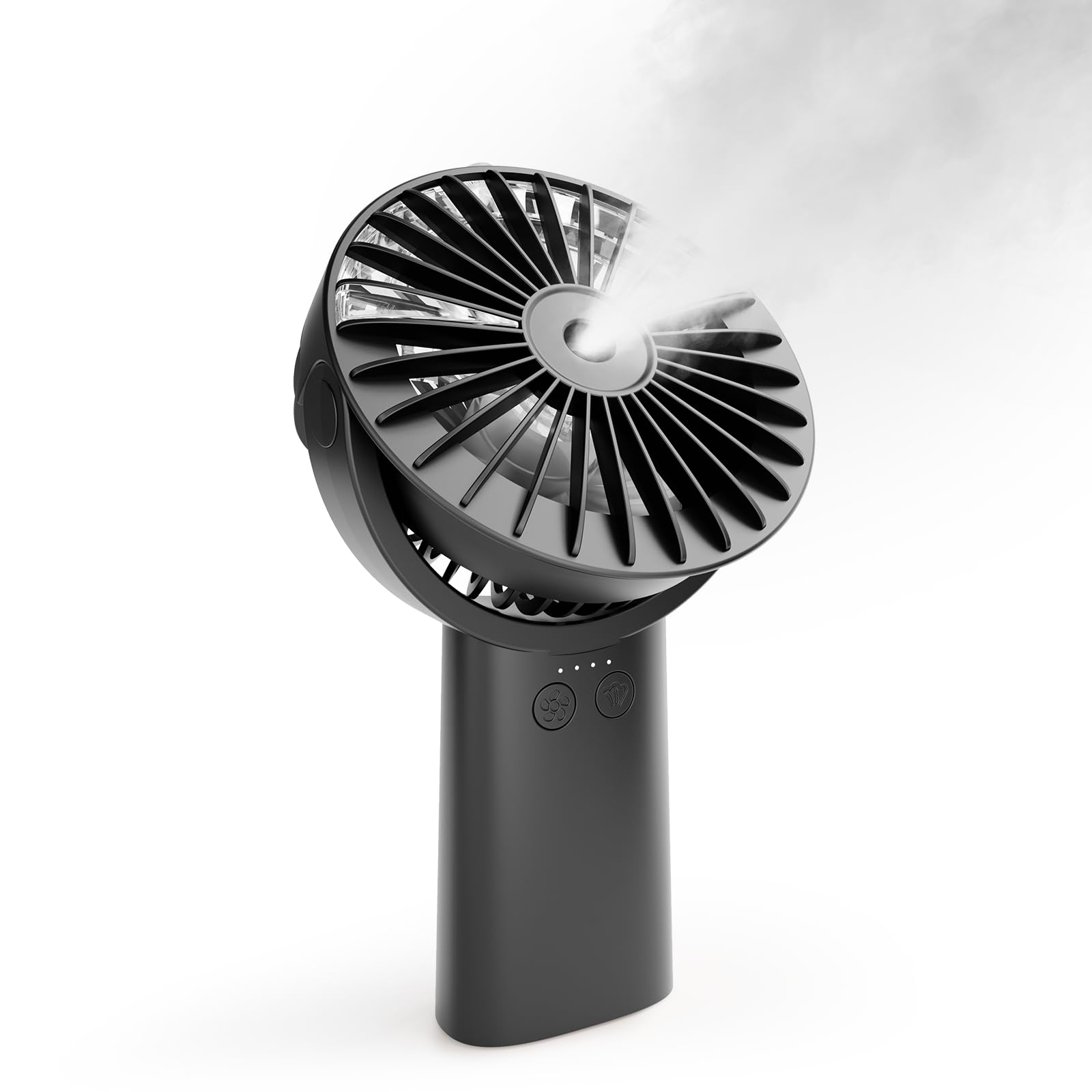
Image: A woman using the HonHey Handheld Misting Fan outdoors, demonstrating its portable cooling capability.
2. Product Features
- 3-in-1 Functionality: Operates as a handheld fan, a desk fan with 0°-90° adjustable tilt, and a misting device.
- Long Working Time: Equipped with a 4000mAh built-in battery, providing 4-23 hours of operation depending on the speed setting.
- Battery Indicator: Features a 4-LED indicator to track power levels and charging status.
- Misting Function: Provides continuous or intermittent misting to enhance cooling. The built-in 30ml water tank allows for 30-60 minutes of misting per fill.
- USB Rechargeable: Conveniently charges via USB devices such as power banks, computers, laptops, or USB chargers. Takes approximately 4 hours for a full charge.
- Adjustable Wind Speeds: Offers 3 adjustable speeds for customized airflow.
- Quiet Operation: Designed with built-in noise reduction, operating as low as 40dB.
- Portable Design: Compact and lightweight for easy carrying and storage.
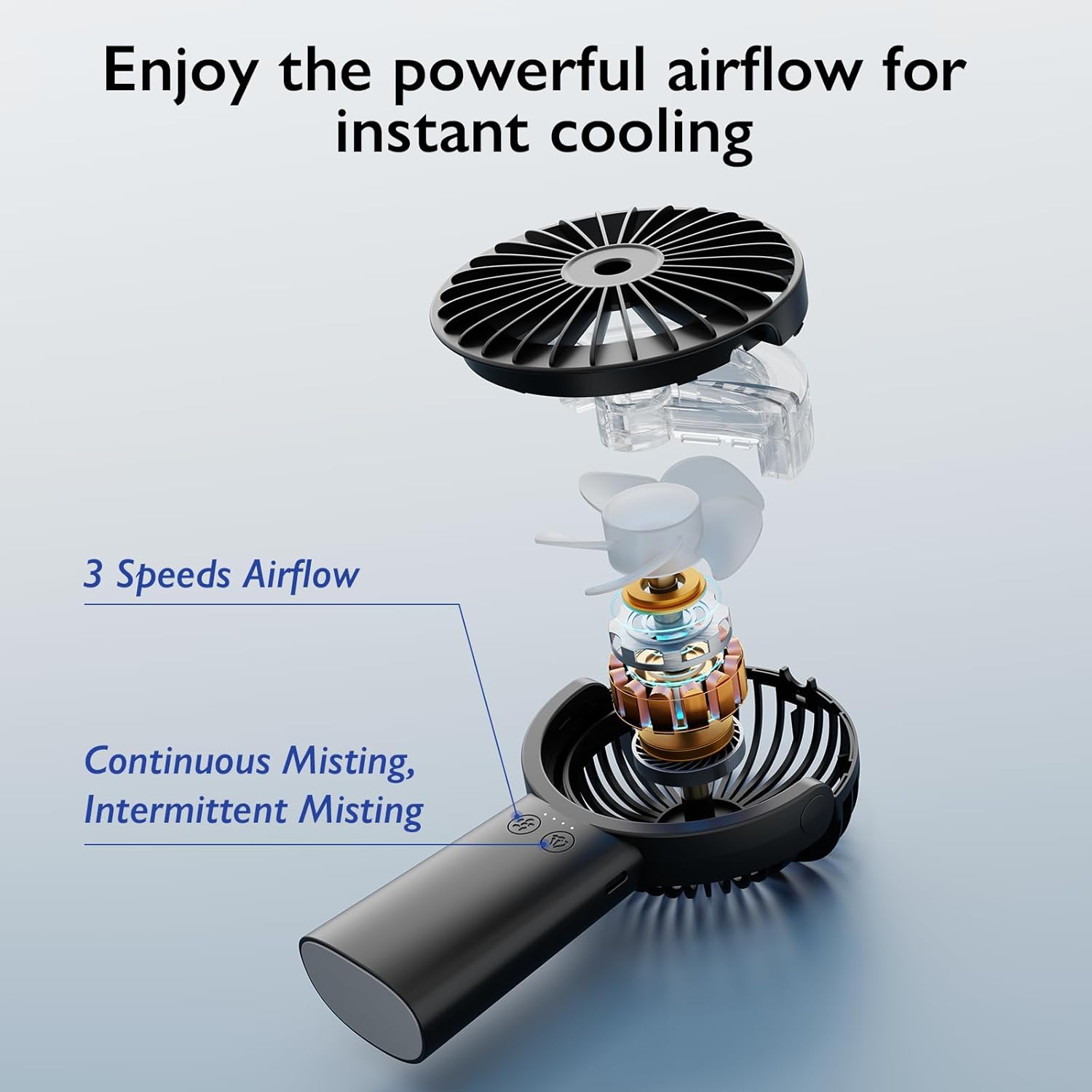
Image: An internal diagram illustrating the fan's three-speed airflow and dual misting modes (continuous and intermittent).
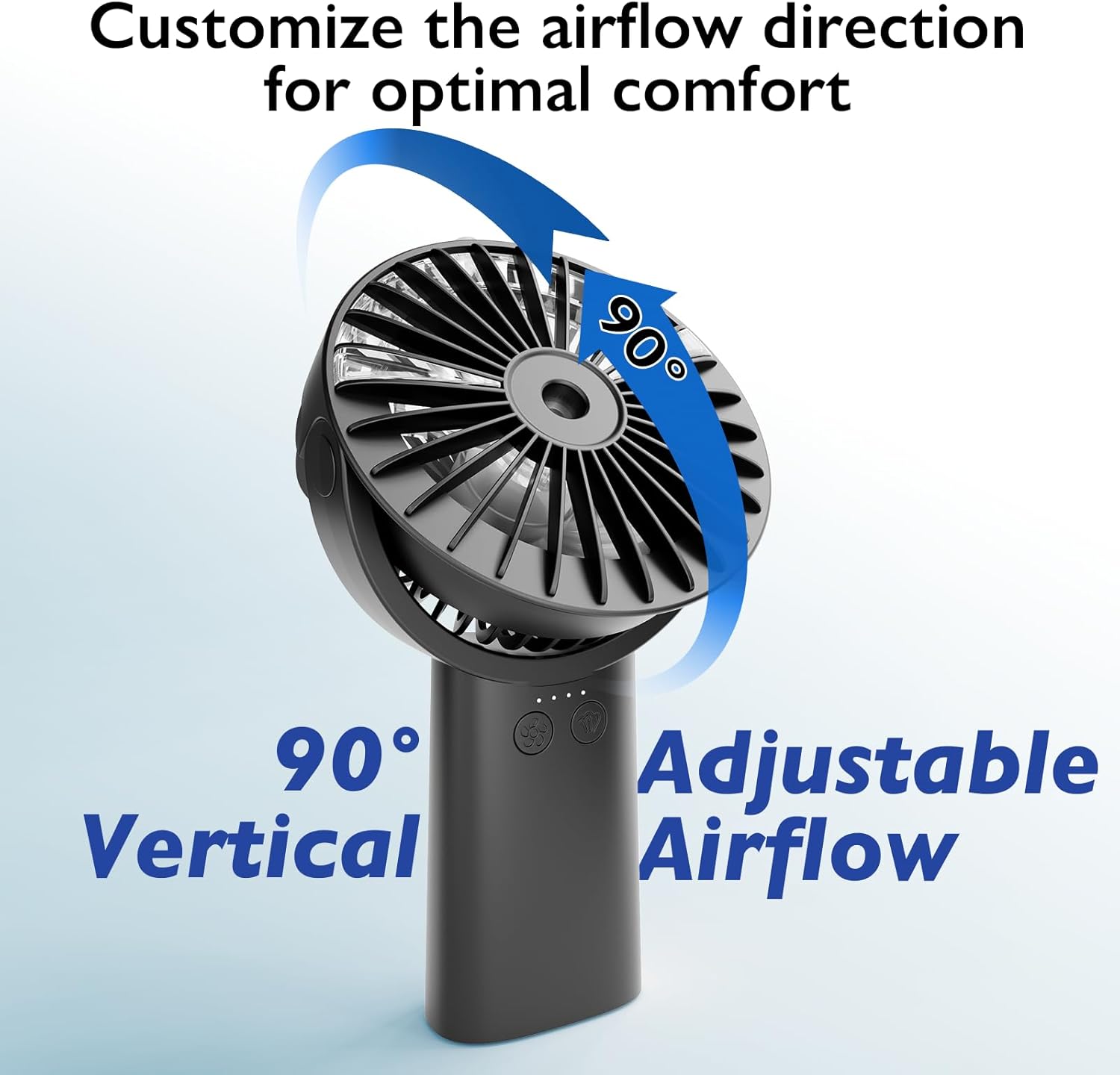
Image: The fan head rotated 90 degrees, highlighting its adjustable airflow direction for optimal comfort.

Image: A visual representation of the fan's two misting modes: continuous mist for 15 minutes and intermittent mist for 30 minutes of working time.
3. Package Contents
Please check the package for the following items:
- HonHey Portable Handheld Misting Fan F11
- USB Charging Cable
- Lanyard
- User Manual

Image: The complete set of items included in the HonHey Handheld Fan package, laid out neatly.
4. Setup
4.1 Charging the Fan
- Connect the provided USB charging cable to the fan's charging port.
- Connect the other end of the USB cable to a compatible USB power source (e.g., wall charger, power bank, laptop, car charger).
- The 4-LED battery indicators will illuminate to show the charging progress. All four lights will be solid when fully charged.
- A full charge typically takes about 4 hours. The fan can be used while charging.

Image: The fan connected to a power source, illustrating different methods for charging the device.
4.2 Filling the Water Tank for Misting
- Locate the water tank cap on the fan.
- Carefully open the cap.
- Fill the 30ml water tank with clean water. Do not overfill.
- Securely close the water tank cap.
5. Operating Instructions
5.1 Power On/Off and Fan Speed Adjustment
- Power On: Press the power button once to turn on the fan at the lowest speed.
- Adjust Speed: Press the power button repeatedly to cycle through the 3 available wind speeds (Low → Medium → High).
- Power Off: After the highest speed, pressing the button again will turn the fan off.
5.2 Misting Function
- Activate Misting: Long press the misting button (usually indicated by a water droplet icon) to turn on the misting function.
- When the fan is operating simultaneously with the misting function, it will spray intermittently to conserve water.
- Deactivate Misting: Long press the misting button again to turn off the misting function.
5.3 Adjusting Fan Head Angle
- The fan head can be manually rotated from 0° to 90° vertically to direct airflow as desired.
6. Maintenance
6.1 Cleaning the Fan
- Ensure the fan is turned off and unplugged before cleaning.
- Use a soft, dry cloth to wipe the exterior of the fan.
- For the fan blades and grille, use a soft brush or cotton swab to gently remove dust and debris. Do not use harsh chemicals or abrasive materials.
6.2 Water Tank Care
- Regularly empty and clean the water tank to prevent mineral buildup and ensure hygienic misting.
- Use a mild detergent and rinse thoroughly with clean water. Allow to air dry completely before refilling.
6.3 Battery Care
- To prolong battery life, avoid fully discharging the battery frequently.
- Store the fan in a cool, dry place when not in use for extended periods.
7. Troubleshooting
- Fan not turning on: Check if the battery is charged. Connect to a power source and try again.
- Misting function not working: Ensure the water tank is filled. Long press the misting button to activate. Check for any blockages in the mist nozzle.
- Weak airflow: Verify the fan speed setting. Ensure the battery is sufficiently charged.
- Unusual noise: Turn off the fan and check for any obstructions around the blades. If the noise persists, contact customer support.
8. Specifications
| Model Name | F11 |
| Brand | HonHey |
| Color | Black |
| Battery Capacity | 4000mAh Lithium Ion |
| Working Time | 4-23 hours (depending on speed) |
| Charging Time | Approx. 4 hours |
| Input | DC 5V/1A-2A |
| Product Dimensions | 1.7"D x 2.2"W x 5"H |
| Item Weight | 11.3 ounces (0.32 Kilograms) |
| Number of Power Levels | 3 |
| Control Method | Touch |
| Special Feature | Adjustable wind speed, Misting function |
| Indoor/Outdoor Usage | Indoor, Outdoor |

Image: An illustration detailing the fan's internal components, including the 30ml water tank, turbine blades, and sound levels for noise reduction.

Image: A visual highlighting the fan's impressive 23-hour maximum working time, powered by its 4000mAh rechargeable battery.
9. Warranty and Support
For warranty information or technical support, please refer to the contact details provided with your product packaging or visit the official HonHey website. Keep your purchase receipt for any warranty claims.