
1. Introduction
The QCY HT10 Ailybuds Pro Plus are advanced wireless earbuds designed for a superior audio experience. They feature Bluetooth 5.3 connectivity, LDAC audio codec for high-resolution sound, adaptive active noise cancellation (ANC), and a 6-microphone system for clear calls. This manual provides essential information for setting up, operating, and maintaining your earbuds.
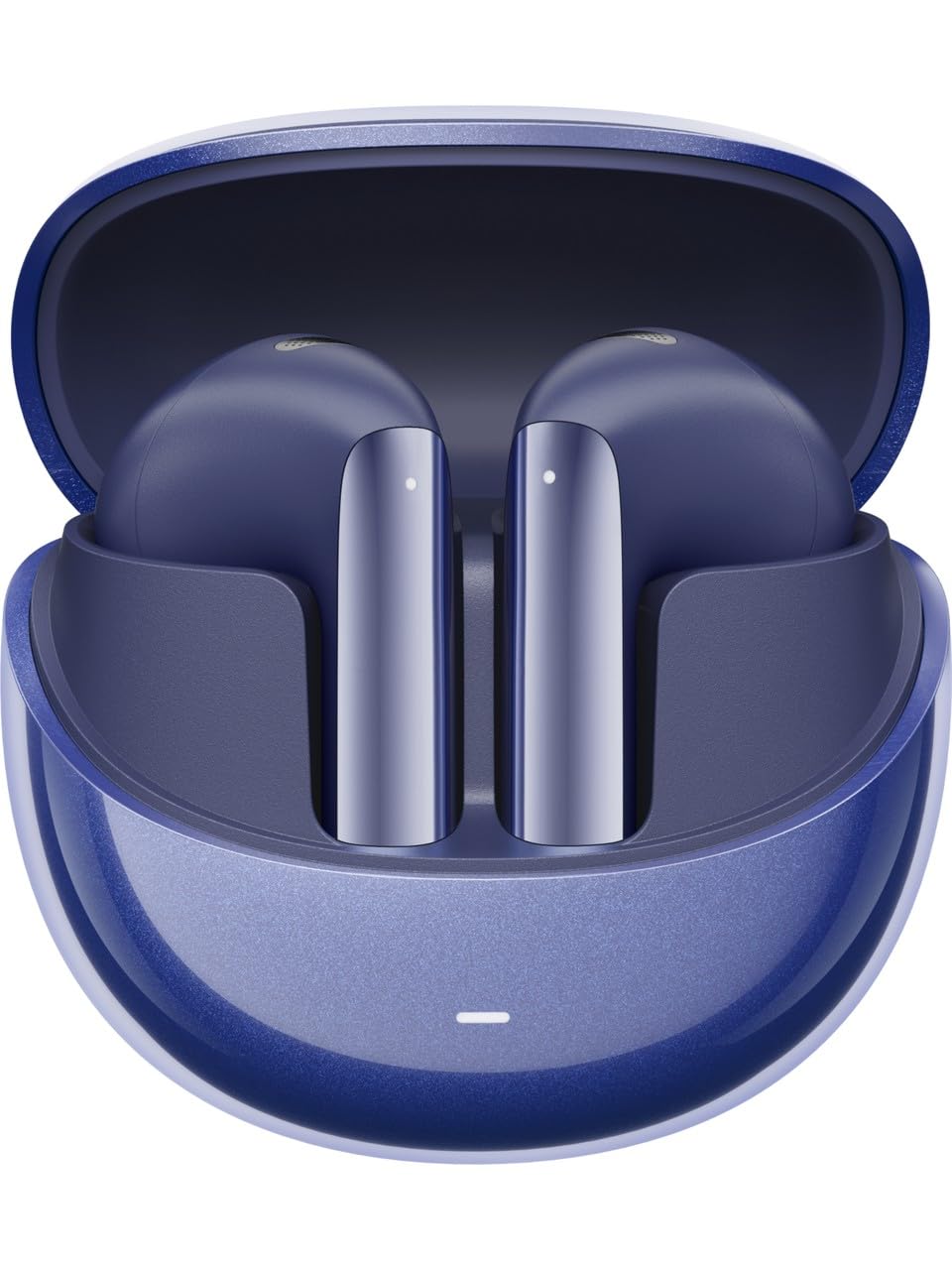
Image 1.1: QCY HT10 Ailybuds Pro Plus earbuds and charging case.
2. What's in the Box
Please check the contents of your package. If any items are missing or damaged, contact your retailer.
- QCY HT10 Ailybuds Pro Plus Earbuds (Left and Right)
- Charging Case
- USB-C Charging Cable
- User Manual
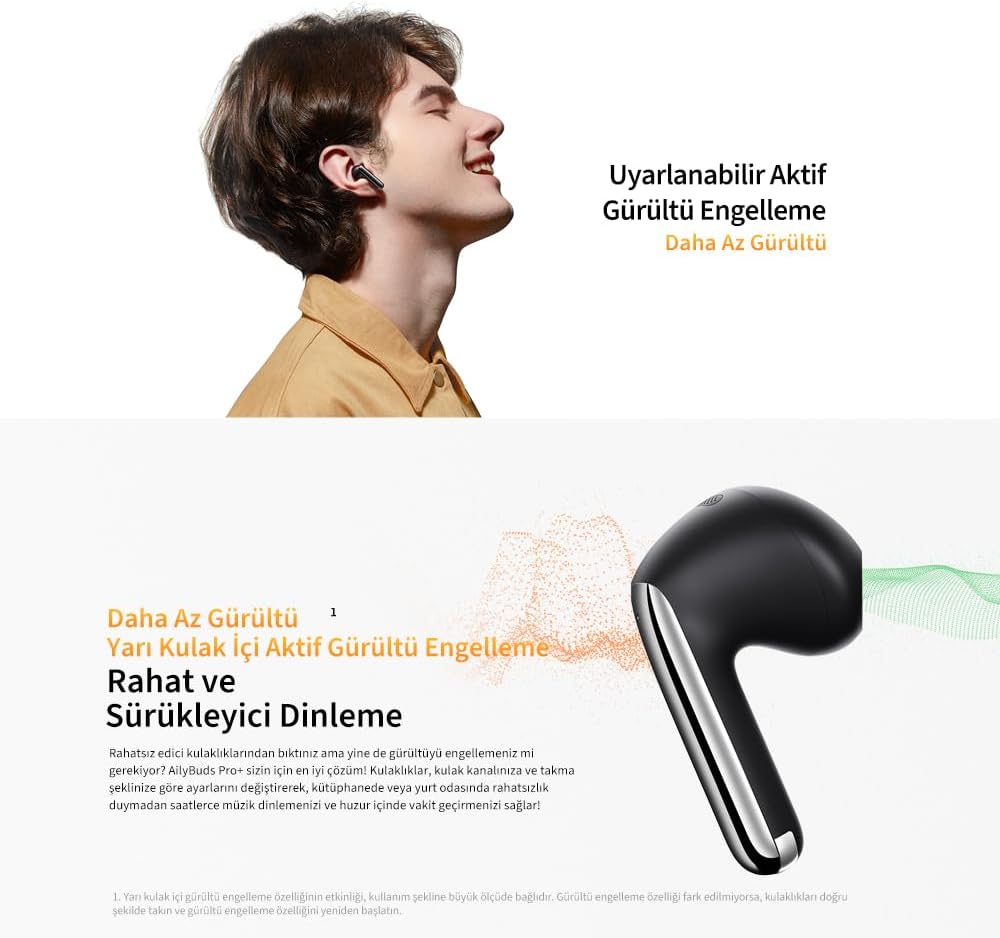
Image 2.1: Earbuds securely placed within the charging case.
3. Setup
3.1 Initial Pairing
- Charge the Earbuds: Before first use, place both earbuds into the charging case and connect the case to a power source using the provided USB-C cable. Ensure the earbuds and case are fully charged.
- Activate Pairing Mode: Open the charging case. The earbuds will automatically enter pairing mode, indicated by a flashing LED light on the earbuds or case.
- Connect via Bluetooth: On your smartphone or device, enable Bluetooth. Search for "QCY Ailybuds Pro Plus" in the list of available devices and select it to connect.
- Confirmation: Once connected, a voice prompt will confirm successful pairing, and the LED indicator will turn off or show a steady light.
3.2 QCY App Installation
For full customization and advanced features, download the official QCY app from your device's app store (compatible with iOS and Android). The app allows for EQ settings, firmware updates, and control over various functions.
4. Operating Instructions
4.1 Wearing the Earbuds
Insert the earbuds gently into your ears. Adjust them for a comfortable and secure fit. The correct fit is crucial for optimal sound quality and active noise cancellation performance.

Image 4.1: Proper placement of the earbud for comfort and sound.
4.2 Touch Controls
The earbuds feature touch-sensitive controls. Specific functions can be customized via the QCY app.
- Play/Pause: Single tap on either earbud.
- Next Track: Double tap on the right earbud.
- Previous Track: Double tap on the left earbud.
- Answer/End Call: Single tap on either earbud.
- Reject Call: Press and hold either earbud for 2 seconds.
- ANC/Transparency Mode Switch: Press and hold either earbud for 2 seconds (customizable).
- Activate Voice Assistant: Triple tap on the left earbud (customizable).
- Gaming Mode: Triple tap on the right earbud (customizable).
4.3 Active Noise Cancellation (ANC)
The HT10 Ailybuds Pro Plus feature adaptive hybrid ANC, which analyzes your environment in real-time to reduce unwanted noise. This provides a more immersive listening experience.

Image 4.2: Demonstrating the noise reduction capability of the earbuds.
4.4 LDAC Hi-Res Audio
These earbuds support LDAC audio codec, enabling high-resolution audio transmission up to 990 kbps with a 96 kHz/24-bit sampling rate. This ensures a rich and detailed sound experience.

Image 4.3: Explanation of LDAC Hi-Res audio for superior sound quality.
4.5 Dual Device Connection
The earbuds can connect to two devices simultaneously, allowing seamless switching between them without needing to re-pair.
4.6 Gaming Mode
Activate Gaming Mode via the QCY app or touch controls to reduce audio latency to 80ms, providing a more synchronized gaming experience.
5. Maintenance
5.1 Charging
The charging case has a 350 mAh battery, and each earbud has a 27 mAh battery. Use the provided USB-C cable to charge the case. The earbuds charge automatically when placed inside the case.
- Earbud Battery Life: Approximately 5 hours with ANC off, 4 hours with ANC on (single charge).
- Total Battery Life (with case): Up to 28 hours with ANC off, 23 hours with ANC on.
5.2 Cleaning
Regularly clean the earbuds and charging case with a soft, dry, lint-free cloth. Avoid using abrasive materials or harsh chemicals. Ensure charging contacts are free of debris.
5.3 Water Resistance
The earbuds are rated IPX5 water-resistant, meaning they can withstand splashes and sweat. They are not designed for submersion in water.
6. Troubleshooting
- No Sound: Ensure earbuds are charged, connected to your device, and volume is up.
- Pairing Issues: Place earbuds back in the case, close and reopen, then try pairing again. Ensure Bluetooth is enabled on your device.
- One Earbud Not Working: Try resetting the earbuds (refer to QCY app or online support for specific reset instructions). Ensure both earbuds are charged.
- ANC Not Effective: Ensure earbuds are properly seated in your ears. Check ANC settings in the QCY app.
- Poor Call Quality: Ensure microphones are not obstructed. Check network signal strength.
For further assistance, refer to the QCY app or the official QCY support website.
7. Specifications
| Feature | Specification |
|---|---|
| Model Name | HT10 Pro Plus |
| Brand | QCY |
| Connectivity Technology | Wireless (Bluetooth 5.3) |
| Wireless Communication Technology | Bluetooth |
| Ear Placement | In-Ear |
| Form Factor | True Wireless |
| Noise Isolation | Adaptive Noise Reduction |
| Special Features | Noise Cancellation, Water Resistant, Dual Device Connection, Gaming Mode, High Definition Audio |
| Water Resistance Level | IPX5 (Waterproof) |
| Control Method | Application |
| Compatible Devices | Mobile phones, tablets |
| Material | Silicone Plastic |
| Item Weight | 4.5 Grams |
| Earbud Battery Capacity | 27 mAh |
| Charging Case Battery Capacity | 350 mAh |
| Charging Port | USB-C |
| Bluetooth Range | 10 meters |
| Earbud Dimensions | 19.9 x 18.4 x 33.7 mm |
| Charging Case Dimensions | 51 x 51 x 28.2 mm |
8. Warranty and Support
QCY products are covered by a limited warranty. For detailed warranty information, product support, and frequently asked questions, please visit the official QCY website or contact your local distributor. Keep your purchase receipt for warranty claims.

