
1. Product Overview
The Chamberlain myQ Wireless Garage Door Keypad (Model CH348) provides convenient and secure walk-in access to your garage without the need for a remote control or physical key. This keypad features improved wireless programming for quick setup, an illuminated keypad for visibility in low light, and a one-touch close button for efficient exits. It also supports temporary PINs for guest access and incorporates advanced encryption to protect your access codes.
Key Features
- Compatible with Chamberlain, LiftMaster, and most Craftsman garage door openers manufactured after 1997 with safety sensors.
- Allows creation of temporary PINs for limited access by guests or service providers.
- Features new and improved wireless programming for seamless setup without electrical connections.
- Designed to withstand various weather conditions, including rain, snow, and extreme temperatures.
- Utilizes ultra-secure encryption to protect remote codes, enhancing security.
- Includes a backlit keypad for improved visibility during nighttime use.
- Offers a one-touch close button for quick and convenient garage door closure.
Package Contents
- Wireless Keypad
- 9V Battery (pre-installed or included separately)
- Installation Hardware
- Product Set Up Insert (detailed instructions)
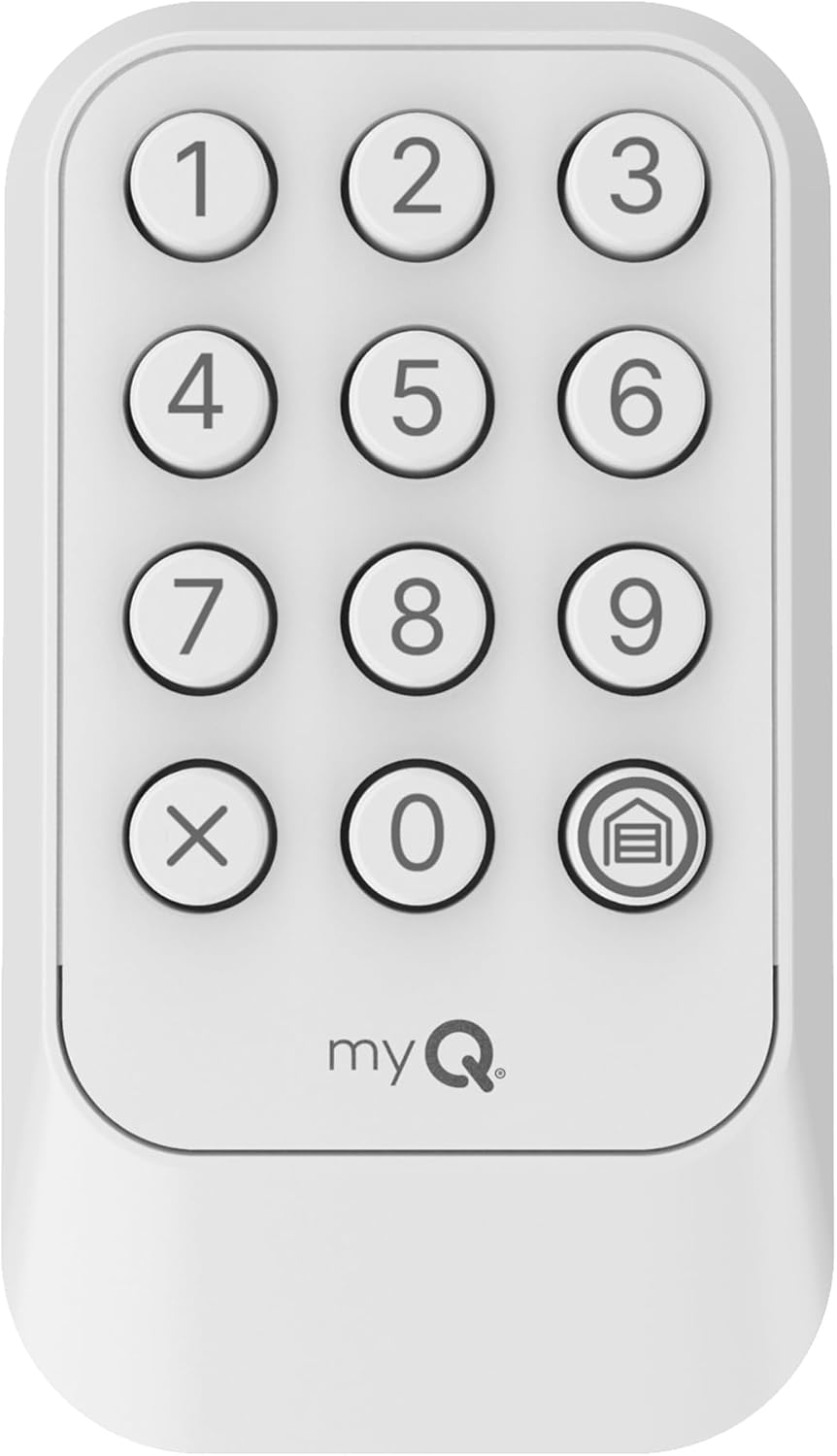
Image 1.1: Front view of the Chamberlain myQ Wireless Garage Door Keypad, showing the numbered buttons and the myQ logo.
2. Setup and Installation
2.1 Battery Installation
The keypad requires one 9V alkaline battery, which is typically included. To install or replace the battery:
- Open the battery compartment cover, usually located on the back or bottom of the keypad.
- Insert the 9V battery, ensuring correct polarity (+/-).
- Securely close the battery compartment cover.
2.2 Mounting the Keypad
The keypad is designed for self-adhesive installation. Choose a convenient location outside your garage, ensuring it is within range of your garage door opener and at a height accessible to all users. Avoid mounting directly in sunlight or where it will be exposed to excessive moisture.
- Clean the mounting surface thoroughly to ensure proper adhesion.
- Remove the protective backing from the self-adhesive strips on the back of the keypad.
- Press the keypad firmly against the desired surface for at least 30 seconds.
- For additional security, use the provided installation hardware (screws) if desired.
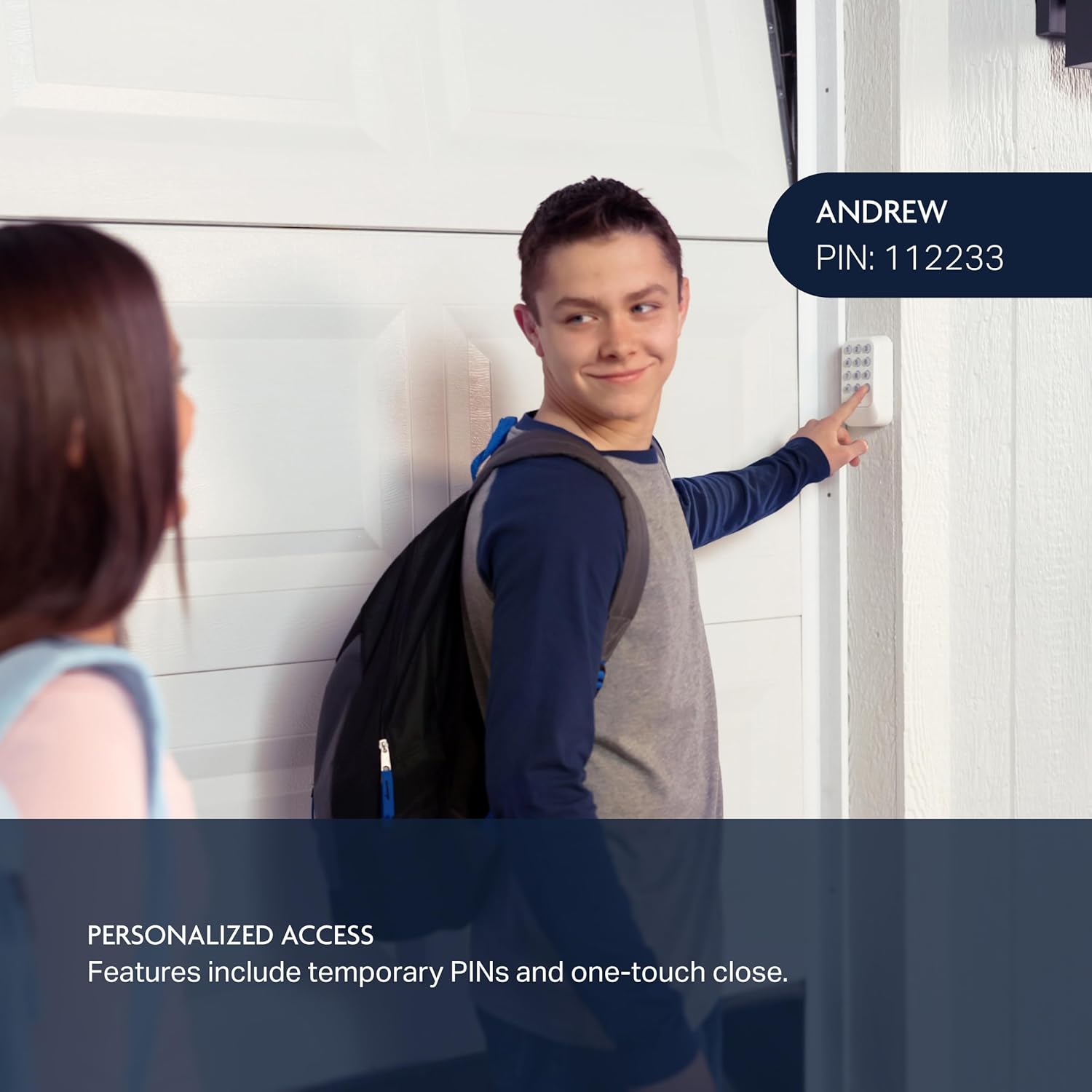
Image 2.1: A person installing the keypad on a wall next to a garage door, demonstrating the ease of setup.
2.3 Programming the Keypad
The Chamberlain myQ Wireless Garage Door Keypad is compatible with Chamberlain, LiftMaster, and most Craftsman garage door openers manufactured after 1997 that feature safety sensors. Refer to the 'Product Set Up Insert' included in your package for the most accurate and detailed programming instructions specific to your garage door opener's learn button color.
A general programming sequence often involves:
- Locate the 'Learn' button on your garage door opener motor head. Note its color (e.g., red, orange, purple, yellow, green, white).
- On the keypad, press and hold the '0' and '3' buttons simultaneously until the keypad's backlight becomes solid.
- Enter your desired 4-digit Personal Identification Number (PIN).
- Press the 'Home' button (the button with the house icon) twice.
- Immediately press and release the 'Learn' button on your garage door opener motor head.
- Within 30 seconds, press the 'Home' button on the keypad repeatedly until the garage door opener activates (lights flash or door moves). This may require several presses.
- Test your new PIN by entering it and pressing the 'Home' button. The garage door should operate.
Note: If programming difficulties arise, consult the specific instructions provided with your keypad or visit the Chamberlain support website. Some users have reported success by continuously pressing the 'Home' button after the initial programming steps until the opener responds.
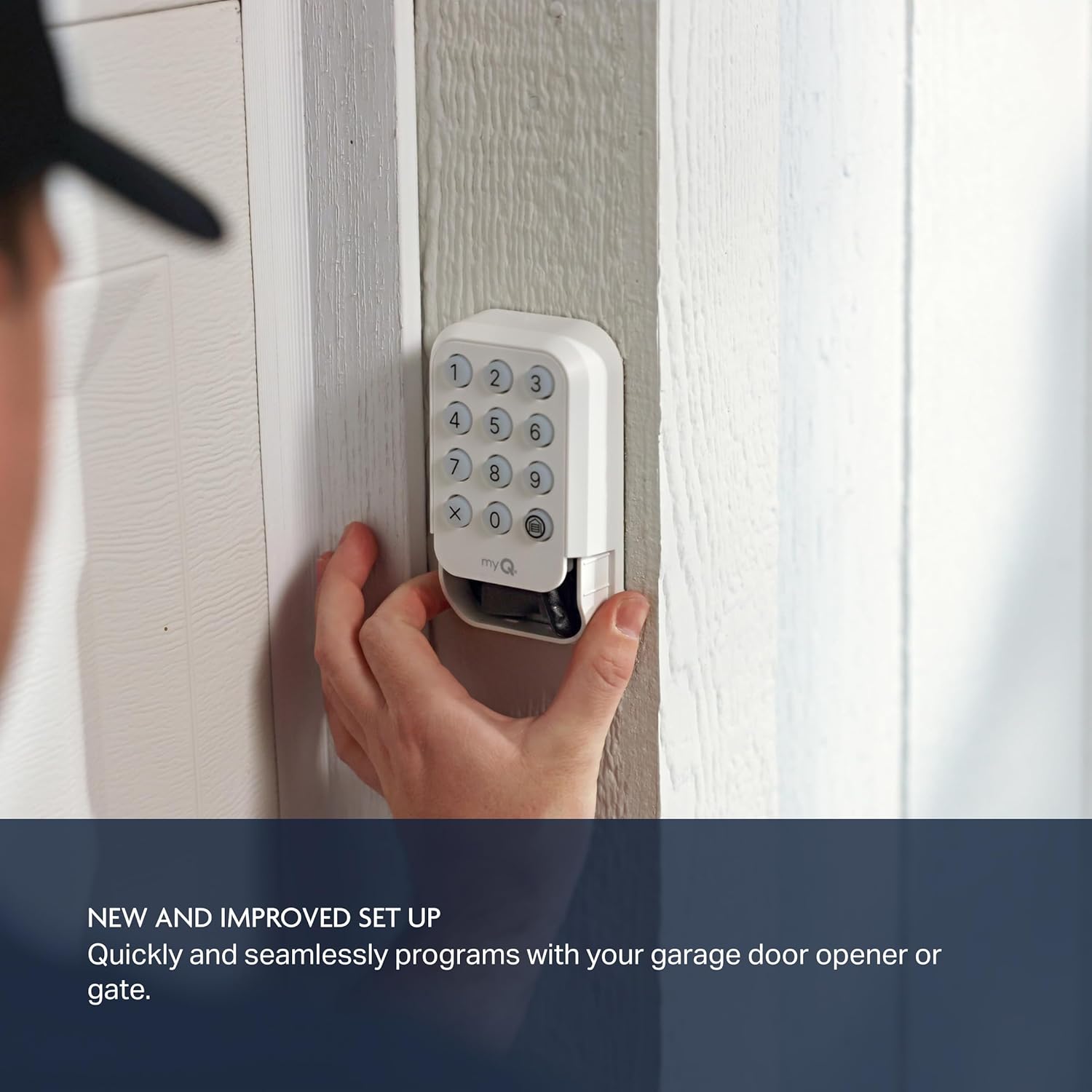
Image 2.2: The keypad is compatible with various garage door opener brands and learn button colors.
3. Operating Your Keypad
3.1 Opening and Closing the Garage Door
To operate your garage door using the keypad:
- Enter your 4-digit personal PIN.
- Press the 'Home' button (house icon).
- The garage door will begin to open or close.
3.2 Creating Temporary PINs
The keypad allows you to create temporary PINs for guests, dog walkers, or service personnel, providing limited access without sharing your primary PIN. Refer to the 'Product Set Up Insert' for detailed instructions on setting and managing temporary PINs.
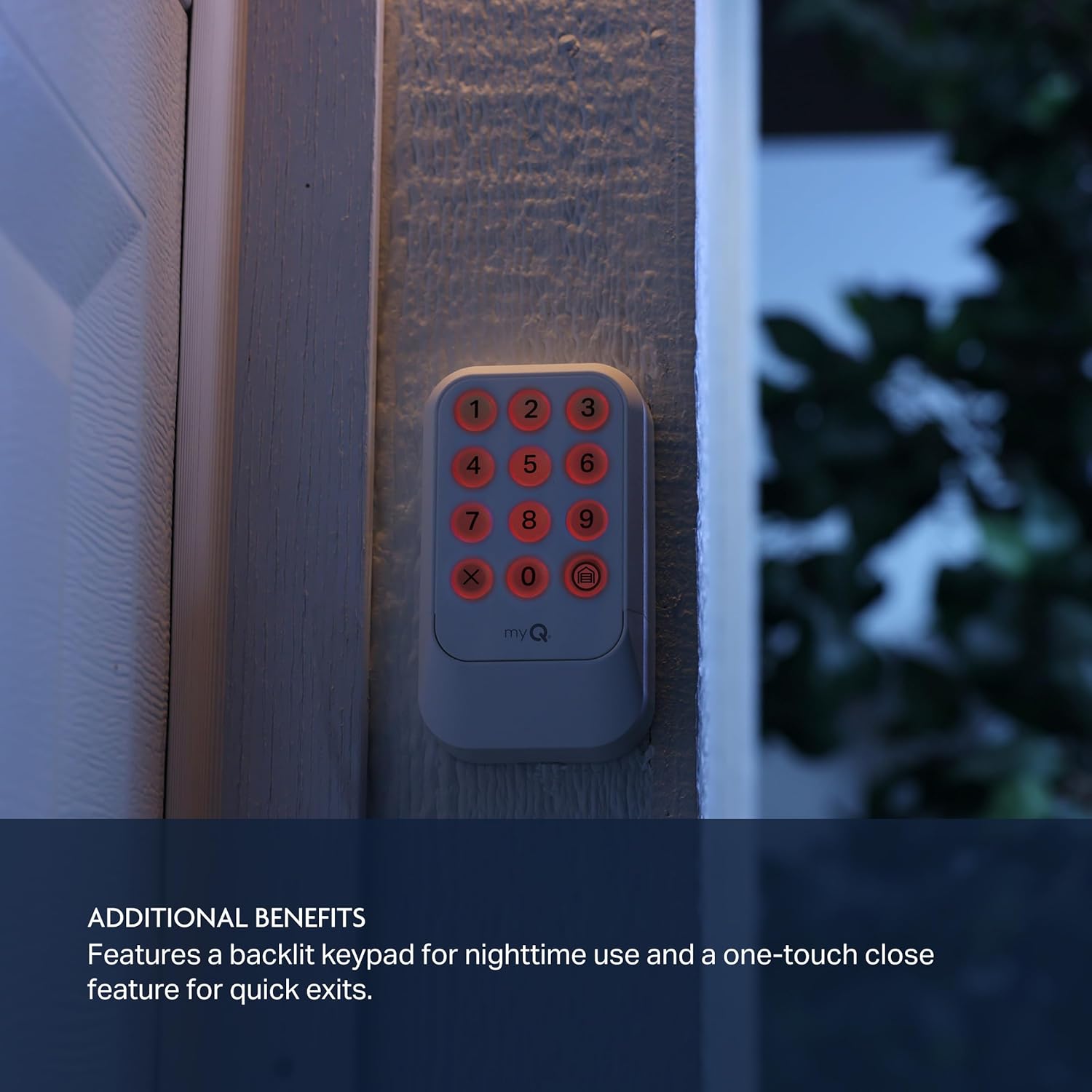
Image 3.1: The keypad offers personalized access with temporary PINs for various users.
3.3 One-Touch Close Function
For quick exits, the keypad features a one-touch close function. After entering your PIN and pressing the 'Home' button to open the door, the keypad's backlight will flash for approximately 10-15 seconds. During this grace period, you can press the 'Home' button again to close the door without re-entering your PIN. If the backlight is no longer flashing, you will need to re-enter your PIN to operate the door.
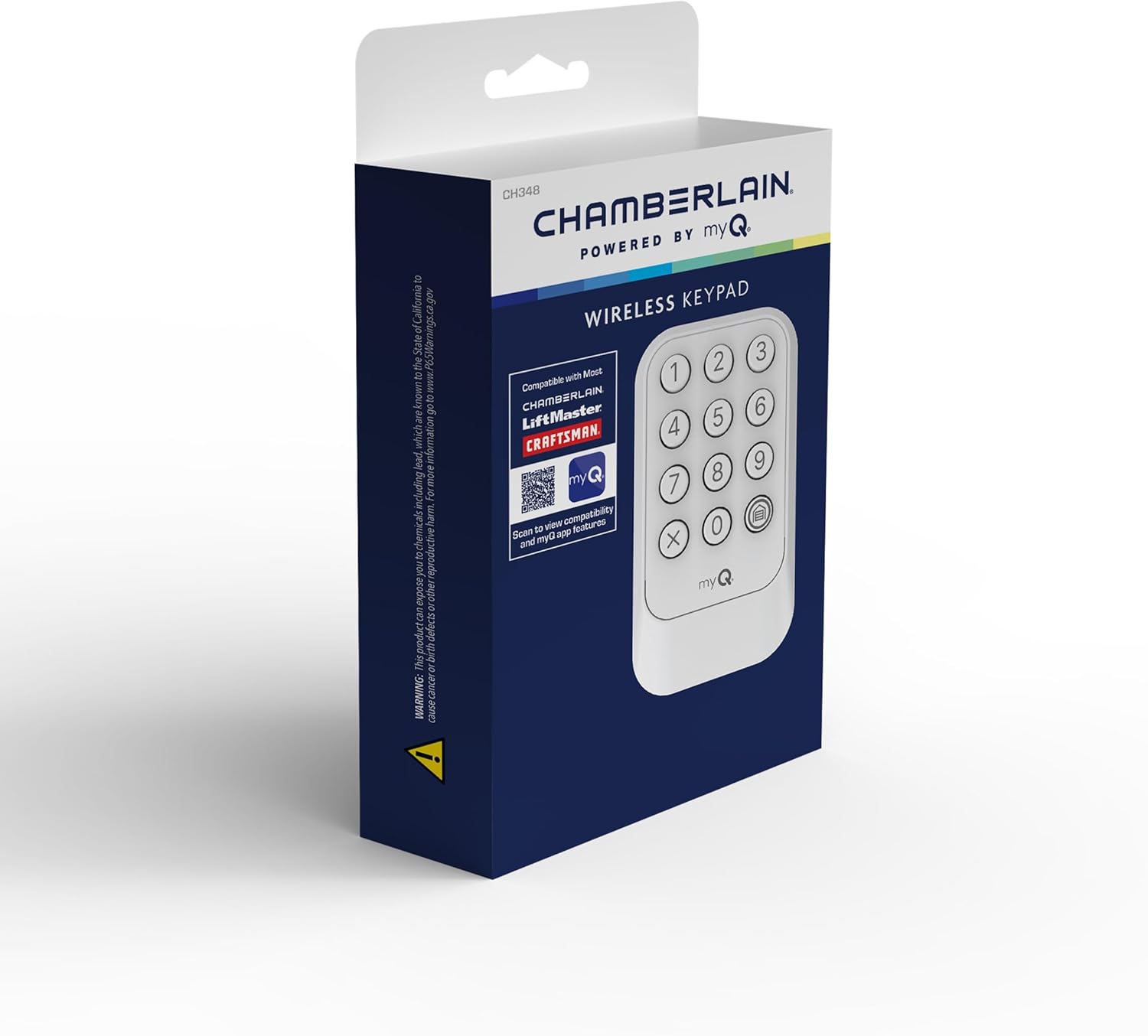
Image 3.2: The keypad features a backlit display for easy use in low-light conditions.
4. Maintenance
4.1 Battery Replacement
When the keypad's backlight dims or the keypad becomes unresponsive, it is time to replace the 9V battery. Follow the battery installation steps in Section 2.1.
4.2 Cleaning
To clean the keypad, use a soft, damp cloth. Avoid abrasive cleaners or solvents, as these can damage the keypad's surface or internal components. Ensure the keypad is dry before use.

Image 4.1: The keypad is designed to be weather-resistant, protecting it from rain and other elements.
5. Troubleshooting
If you encounter issues with your Chamberlain myQ Wireless Garage Door Keypad, consider the following common troubleshooting steps:
- Keypad Not Responding: Check the battery. Replace the 9V battery if it is low or depleted.
- Programming Failure: Ensure you are following the specific programming steps for your garage door opener's learn button color as outlined in the 'Product Set Up Insert'. Verify that the learn button on your opener was pressed correctly and that you are pressing the keypad's 'Home' button repeatedly within the specified timeframe after pressing the opener's learn button.
- Intermittent Operation: This could indicate a low battery or interference. Try replacing the battery. Ensure there are no obstructions between the keypad and the garage door opener.
- One-Touch Close Not Working: Remember that the one-touch close function is only active for a short period (10-15 seconds) after the door has been opened using the keypad. If the backlight is no longer flashing, you must re-enter your PIN.
- Range Issues: Ensure the keypad is mounted within effective range of your garage door opener. Repositioning the keypad slightly may help.
For persistent issues, refer to the detailed troubleshooting guide in your product's setup insert or contact Chamberlain customer support.
6. Product Specifications
| Brand | CHAMBERLAIN |
| Model Number | CH348 |
| Dimensions (L x W x H) | 1.24 x 2.89 x 4.97 inches |
| Item Weight | 7 ounces (0.2 Kilograms) |
| Power Source | Battery Powered (1 x 9V Alkaline battery included) |
| Compatible Devices | Chamberlain, LiftMaster, Craftsman garage door openers (manufactured after 1997 with safety sensors) |
| Connectivity Technology | Wireless |
| Installation Type | Self-Adhesive (with optional screw mounting) |
| Control Method | Push Button |
7. Safety Information
Please read and understand all safety warnings and instructions before installing and operating this product. Failure to follow these instructions may result in serious injury or property damage.
- Always keep remote controls and keypads out of reach of children.
- Never permit children to operate or play with the garage door opener controls.
- Keep the garage door in sight while operating the keypad.
- Ensure the garage door is fully closed before leaving the premises.
- Do not attempt to repair the keypad yourself. Refer to qualified service personnel.
- Dispose of batteries properly according to local regulations.
8. Warranty and Support
For warranty information, technical support, or to purchase replacement parts, please refer to the documentation included with your product or visit the official Chamberlain website. Keep your purchase receipt as proof of purchase for warranty claims.


