
Introduction
This manual provides detailed instructions for replacing the screen on your Samsung Galaxy Note 20 Ultra 5G. Please read all instructions carefully before beginning the replacement process to ensure proper installation and prevent damage to your device. Adherence to these guidelines will help minimize potential issues and ensure your phone functions correctly after the screen replacement.
Important: This product is specifically designed for Samsung Galaxy Note 20 Ultra models SM-N985F and SM-N985F/DS. Using an incorrect screen model may lead to installation failure or functional impairment.
Setup and Installation

Image: ARSSLY Samsung Galaxy Note 20 Ultra OLED screen replacement kit, showing the 6.9-inch screen, OLED type, 1440*3088 pixel resolution, and included disassembly tools.
1. Confirm Compatibility
Before proceeding, verify your device's exact model. Navigate to "General Settings" then "Model Name Information" on your phone to confirm it is SM-N985F or SM-N985F/DS. This screen is not compatible with other models.
2. Prepare Tools
Ensure you have the necessary specialized disassembly tools. These typically include precision screwdrivers, suction cups, and spudgers. These tools facilitate a safer and more efficient screen replacement process. The kit includes a disassembly tool card, suction cup, pry tools, and screwdrivers.
3. Power Off Device
Completely shut down your phone. If applicable, remove the battery or disconnect power to prevent electrostatic discharge (ESD) damage to internal components during the repair.
4. Handle with Care
Gently dismantle your old screen. Avoid applying excessive force to prevent damage to the screen connectors or the phone chassis. Following the correct disassembly sequence is crucial. Refer to online video tutorials for visual guidance.
5. Functionality Test
Before fully reassembling your device, connect the new screen replacement kit (digitizer LCD) and boot up your phone. Test all functions, including touch sensitivity, display quality, front/rear cameras, and sensors, to confirm everything operates as intended. If any issues arise, disconnect and recheck connections.
6. Professional Installation Consideration
If you lack confidence in performing the replacement yourself, it is advisable to seek professional repair services. This can prevent more severe device damage or safety hazards from improper handling.
For detailed visual instructions, it is recommended to watch screen replacement tutorial videos on platforms like YouTube before beginning the installation.
Operating the New Display
Once installed, your new ARSSLY OLED display offers superior visual performance. The OLED technology provides exclusive colors, high brightness, high saturation, and excellent resolution, ensuring high-quality images and videos with a good contrast ratio.
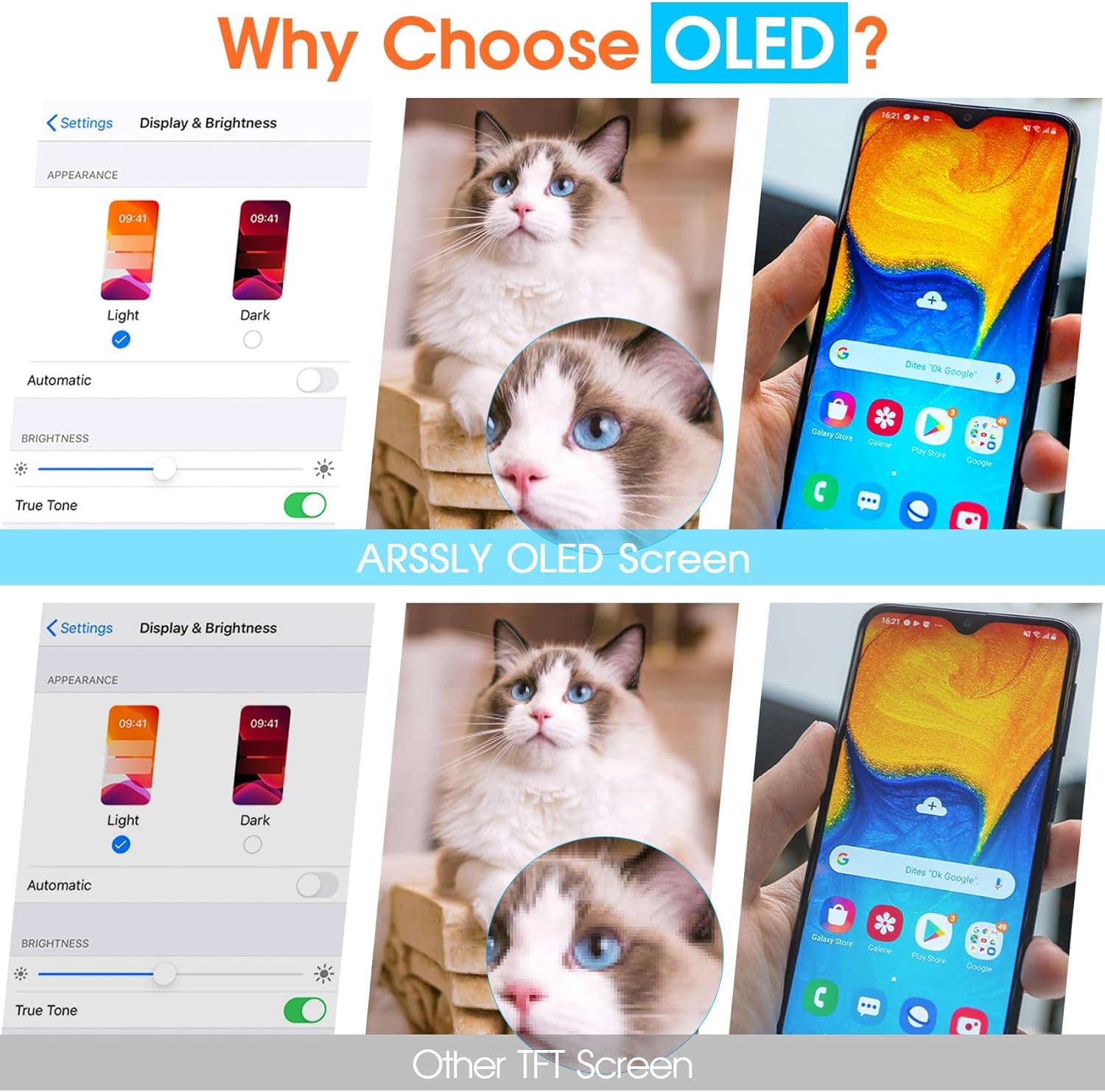
Image: Visual comparison demonstrating the superior display quality and color reproduction of an OLED screen (top) versus a TFT screen (bottom).

Image: Illustrates the 'No Backlight' advantage of OLED screens compared to TFT, showing better performance in various lighting conditions and vibrant display.
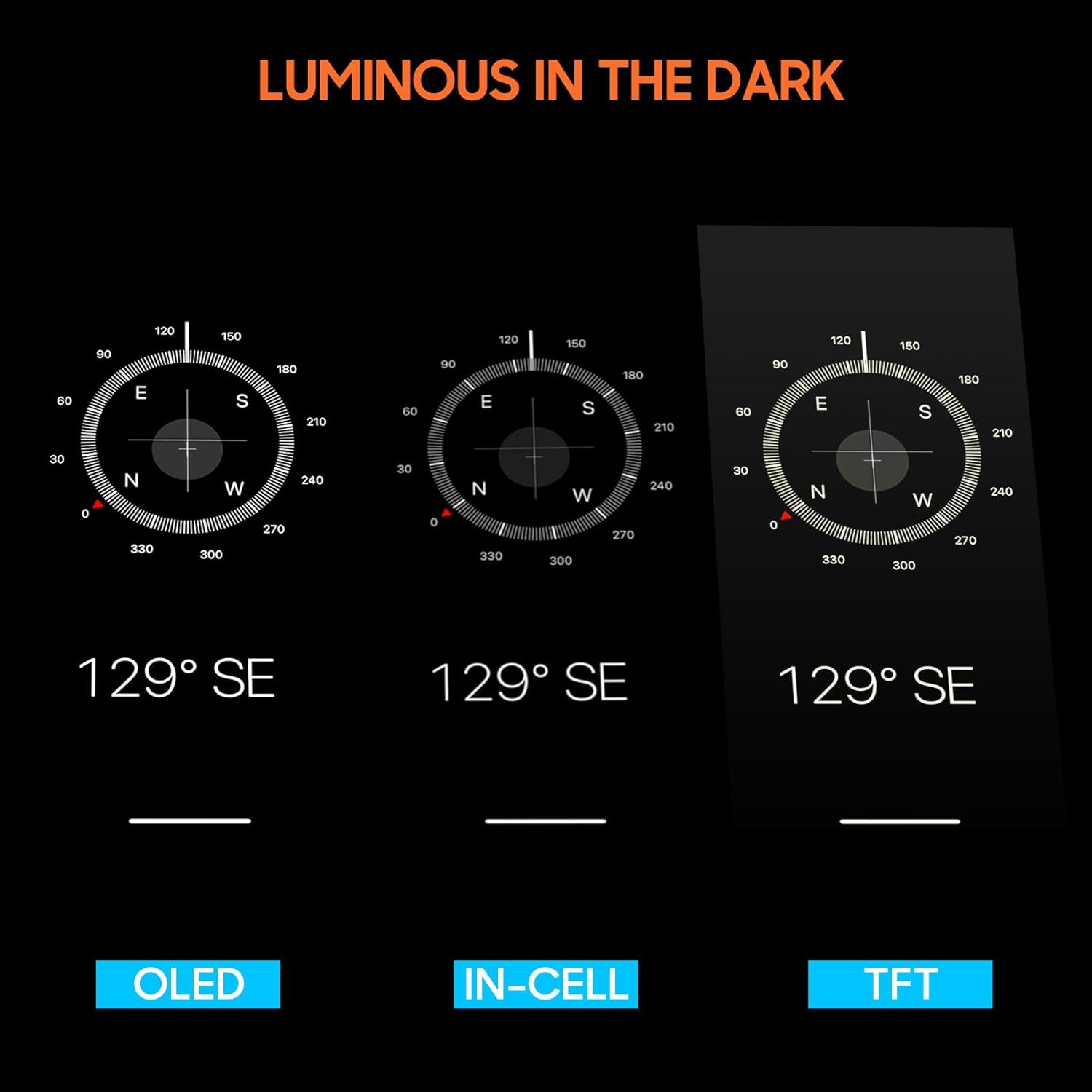
Image: Demonstrates the superior luminosity and clarity of OLED screens in dark environments compared to IN-CELL and TFT technologies.
Display Features:
- True Colors: Experience accurate and vibrant color reproduction.
- High Brightness: Clear visibility even in bright conditions.
- High Saturation: Rich and deep colors for an immersive viewing experience.
- Optimal Resolution: Enjoy sharp and detailed visuals at 1440*3088 pixels.
- Responsive Touch: The digitizer ensures precise and smooth touch interactions.
Maintenance
To ensure the longevity and optimal performance of your new screen, follow these maintenance guidelines:
- Cleaning: Use a soft, lint-free cloth, slightly dampened with water or a screen-specific cleaner, to gently wipe the screen. Avoid harsh chemicals or abrasive materials.
- Protection: The surface of the LCD digitizer display is protected by durable tempered glass. For additional protection against scratches and impacts, consider applying a high-quality screen protector.
- Avoid Extreme Conditions: Protect your device from extreme temperatures, direct sunlight for prolonged periods, and excessive moisture.
- Careful Handling: Avoid dropping your phone or placing heavy objects on the screen.
Troubleshooting
If you encounter issues after installation, refer to the following common troubleshooting steps:
- Screen Not Turning On:
- Ensure all flex cables are securely connected to the motherboard.
- Verify the battery is charged and properly connected.
- Perform a hard reset on your device (refer to your phone's official manual for specific steps).
- Touch Not Responding or Inaccurate:
- Check the digitizer flex cable connection.
- Ensure there is no debris or liquid between the screen and the frame.
- Restart your phone.
- Display Issues (Lines, Dead Pixels, Discoloration):
- Inspect the display flex cable for any damage or improper connection.
- If the issue persists after rechecking connections, the screen itself might be faulty. Contact customer support.
- Screen Flickering:
- Ensure all connections are firm.
- Check for any physical damage to the flex cables.
- Compatibility Issues:
- Double-check your phone's model number against the compatible models (SM-N985F, SM-N985F/DS). An incompatible screen will not function correctly.
If these steps do not resolve the issue, please contact ARSSLY customer support for further assistance.
Specifications

Image: The ARSSLY screen displaying an ultra-clear, high-definition image, emphasizing its visual quality.
| Feature | Detail |
|---|---|
| Product Name | ARSSLY OLED Screen Replacement |
| Compatible Models | Samsung Galaxy Note 20 Ultra 5G (SM-N985F, SM-N985F/DS) |
| Screen Type | OLED |
| Screen Size | 6.9 inches |
| Resolution | 1440*3088 pixels |
| Package Dimensions | 7.52 x 4.06 x 1.34 inches |
| Item Weight | 5.9 ounces |
| Manufacturer | ARSSLY |
Warranty and Support
ARSSLY is committed to providing quality products and customer satisfaction. Our screen replacement kits undergo rigorous double quality control tests and are safely packaged before shipping.
If you encounter any problems with this replacement LCD display screen for Samsung Note 20 Ultra, or if you face any difficulties during installation, please do not hesitate to contact us directly. Our seasoned and professional support team will assist you within 24 hours.
For support, please visit the ARSSLY official website or contact us through the platform where you purchased the product.