
1. Important Safety Instructions
Please read all instructions carefully before using the projector and retain this manual for future reference. Improper use may result in electric shock, fire, or other hazards.
- Do not block the ventilation openings. Ensure adequate space around the projector for proper airflow.
- Do not expose the projector to rain or moisture to prevent fire or electric shock.
- Avoid looking directly into the projector lens when the lamp is on, as the bright light can cause eye damage.
- Use only attachments/accessories specified by the manufacturer.
- Unplug the projector during lightning storms or when unused for long periods.
- Do not attempt to repair this product yourself. Refer all servicing to qualified service personnel.
2. Setup Guide
2.1 What's in the Box
Verify that all items are present in the package:
- HOMPOW Mini Projector
- Remote Control
- Power Adapter
- HDMI Cable
- User Manual
- Warranty Card

Image: The HOMPOW Mini Projector shown with its remote control, power adapter, and HDMI cable.
2.2 Initial Setup
2.2.1 Power Connection
- Connect the power adapter to the projector's power input port.
- Plug the power adapter into a suitable electrical outlet.
2.2.2 Placement and Focus
Position the projector on a stable, flat surface. For optimal viewing, place it perpendicular to the projection surface (wall or screen).
- Projection Distance: The recommended projection distance ranges from 3.49 feet to 7.26 feet.
- Image Size: This allows for an image size between 40 inches and 120 inches.
- Focus Adjustment: Rotate the focus ring on the projector lens until the image appears clear and sharp.

Image: Visual comparison demonstrating the clarity of 1080P Full HD supported resolution versus 480P.
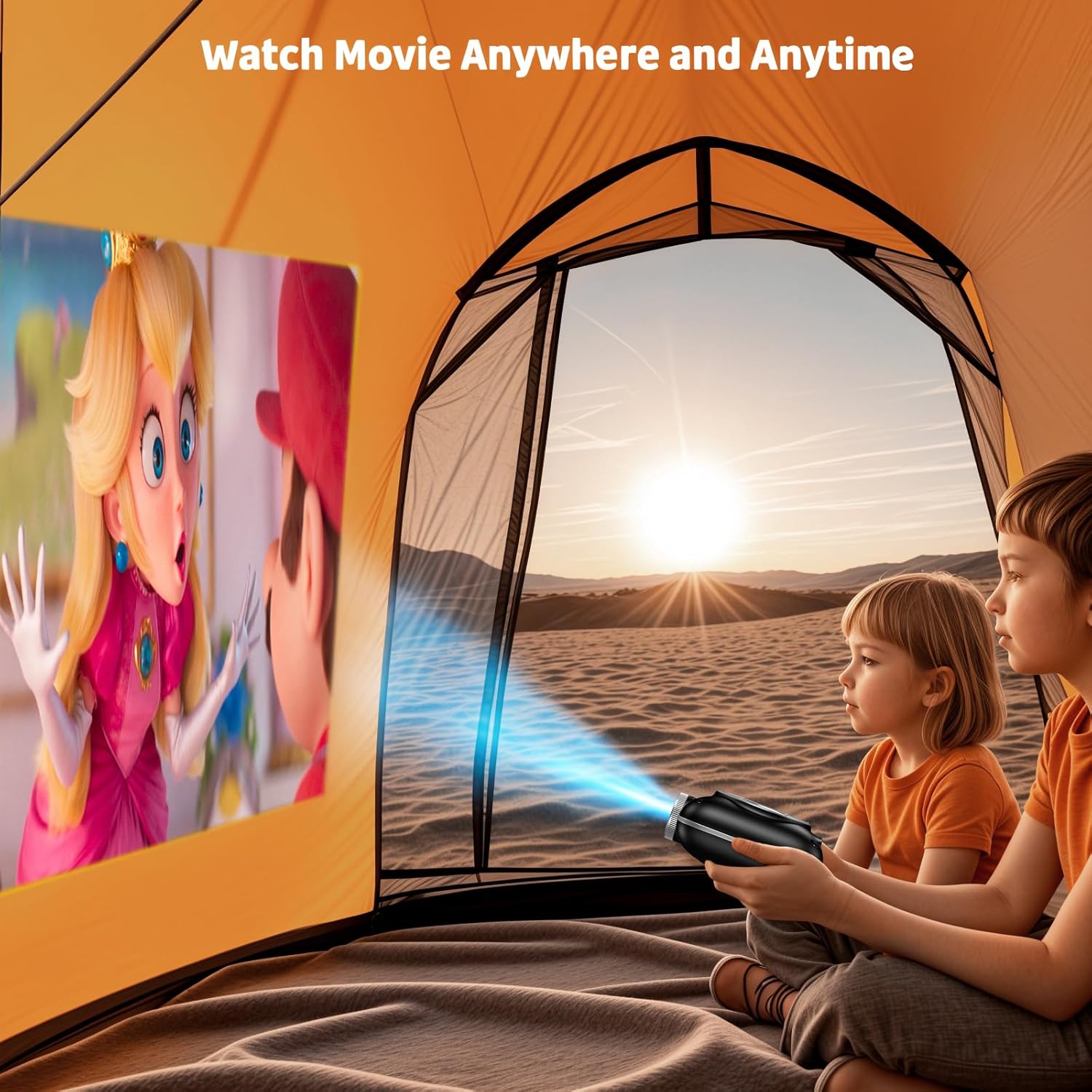
Image: The compact projector projecting a movie inside a tent, highlighting its portability for outdoor use.
3. Operating Instructions
3.1 Power On/Off
Press the power button on the projector or the remote control to turn the device on or off. The projector features an auto-off timer for convenient screen time management.
3.2 Connectivity
The HOMPOW Mini Projector offers multiple connectivity options:
- HDMI 2.0 Port: Connect to laptops, TV sticks, gaming consoles (PS4, PS5), and other HDMI-enabled devices using the included HDMI cable.
- USB 2.0 Port: Connect USB drives for media playback.
- Two-Way Bluetooth 5.1: Connect external Bluetooth speakers for enhanced audio or use the projector as a Bluetooth speaker to play music from your phone.

Image: The projector highlighting its wireless connectivity features, including WiFi and Bluetooth.

Image: A visual guide illustrating how to connect various devices such as smartphones, tablets, TV sticks, laptops, PS3/PS4, headphones, and USB drives to the projector.
3.3 Screen Mirroring
To mirror your smartphone or tablet screen:
- For Android Phones: Use a Micro USB/Type-C to HDMI adapter (sold separately).
- For iPhones/iPads: Use a Lightning to HDMI adapter (sold separately).
- For Streaming Services: Plug in a TV stick (sold separately) for Netflix/Hulu and other HDCP-compliant streaming platforms.
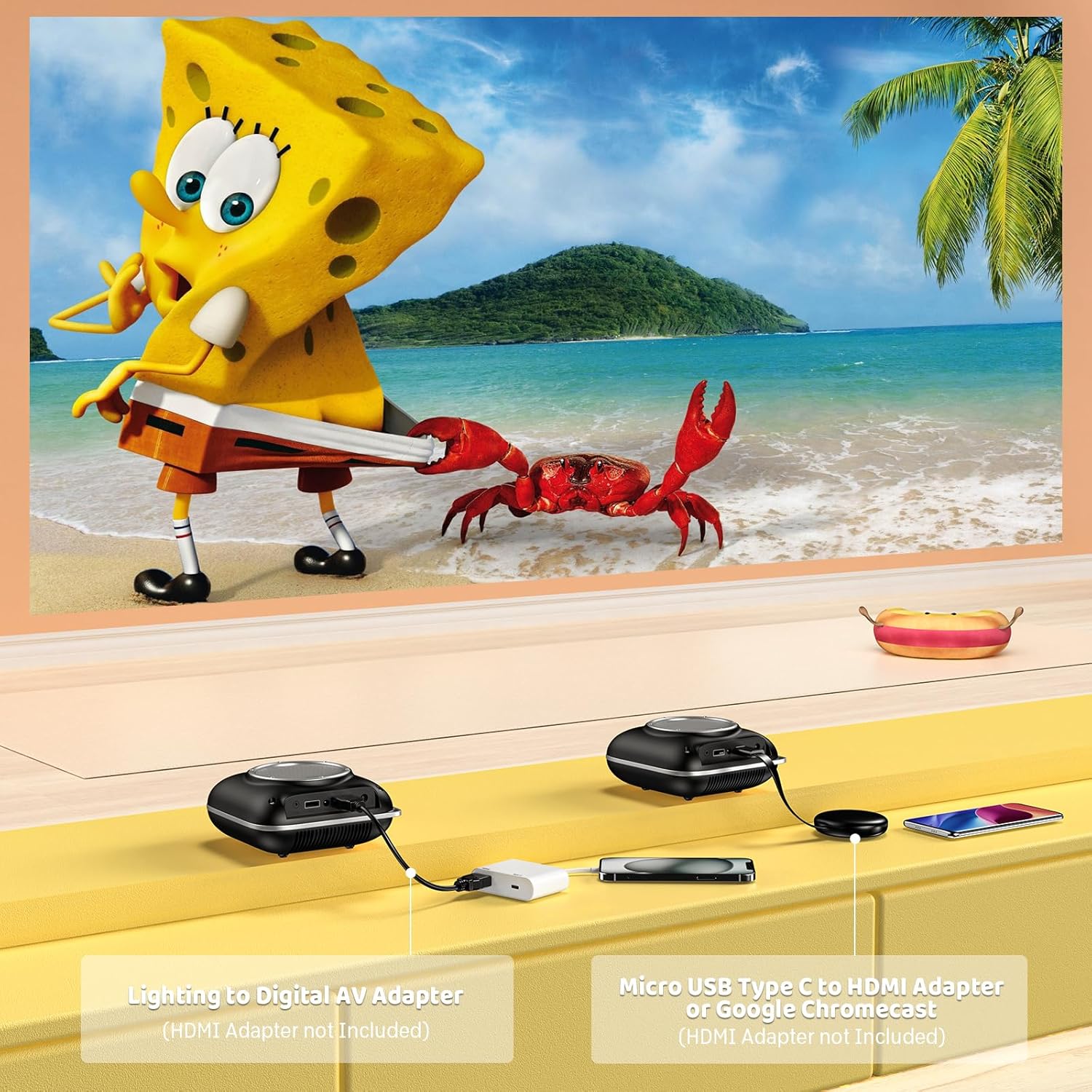
Image: Instructions for connecting mobile devices to the projector using Lightning to Digital AV Adapter for iOS and Micro USB Type-C to HDMI Adapter or Google Chromecast for Android.
3.4 Audio Output
The projector features built-in 5W high-powered stereo speakers. For enhanced sound, utilize the bidirectional Bluetooth 5.1 to connect to external Bluetooth speakers or headphones.

Image: Diagram showing the projector's two-way Bluetooth functionality, allowing connection to an external speaker or functioning as a Bluetooth speaker for a phone.
3.5 Projection Size and Zoom
The projector supports a projection size from 40 to 120 inches. Use the 50%-100% zoom function to adjust the image size without moving the projector.

Image: A visual representation of the 50%-100% zoom function, showing how the projected image size can be adjusted.
4. Maintenance
4.1 Cleaning
- Lens: Use a soft, lint-free cloth specifically designed for optical lenses. Do not use abrasive cleaners.
- Exterior: Wipe the projector's exterior with a soft, dry cloth. Avoid using harsh chemicals or solvents.
- Ventilation: Ensure ventilation openings are free from dust and debris to prevent overheating.
4.2 Storage
When not in use, store the projector in a cool, dry place, away from direct sunlight and extreme temperatures. Use the original packaging or a protective case to prevent dust accumulation and damage.
5. Troubleshooting
Refer to the table below for common issues and their solutions.
| Issue | Possible Cause | Solution |
|---|---|---|
| No image projected | Power not connected, input source incorrect, lens cap on. | Check power connection, select correct input source (HDMI/USB), remove lens cap. |
| Blurry image | Focus not adjusted, projector too close/far. | Adjust the focus ring, ensure projector is within optimal projection distance (3.49-7.26 ft). |
| No sound | Volume too low, external speaker not connected, audio format unsupported. | Increase volume, connect Bluetooth speaker, check audio format compatibility. |
| Screen mirroring not working | Incorrect adapter, device compatibility issue. | Ensure correct HDMI adapter for your phone (Micro USB/Type-C for Android, Lightning for iOS). |
| Projector overheating | Blocked ventilation, prolonged use. | Ensure clear space around vents, allow projector to cool down if used for extended periods. |
6. Technical Specifications
| Feature | Detail |
|---|---|
| Brand | HOMPOW |
| Model | B0F43PY223 |
| Native Resolution | 1280 x 720 (720P) |
| Supported Resolution | 1920 x 1080 (1080P Full HD) |
| Connectivity Technology | HDMI, USB 2.0, Bluetooth 5.1 (Two-Way) |
| Display Type | CRT (as per specification, typically LCD for mini projectors) |
| Contrast Ratio | 10000:1 |
| Projection Size | 40 - 120 Inches |
| Throw Distance | 3.49 - 7.26 Feet |
| Light Source Operating Life | 50000 Hours |
| Built-in Speaker | 5W High-Powered Stereo Speakers |
| Zoom Function | 50%-100% |
| Dimensions (L x W x H) | 4.9" x 4.9" x 2.1" |
| Weight | 0.7 Kilograms |
| Power Consumption | 30 Watts |
| Voltage | 110 Volts |
7. Warranty and Support
7.1 Warranty Information
The HOMPOW Mini Projector comes with:
- A 30-day replacement window.
- 2-year repair coverage.
Please retain your proof of purchase for warranty claims.
7.2 Customer Support
For any questions, troubleshooting assistance, or warranty inquiries, please contact HOMPOW customer support. We offer 24/7 assistance to ensure stress-free ownership.
Contact information can typically be found on the HOMPOW official website or the warranty card included in your package.