
Introduction
The Portronics Power Shutter Home is a versatile 3-in-1 charging station designed to provide efficient power solutions for multiple devices. This system includes a charging station and three individual 10000mAh power banks. It supports 15W wireless charging, 22.5W fast wired output, and pogo pin charging, allowing simultaneous charging of up to three devices. The integrated Type-C cable offers convenience for USB-C devices, and a smart LED display provides real-time battery and charging status.

Image: The Portronics Power Shutter Home charging station with three power banks docked and a smartphone charging wirelessly from one of the power banks.
Package Contents
Please verify that all items listed below are present in your package:
- 3 x 10000mAh Power Banks
- 1 x Charging Station
- 1 x Charging Cable (for the station)
- 1 x User Manual
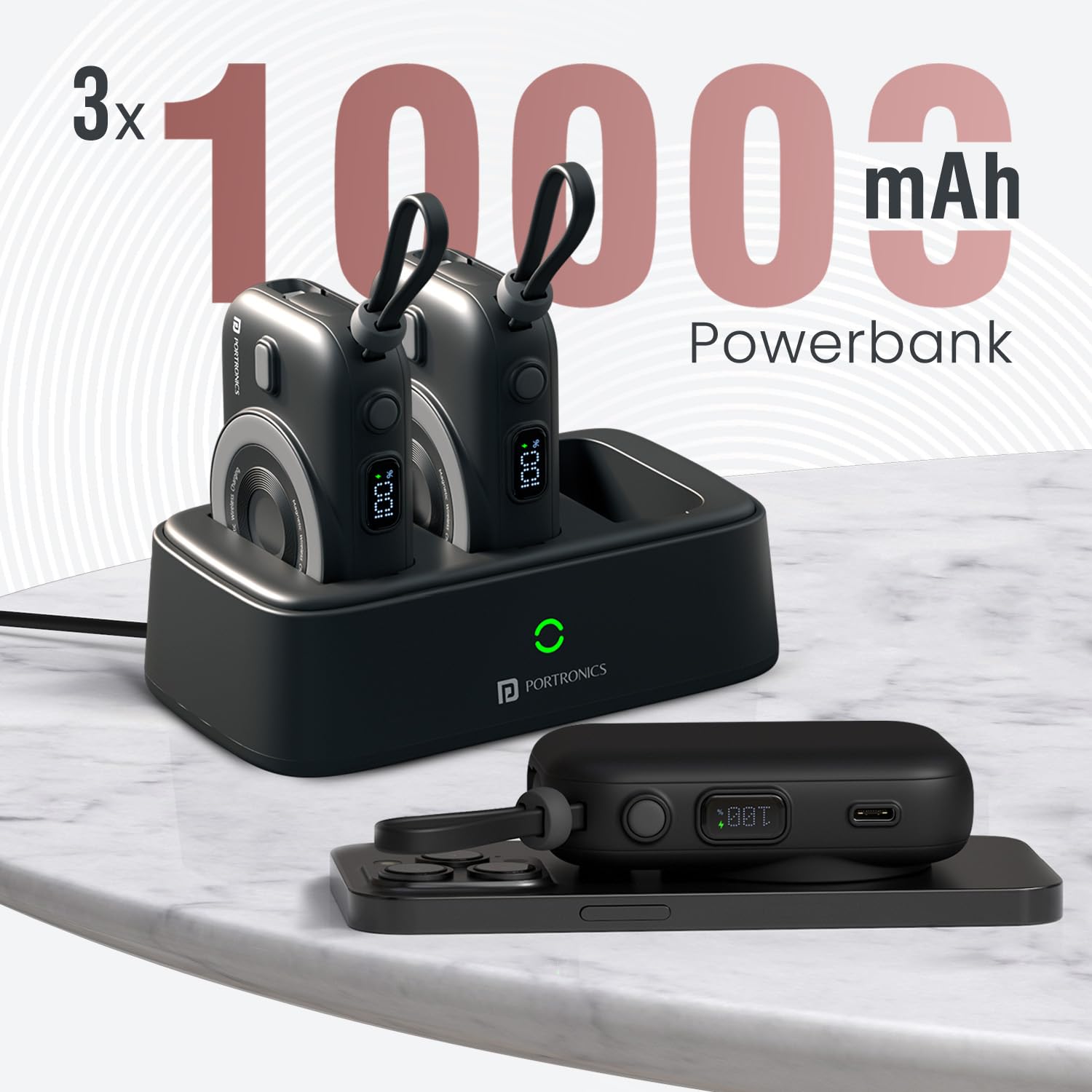
Image: Three individual 10000mAh power banks are shown docked within the main charging station, illustrating the multi-device charging capability.
Product Overview
The Portronics Power Shutter Home consists of a central charging station and three portable power banks. Each power bank features:
- 10000mAh Battery Capacity: Provides multiple recharges for smartphones and other gadgets.
- 15W Wireless Output: For Qi-enabled devices.
- 22.5W Wired Output: Fast charging via USB Type-C port.
- In-built Type-C Cable: For convenient wired charging without extra cables.
- Smart LED Display: Shows real-time battery level and charging status.
- Pogo Pin Connectors: For charging when docked in the station.

Image: A detailed view of one power bank, highlighting its 22.5W wired output capability and the integrated Type-C cable for direct device connection.
Setup
- Unpack: Carefully remove all components from the packaging.
- Connect Charging Station: Connect the provided charging cable to the charging station and plug it into a suitable power adapter (a 35W adapter is recommended for efficient operation).
- Initial Charge of Power Banks: Place the individual power banks into the slots on the charging station. Ensure the pogo pins align correctly. The LED display on each power bank will activate, indicating charging status. Fully charge all power banks before first use.
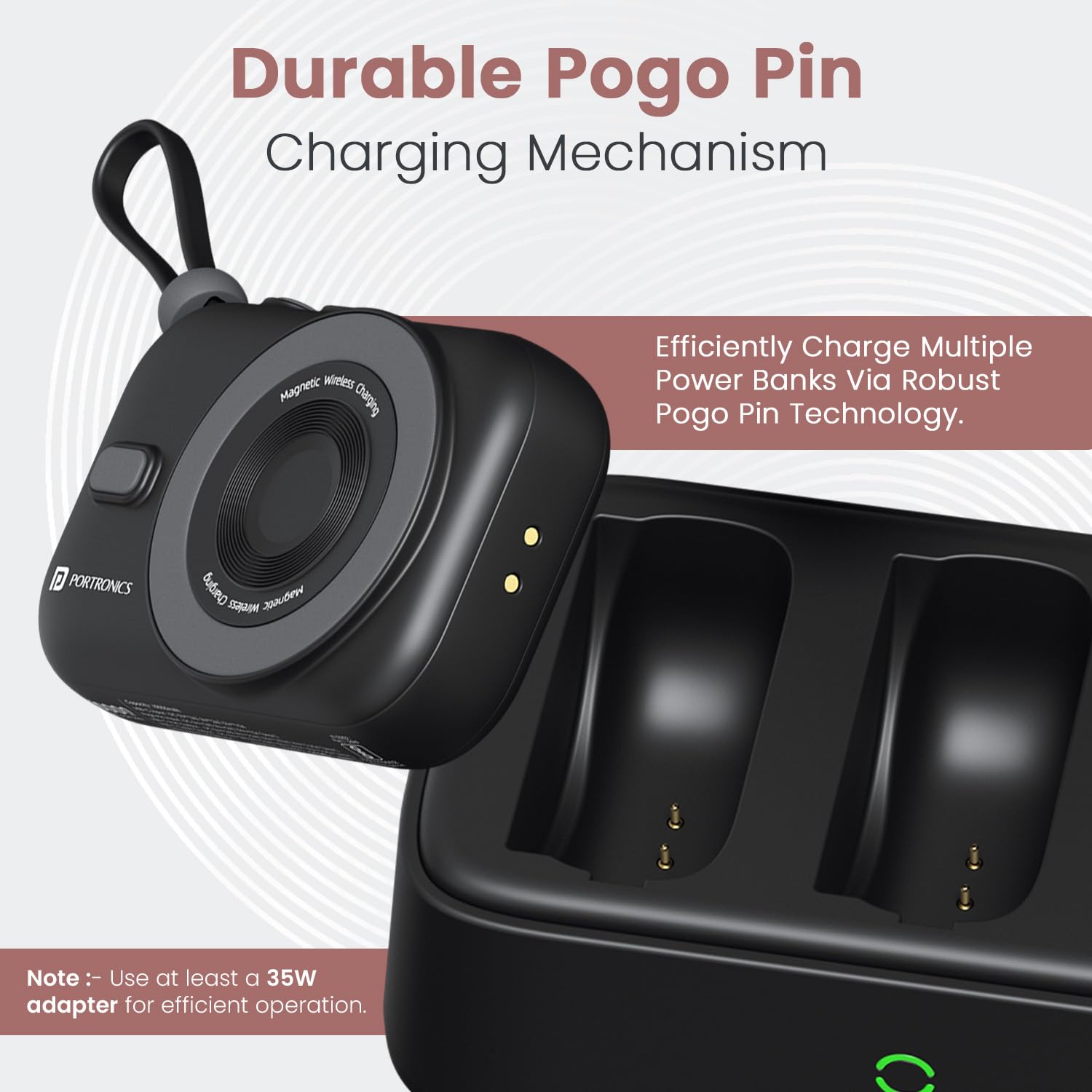
Image: A power bank is shown being inserted into the charging station, illustrating the pogo pin connection mechanism. A note advises using at least a 35W adapter for optimal performance.
Operating Instructions
1. Charging Devices Wirelessly (15W)
- Ensure the power bank is sufficiently charged.
- Place your Qi-enabled device (smartphone, earbuds, etc.) on the wireless charging pad of the power bank.
- The device should begin charging automatically. The LED display on the power bank will show charging activity.
- The power bank supports charging through magnetic cases with a thickness of less than 2mm.

Image: A smartphone is shown charging wirelessly on the power bank, demonstrating the 15W wireless output and magnetic connection.
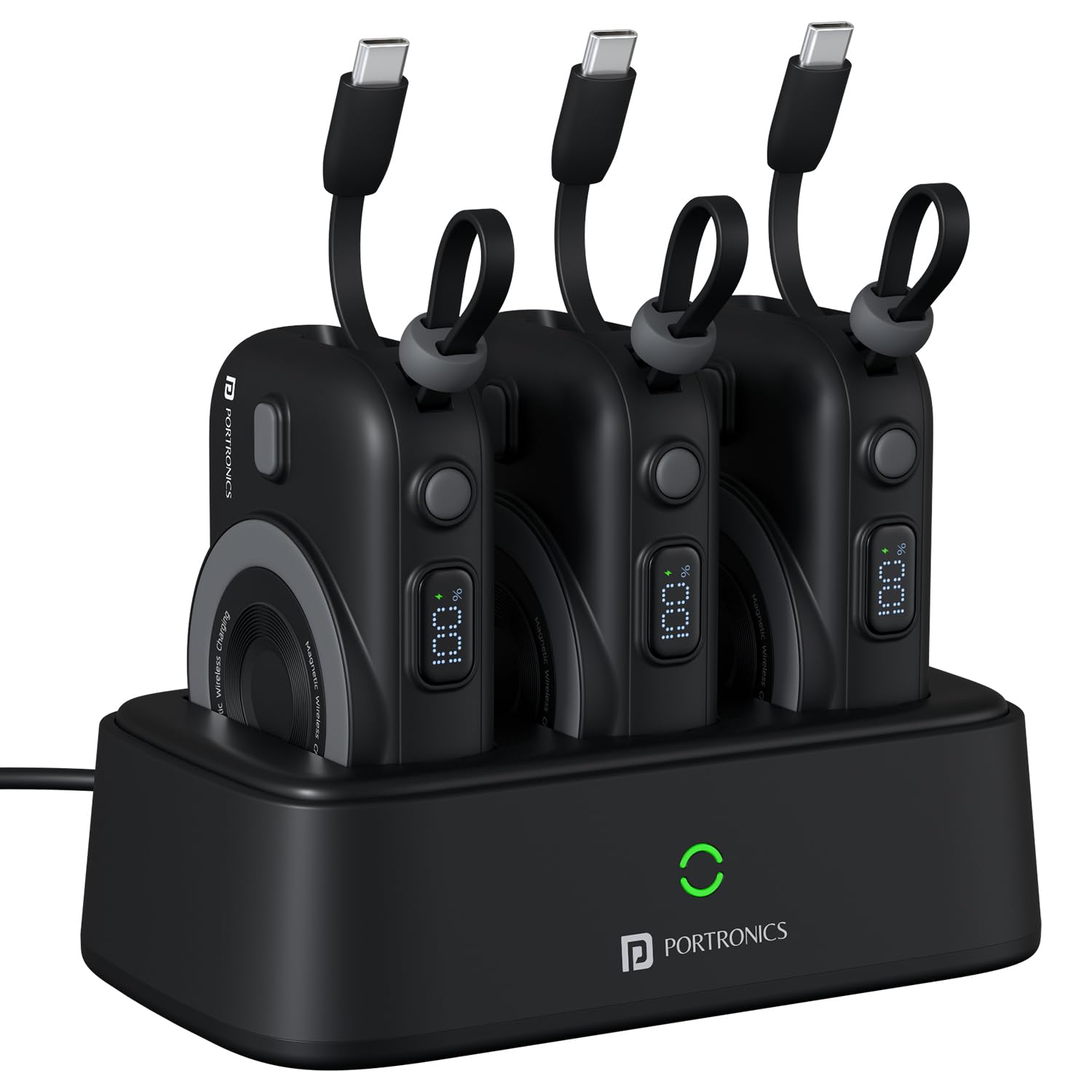
Image: An illustration demonstrating that the power bank can charge through magnetic cases (Magsafe and iPhone without cases) but not through non-Magsafe cases, with a case thickness limit of less than 2mm.
2. Charging Devices via Wired Output (22.5W)
- Ensure the power bank is sufficiently charged.
- For USB-C devices, use the integrated Type-C cable from the power bank to connect to your device.
- Alternatively, use your device's charging cable with the USB Type-C port on the power bank.
- The device will begin fast charging.
3. Recharging Power Banks via Charging Station
- Ensure the charging station is connected to a power source.
- Place the power banks into the designated slots on the charging station.
- The power banks will recharge automatically via the pogo pin connection. The LED indicator on the station and the digital display on each power bank will show charging status.
LED Indicator Guide
The Portronics Power Shutter Home features smart LED indicators for monitoring battery and charging status:
- Power Bank Digital Display: Shows the exact percentage of remaining battery charge and indicates when charging is active.
- Charging Station LED Indicator: A light on the charging station indicates its power status and when power banks are correctly docked and charging.
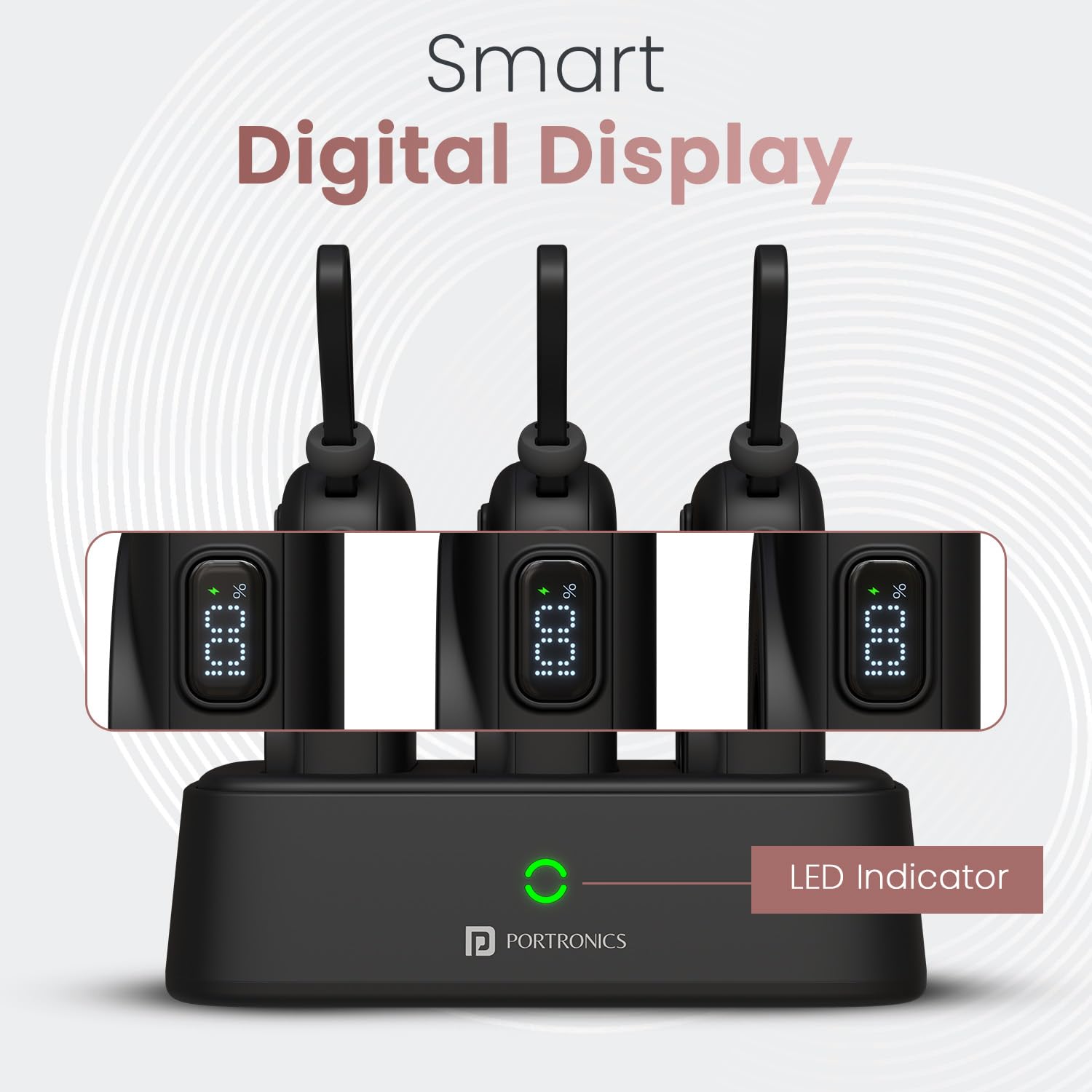
Image: The charging station with three power banks docked, each displaying its battery percentage on a digital screen. The station's LED indicator is also visible.
Maintenance
- Cleaning: Use a soft, dry cloth to clean the device. Avoid liquid cleaners or abrasive materials.
- Storage: Store the device in a cool, dry place away from direct sunlight and extreme temperatures.
- Battery Care: To prolong battery life, avoid fully discharging the power banks frequently. Recharge them regularly, even if not in use for extended periods.
- Avoid Impact: Do not drop or subject the device to strong impacts.
Troubleshooting
- Device Not Charging:
- Ensure the power bank is charged.
- Check cable connections for wired charging.
- For wireless charging, ensure your device is Qi-enabled and properly aligned on the charging pad. Remove thick or non-magnetic cases.
- Power Bank Not Recharging in Station:
- Verify the charging station is plugged into a working power outlet.
- Ensure the power banks are correctly seated in the station, making proper contact with the pogo pins.
- Check if the charging station's power adapter meets the recommended specifications (e.g., 35W).
- Slow Charging:
- Ensure you are using a compatible fast-charging cable and adapter for wired charging.
- For wireless charging, ensure optimal alignment and that no foreign objects are between the power bank and your device.
Specifications
| Model Number | POR-2901 |
| Battery Capacity (each power bank) | 10000 mAh Lithium Polymer |
| Wired Output | 22.5W (USB Type-C) |
| Wireless Output | 15W |
| Input (Charging Station) | USB Type-C (requires minimum 35W adapter for optimal performance) |
| Special Features | 3 x 10000mAh Power Banks, In-built Type-C Cable, LED Battery Display, Pogo Pin Charging |
| Dimensions (Package) | 19.3 x 13.1 x 11.4 cm |
| Weight (Item) | 820 g |
| Manufacturer | Portronics Digital Pvt. Ltd. |
| Country of Origin | India |
Warranty and Support
For warranty information, technical support, or any product-related inquiries, please contact Portronics customer service:
- Email: help@portronics.com
- Phone: +91 9555-245-245
Please retain your purchase receipt for warranty claims.