
1. Introduction
Thank you for choosing the BarxBuddy 2nd Generation Ultrasonic Dog Training Device. This device is designed to assist in modifying undesirable dog behaviors such as excessive barking, chewing, digging, and jumping through the use of ultrasonic sound and flashing lights. It offers a humane alternative to traditional bark collars, promoting a positive training experience for both you and your pet. Please read this manual thoroughly before use to ensure proper operation and to achieve optimal training results.
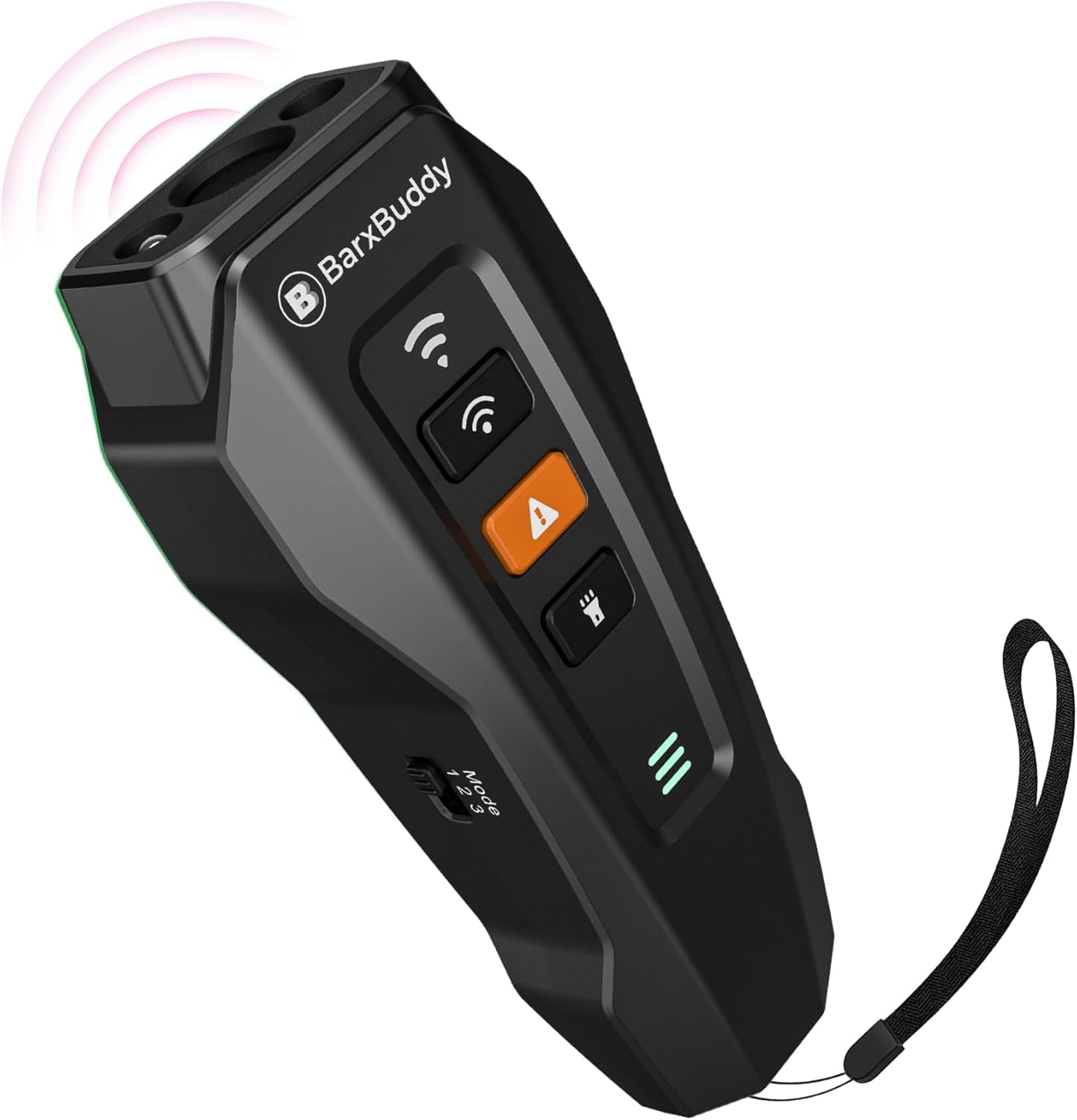
The BarxBuddy 2nd Generation Ultrasonic Dog Training Device in black.
2. What's Included
Your BarxBuddy 2nd Generation device package includes the following items:
- 1x BarxBuddy Dog Training Device
- 1x USB Type-C Charging Cable
- 1x Wrist Strap
- 1x User Manual (this document)
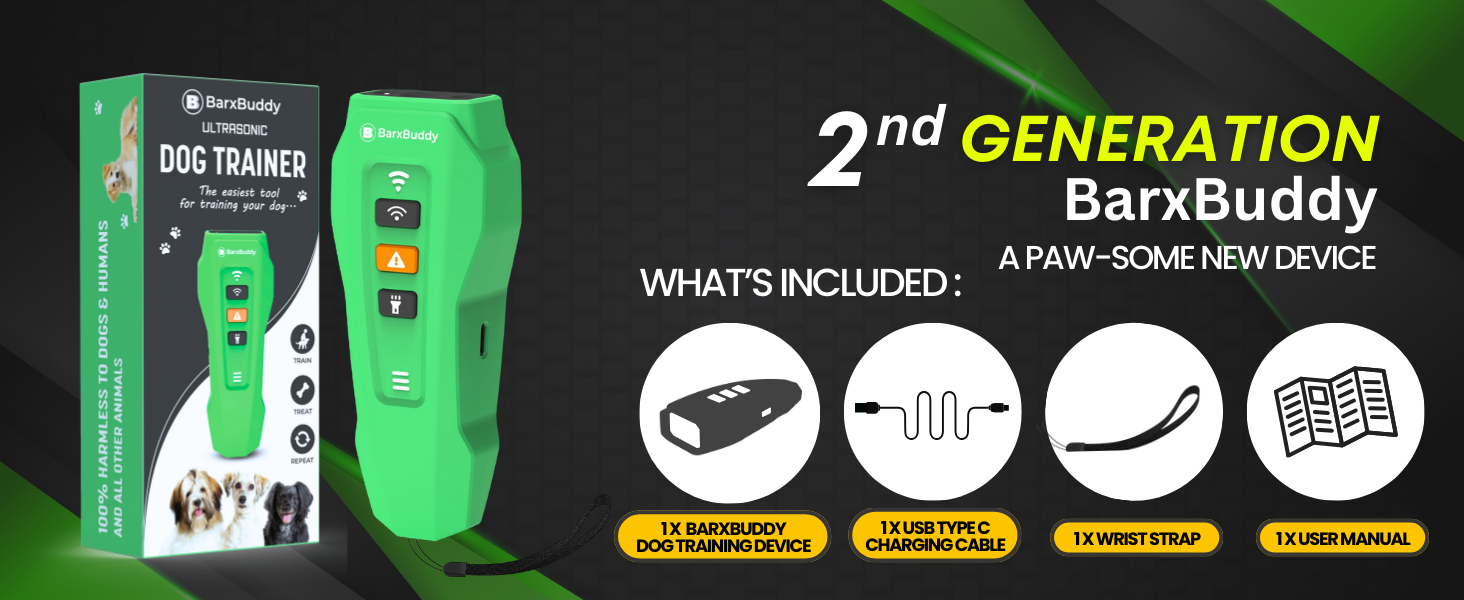
Illustration of the BarxBuddy 2nd Generation device and its included accessories.
3. Product Overview
The BarxBuddy 2nd Generation device features an ergonomic design and intuitive controls for effective dog training.

Labeled diagram showing the Ultrasonic Emitter, LED Lights, USB Type-C Charging Port, and Frequency Mode Switch.
Key Features:
- Long Range: Effective up to 33 feet (10 meters).
- Rechargeable Battery: 1200mAh built-in battery provides up to 60 days of use on a 2-hour charge.
- Haptic Feedback: Provides tactile confirmation during operation.
- Automatic Shut-off: Ultrasonic signal automatically stops after 10 seconds to protect dog's hearing.
- Multiple Training Modes: Includes Ultrasonic Training and Ultrasonic & Flash modes.
- Adjustable Frequency Modes: Three ultrasonic frequency settings (Continuous 25kHz, Intermittent 25kHz, and 20kHz to 30kHz Cycle Modes).
- USB Type-C Charging: Modern and convenient charging port.

A person using the BarxBuddy device to train a dog at a distance, illustrating its 33-foot effective range.
4. Setup & Charging
Initial Charging:
Before first use, ensure the BarxBuddy device is fully charged.
- Locate the USB Type-C charging port on the device.
- Connect the provided USB Type-C cable to the device and plug the other end into a compatible USB power source (e.g., wall adapter, computer USB port).
- The LED indicator will show charging status. Allow approximately 2 hours for a full charge.
- Once fully charged, the device can provide up to 60 days of standby use.
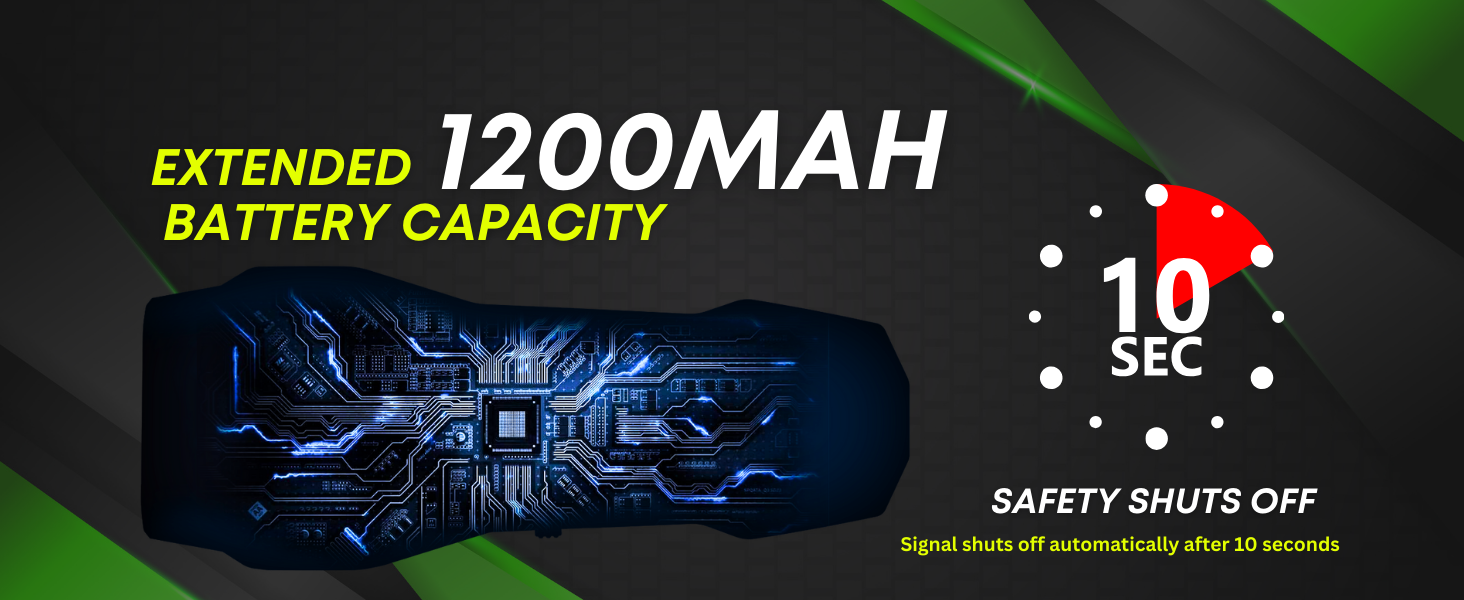
Visual representation of the device's 1200mAh battery capacity and the 10-second safety shut-off feature during operation.
Attaching the Wrist Strap:
For secure handling, attach the included wrist strap to the designated loop on the device.
5. Operation
The BarxBuddy device is designed for ease of use. Follow these steps to operate the device effectively.
General Usage Guidelines:
- Point the device directly at your dog when they exhibit undesirable behavior.
- Press and hold the appropriate button for the desired training mode.
- Release the button once the behavior stops.
- Always use the device in conjunction with verbal commands (e.g., "No Bark," "Quiet") and positive reinforcement when your dog complies.
- Avoid prolonged use or pointing the device directly at your dog's ears for extended periods.
6. Training Modes and Frequency Settings
Training Modes:
The BarxBuddy 2nd Generation offers two distinct training modes:
- Ultrasonic Training Mode: Activates an ultrasonic sound to grab your dog's attention and interrupt unwanted behavior. This is the primary mode for general training and bark stopping.
- Ultrasonic & Flash Mode: Combines the ultrasonic sound with a flashing LED light. This mode is particularly useful for more stubborn behaviors or in low-light conditions to provide an additional visual deterrent.
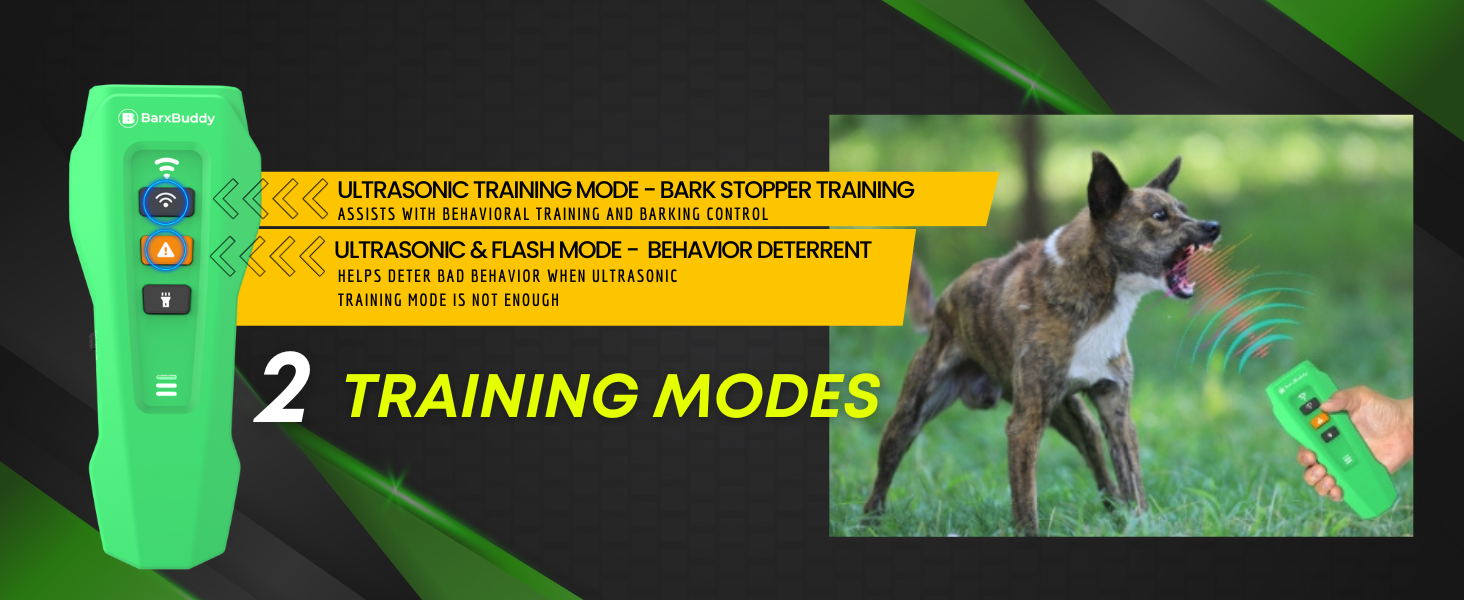
Visual explanation of the Ultrasonic Training Mode and Ultrasonic & Flash Mode.
Frequency Modes:
Use the side switch to select one of three ultrasonic frequency modes to find the most effective setting for your dog. Different dogs may respond better to different frequencies.
- Mode 1: Continuous 25kHz Signal
- Mode 2: Intermittent 25kHz Signal
- Mode 3: Cycle between 20kHz to 30kHz
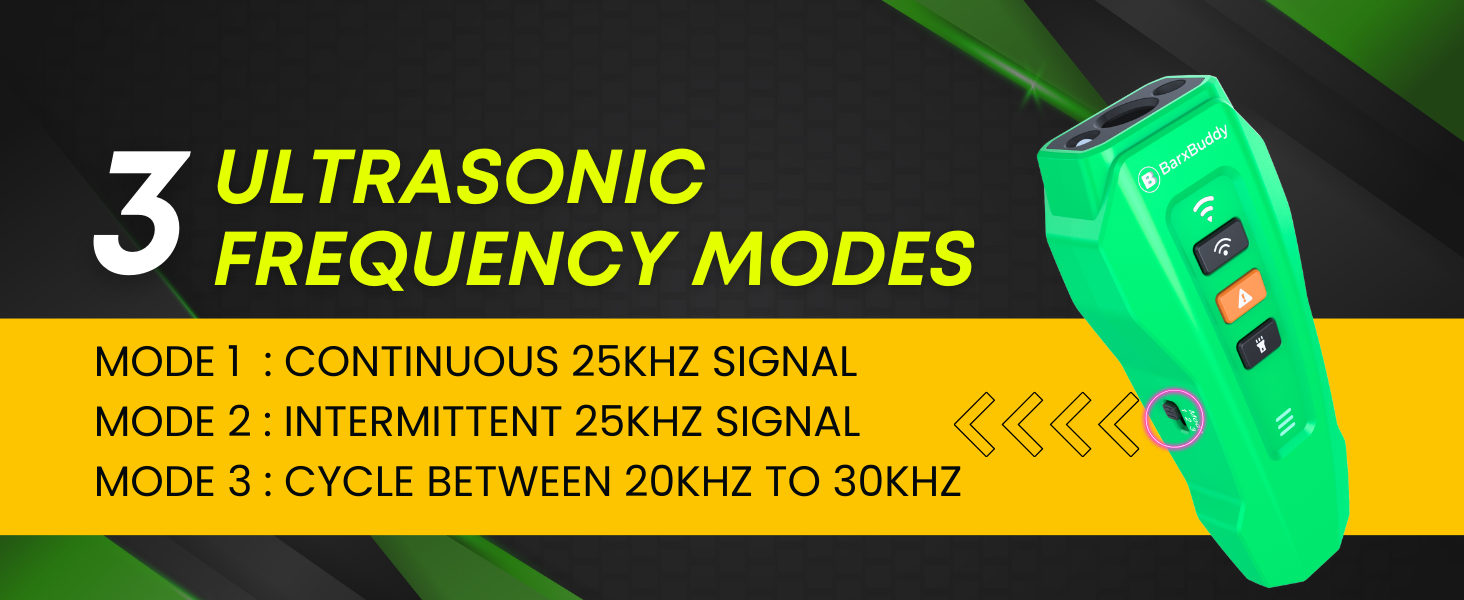
Illustration of the frequency mode switch and the three available ultrasonic frequency settings.
7. Maintenance
To ensure the longevity and optimal performance of your BarxBuddy device, follow these simple maintenance guidelines:
- Cleaning: Wipe the device with a soft, dry cloth. Do not use harsh chemicals or abrasive cleaners.
- Storage: Store the device in a cool, dry place away from direct sunlight and extreme temperatures.
- Water Exposure: The device is not waterproof. Avoid exposing it to water or moisture.
- Battery Care: Recharge the device regularly, even if not in frequent use, to maintain battery health. Avoid fully depleting the battery for extended periods.
8. Troubleshooting
If you encounter issues with your BarxBuddy device, please refer to the following common problems and solutions:
| Problem | Possible Cause | Solution |
|---|---|---|
| Device not turning on or responding. | Low battery or device is off. | Charge the device fully using the provided USB-C cable. Ensure the device is powered on. |
| Dog does not respond to the device. | Incorrect frequency mode, dog's hearing sensitivity, or distance. |
|
| Device not holding a charge. | Faulty charging cable or battery degradation. | Try using a different USB-C cable and power adapter. If the issue persists, contact customer support. |
| LED light not flashing in Ultrasonic & Flash Mode. | Mode not selected correctly or device malfunction. | Ensure you are pressing the correct button for the Ultrasonic & Flash Mode. If the issue continues, contact customer support. |
If these solutions do not resolve your issue, please refer to the warranty information for further assistance.
9. Specifications
| Feature | Detail |
|---|---|
| Model Number | BBG2 |
| Brand | BarxBuddy |
| Item Weight | 3.4 ounces |
| Dimensions (L x W x H) | 4.72 x 1.81 x 1.18 inches (Item Display) |
| Battery | 1200mAh Lithium Ion (included) |
| Charging Port | USB Type-C |
| Effective Range | Up to 33 feet (10 meters) |
| Frequency Modes | Continuous 25kHz, Intermittent 25kHz, 20kHz-30kHz Cycle |
| Training Modes | Ultrasonic Training, Ultrasonic & Flash |
| Auto Shut-off | 10 seconds |
| Target Audience | Dogs (Small, Medium, Large breeds, 6 months to 10 years old) |
| Included Components | Device, USB-C Cable, Strap |
10. Warranty Information
The BarxBuddy 2nd Generation Ultrasonic Dog Training Device comes with a 5 Year Manufacturer Warranty. This warranty covers defects in materials and workmanship under normal use. It does not cover damage caused by misuse, accidents, unauthorized modifications, or normal wear and tear.
For warranty claims or further assistance, please contact BarxBuddy customer support through their official website or the retailer where the product was purchased. Please retain your proof of purchase for warranty validation.
11. Important Safety Information
- This device is intended for dog training purposes only. Do not use it on other animals or humans.
- Keep out of reach of children.
- Do not point the device directly at human ears.
- Do not modify or disassemble the device.
- Avoid exposing the device to extreme temperatures, direct sunlight, or water.
- If you have hearing aids, you may hear a click or static when the device is activated.
- Always use the device responsibly and humanely.