
1. Introduction
Welcome to your eKids Minecraft Walkie Talkies. This manual provides comprehensive instructions for the safe and effective use of your two-way radios. Please read this guide thoroughly before operating the device to ensure optimal performance and longevity.
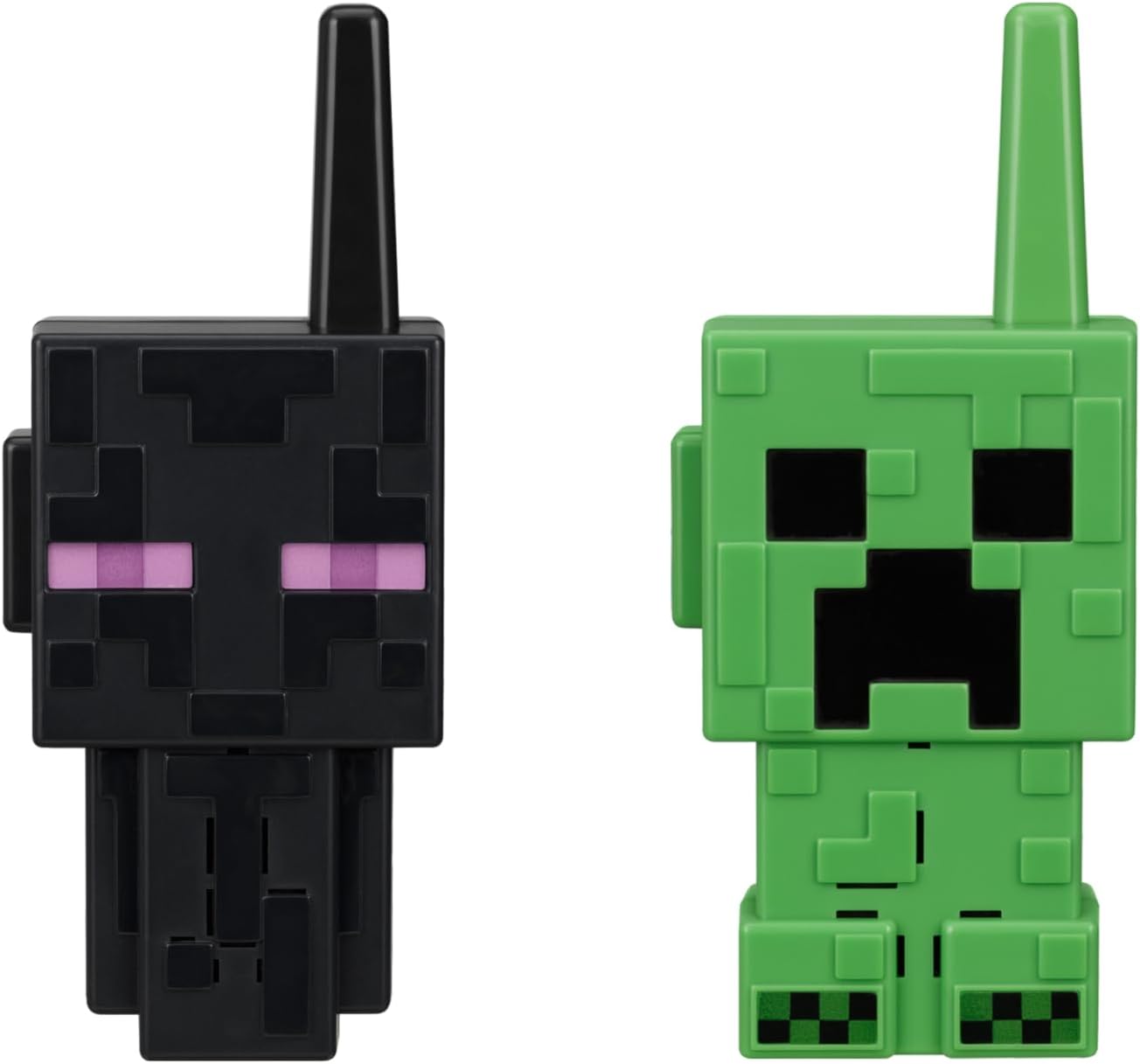
Image 1.1: The eKids Minecraft Walkie Talkies, designed as an Enderman and a Creeper character.
2. Product Features
The eKids Minecraft Walkie Talkies are designed for clear communication and ease of use. Key features include:
- Static-Free Communication: Engineered to minimize static interference for clear audio transmission.
- Extended Range: Capable of transmitting messages up to 750 feet under ideal conditions.
- Kid-Friendly Controls: Features an easy-to-use push-to-talk (PTT) button for simple operation.
- Durable and Lightweight Design: Constructed for portability and resilience during indoor and outdoor activities.
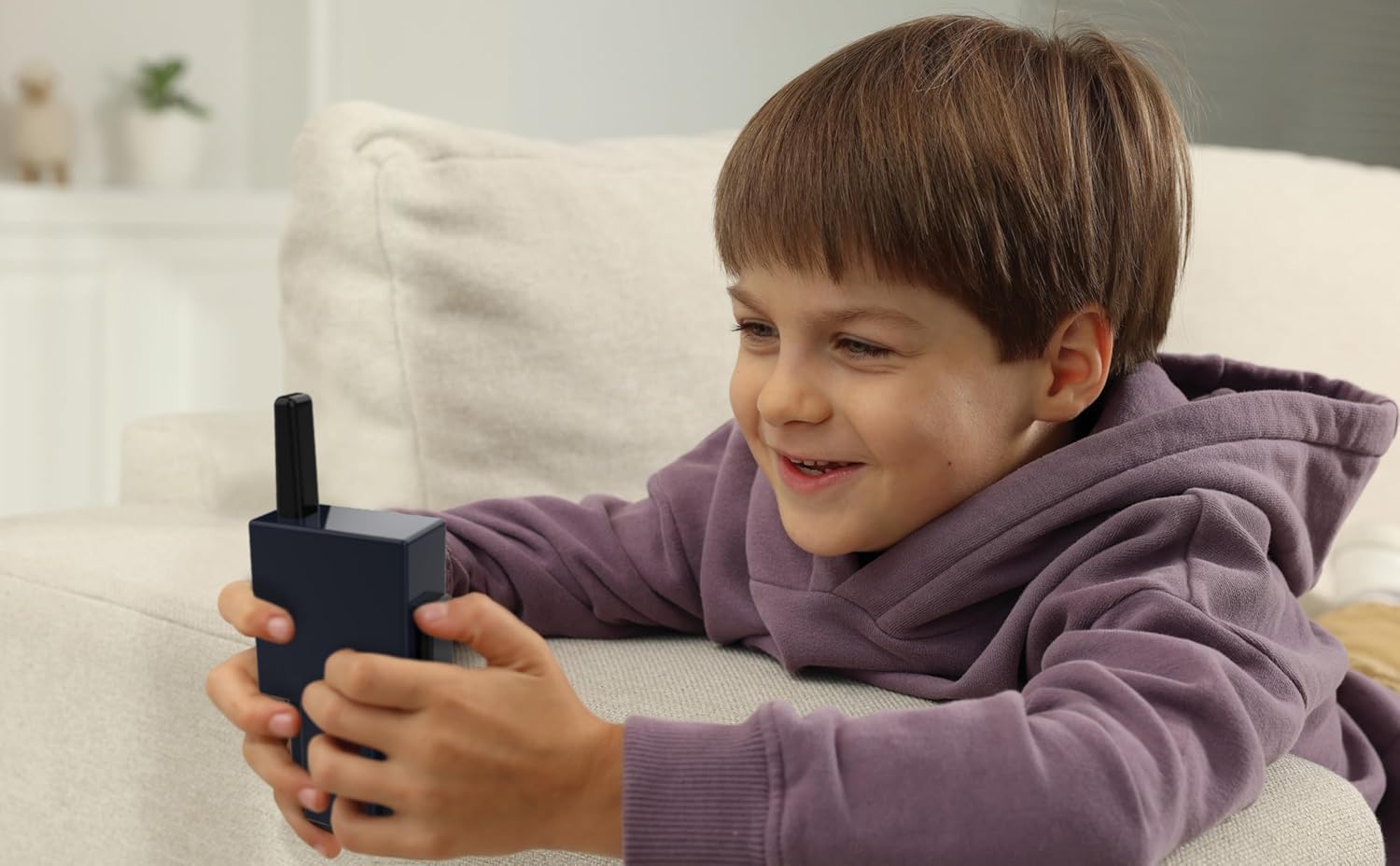
Image 2.1: Visual representation of the walkie talkies' key features, including range and push-to-talk functionality.
3. Setup
3.1 Battery Installation
Each eKids Minecraft Walkie Talkie unit requires 4 AAA batteries (not included). Follow these steps to install the batteries:
- Locate the battery compartment cover on the back of the walkie talkie.
- Using a small Phillips head screwdriver, carefully unscrew the screw securing the battery compartment cover.
- Remove the cover.
- Insert 4 fresh AAA batteries into the compartment, ensuring the correct polarity (+/-) as indicated inside the compartment.
- Replace the battery compartment cover and secure it with the screw. Do not overtighten.
Important: Always use new batteries of the same type. Do not mix old and new batteries, or different types of batteries. Remove batteries if the device will not be used for an extended period.
4. Operating Instructions
4.1 Power On/Off
To power on the walkie talkie, locate the power button (usually a small button or switch) and press/slide it to the 'ON' position. A small indicator light may illuminate, or a sound may confirm the device is active. To power off, press/slide the button to the 'OFF' position.
4.2 Communication
These walkie talkies operate on a single channel, allowing direct communication between the two units.
- Ensure both walkie talkies are powered on.
- To transmit a message, press and hold the large Push-To-Talk (PTT) button located on the side of the unit. Speak clearly into the microphone.
- Release the PTT button to listen for a response. Only one person can speak at a time.
- For optimal range and clarity, ensure there are no major obstructions (like thick walls or large metal structures) between the two units.

Image 4.1: A child demonstrating the use of an eKids Minecraft Walkie Talkie.
5. Maintenance
5.1 Care and Cleaning
- Wipe the units with a soft, dry cloth. Do not use abrasive cleaners or solvents.
- Avoid exposing the walkie talkies to excessive moisture, rain, or direct sunlight for prolonged periods. These units are not water resistant.
- Do not drop or subject the units to strong impacts.
5.2 Storage
When not in use, store the walkie talkies in a cool, dry place away from direct sunlight. Remove batteries if storing for an extended period to prevent leakage.
6. Troubleshooting
If you encounter issues with your eKids Minecraft Walkie Talkies, please refer to the table below for common problems and solutions.
| Problem | Possible Cause | Solution |
|---|---|---|
| No power/Unit does not turn on | Dead or incorrectly installed batteries | Check battery polarity. Replace with fresh AAA batteries. |
| Static or unclear sound | Out of range; Obstructions; Low batteries | Move closer to the other unit. Reduce obstructions. Replace batteries. |
| Cannot transmit or receive | PTT button not pressed/released; Units not on same channel (not applicable for single channel); Low batteries | Ensure PTT button is pressed when speaking and released when listening. Replace batteries. |
| Short communication range | Environmental interference; Obstructions; Low batteries | Move to an open area. Avoid large metal objects or thick walls. Replace batteries. |
7. Specifications
Detailed technical specifications for the eKids Minecraft Walkie Talkies (Model XI-207MX):
- Model Number: XI-207MX
- Item Weight: 7 ounces (approximately 198 grams)
- Product Dimensions: 2.44 x 1.22 x 5.83 inches (6.2 x 3.1 x 14.8 cm)
- Batteries Required: 4 AAA batteries per unit (8 total for a pair)
- Number of Channels: 1
- Talking Range Maximum: 750 Feet (approximately 228 meters) under ideal conditions
- Voltage: 6 Volts (per unit)
- Water Resistance Level: Not Water Resistant
- Compatible Devices: eKids two-way radios (UHF)

Image 7.1: Product dimensions for the eKids Minecraft Walkie Talkies.
8. Warranty and Support
8.1 Warranty Information
This product is covered by a 1-year limited warranty from the date of purchase. This warranty covers manufacturing defects and workmanship under normal use. It does not cover damage caused by misuse, accidents, unauthorized modifications, or normal wear and tear. Please retain your proof of purchase for warranty claims.
8.2 Customer Support
For further assistance, technical support, or warranty inquiries, please refer to the contact information provided on the product packaging or visit the official eKids website. When contacting support, please have your product model number (XI-207MX) and proof of purchase readily available.


