
Introduction
This manual provides comprehensive instructions for the Redragon K713 Wireless Mechanical Keyboard. It covers setup, operation, maintenance, and troubleshooting to ensure optimal performance and user experience. The K713 is a gasket-mounted RGB gaming keyboard featuring 3-mode connectivity (2.4G wireless, Bluetooth, and USB wired), pre-lubed linear red switches, and an 82-key 75% layout with hot-swappable capabilities.
Key Features
- Gasket Structure & PCB Single Key Slotting: Designed for enhanced resilience and stability, providing a comfortable feel, softer elasticity, reduced percussive noise, and a purer sound profile.

Internal structure of the K713 keyboard, illustrating the gasket mounting and PCB single key slotting for improved typing feel and sound.
- True 16.8 Million RGB Backlit Gaming Keyboard: Features fully customizable RGB backlighting with 16 preset modes, 7 solid colors, 5 brightness levels, and adjustable breathing speed. Software support is available for advanced customization.

The K713 keyboard showcasing its customizable RGB lighting effects.
- Tri-mode Connection & 4000 mAh Battery: Supports BT (3.0+5.0), 2.4GHz wireless, and USB wired connectivity, which can be easily and seamlessly connected and switched with devices up to 10 meters away via the buttons on the left side of the keyboard for efficient multitasking. Equipped with a high-capacity 4,000 mAh battery for extended use.
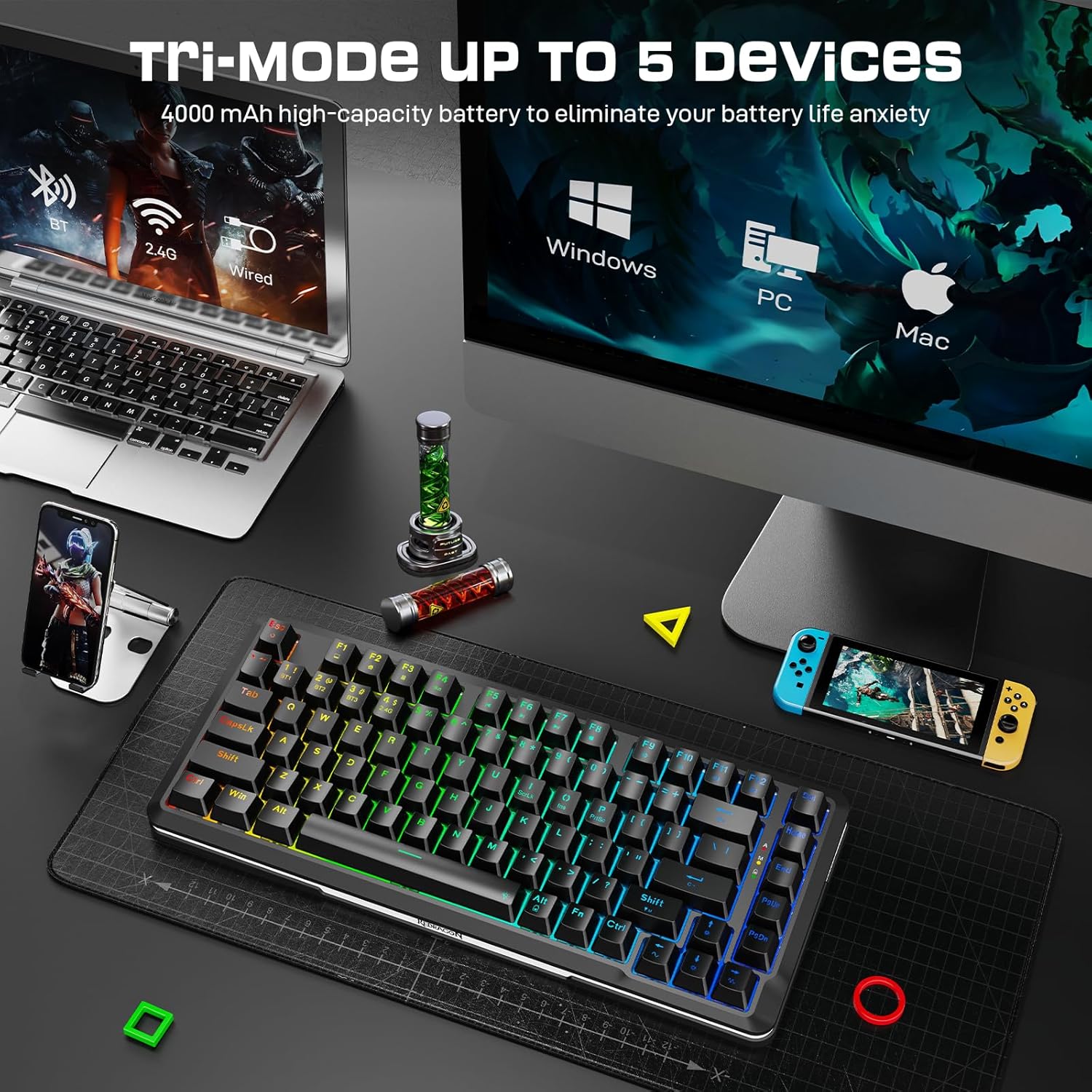
The K713 keyboard's versatile tri-mode connectivity, allowing connection to up to 5 devices simultaneously.
- 75% Layout & Pro Customization: Features a streamlined 82-key 75% layout, optimizing desktop space and enhancing gaming efficiency. Professional software drivers allow for reprogramming of keys, RGB areas, and key combinations.

The compact 75% layout of the K713 keyboard, designed for space-saving and ergonomic use.
- Pre-Lubed Linear Red Switches & Hot Swap: Equipped with pre-lubricated linear red switches for smoother, faster key triggers and reduced noise. Supports 3/5-pin hot-swappable switches, allowing for personalized customization.
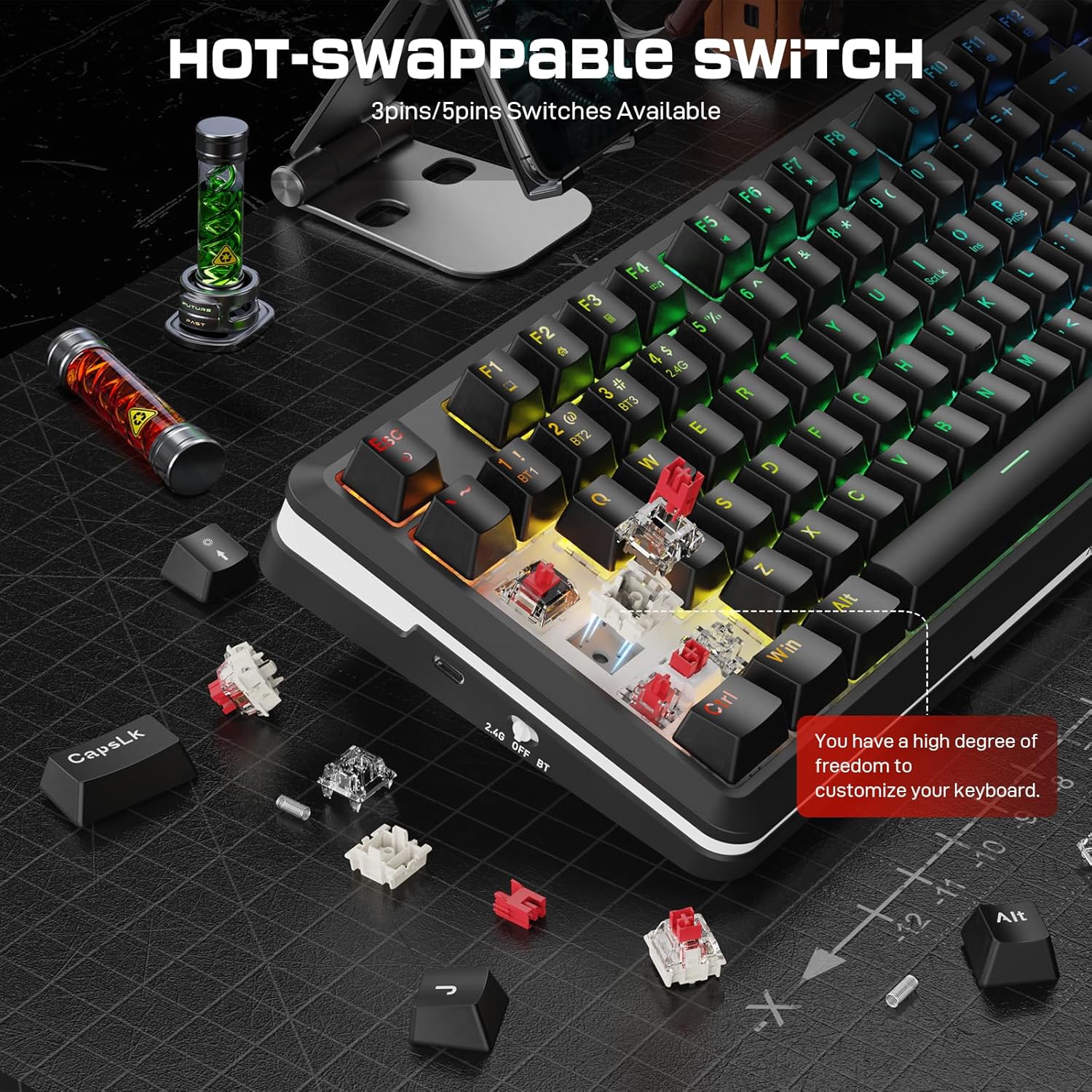
Detail of the hot-swappable switches on the K713 keyboard, allowing for easy replacement and customization.
Package Contents
- Redragon K713 Wireless Mechanical Keyboard
- USB-C Cable
- Keycap Puller
- Switch Puller
- Spare Switches (typically 2-4)
- User Manual (this document)

The Redragon K713 keyboard and its primary accessories included in the package.
Setup Instructions
Connecting Your Keyboard
The Redragon K713 keyboard offers three connection modes: 2.4G Wireless, Bluetooth, and USB Wired. Use the switch located on the left side of the keyboard to select your desired mode.
1. 2.4G Wireless Connection
- Locate the 2.4G wireless USB dongle in the keyboard packaging.
- Set the mode switch on the left side of the keyboard to "2.4G".
- Plug the USB dongle into an available USB port on your computer.
- The keyboard should automatically connect. If not, press Fn + 4 to initiate pairing.
2. Bluetooth Connection (BT1/BT2/BT3)
- Set the mode switch on the left side of the keyboard to "BT".
- Press and hold Fn + 1 (for BT1), Fn + 2 (for BT2), or Fn + 3 (for BT3) for 3-5 seconds until the corresponding indicator light flashes rapidly. This indicates pairing mode.
- On your device (PC, Mac, tablet, smartphone), open Bluetooth settings and search for "Redragon K713".
- Select the keyboard to pair. The indicator light will become solid when connected.
- You can pair up to three Bluetooth devices and switch between them by pressing Fn + 1/2/3.
3. USB Wired Connection
- Connect the provided USB-C cable to the keyboard's USB-C port.
- Connect the other end of the USB-C cable to an available USB port on your computer.
- The keyboard will automatically switch to wired mode and begin charging.
Official Redragon K713 Wireless Mechanical Keyboard overview, demonstrating its features including connectivity options and RGB lighting.
Operating Instructions
RGB Backlighting Control
- Fn + \ |: Cycle through 16 different RGB lighting modes.
- Fn + Tab: Cycle through 7 solid colors.
- Fn + Up/Down Arrow: Adjust brightness levels (5 levels).
- Fn + Left/Right Arrow: Adjust breathing/animation speed.
- Fn + Spacebar: Reset RGB lighting to default.
For advanced customization and to create your own lighting effects, download the professional software driver from the official Redragon website. The software is compatible with Windows and Mac systems.

The Redragon software interface for professional customization of the keyboard.
Key Customization and Macros
The professional software driver allows you to reprogram each button, set up macros, and customize key combinations to enhance your productivity and gaming performance. Refer to the software's built-in help for detailed instructions on macro creation and key remapping.
Checking Battery Level
To check the current battery level, press Fn + Alt. The F1-F12 keys will light up to indicate the battery percentage. Red indicates power below 30%, while green indicates power above 30%. Release the keys to restore the previous light effect.
Maintenance
- Cleaning: Use a soft, dry cloth to wipe down the keyboard. For deeper cleaning, use a keycap puller to remove keycaps and a brush or compressed air to remove dust and debris from between the switches.
- Switch Replacement: The K713 supports hot-swappable switches. Use the provided switch puller to carefully remove switches. Align new 3-pin or 5-pin switches with the PCB holes and press firmly until they click into place.
- Storage: When not in use for extended periods, store the keyboard in a cool, dry place away from direct sunlight and extreme temperatures.
- Battery Care: To prolong battery life, avoid fully discharging the keyboard frequently. Charge it regularly, especially if it will be stored for a long time.
Troubleshooting
| Problem | Solution |
|---|---|
| Keyboard not responding in 2.4G/Bluetooth mode. |
|
| RGB lighting not working or stuck. |
|
| Keys not registering or double-typing. |
|
| Software not detecting the keyboard. |
|
Specifications
| Feature | Detail |
|---|---|
| Model Number | K713 |
| Connectivity | 3-Mode: 2.4G Wireless, Bluetooth (3.0+5.0), USB-C Wired |
| Layout | 75% Layout, 82 Keys |
| Switches | Pre-Lubed Linear Red Switches, Hot-Swappable (3/5-pin) |
| Backlighting | True 16.8 Million RGB, 16 Modes, 7 Solid Colors, Adjustable Brightness/Speed |
| Battery Capacity | 4000 mAh |
| Compatible Devices | PC, Mac, Android, iOS (via Bluetooth) |
| Material | Plastic |
| Item Weight | 2.09 pounds (approx. 0.95 kg) |
| Package Dimensions | 14.61 x 7.4 x 2.52 inches (approx. 37.1 x 18.8 x 6.4 cm) |
Warranty & Support
Redragon is committed to providing professional after-sales service. If you encounter any issues with your Redragon K713 keyboard, please contact our support team. We aim to provide reliable, fast, and professional assistance within 24 hours to address any concerns you may have regarding your purchase.
For the most up-to-date warranty information and to access support resources, please visit the official Redragon website or refer to the warranty card included with your product.


