
Thmosz 80ZQ
Thmosz 8.0 CUFT Heavy Duty Biometric Safe Box Instruction Manual
Model: 80ZQ
Introduction
This manual provides detailed instructions for the setup, operation, and maintenance of your Thmosz 8.0 CUFT Heavy Duty Biometric Safe Box. Designed for secure storage of valuables such as jewelry, documents, firearms, ammunition, and medicines, this safe features multiple anti-theft mechanisms and versatile access options. Please read this manual thoroughly before initial use to ensure proper functionality and security.
Safety Precautions
- Do not store emergency keys inside the safe. Keep them in a secure, separate location.
- Ensure the safe is placed on a stable, level surface. For enhanced security, consider anchoring the safe to a wall or floor using the provided mounting hardware.
- Keep the biometric sensor clean and dry for optimal performance.
- Replace batteries promptly when the low battery indicator appears to avoid lockout.
- Avoid exposing the safe to extreme temperatures or humidity.
Package Contents
Verify that all items are present in your package:
- 1 x Thmosz Biometric Safe Box
- 2 x Emergency Keys
- 1 x Emergency Battery Box
- 1 x User Manual (this document)
- Mounting Hardware (bolts, washers)
- Removable Shelves (quantity may vary by model)
- Internal Lock Box (pre-installed)
- Fireproof Document Bag (if included with your model)

Setup Instructions
1. Initial Opening with Emergency Key
- Locate the emergency keyhole, usually hidden behind a cover on the keypad panel.
- Insert one of the emergency keys and turn it clockwise while simultaneously turning the handle to open the safe door.
2. Battery Installation
- Open the battery compartment located on the inside of the safe door.
- Insert the required number of AA batteries (not included), ensuring correct polarity.
- Close the battery compartment. The safe will emit a beep, indicating successful power-up.
3. Setting a Personal Code (Password)
- With the safe door open, press the internal reset button (usually a small red button or a button labeled "SET").
- The keypad will illuminate, and you will hear a beep.
- Enter your desired 3 to 8 digit personal code on the keypad.
- Press the "#" key to confirm. The safe will beep twice, indicating successful code setting.
- Test the new code: With the door open, enter your new code and press "#". The bolts should retract. If not, repeat the steps.
4. Registering Fingerprints
The safe supports storage of up to 29 fingerprints.
- With the safe door open, press the internal reset button.
- Place your finger on the biometric sensor. The sensor will scan your fingerprint.
- Lift and place your finger on the sensor multiple times (typically 3-5 times) from different angles until the safe confirms successful registration with a beep or light indicator.
- Repeat for additional fingerprints as desired.
- Test the registered fingerprint: With the door open, place a registered finger on the sensor. The bolts should retract.

5. Mounting the Safe (Optional)
For maximum security, it is recommended to anchor the safe to a wall or floor.
- Choose a suitable location, such as inside a closet or cabinet.
- Mark the drilling points through the pre-drilled holes at the back or bottom of the safe.
- Drill pilot holes into the wall or floor.
- Secure the safe using the provided expansion bolts or appropriate fasteners for your surface type.

Operating Instructions
1. Opening the Safe
- Using Fingerprint: Place a registered finger on the biometric sensor. If recognized, the safe will unlock.
- Using Personal Code: Enter your 3-8 digit personal code, then press "#". If correct, the safe will unlock.
- Using Emergency Key: In case of battery failure or forgotten code, use the emergency key as described in "Initial Opening" above.

2. Closing and Locking the Safe
Close the safe door and turn the handle to the locked position. The safe will automatically lock.
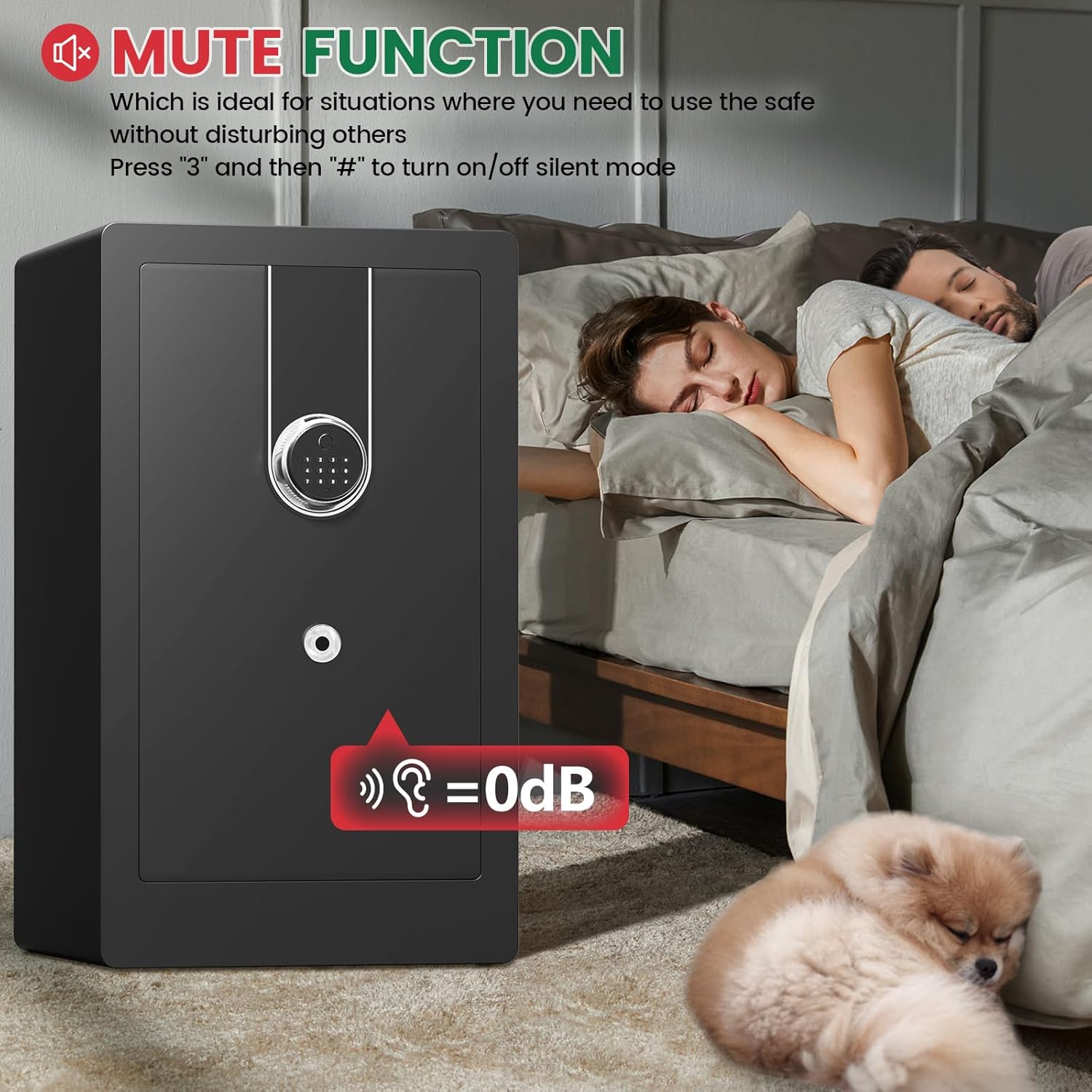
3. Mute Function
To operate the safe silently:
- Press "3" then "#" on the keypad to toggle silent mode on or off.
4. Dual Alarm System
The safe is equipped with a dual alarm system that activates under the following conditions:
- Violent Vibrations: If the safe detects significant movement or impact.
- Incorrect Inputs: After six consecutive incorrect attempts to open the safe using the keypad or fingerprint.
The alarm sound exceeds 70 decibels, audible throughout a typical home. To silence the alarm, open the safe using a valid method (fingerprint, code, or emergency key).

Maintenance
- Battery Replacement: When the low battery indicator lights up, replace all batteries with new AA alkaline batteries.
- Emergency Power: If batteries die and you cannot open the safe, connect a Type-C cable to the external power port on the keypad to provide temporary power.
- Cleaning: Wipe the exterior of the safe and the biometric sensor with a soft, dry cloth. Avoid abrasive cleaners or solvents.
- Internal Organization: Utilize the removable shelves and internal lock box to keep your valuables organized.

Troubleshooting
| Problem | Possible Cause | Solution |
|---|---|---|
| Safe does not open with code/fingerprint. | Low batteries, incorrect code/fingerprint, sensor obstruction. | Replace batteries. Re-enter code carefully. Clean fingerprint sensor. Use emergency key or Type-C power. |
| Keypad is unresponsive. | Dead batteries, electronic malfunction. | Replace batteries. Use emergency Type-C power. If issue persists, contact customer support. |
| Alarm sounds unexpectedly. | Safe was moved/impacted, multiple incorrect entries. | Open the safe with a valid method to silence the alarm. Avoid moving the safe while locked. |
| Cannot register new fingerprints. | Sensor not clean, incorrect procedure. | Ensure finger and sensor are clean and dry. Follow registration steps precisely. Try different fingers. |
Specifications
| Feature | Detail |
|---|---|
| Model Number | 80ZQ |
| Capacity | 8.0 Cubic Feet |
| Product Dimensions (D x W x H) | 14.96" x 16.92" x 31.49" |
| Item Weight | 77 Pounds |
| Lock Type | Biometric, Digital Keypad, Emergency Key |
| Fingerprint Storage | Up to 29 fingerprints |
| Password Length | 3-8 digits |
| Material | Heavy Duty Alloy Steel |
| Color | Black |
| Alarm System | Dual Alarm (vibration & incorrect entry) |
| Emergency Power | Type-C USB port |

Warranty and Customer Support
Thmosz offers a 5-year return or exchange warranty and lifetime technical support for this product. All parts can be replaced for free within the warranty period.
If you have any questions, encounter issues, or require assistance, please contact Thmosz customer service. Refer to your purchase documentation for contact details or visit the official Thmosz website.
Product Overview Video
This video provides a visual overview of the Thmosz Biometric Safe Box, demonstrating its features, security mechanisms, and various unlocking methods. It highlights the quick access fingerprint recognition, reinforced steel construction, and internal organization options.
Ask a question about this manual
Ask about setup, troubleshooting, compatibility, parts, safety, or missing instructions. Manuals+ will review the question and use this page’s manual context to help answer it.