1. Introduction
This manual provides essential information for the safe and efficient use of your Lenovo IdeaPad Slim 3 Business Laptop. This model features an AMD Ryzen 7 7730U processor, a 15.6-inch Full HD display, 16GB of RAM, and a 1TB PCIe SSD, running on Windows 11. Please read this manual thoroughly before operating your device.

Figure 1: Lenovo IdeaPad Slim 3 Laptop overview, highlighting key features like Windows 11, AMD Ryzen 7 processor, and the included WOWPC Recovery USB.
2. Setup
2.1 Unboxing and Initial Inspection
Carefully remove all components from the packaging. Verify that all items listed in the packing list are present and undamaged. If any items are missing or damaged, contact your retailer immediately.

Figure 2: Overview of the Lenovo IdeaPad Slim 3 Laptop's main specifications, including Operating System, Processor, Graphics, RAM, Storage, Wi-Fi, Bluetooth, and WOWPC Recovery USB.
2.2 Power Connection
- Connect the power adapter to the laptop's power input port.
- Plug the power adapter into a suitable electrical outlet.
- Allow the battery to charge for at least 30 minutes before initial use, or until the battery indicator shows a sufficient charge.
2.3 Initial Boot and Windows 11 Setup
- Press the power button to turn on the laptop.
- Follow the on-screen instructions to complete the Windows 11 setup process. This includes selecting your language, region, connecting to a network, and creating a user account.
- The included WOWPC recovery USB can be used for system restoration or troubleshooting if needed.
3. Operation
3.1 Display Features
Your laptop is equipped with a 15.6-inch Full HD (1920x1080) TN display with 250 nits brightness and an anti-glare coating. This design reduces reflections and enhances visibility, providing a clear and comfortable viewing experience.
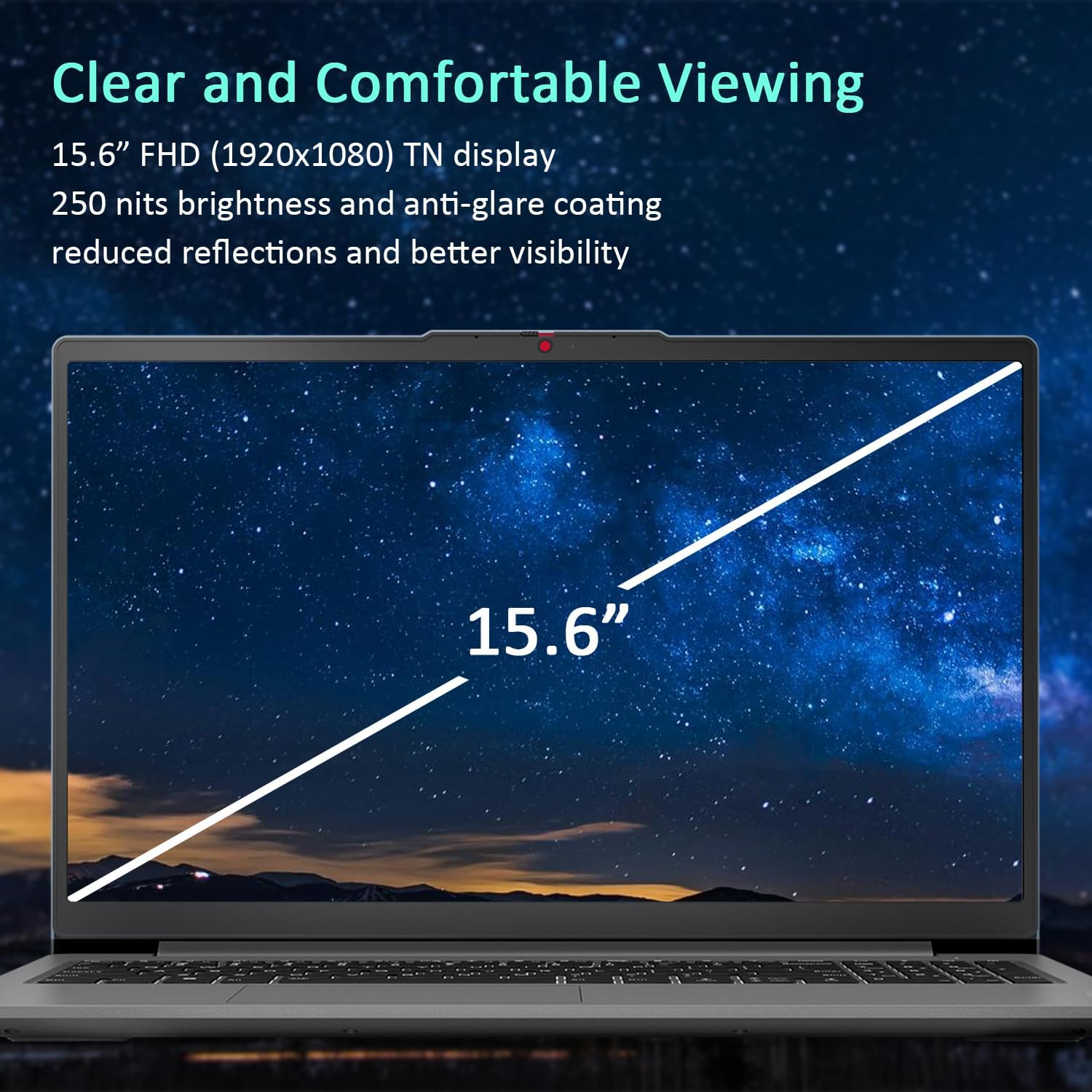
Figure 3: The 15.6-inch Full HD TN display with anti-glare coating for clear and comfortable viewing.
3.2 Processor and Performance
The AMD Ryzen 7 7730U Processor, with 8 cores and 16 threads, delivers reliable performance for various tasks, from daily productivity to more demanding applications. Coupled with 16GB of DDR4 RAM and integrated AMD Radeon Graphics, the system ensures smooth multitasking and efficient operation.
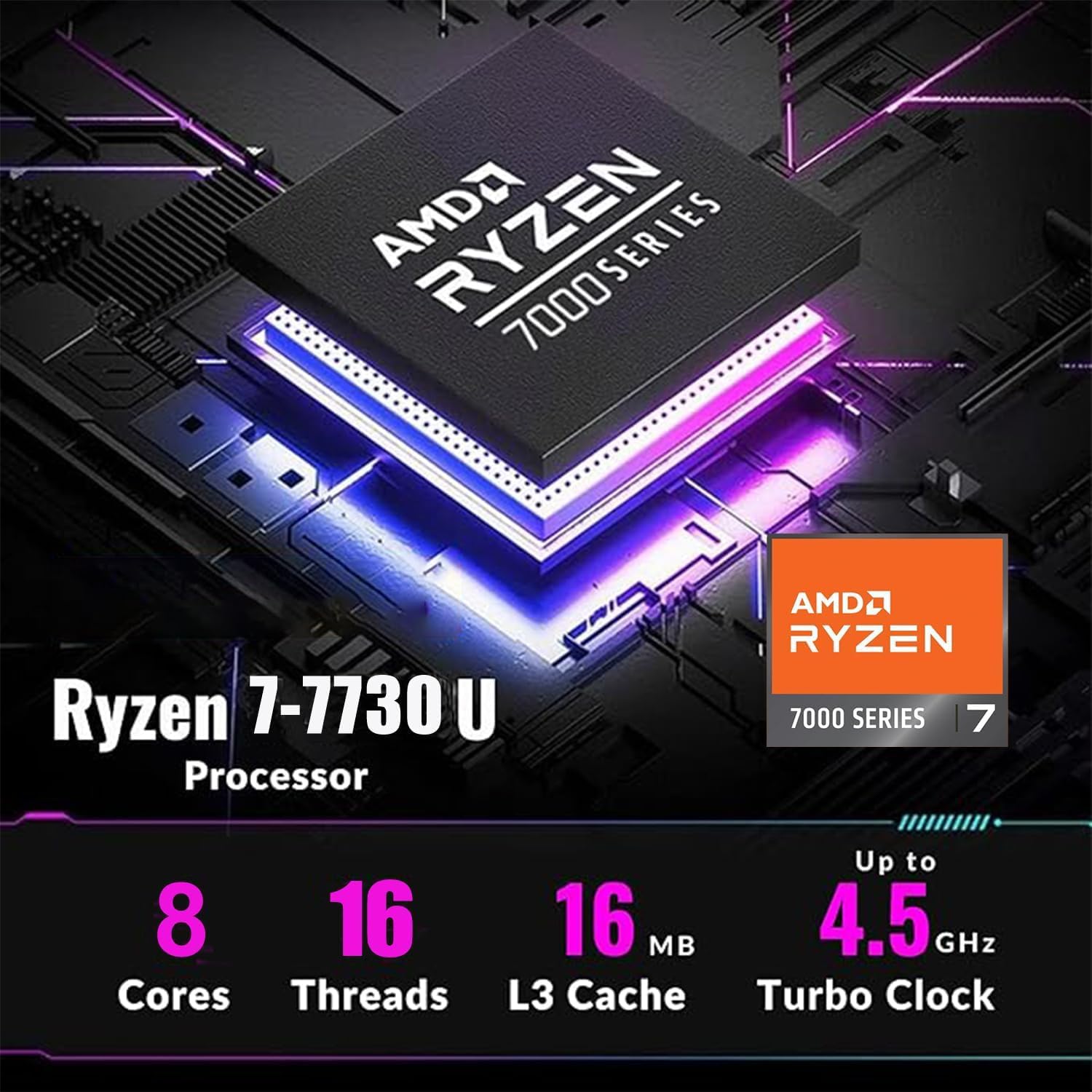
Figure 4: Detailed specifications of the AMD Ryzen 7 7730U Processor, emphasizing its core count, thread count, and turbo clock speed.

Figure 5: The laptop efficiently handles multiple applications simultaneously, showcasing its multitasking capabilities powered by the AMD Ryzen 7 7730U and AMD Radeon Graphics.
3.3 Connectivity
The IdeaPad Slim 3 offers comprehensive connectivity options:
- Ports: 1x USB-C 3.2 Gen 1, 2x USB-A 3.2, 1x HDMI 1.4 Output, 1x Headphone/microphone combo jack, 1x SD Card Reader.
- Wireless: Wi-Fi 6 (802.11ax 2x2) and Bluetooth 5.2 for fast and stable wireless connections.

Figure 6: Side view illustrating the available ports for connecting external devices and peripherals.

Figure 7: Highlighting the advanced Wi-Fi 6 and Bluetooth 5.2 capabilities for seamless connectivity.
3.4 Keyboard and Touchpad
The laptop features a US English keyboard and a responsive touchpad for navigation. The keyboard is designed for comfortable typing.
3.5 Webcam with Privacy Shutter
A built-in HD 720p webcam is included for video calls and conferences. For enhanced privacy, a physical privacy shutter is integrated, allowing you to block the camera lens when not in use.
4. Maintenance
4.1 Cleaning Your Laptop
- Use a soft, lint-free cloth to clean the screen and exterior surfaces.
- For stubborn smudges, lightly dampen the cloth with water or a screen-safe cleaner.
- Avoid using harsh chemicals, abrasives, or solvents.
4.2 Battery Care
- To prolong battery life, avoid fully discharging the battery frequently.
- Store the laptop in a cool, dry place when not in use for extended periods.
4.3 Software Updates
Regularly check for and install operating system and driver updates to ensure optimal performance and security.
5. Troubleshooting
5.1 Common Issues and Solutions
- Laptop not powering on: Ensure the power adapter is securely connected and the battery has sufficient charge. Try a different power outlet.
- No display: Connect an external monitor to check if the issue is with the laptop's screen. Restart the laptop.
- Slow performance: Close unnecessary applications, check for malware, or consider using the WOWPC recovery USB for a system refresh if performance issues persist.
- Network connectivity issues: Verify Wi-Fi is enabled, restart your router, or check network adapter settings in Windows.
5.2 Using the WOWPC Recovery USB
Your device includes a WOWPC recovery USB. This tool is designed to assist with system restoration, driver installation, and other troubleshooting steps. Refer to the instructions provided with the USB for detailed usage.
6. Specifications
| Feature | Detail |
|---|---|
| Processor | AMD Ryzen 7 7730U (8 Cores, 16 Threads, up to 4.5 GHz) |
| Graphics | Integrated AMD Radeon Graphics |
| Operating System | Windows 11 Pro |
| Memory (RAM) | 16GB Soldered DDR4-3200 RAM |
| Storage | 1TB PCIe NVMe SSD (Up to 2TB SSD M.2 PCIe NVMe supported) |
| Display | 15.6" FHD (1920x1080) TN 250nits Anti-glare Display |
| Connectivity | Wi-Fi 6 (802.11ax 2x2), Bluetooth 5.2 |
| Ports | 1x USB-C 3.2 Gen 1, 2x USB-A 3.2, 1x HDMI 1.4, 1x Headphone/microphone combo jack, 1x Card reader |
| Webcam | HD 720p with Privacy Shutter |
| Audio | User-facing stereo speakers, 1.5W x2, optimized with Dolby Audio |
| Color | Arctic Grey |
| Dimensions (L x W x H) | 14.15 x 9.25 x 0.70 Inches |
| Weight | Starting at 3.57 lbs |
| Accessory | WOWPC recovery USB |

Figure 8: Physical dimensions and weight of the Lenovo IdeaPad Slim 3 Laptop, highlighting its slim design.
7. Warranty and Support
7.1 Product Warranty
This product is typically covered by a manufacturer's warranty. For specific warranty terms and conditions, please refer to the documentation included with your purchase or visit the official Lenovo support website. Extended protection plans may also be available for purchase.
7.2 Customer Support
For technical assistance, troubleshooting, or service inquiries, please contact Lenovo customer support. You can find contact information on the official Lenovo website or in your product documentation.
Return Policy: This product typically has a 30-day return/replacement policy. Please check with your retailer for specific return details.


