
Introduction
This manual provides essential instructions for the safe and efficient operation of your Sonew Jet Dryer Blower. Please read this manual thoroughly before use and retain it for future reference. This device is designed for various drying and clearing tasks, offering powerful performance in a compact form factor.
Safety Information
To ensure safe operation and prevent damage to the device or injury, observe the following precautions:
- Double Overheat Prevention: The device is equipped with internal sensors to prevent overheating. Do not block air vents during operation.
- Current Prevention: Built-in mechanisms protect against excessive current.
- Short Circuit Prevention: Designed with safeguards against short circuits.
- Active Cooling System: The blower utilizes an active cooling system for reliability during extended use.
- Keep hands, hair, and loose clothing away from the air intake and exhaust ports during operation.
- Do not operate in wet conditions or near flammable liquids or gases.
- Use only the provided charging cable. Ensure the power adapter (not included) meets the 20W charging specification.
- Store the device in a dry, cool place, away from direct sunlight and extreme temperatures, when not in use.
- This device is not a toy. Keep out of reach of children.
Package Contents
Verify that all items are present in the package:
- 1 x Sonew Jet Dryer Blower
- 1 x Data Cable
- 2 x Instruction Cards (This manual provides comprehensive details)
Setup
The Sonew Jet Dryer Blower comes pre-assembled and ready for use after charging. No additional assembly is required.
Charging Instructions
- Connect the provided data cable to the charging port located on the blower's handle.
- Connect the other end of the data cable to a compatible 20W USB power adapter (not included) or a suitable USB power source.
- The charging indicator light will display red while the device is charging.
- When the battery is fully charged, the indicator light will turn blue.
- A full charge typically takes approximately 2 hours.
Note: For optimal battery performance and longevity, it is recommended to fully charge the device before its first use.
Operating Instructions
Powering On/Off
- To power on the blower, press and hold the power button located on the handle until the fan starts.
- To power off, press and hold the power button again until the fan stops completely.
Usage
The Jet Dryer Blower is designed for a variety of applications due to its powerful and focused airflow:
- Vehicle Drying: Efficiently dry vehicle surfaces after washing, preventing water spots.
- Dust Removal: Clear dust and debris from electronics, workshops, keyboards, or other hard-to-reach areas.
- Outdoor Use: Suitable for clearing light snow, leaves, or assisting with campfire ignition.
- Camping/Picnic: Useful for various drying or clearing tasks in outdoor settings.
Direct the nozzle towards the area requiring airflow. Maintain a safe distance from delicate surfaces to avoid damage.
Maintenance
Regular maintenance ensures the longevity and optimal performance of your blower:
- Cleaning: Wipe the exterior of the blower with a soft, dry cloth. Do not use abrasive cleaners, solvents, or immerse the device in water.
- Air Vents: Periodically check and clear any dust or debris from the air intake and exhaust vents to ensure unrestricted airflow and prevent overheating. Use a soft brush or compressed air if necessary.
- Storage: Store the blower in a cool, dry place, away from direct sunlight and extreme temperatures. Ensure the battery is partially charged (around 50%) if storing for extended periods.
Troubleshooting
If you encounter issues with your Sonew Jet Dryer Blower, refer to the table below for common problems and solutions:
| Problem | Possible Cause | Solution |
|---|---|---|
| Blower does not turn on. | Low battery or no charge. | Charge the device fully. Ensure the power button is pressed and held for a few seconds. |
| Reduced airflow or weak performance. | Blocked air intake/exhaust vents. Low battery. | Clear any debris from the vents. Recharge the device. |
| Charging indicator not lighting up. | Faulty charging cable or power source. | Try a different USB cable or a known-good 20W power adapter. Ensure connections are secure. |
| Device gets excessively hot. | Blocked vents or prolonged heavy use. | Stop use immediately. Clear vents. Allow device to cool down before resuming operation. If problem persists, contact support. |
Specifications
- Material: Carbon Fiber Composite Material
- Battery Type: Lithium Battery, 4000mAh
- Power: 650W
- Wind Speed: 240 km/h
- Thrust: 1400g
- Charging Power: 20W
- Rated Voltage: 16.8V
- Current: 80A
- Heat Dissipation Mode: Active Heat Dissipation
- Safety Features: Double Overheat Prevention, Current Prevention, Short Circuit Prevention
- Full Charge Time: Approximately 2 Hours
- Item Weight: Approximately 400g (device only)
- Package Weight: Approximately 888g
- Dimensions (approximate): 191mm (Height) x 107mm (Width) x 85mm (Nozzle Diameter)
Product Images
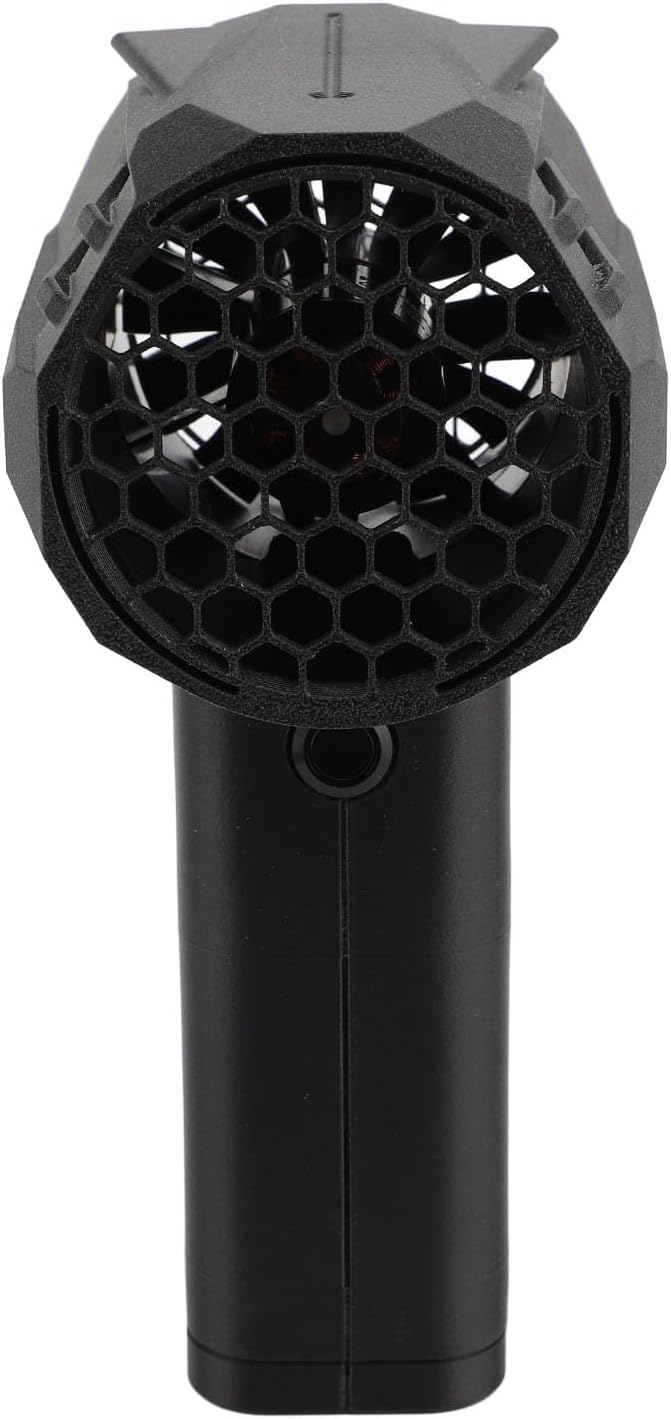
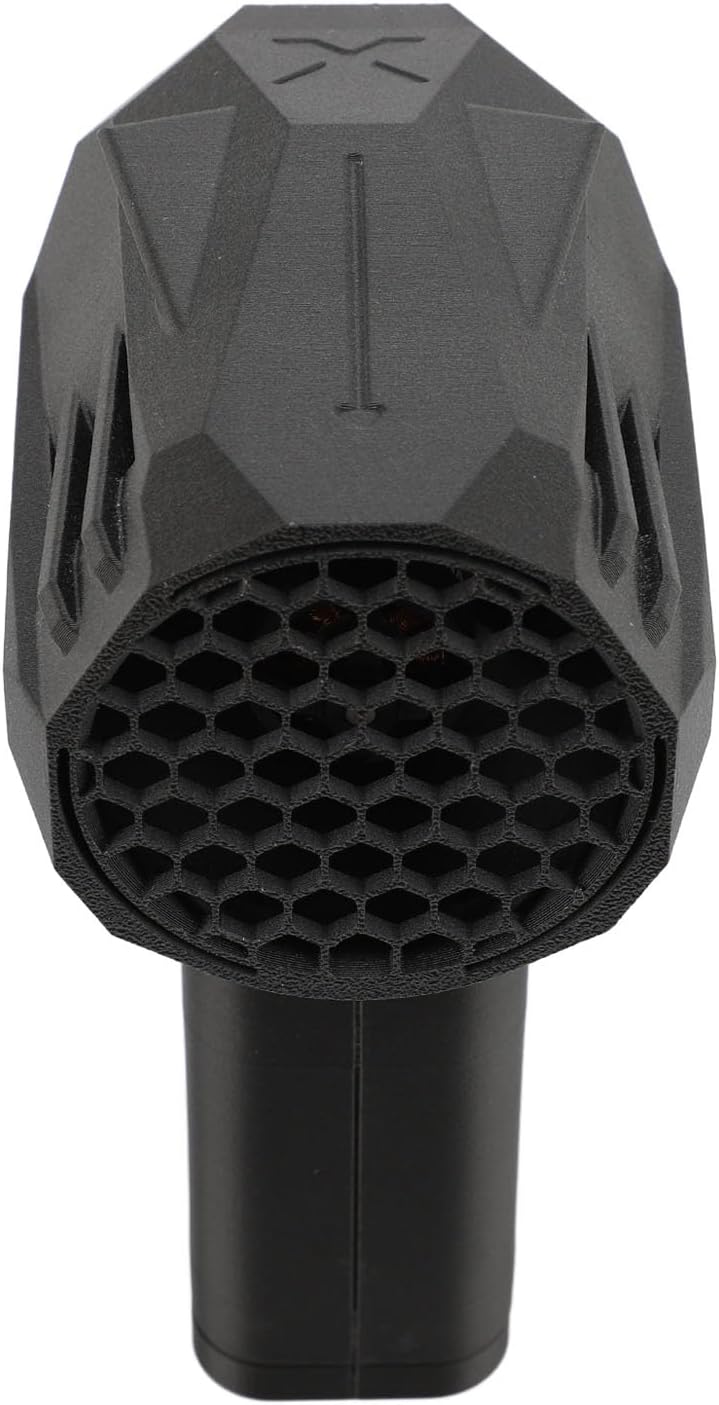


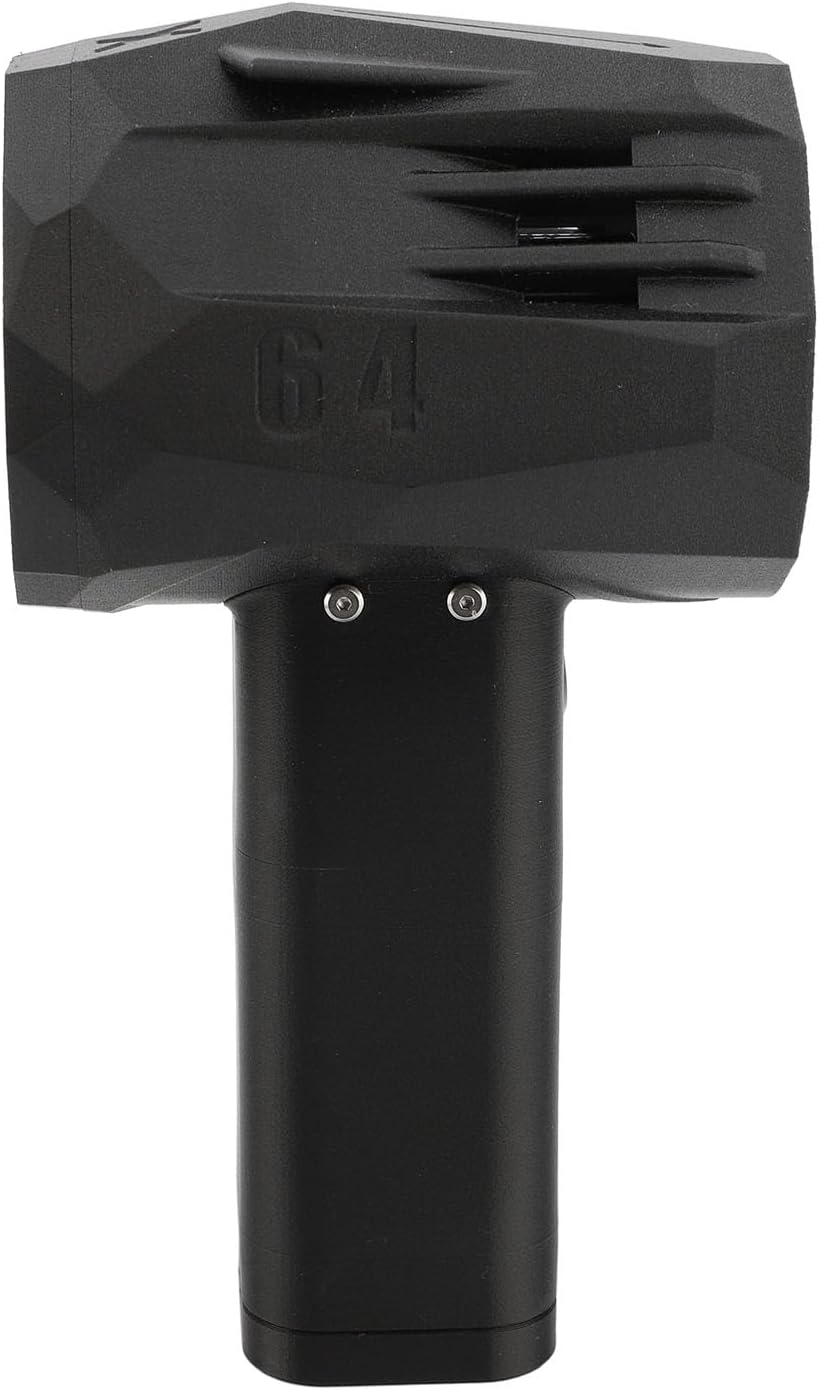


Warranty and Support
For warranty information, technical support, or service inquiries, please refer to the contact details provided with your original purchase documentation. You may also visit the official Sonew website for further assistance. Please retain your purchase receipt as proof of purchase for any warranty claims.