
LocoLee 10354
LocoLee LED Light Kit for LEGO 10354 The Shire (Standard Version) - Instruction Manual
Enhance your LEGO 10354 The Shire model with vibrant LED lighting.
1. Important Notice
This product is an LED lighting kit designed specifically for the LEGO 10354 The Shire model. The LEGO model itself is NOT included and must be purchased separately or already owned. This lighting kit is suitable for individuals aged 16 years and up.

Figure 1: Clarification that the LEGO model is not included with the light kit.
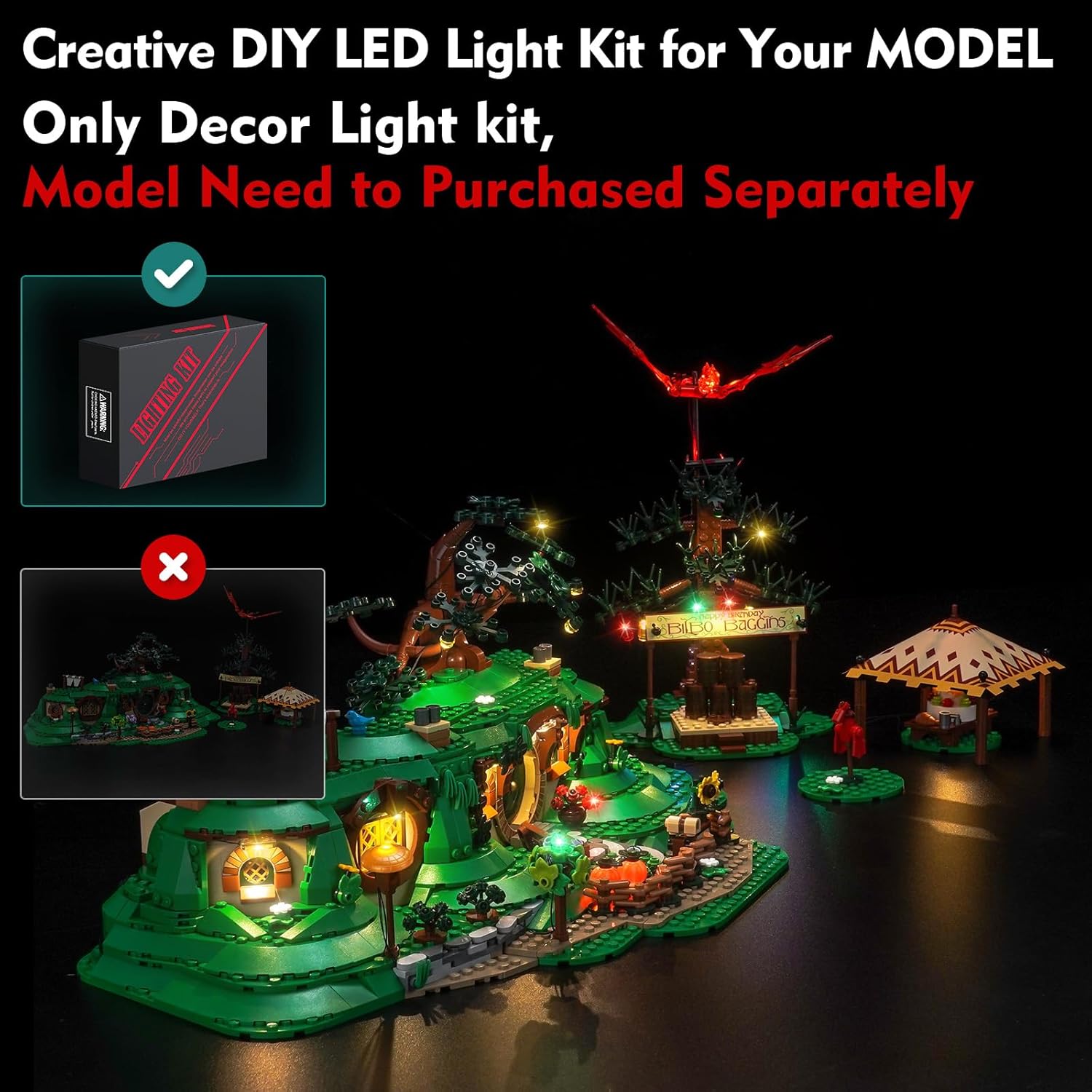
Figure 2: Visual reminder that only the decorative light kit is provided.
2. Package Contents
Before beginning installation, please verify that all components listed below are present in your package. If any parts are missing or damaged, please contact customer support.
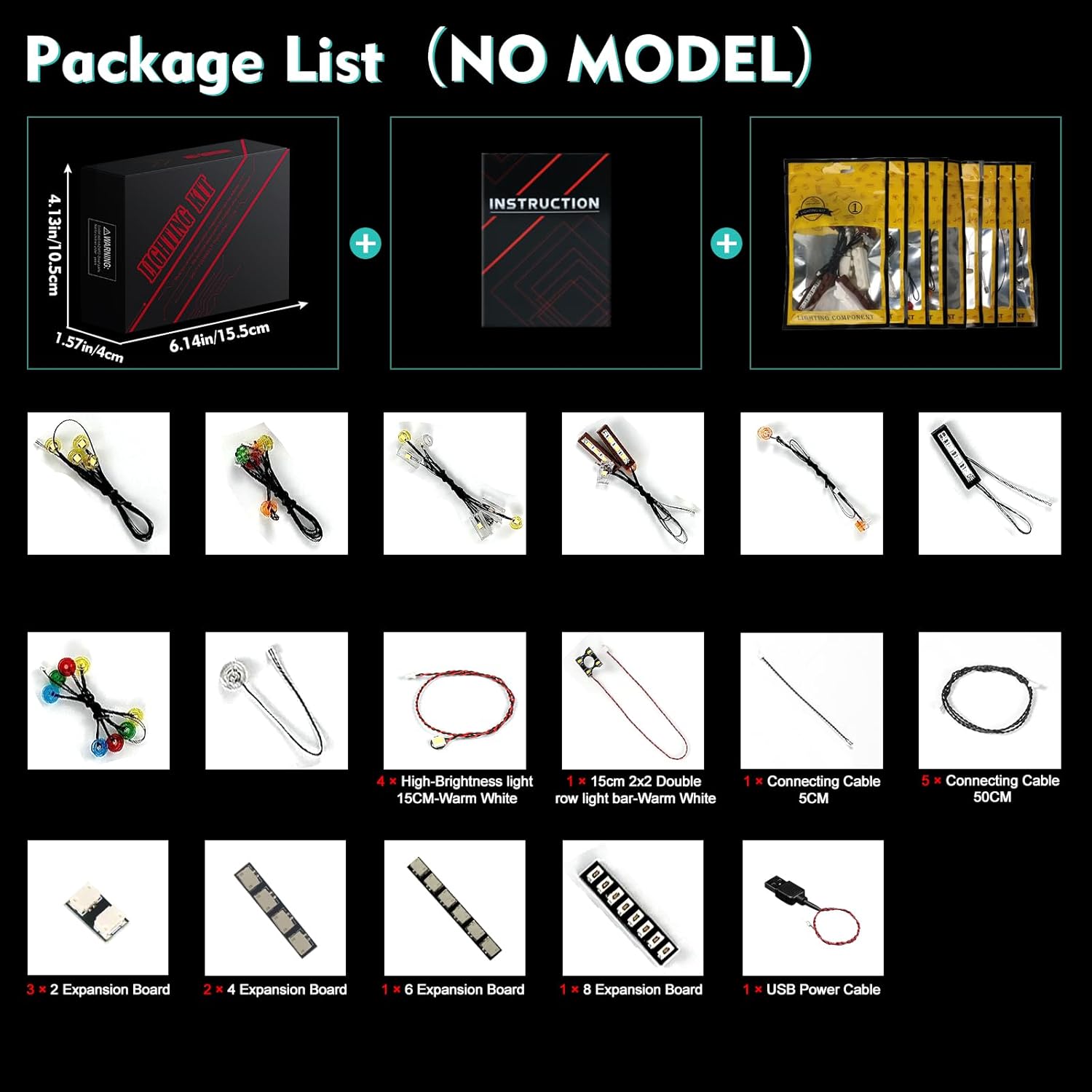
Figure 3: Overview of the light kit components included in the package.
- LED Light Strings and Individual LEDs
- Connecting Cables (various lengths)
- Expansion Boards
- USB Power Cable
- Instruction Manual (online access)
3. Setup and Installation
Installation of the LocoLee LED Light Kit requires careful attention to detail. Detailed video and PDF instructions are available online. Please refer to the website printed in the booklet included in your package, or search for instructions using the model number.

Figure 4: Guide to accessing the online installation instructions.
General Installation Guidelines:
- Preparation: Ensure your LEGO 10354 The Shire model is fully assembled before installing the light kit.
- Online Instructions: Follow the step-by-step video or PDF instructions provided online. These guides will show you exactly where to place each light and how to route the cables.
- Cable Management: Carefully route wires between LEGO bricks. Avoid pulling wires too hard to prevent damage. Small parts are not fragile, but excessive force can cause issues.
- Power Source: The light kit can be powered by a USB power source (voltage less than 5V). For optimal brightness, use a reliable USB power supply.
- Testing: Test each light component before fully integrating it into the model to ensure proper functionality.
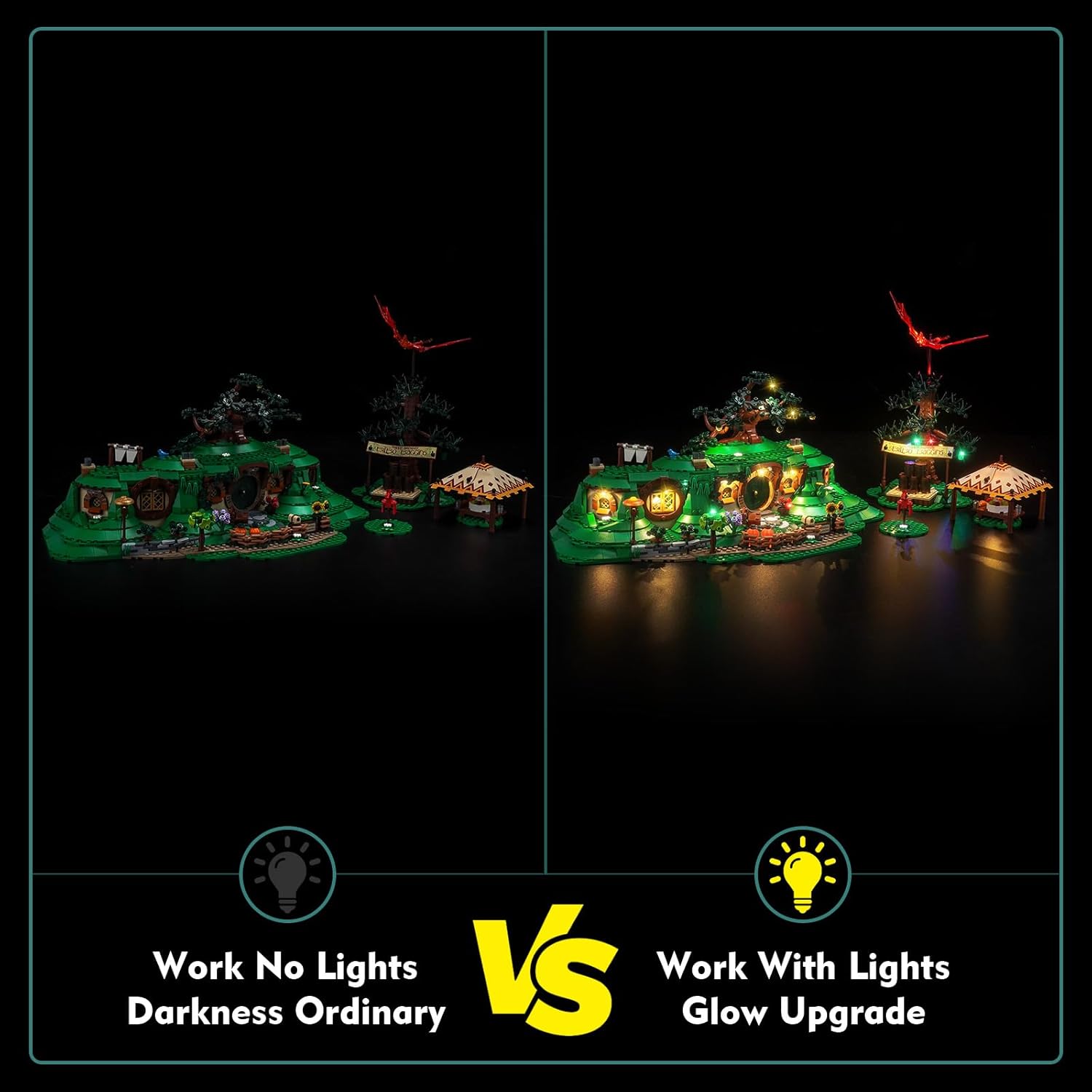
Figure 5: Before and after comparison of the LEGO Shire model with and without the light kit.

Figure 6: Detailed views of the illuminated sections of the LEGO Shire model.
Installation Video Resources:
For visual guidance, please refer to the following official installation videos:
Video 1: Official LocoLee installation guide for the LEGO 10354 The Shire light kit, demonstrating the setup process and final illuminated model.
Video 2: LIGHTAILING's demonstration of their light kit for LEGO 10354 The Lord of The Rings: The Shire, showcasing the illuminated features.
Video 3: YEABRICKS' light kit demonstration for LEGO 10354 The Lord of the Rings: The Shire, highlighting various lighting effects.
4. Operating Instructions
Once the light kit is fully installed and connected to a USB power source (less than 5V), the lights will illuminate. There are no complex operating controls for this standard version. The lights will remain on as long as power is supplied.
5. Maintenance
To ensure the longevity and optimal performance of your LocoLee LED Light Kit, please follow these maintenance guidelines:
- Cleaning: Gently dust the LED lights and wires with a soft, dry cloth. Avoid using liquids or abrasive cleaners.
- Handling: When moving or adjusting your LEGO model, handle it carefully to avoid dislodging or damaging the installed lights and wires.
- Storage: If storing the model for an extended period, disconnect the USB power cable.
6. Troubleshooting
If you encounter any issues with your light kit, please refer to the following common troubleshooting steps:
- Lights Not Working:
- Ensure the USB power cable is securely connected to both the light kit and a functional USB power source.
- Verify that the power source is providing sufficient power (less than 5V).
- Check all cable connections between the lights and expansion boards for looseness or damage.
- If only some lights are not working, inspect the specific connections for those lights.
- Flickering Lights:
- This may indicate a loose connection. Re-check all cable connections.
- Ensure the power source is stable. Try a different USB port or adapter.
- Dim Lights:
- Ensure your USB power source is adequate. Using a higher quality USB adapter can sometimes improve brightness.
- Confirm all connections are firm.
If these steps do not resolve the issue, please contact LocoLee customer support for further assistance.
7. Specifications
- Product Dimensions: 6.06 x 1.26 x 3.98 inches
- Item Weight: 3.52 ounces
- Power Input: USB (Voltage less than 5V)
- Materials: High-quality copper lines and ABS plastic
- Recommended Age: 16 years and up
- Compatibility: Specifically designed for LEGO 10354 The Shire
8. Warranty and Support
LocoLee is committed to providing high-quality products. If you have any questions or concerns regarding your light kit, please do not hesitate to contact our customer support team. We are dedicated to ensuring your satisfaction and will assist you with any product-related inquiries.
Please refer to your purchase documentation or the LocoLee brand store on Amazon for specific warranty details and contact information.
Safety Information: To prevent accidental ingestion, keep small components out of reach of young children.
Ask a question about this manual
Ask about setup, troubleshooting, compatibility, parts, safety, or missing instructions. Manuals+ will review the question and use this page’s manual context to help answer it.