
1. Introduction
This manual provides instructions for the WITRN USB C Adapter with Digital Display. This adapter is designed to enhance your USB-C connectivity by providing real-time power monitoring, high-speed data transfer, and video output capabilities. Please read this manual thoroughly before using the product to ensure proper operation and safety.
2. Product Overview
The WITRN USB C Adapter is a compact and versatile accessory for your USB-C devices. It features an integrated LED display that provides immediate feedback on charging parameters.
Key Features:
- Digital Display: Real-time display of charging voltage (V), current (A), and power (W).
- 240W PD Fast Charging: Supports Power Delivery up to 240W (48V/5A) without reducing original charging speed.
- 80Gbps Data Transfer: Complies with the USB4 standard for ultra-fast data transfer.
- 8K@60Hz Video Output: Supports high-definition video transmission to external displays (requires compatible cable).
- Wide Compatibility: Compatible with various USB-C devices including smartphones, tablets, and laptops.
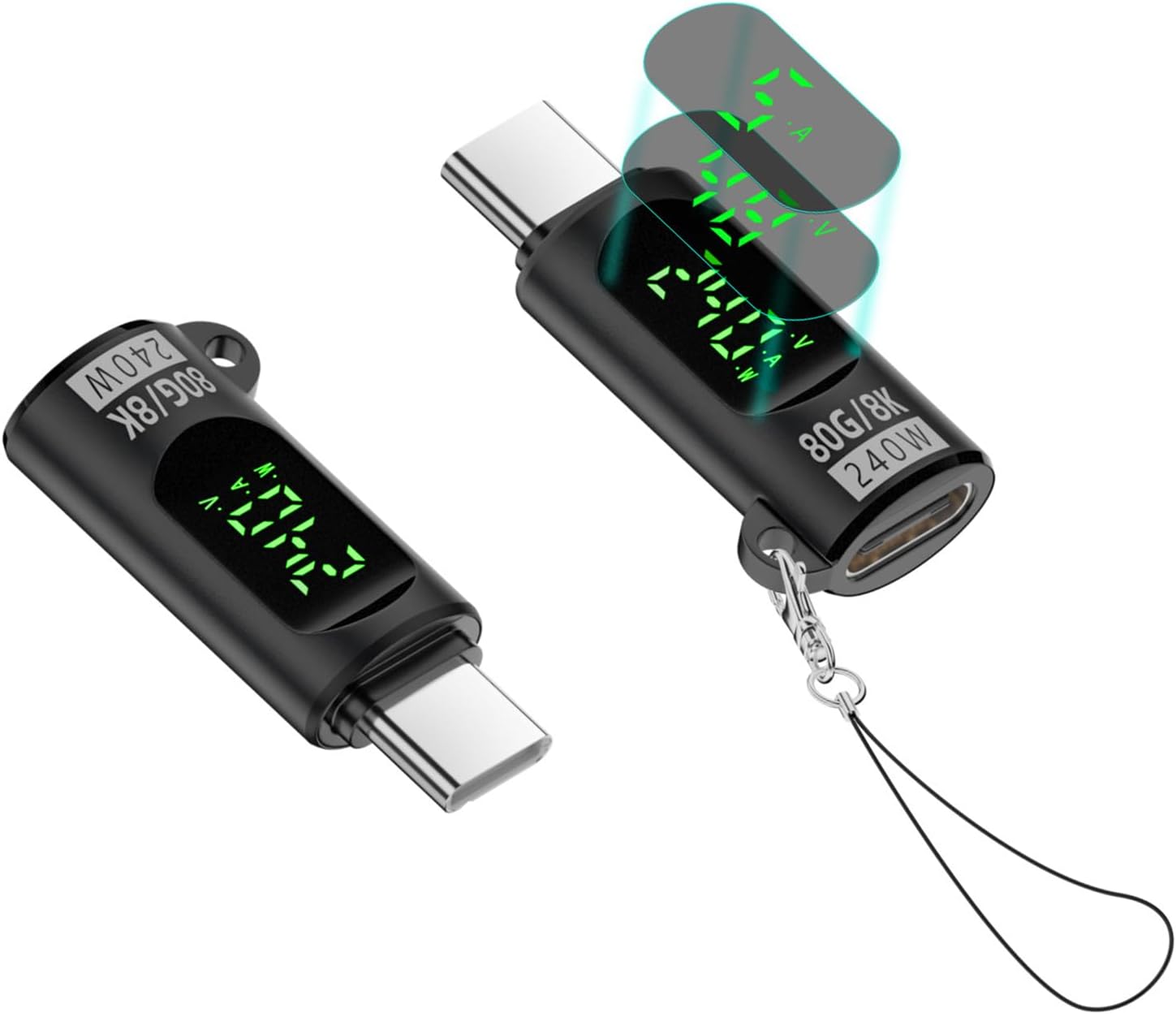
Image: Two WITRN USB C Adapters with Digital Display, showcasing their compact design and illuminated screens displaying real-time power metrics.

Image: The USB C adapter featuring a convenient keychain lanyard design for portability.
3. Setup Instructions
Follow these steps to connect and begin using your WITRN USB C Adapter:
Connecting the Adapter:
- Identify the USB-C male connector on the adapter.
- Plug the USB-C male connector securely into the USB-C port of your source device (e.g., laptop, tablet, smartphone).
- Connect your USB-C charging cable or data cable to the USB-C female port on the adapter.
- Ensure all connections are firm. The digital display on the adapter will illuminate, showing real-time charging or data transfer metrics.
Video: A demonstration of connecting the WITRN USB C adapter to various devices, showcasing its digital display during charging and data transfer operations.
4. Operating Instructions
The adapter is designed for plug-and-play functionality. Once connected, it automatically begins monitoring and displaying relevant information.
Understanding the Digital Display:
The LED digital display on the adapter cycles through voltage (V), current (A), and power (W) readings every few seconds. These values provide real-time insight into the electrical flow:
- Voltage (V): Indicates the electrical potential difference between two points.
- Current (A): Indicates the rate of electrical charge flow.
- Power (W): Represents the total electrical power being delivered or consumed, calculated as Voltage multiplied by Current.

Image: A close-up view of the USB C adapter's intelligent digital display, showing real-time voltage, current, and power readings.
Data Transfer and Video Output:
For high-speed data transfer (up to 80Gbps) or 8K@60Hz video output, ensure that both your connected USB-C cable and the devices (source and destination) support these specific functionalities. The adapter acts as a pass-through and does not require additional drivers or software for these functions.
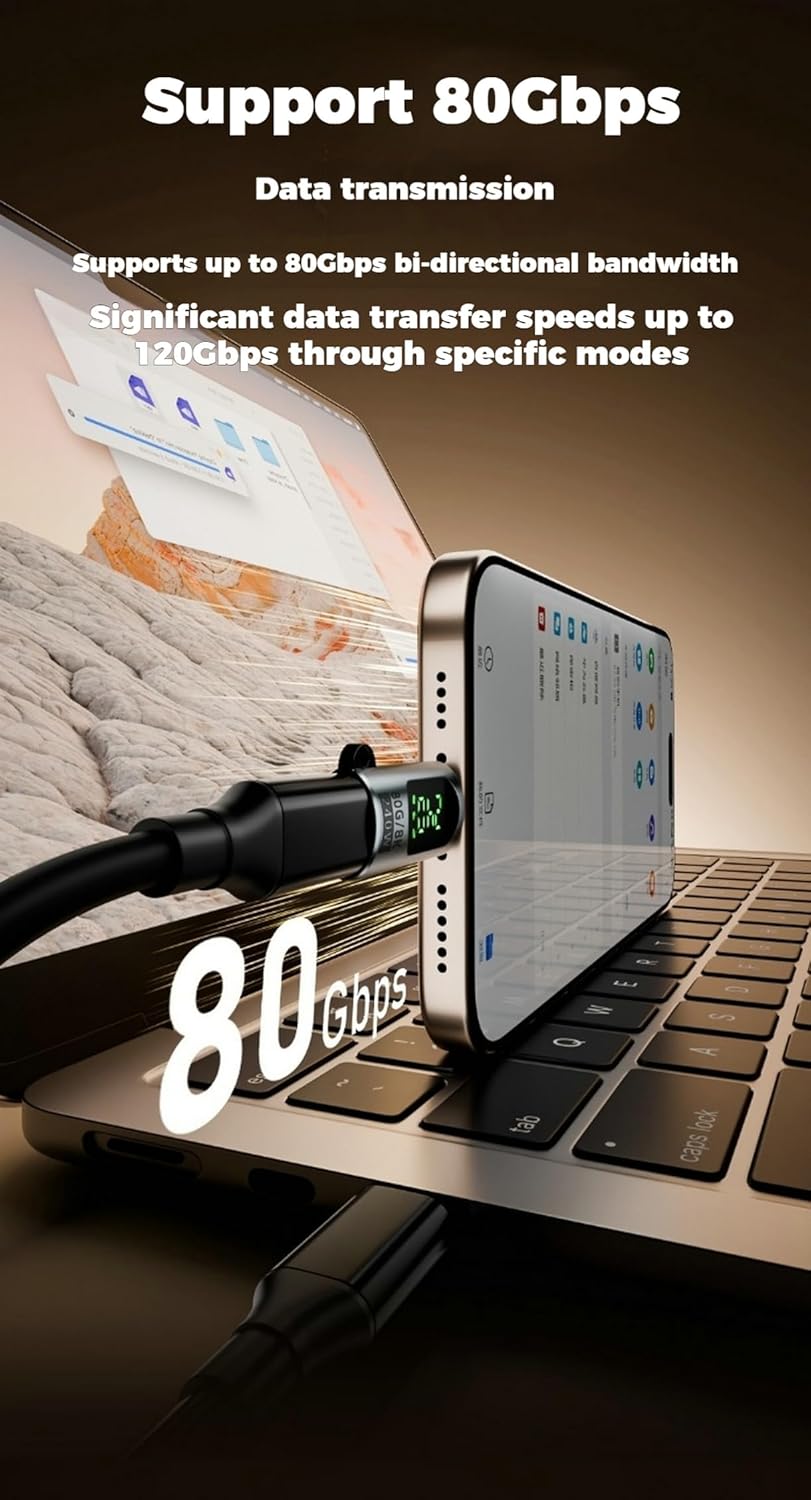
Image: The USB C adapter connected to a smartphone, illustrating its capability for 240W fast charging.
5. Maintenance
To ensure the longevity and optimal performance of your WITRN USB C Adapter, please observe the following maintenance guidelines:
- Cleaning: Keep the adapter clean and free from dust and debris. Use a soft, dry cloth for cleaning. Avoid liquid cleaners.
- Storage: Store the adapter in a cool, dry place away from direct sunlight and extreme temperatures.
- Handling: Avoid dropping or subjecting the adapter to strong impacts. Do not attempt to disassemble or modify the adapter, as this may cause damage and void the warranty.
- Environmental Conditions: Do not expose the adapter to water, moisture, or corrosive substances.
6. Troubleshooting
If you encounter issues with your WITRN USB C Adapter, refer to the following common problems and their solutions:
- Display Not Working or Showing Incorrect Readings:
- Ensure the adapter is securely connected to both the source device and the cable/load.
- Verify that the connected device is actively supplying or drawing power. The display will only show readings when power is flowing.
- Try connecting the adapter to a different USB-C port or device to rule out port-specific issues.
- Slow Charging or Data Transfer Speeds:
- Confirm that your charging cable and the connected devices support the desired speeds (e.g., 240W Power Delivery, 80Gbps data transfer). Lower-spec cables or devices will limit performance.
- Ensure the power source (charger) is capable of delivering the required wattage for fast charging.
- For data transfer, check if the source and destination drives are high-speed compatible.
- No Video Output:
- Verify that your USB-C cable supports video transmission (DisplayPort Alternate Mode). Not all USB-C cables are video-enabled.
- Ensure both the source device and the external display support 8K@60Hz resolution and are properly configured for video output.
- Try a different video-enabled USB-C cable.
- Adapter Overheating:
- Discontinue use immediately if the adapter feels excessively hot.
- Ensure adequate ventilation around the adapter and connected devices. Avoid using it in enclosed spaces.
- Reduce the load if possible (e.g., use a lower wattage charger if 240W is not strictly necessary).
7. Product Specifications
Detailed technical specifications for the WITRN USB C Adapter:
| Feature | Detail |
|---|---|
| Product Name | 240W Digital 80Gbps Type-C Adapter |
| Input Connector | USB-C Female |
| Output Connector | USB-C Male |
| Power Delivery (PD) | Up to 240W (48V/5A) |
| Data Transmission Speed | 80Gbps (USB4 standard), backward compatible with 40G/20G/10G |
| Video Output | 8K@60Hz (requires compatible cable and devices) |
| Chipset | E-Marker chip with digital display functionality |
| Color | Grey |
| Item Weight | 0.352 ounces |
| Model Number | 240W digital display 80Gbps Type-C head |
| Package Dimensions | 5.83 x 3.82 x 0.31 inches |
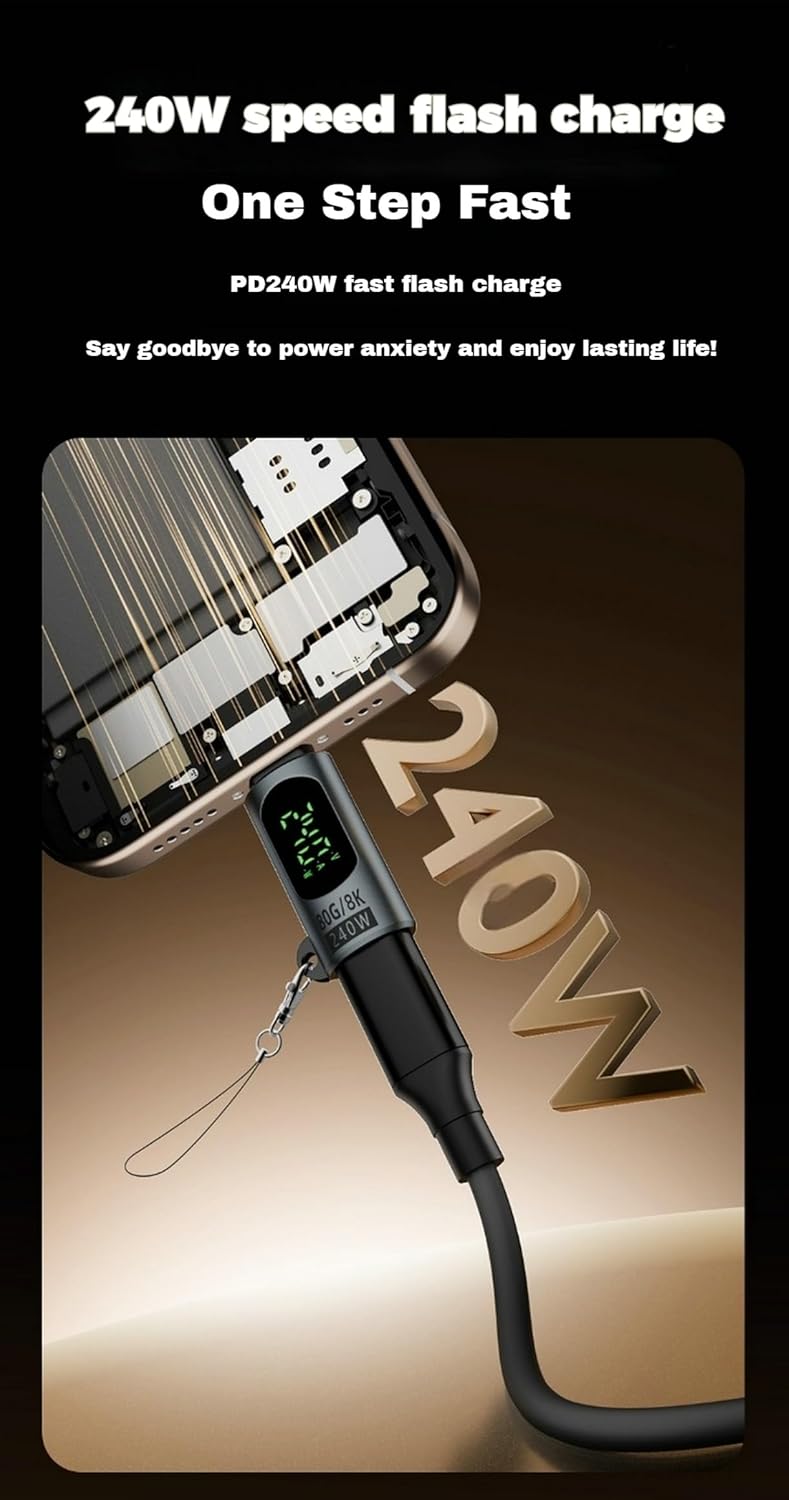
Image: A technical diagram illustrating the precise dimensions of the WITRN USB C Adapter.
8. Compatibility
The WITRN USB C Adapter is designed for broad compatibility with a wide range of USB-C enabled devices, including but not limited to:
- Smartphones: iPhone 15 Series (15/15 Plus/15 Pro/15 Pro Max), Samsung Galaxy S Series (S23/S23 Ultra/S23+/S22/S21/S21 Plus/S20), Samsung Galaxy Note Series (Note 20/20 Ultra/10/10 Plus), Samsung Galaxy Z Flip 5, Samsung Galaxy Z Fold 5, Google Pixel Series (7/6/5/4), and other USB-C Android phones.
- Tablets: iPad Air/Pro models, and other USB-C tablets.
- Laptops: MacBook models, and other laptops with USB-C ports.
- Other Devices: Any device with a compatible USB-C port that supports Power Delivery, data transfer, or video output.

Image: A collage demonstrating the USB C adapter's compatibility with various devices, including laptops, smartphones, and smartwatches.
9. Warranty Information
This WITRN product is covered by a standard manufacturer's warranty. For detailed information regarding warranty terms, conditions, and duration, please refer to the warranty card included with your product packaging or visit the official WITRN website. Please retain your proof of purchase for any warranty claims.
10. Support
For technical assistance, troubleshooting, or any other inquiries regarding your WITRN USB C Adapter, please contact our customer support team. You can typically find support contact information on the product packaging or through the retailer where you purchased the item.
For additional resources and product information, you may also visit the WITRN Store on Amazon.