
1. Introduction
This manual provides detailed instructions for the installation, operation, and maintenance of your Ctronics 4MP 4G LTE Indoor Surveillance Camera. This camera is designed to offer reliable security monitoring in indoor environments, even without a Wi-Fi connection, utilizing 4G LTE cellular technology. It features 4MP Ultra HD resolution, 360° pan/tilt functionality, intelligent human detection, color night vision, and two-way audio communication.
2. Package Contents
Please verify that all items are present in the package:
- Ctronics 4MP 4G Indoor Surveillance Camera
- Power Adapter
- Charging Cable
- Instruction Manual (this document)
- Mounting Bracket
- Mounting Screws
3. Product Overview
The Ctronics 4MP 4G Indoor Surveillance Camera is a dome-shaped device equipped with advanced features for comprehensive indoor monitoring. It includes a lens, LED lights for night vision, a microphone, a speaker, and a 4G antenna for cellular connectivity.
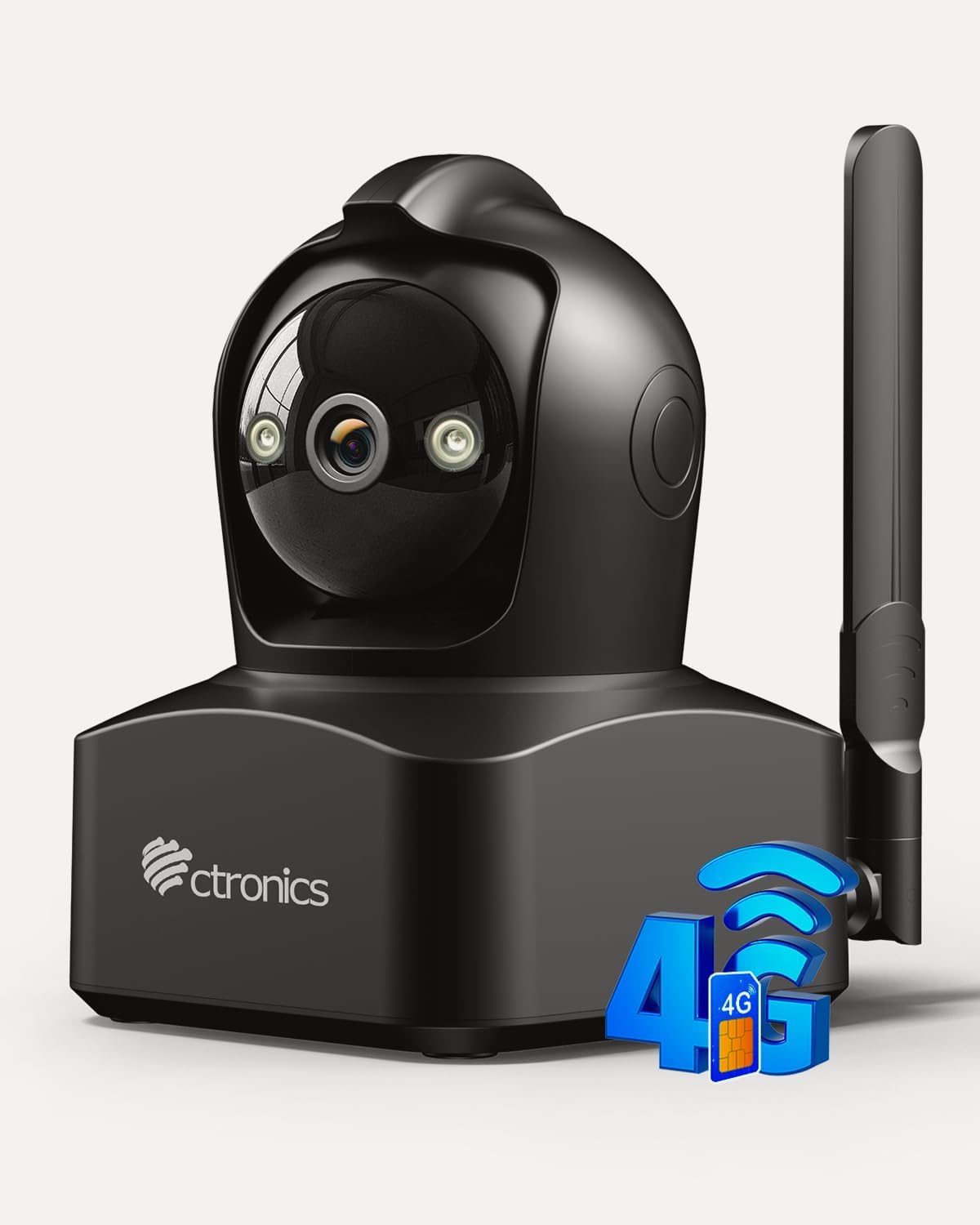
Figure 3.1: Ctronics 4MP 4G Indoor Surveillance Camera. This image displays the main unit of the surveillance camera, highlighting its compact design and external antenna for 4G connectivity.
4. Setup
4.1 SIM Card Installation
This camera operates using a Nano SIM card for 4G LTE cellular connectivity, making it suitable for locations without Wi-Fi. A 300 MB data SIM is typically included, but you can use your own Nano SIM card. Ensure the SIM card's PIN is disabled before insertion.
- Locate the SIM card slot on the camera.
- Carefully insert the Nano SIM card into the slot until it clicks into place.
- Ensure the SIM card is correctly oriented as indicated by the diagram near the slot.

Figure 4.1: 4G LTE Connectivity. This image illustrates the camera's 4G LTE capability, allowing monitoring in locations without Wi-Fi, such as garages, shops, or holiday homes. It highlights the use of a SIM card for connectivity.
4.2 Power Connection
Connect the provided power adapter to the camera's power input port and then plug it into a standard electrical outlet. The camera will power on automatically.
4.3 Application and PC Client Installation
To access and control your camera, download the official Ctronics application on your smartphone or the PC client for Windows/Mac OS.
- For Smartphones: Search for "Ctronics Pro" in your device's app store (iOS or Android) and install it.
- For PC/Laptop: Visit the official Ctronics website to download the appropriate client software for Windows or Mac OS.
Follow the in-app or software instructions to add your camera using its unique ID or QR code.

Figure 4.2: Multi-platform Access. This image shows the camera supports multi-platform access, allowing users to view live feeds and recordings on various devices including iOS, Android, Windows, and Mac OS, using the Ctronics Pro app or HiP2P Client.
4.4 Mounting Options
The camera can be placed on a tabletop or mounted on a wall or ceiling using the provided bracket and screws.
- Tabletop Placement: Simply place the camera on a flat, stable surface.
- Wall/Ceiling Mounting:
- Choose a suitable location for optimal viewing.
- Use the mounting bracket as a template to mark screw holes.
- Drill pilot holes and secure the bracket with the provided screws.
- Attach the camera to the mounted bracket.

Figure 4.3: Tabletop or Wall Mounting. This image demonstrates the versatility of the camera's installation, suitable for both tabletop placement and wall mounting, providing flexible protection for different indoor environments.
5. Operation
5.1 Live View and Recording
Once connected, open the Ctronics Pro app or PC client to view the live feed. The camera provides 4MP Ultra HD (2.5K QHD) resolution, ensuring clear and detailed images.
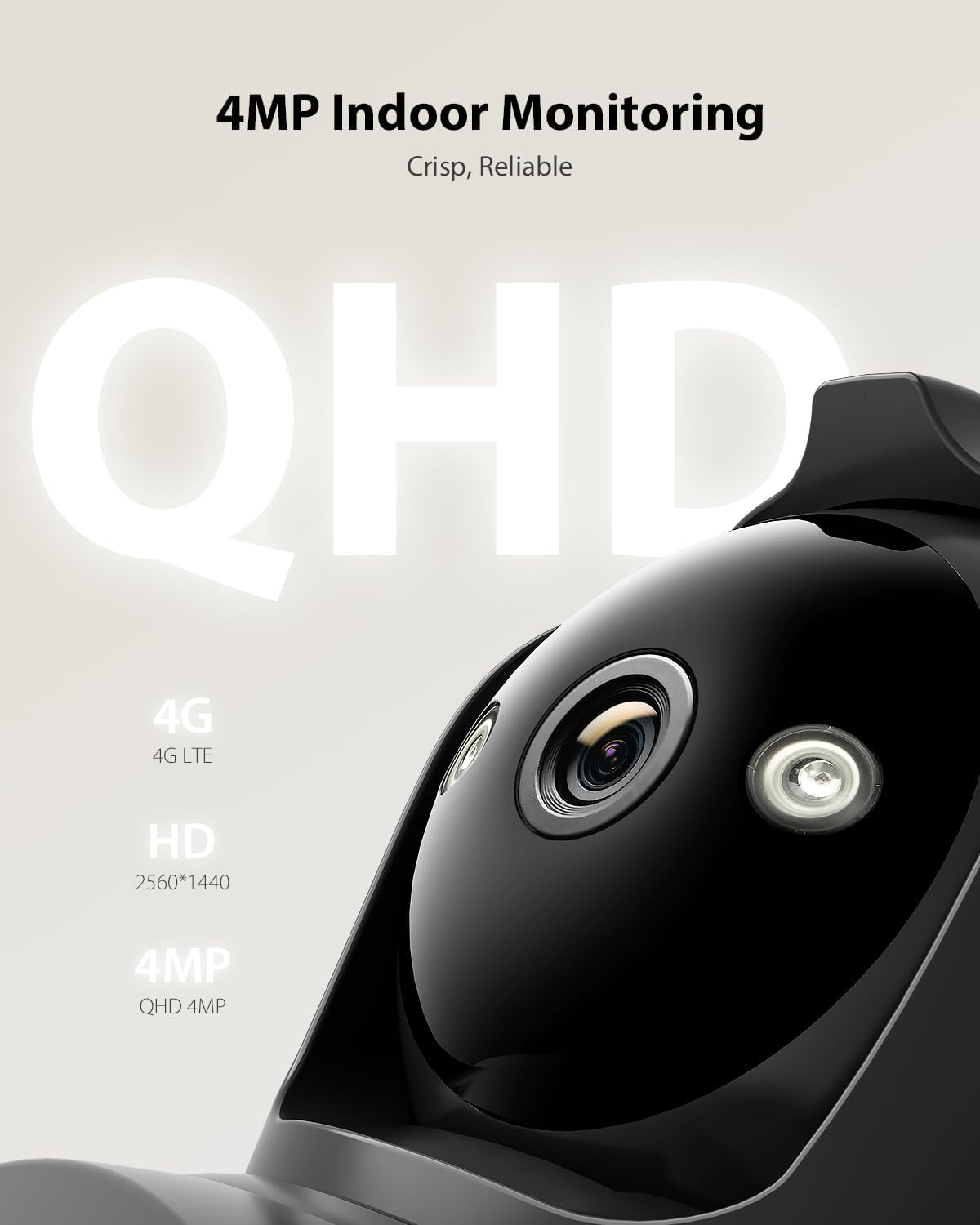
Figure 5.1: 4MP QHD Resolution. The camera provides crisp, reliable 4MP QHD resolution (2560x1440) for clear indoor monitoring, capturing every detail with enhanced clarity.
5.2 Pan, Tilt, and Zoom (PTZ)
The camera supports 355° horizontal pan and 90° vertical tilt, allowing you to adjust the viewing angle remotely through the application. You can also set up to 8 preset positions for quick navigation to important areas.
5.3 Intelligent Tracking
Activate the intelligent tracking feature in the app. The camera will automatically detect and follow human movement within its field of view, ensuring continuous surveillance of subjects.

Figure 5.2: Intelligent Tracking. This image illustrates the camera's intelligent tracking feature, which automatically follows detected human movement to ensure continuous surveillance. A smartphone notification for human recognition is also shown.
5.4 Night Vision
The camera features advanced color night vision, providing clear and detailed images even in complete darkness, with a range of up to 20 meters. You can switch between full-color and black-and-white night vision modes as needed.

Figure 5.3: Color Night Vision. This image demonstrates the camera's advanced night vision capabilities, showing both full-color night vision and standard black-and-white mode. It highlights the clarity of images captured in low-light conditions.
5.5 Two-Way Audio
Utilize the built-in microphone and speaker for two-way communication. This allows you to speak with individuals near the camera and hear their responses directly through the application.
5.6 Smart Alarm with Light and Sound
When motion is detected, the camera can automatically activate loud sirens and bright LED lights to deter intruders. You will also receive real-time alerts via the application and email notifications.
5.7 Storage Options
The camera supports multiple storage methods for recordings:
- Local Storage: Insert a TF (microSD) card (up to 128GB, not included) into the designated slot.
- Cloud Service: A 7-day trial of Ctronics Cloud service is typically available. Refer to the app for subscription details.
- FTP: Configure FTP settings in the application to store recordings on an FTP server.

Figure 5.4: Flexible Storage Options. This image highlights the camera's flexible storage capabilities, including local storage on a TF card (up to 128GB, not included) and cloud service (7-day trial available). FTP storage is also supported.
6. Maintenance
- Cleaning: Use a soft, dry cloth to clean the camera lens and body. Avoid abrasive cleaners or solvents.
- Firmware Updates: Regularly check for firmware updates through the Ctronics Pro application to ensure optimal performance and security.
- Environmental Conditions: Ensure the camera is used within its specified operating temperature and humidity ranges. This camera is designed for indoor use only.
7. Troubleshooting
| Problem | Possible Cause | Solution |
|---|---|---|
| Camera not powering on | Power adapter not connected; Power outlet faulty | Ensure power adapter is securely connected; Try a different power outlet. |
| No 4G connection | SIM card not inserted correctly; SIM card PIN enabled; No data plan; Poor cellular signal | Reinsert SIM card; Disable SIM PIN; Check data plan status; Relocate camera to an area with better signal. |
| Cannot access camera via app/PC client | Incorrect camera ID; Network issue; App/client outdated | Verify camera ID; Check internet connection on your device; Update app/client to the latest version. |
| Poor image quality | Dirty lens; Low light conditions; Network bandwidth issues | Clean the camera lens; Ensure adequate lighting or enable night vision; Check 4G signal strength. |
| Two-way audio not working | Microphone/speaker muted in app; Volume too low; Network latency | Check app settings for audio mute/volume; Ensure stable 4G connection. |
8. Specifications
| Feature | Detail |
|---|---|
| Model Number | 850-4MPB (CTIPC-850C-4MP-B) |
| Video Recording Resolution | 4MP (2560x1440 QHD) |
| Frame Rate | 15 frames per second |
| Viewing Angle | 90 Degrees |
| Pan/Tilt Range | Pan: 355°, Tilt: 90° |
| Night Vision Range | 20 Meters (Color Night Vision) |
| Wireless Communication | Cellular (4G LTE) |
| Wired Connectivity | RJ45 Ethernet |
| Storage Options | TF Card (up to 128GB), Cloud Service, FTP |
| Special Features | Two-way audio, HD resolution, PTZ technology, Color Night Vision, Intelligent Tracking, Smart Alarm (Light & Sound) |
| Compatible Devices | Computer, Laptop, Smartphone, Tablet (Windows, Mac OS, iOS, Android) |
| Power Source | Electric Cable (5 Volts DC, 5 Watt-hours) |
| Material | Acrylonitrile Butadiene Styrene (ABS) |
| Dimensions (L x W x H) | 14.22 x 18.39 x 11.99 cm |
| Weight | 520 grams |
| Installation Type | Screw-in (Tabletop, Wall, Ceiling Mount) |
| Usage Environment | Indoor |
9. Warranty and Support
Ctronics products typically come with a limited warranty. For specific warranty terms, technical support, or service inquiries, please refer to the warranty card included with your product or visit the official Ctronics website. Contact information for customer support can usually be found on the product packaging or the manufacturer's website.


