
1. Introduction
This manual provides essential instructions for the safe and effective use of your MDCGPower 29.5V Power Adapter, Model MDCHE0304. This adapter is designed to be compatible with Hoverstar LBW14 25.2V 2Ah 50.4Wh 24V Lithium Li-ion Battery Hover Boards and 6.5" Two-Wheel Self Balancing Electric Balance Scooters requiring a 29.4VDC power supply.
Please read this manual thoroughly before using the product and retain it for future reference. Ensure that the specifications of this adapter match the requirements of your device before connection.
2. Safety Information
Your MDCGPower adapter is equipped with multiple safety features to protect both the charger and your device. Adhering to these safety guidelines is crucial for preventing damage and ensuring safe operation.
- Overvoltage Protection: Prevents damage from excessive voltage input.
- Overheating Protection: Shuts down if internal temperatures exceed safe limits.
- Overpower Protection: Safeguards against drawing too much power.
- Overcurrent Protection: Protects against excessive current flow.
- Short Circuit Protection: Prevents damage from short circuits.

Figure 2.1: The adapter features multiple safety protections including overvoltage, overheating, overpower, overcurrent, and short circuit protection, ensuring safe and reliable use.
General Safety Precautions:
- Do not expose the adapter to water, rain, or excessive moisture.
- Avoid dropping or subjecting the adapter to strong impacts.
- Do not disassemble or attempt to repair the adapter. Refer to qualified service personnel.
- Ensure proper ventilation around the adapter during use to prevent overheating.
- Keep out of reach of children.
- Only use the adapter with compatible devices as specified.
3. Package Contents
Please check the package for the following items:
- 1 x MDCGPower 29.5V Power Adapter (Model MDCHE0304)
- 1 x AC Power Cord

Figure 3.1: The MDCGPower 29.5V Power Adapter and its accompanying AC power cord.
4. Setup
Follow these steps to set up your power adapter:
- Verify Compatibility: Before connecting, ensure that your device (Hoverstar LBW14 or similar compatible model) requires a 29.5V DC input and uses a barrel connector. Incorrect voltage or connector type can damage your device.
- Connect AC Power Cord: Insert the AC power cord into the adapter's input port.
- Connect to Wall Outlet: Plug the AC power cord into a standard 100-240VAC 50/60Hz wall outlet.
- Connect to Device: Carefully insert the barrel connector of the adapter into the charging port of your Hoverstar LBW14 hover board or compatible electric scooter.
The adapter is designed for worldwide input voltage, allowing use in various regions with appropriate plug adapters (not included).
5. Operating Instructions
Once connected, the adapter will begin supplying power to your device. The charging process is typically indicated by an LED light on your device (refer to your device's manual for specific indicators).
- Ensure the adapter and device are placed on a stable, flat surface during charging.
- Avoid covering the adapter to allow for proper heat dissipation.
- Disconnect the adapter from the device and wall outlet once charging is complete or when the device is not in use.
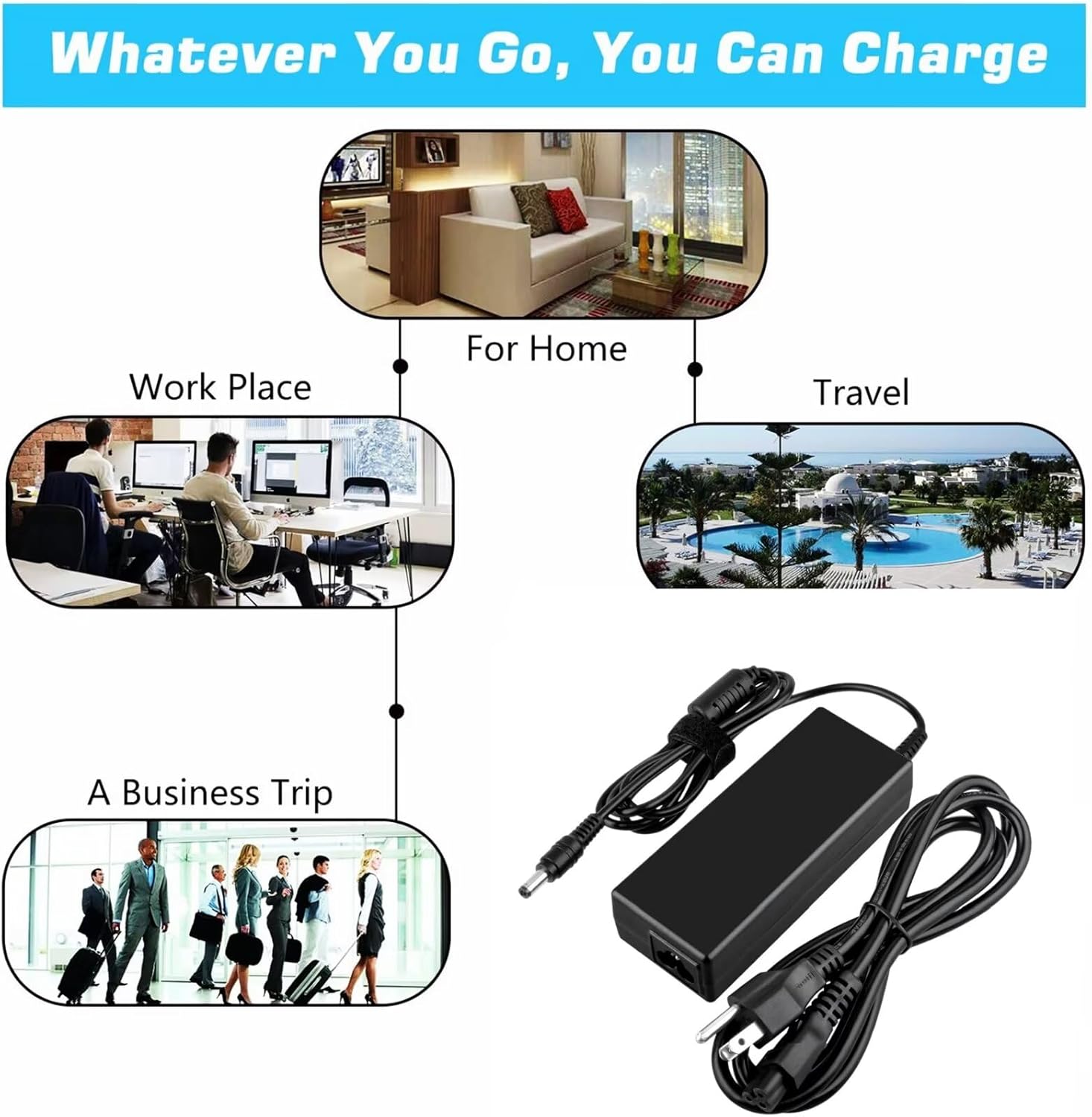
Figure 5.1: The adapter is suitable for use in various environments, including home, workplace, and during travel.
6. Maintenance
Proper maintenance ensures the longevity and optimal performance of your adapter.
- Cleaning: Disconnect the adapter from all power sources before cleaning. Use a soft, dry cloth to wipe the surface. Do not use liquid cleaners or solvents.
- Storage: Store the adapter in a cool, dry place away from direct sunlight and extreme temperatures.
- Cable Care: Avoid bending or crimping the cables excessively. Do not place heavy objects on the cables. Regularly inspect cables for any signs of damage (fraying, cuts). If damage is found, discontinue use immediately.

Figure 6.1: The adapter's cable features high-grade copper wire, a PVC jacket, and an aluminum foil shield for durability and efficient power delivery.
7. Troubleshooting
If you encounter issues with your adapter, refer to the following common problems and solutions:
| Problem | Possible Cause | Solution |
|---|---|---|
| Adapter not supplying power. |
|
|
| Device not charging. |
|
|
| Adapter feels hot. |
|
|
If the problem persists after trying these solutions, please contact customer support.
8. Specifications
| Model Number | MDCHE0304 |
| Input Voltage | 100-240VAC, 50/60Hz |
| Output Voltage | 29.5VDC |
| Compatible Devices | Hoverstar LBW14 25.2V 2Ah 50.4Wh 24V Lithium Li-ion Battery Hover Board 6.5" Two-Wheel Self Balancing Electric Balance Scooter |
| Connector Type | Barrel Connector |
| Item Weight | 4 Ounces (approx. 113 grams) |
| Manufacturer | Shenzhen Waweis Technology Co., Ltd |
9. Warranty and Support
For warranty information or technical support, please refer to the documentation provided with your purchase or contact the manufacturer directly. Ensure you have your model number (MDCHE0304) and purchase details available when seeking support.