
1. Introduction
Thank you for choosing the Btootos A90 Pro Wireless Earbuds. These earbuds are designed to provide a superior audio experience with advanced features for convenience and performance. This manual will guide you through the setup, operation, and maintenance of your new earbuds.
Key features include Bluetooth 5.4 technology for stable connections, Environmental Noise Cancellation (ENC) for clear calls, an LED power display, extended battery life, IP7 waterproofing, and intuitive touch controls.
2. What's in the Box
Please ensure all items are present in the package:
- A90 Pro Wireless Earbuds (Left/Right)
- Portable Charging Box
- Silicone Earplugs (S / M / L sizes)
- USB-C Charging Cable
- User Manual
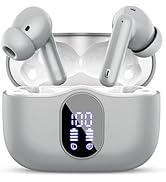
Image: Contents of the Btootos A90 Pro Wireless Earbuds box, showing the earbuds, charging case, USB-C cable, and various sizes of silicone earplugs.
3. Setup
3.1. Charging the Earbuds and Charging Case
Before first use, ensure both the earbuds and the charging case are fully charged.
- Place the earbuds into the charging case. Ensure they are seated correctly.
- Connect the provided USB-C charging cable to the charging port on the case and plug the other end into a compatible USB power adapter (not included).
- The LED display on the charging case will show the current battery percentage. The earbuds will also show their individual charging status.
- A full charge for the charging case takes approximately 1.5 hours. Earbuds charge within the case.

Image: Btootos A90 Pro earbuds resting in their charging case, with the LED display showing battery levels for both the case and individual earbuds.
3.2. Pairing with Your Device (One-Step Pairing)
The A90 Pro earbuds feature automatic pairing for a hassle-free connection.
- Open the charging case. The earbuds will automatically power on and enter pairing mode.
- On your device (smartphone, tablet, laptop), go to Bluetooth settings and enable Bluetooth.
- Search for available devices and select "A90 Pro" from the list.
- Once connected, you will hear a voice prompt, and the earbuds will be ready for use.
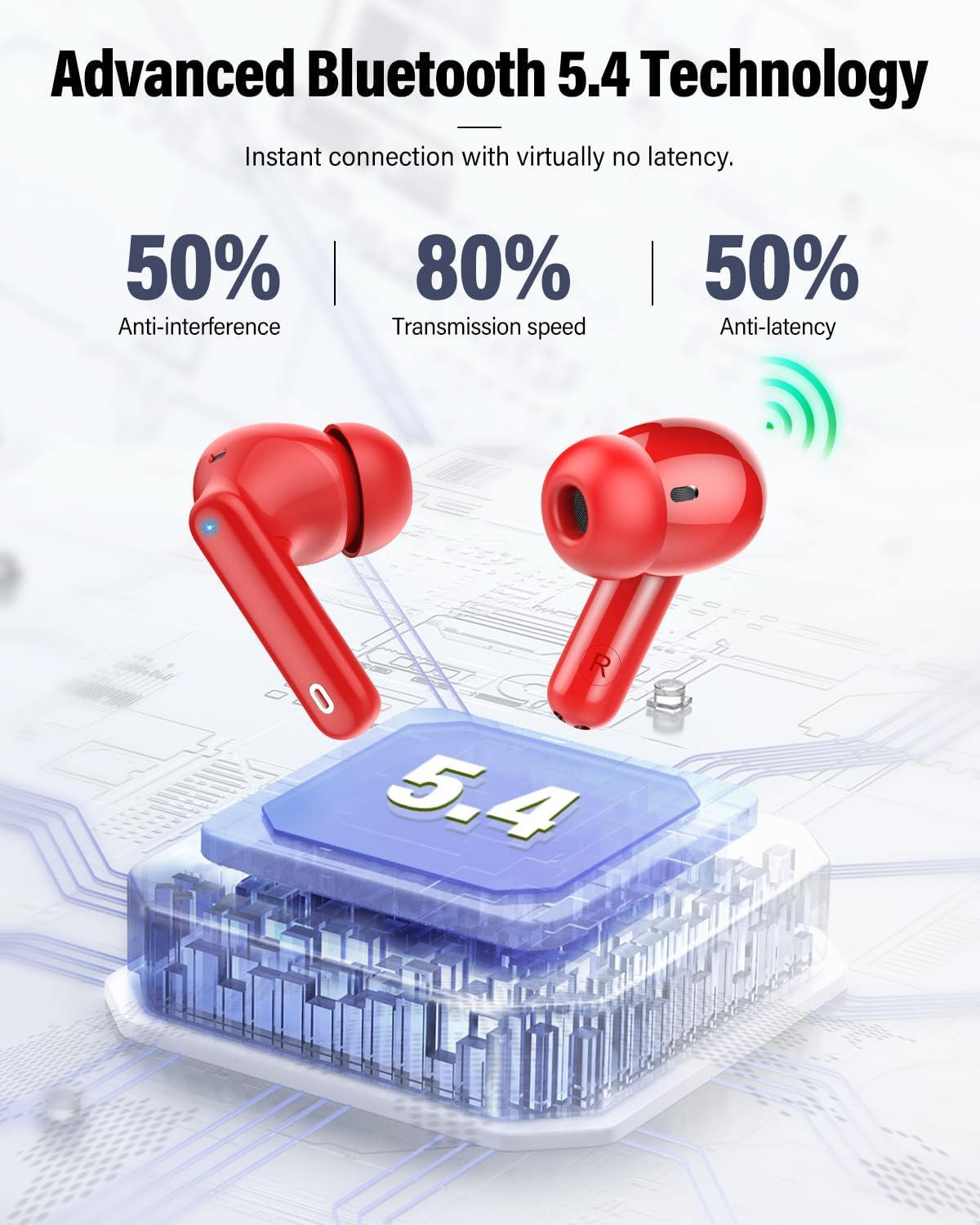
Image: A visual guide illustrating the one-step pairing process of the Btootos A90 Pro earbuds with a smartphone, showing the earbuds in the open case and the Bluetooth settings screen.
Video: This video demonstrates the Bluetooth pairing process and noise-cancelling features of the Btootos A90 Pro earbuds, highlighting their ease of connection and call clarity.
4. Operating Instructions
4.1. Touch Controls
The A90 Pro earbuds feature intuitive touch controls on each earbud for easy management of music and calls.
| Function | Action |
|---|---|
| Play/Pause | Tap once on either earbud |
| Previous Track | Press and hold left earbud for 2 seconds |
| Next Track | Press and hold right earbud for 2 seconds |
| Answer Call | Tap once on either earbud |
| End Call | Tap once on either earbud |
| Reject Call | Press and hold either earbud for 2 seconds |
| Activate Voice Assistant | Triple tap on either earbud |
| Volume Up | Single tap on right earbud |
| Volume Down | Single tap on left earbud |

Image: A visual representation of the touch control functions available on the Btootos A90 Pro earbuds, showing icons for play/pause, answer calls, volume adjustment, and track navigation.
4.2. Wearing the Earbuds
Choose the silicone earplugs that best fit your ears for optimal comfort and sound quality. Insert the earbuds gently into your ear canal and rotate them slightly until they feel secure and comfortable.

Image: A person wearing the Btootos A90 Pro earbuds, demonstrating their comfortable in-ear fit. Below, different sizes (S, M, L) of silicone earplugs are shown.
5. Maintenance
5.1. Cleaning
Regular cleaning helps maintain optimal performance and hygiene.
- Wipe the earbuds and charging case with a soft, dry, lint-free cloth.
- Gently remove any earwax or debris from the ear tips and speaker mesh using a clean, dry cotton swab or a small brush.
- Do not use abrasive cleaners or solvents.
5.2. Storage
When not in use, store the earbuds in their charging case to protect them from damage and keep them charged. Store in a cool, dry place away from extreme temperatures.
5.3. IP7 Waterproof Rating
The A90 Pro earbuds are IP7 waterproof, meaning they are protected against sweat and rain. This makes them suitable for workouts and outdoor activities. However, they are not designed for submersion in water.

Image: Btootos A90 Pro earbuds with water droplets on their surface, emphasizing their IP7 waterproof and splash-resistant design.
6. Troubleshooting
If you encounter any issues with your earbuds, please refer to the following common solutions:
- Earbuds not pairing:
Ensure both earbuds are fully charged. Place them back in the charging case, close the lid, then open it again to re-enter pairing mode. On your device, forget the "A90 Pro" from your Bluetooth list and try pairing again. - No sound or intermittent sound:
Check the volume levels on both your device and the earbuds. Ensure the earbuds are within the 15-meter Bluetooth range of your device. Try reconnecting the earbuds to your device. - Charging issues:
Ensure the USB-C cable is securely connected to both the charging case and the power source. Check if the charging port is clean and free of debris. - Poor call quality:
Ensure the earbuds are properly seated in your ears. Move to a quieter environment if possible, as ENC works best to reduce ambient noise but cannot eliminate all background sounds.
7. Specifications
| Feature | Detail |
|---|---|
| Brand | Btootos |
| Model Name | A90 Pro |
| Bluetooth Version | 5.4 |
| Bluetooth Range | Up to 15 meters (without obstacles) |
| Earbud Playback Time | 6-8 hours on a single charge |
| Total Playtime (with case) | Up to 36 hours |
| Charging Time (Case) | 1.5 hours |
| Charging Port | USB-C |
| Water Resistance | IP7 Waterproof |
| Noise Control | ENC (Environmental Noise Cancellation) for calls, Passive Noise Cancellation, Sound Isolation |
| Audio Driver Size | 14.2 mm |
| Control Type | Touch Control |
| Material | Acrylonitrile Butadiene Styrene (ABS) |
8. Warranty and Support
8.1. Warranty Information
The Btootos A90 Pro Wireless Earbuds come with a 2-year warranty from the date of purchase. This warranty covers manufacturing defects and ensures your product is free from material and workmanship flaws under normal use. Please retain your proof of purchase for warranty claims.
8.2. Customer Support
For further assistance, technical support, or warranty claims, please contact Btootos customer service through the retailer where you purchased the product or visit the official Btootos website. Our dedicated support team is ready to help you with any questions or concerns.
You can also visit the Btootos Store on Amazon for more information and product updates.