
Jaspertronics UDX-4K32-FILTER-SYNTHDUST
Jaspertronics™ Replacement Synthetic Dust Front Filter Set User Manual
For Barco UDX-4K32 Projector and compatible models
1. Introduction
Thank you for choosing the Jaspertronics™ Replacement Synthetic Dust Front Filter Set. This filter set is designed to maintain optimal performance and extend the lifespan of your Barco UDX-4K32 projector and other compatible models by preventing dust accumulation on critical optical components. Regular filter replacement is crucial for ensuring clear image quality and protecting the projector's internal systems from overheating.
2. Safety Information
- Always disconnect the projector from the power source before attempting any maintenance or filter replacement.
- Allow the projector to cool down completely before handling, as internal components can be hot.
- Use only genuine Jaspertronics™ replacement filters to ensure compatibility and proper filtration.
- Do not attempt to wash or reuse old filters, as this can compromise their effectiveness and potentially damage the projector.
- Keep filters out of reach of children and pets.
3. Product Overview
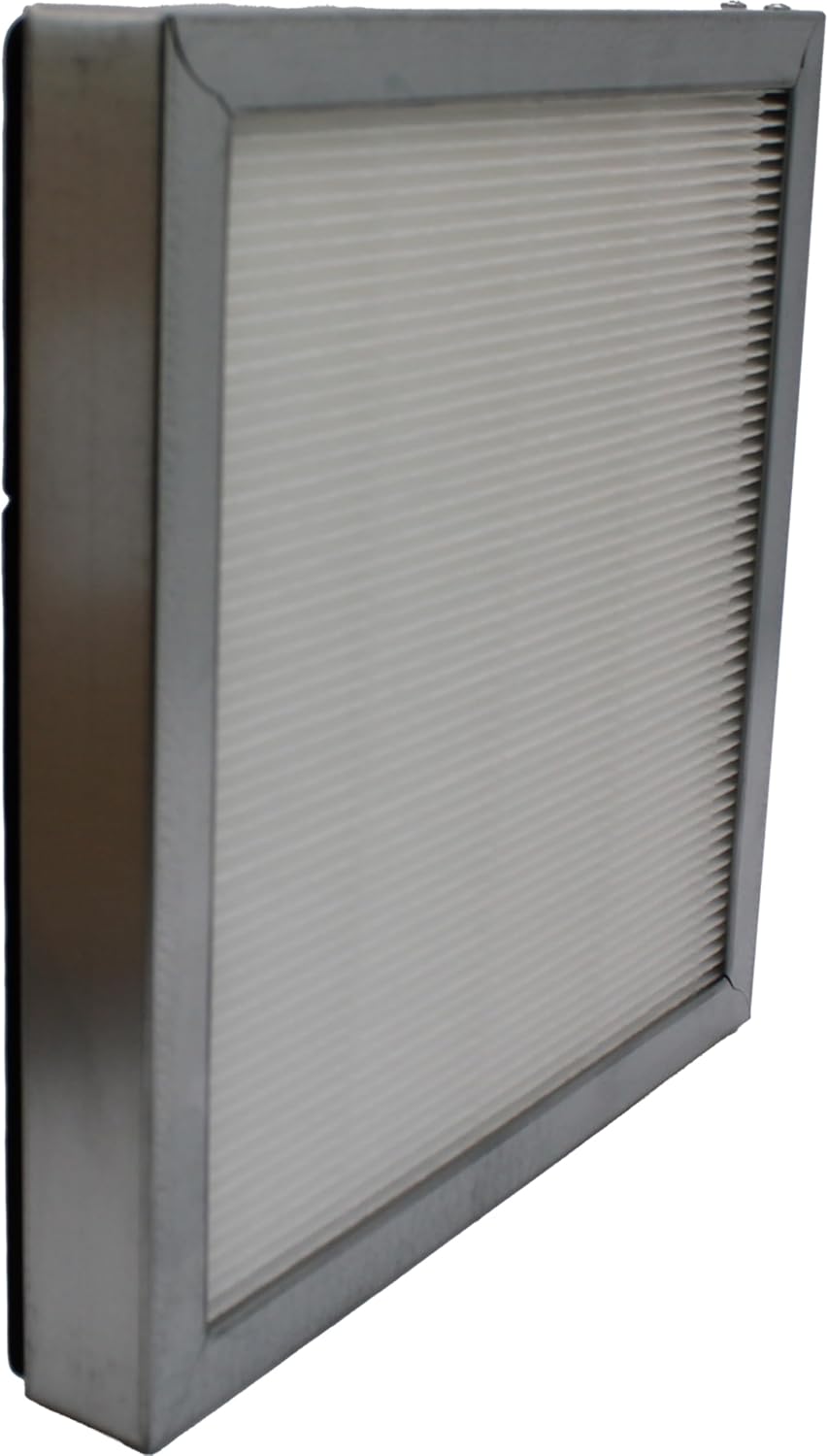
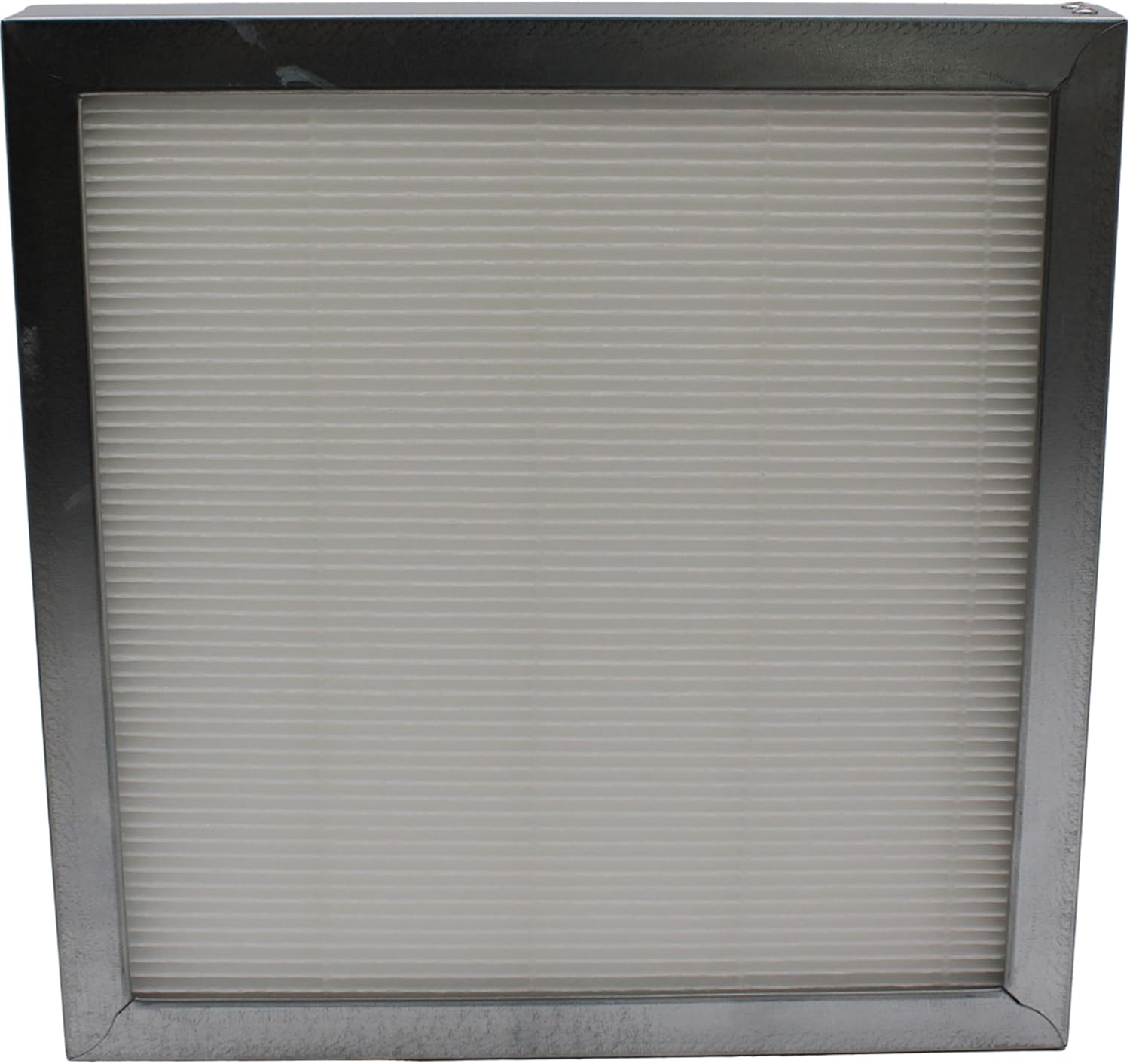
The Jaspertronics™ Replacement Synthetic Dust Front Filter is a high-quality filtration component designed to capture airborne dust and debris before it enters your projector's sensitive optical and cooling systems. Each filter features a durable frame and pleated synthetic media for efficient particle capture.

4. Setup and Initial Use
This product is a replacement part and does not require initial setup beyond installation into the compatible projector. Please refer to the 'Maintenance' section for detailed installation instructions.
5. Operating Guidelines
The filter operates passively within your projector's air intake system. Once installed, it continuously filters incoming air to protect internal components. No user interaction is required during normal projector operation related to the filter itself.
6. Maintenance and Filter Replacement
Regular maintenance of your projector's air filter is critical for its longevity and performance. Dust accumulation can lead to overheating, reduced image quality, and premature component failure.
When to Replace Your Filter:
- For Lamp Projectors: Clean the filter regularly and replace it with every lamp change.
- For Laser Projectors: Aim to replace the filter every 3-6 months, depending on the operating environment and dust levels.
- Replace immediately if the filter appears visibly clogged or damaged.
Replacement Procedure:
- Power Off and Disconnect: Ensure the projector is completely powered off and unplugged from the electrical outlet.
- Allow Cooling: Wait for at least 30 minutes to allow the projector to cool down.
- Locate Filter Compartment: Identify the air filter compartment on your Barco UDX-4K32 projector. Refer to your projector's specific manual for exact location if unsure.
- Remove Old Filter: Carefully open the filter cover and remove the old, dirty filter. Note its orientation for correct installation of the new filter.
- Install New Filter: Insert the new Jaspertronics™ filter into the compartment, ensuring it is seated correctly and securely.
- Close Compartment: Close the filter cover securely.
- Power On: Reconnect the projector to power and turn it on.


Watch the Filter Replacement Video:
This video demonstrates the importance of filter replacement for maintaining projector performance and preventing dust buildup.
7. Troubleshooting
If you experience issues after filter replacement, consider the following:
- Projector Overheating/Shutdown: Ensure the new filter is installed correctly and not obstructed. Verify that the projector's ventilation ports are clear.
- Dust Spots on Projection: If dust spots appear, the filter may not be seated properly, or internal cleaning of the projector might be required by a professional.
- Filter Not Fitting: Double-check that you have the correct filter model for your projector. This filter is specifically designed for Barco UDX-4K32 and listed compatible models.
For persistent issues, please contact Jaspertronics™ customer support or a qualified projector technician.
8. Specifications
| Product Name | Jaspertronics™ Replacement Synthetic Dust Front Filter Set |
| Model Number | UDX-4K32-FILTER-SYNTHDUST |
| Compatibility | Barco UDX-4K32, R9801437, UDX-4K22-SYNTHDUST, UDX-4K26-SYNTHDUST, UDX-4K32-SYNTHDUST, UDX-4K40-FLEX-SYNTHDUST, UDX-U32-SYNTHDUST, UDX-U40-SYNTHDUST, UDX-U45LC-SYNTHDUST, UDX-W22-SYNTHDUST, UDX-W26-SYNTHDUST, UDX-W32-SYNTHDUST, UDX-W40-FLEX-SYNTHDUST |
| Material | Synthetic Filter Media, Metal Frame |
| Dimensions | 10.03 x 9.84 x 1.37 inches |
| Item Weight | 4 ounces |
9. Warranty and Support
Jaspertronics™ stands behind the quality and accuracy of its products. For any questions, concerns, or support needs regarding your filter set, please contact Jaspertronics™ customer service. Refer to your purchase documentation for specific warranty details.
Contact Information:
- Visit the Jaspertronics Store on Amazon
- Refer to your product packaging or invoice for direct contact details.
Ask a question about this manual
Ask about setup, troubleshooting, compatibility, parts, safety, or missing instructions. Manuals+ will review the question and use this page’s manual context to help answer it.