
Introduction
Thank you for choosing the Portronics Luxcell Wireless Mini 20k Power Bank. This manual provides essential information for the safe and efficient use of your device. Please read it thoroughly before operation and retain it for future reference.
Package Contents:
- Portronics Luxcell Wireless Mini 20k Power Bank (1N)
- Charging Cable (1N)
- Documentation (1N)
Product Overview
The Portronics Luxcell Wireless Mini 20k is a high-capacity power bank designed for versatile charging. It features both wired and magnetic wireless charging capabilities.
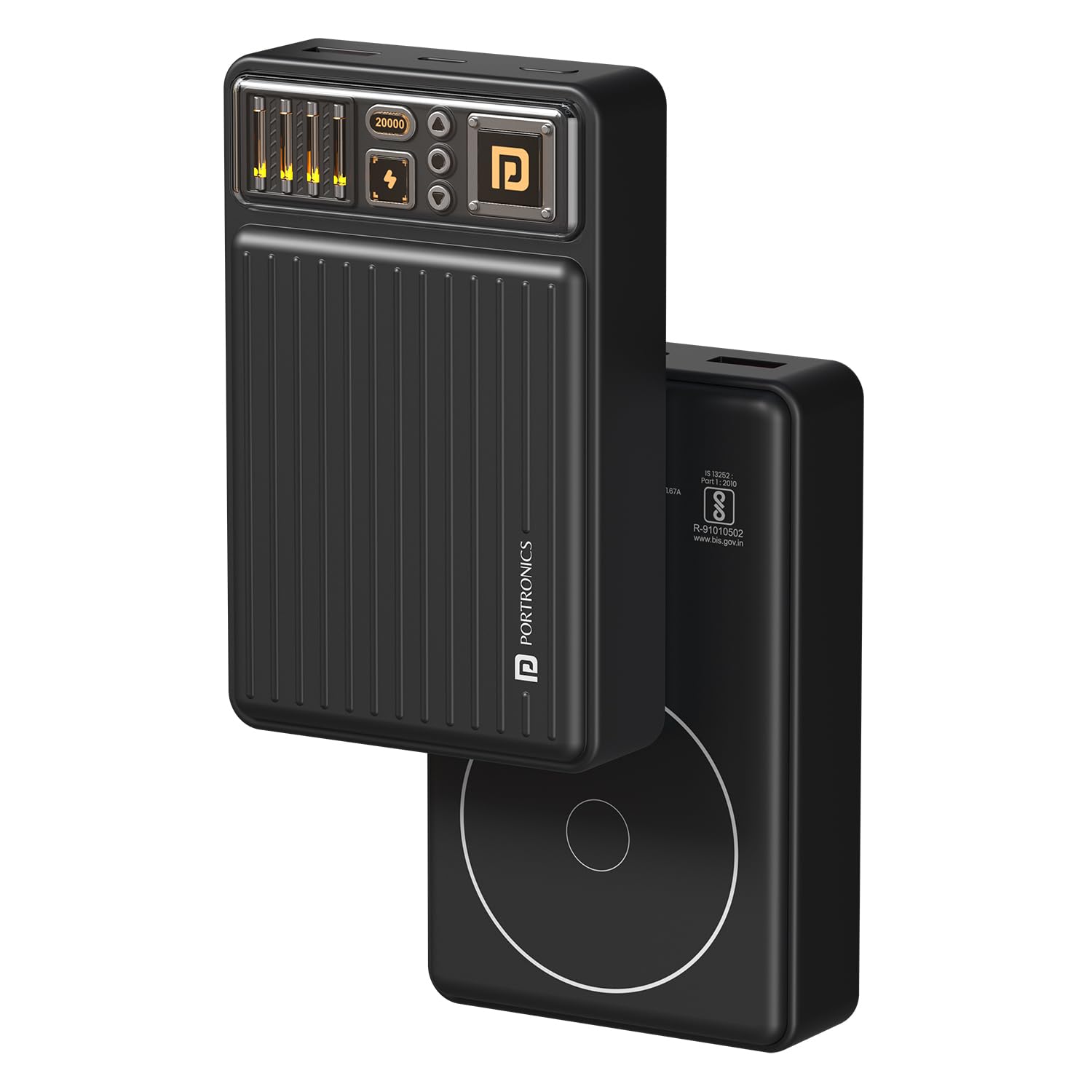
Image: The Portronics Luxcell Wireless Mini 20k Power Bank, showcasing its compact design and textured surface.
Key Features:
- 20000mAh Capacity: Provides extended power for multiple device charges.
- 15W Magnetic Wireless Output: For convenient, cable-free charging of compatible Qi-enabled devices.
- 22.5W Wired Output (USB-A): High-speed charging for various devices.
- 20W Type-C Power Delivery Output: Ultra-fast charging for smartphones, tablets, and other USB-C gadgets.
- Dual Output Ports: Charge two devices simultaneously using USB-A and Type-C ports.
- LED Battery Indicator: Displays remaining power levels.
- Fast Recharge: Type-C input port allows for quick recharging of the power bank.
- Advanced Multilayer Protection: Includes overcharge, short circuit, fireproof casing, and temperature control.
- Flight Approved: Suitable for air travel.

Image: The power bank simultaneously charging two smartphones via its 22.5W USB-A and 20W PD Type-C output ports.

Image: A close-up view of the power bank's top panel, highlighting the 'Wake Up Button' and the 'LED Battery Indicator' lights.
Setup
Initial Charging:
- Before first use, fully charge the power bank.
- Connect the provided Type-C charging cable to the power bank's Type-C input port.
- Connect the other end of the cable to a compatible USB wall adapter (not included).
- The LED battery indicator will illuminate to show charging progress. The power bank is fully charged when all LED indicators are solid.
Operating Instructions
1. Wired Charging:
- Connect your device's charging cable to either the USB-A output port or the Type-C output port on the power bank.
- Connect the other end of the cable to your device.
- The power bank will automatically begin charging. If not, press the 'Wake Up Button' once.
2. Magnetic Wireless Charging:
This feature is compatible with Qi-enabled smartphones, particularly iPhone 12 and above, and other devices that support magnetic wireless charging.
- Ensure your device is Qi-enabled and supports magnetic alignment.
- Align your device with the magnetic charging area on the power bank. The magnets will snap into place.
- Wireless charging will begin automatically. If not, press the 'Wake Up Button' once.
- For optimal performance, use with magnetic-compatible cases or without a case.

Image: A smartphone magnetically attached to the power bank, illustrating the 15W magnetic wireless charging in progress.

Image: Diagram showing that magnetic wireless charging works with magnetic cases and iPhones without cases, but not with non-magnetic cases.
3. Recharging the Power Bank:
When the power bank's battery is low, indicated by the LED lights, recharge it using the Type-C input port as described in the 'Initial Charging' section.
4. LED Battery Indicator:
The LED lights on the power bank indicate the remaining battery level. Refer to the product's visual indicators for specific charge levels.
Maintenance
- Keep the power bank dry and away from moisture.
- Avoid extreme temperatures.
- Clean the device with a soft, dry cloth. Do not use harsh chemicals or abrasive materials.
- Store in a cool, dry place when not in use for extended periods.
- Charge the power bank at least once every three months to maintain battery health.
Troubleshooting
- Device not charging:
- Ensure the power bank is sufficiently charged.
- Press the 'Wake Up Button' to activate the power bank.
- Check if the charging cable is securely connected to both the power bank and your device.
- Try a different charging cable or port.
- For wireless charging, ensure your device is properly aligned and supports magnetic wireless charging. Remove any non-magnetic cases.
- Slow charging:
- Ensure your device supports fast charging and that you are using a compatible cable.
- Charging multiple devices simultaneously may reduce individual charging speeds.
- Power bank not recharging:
- Ensure the Type-C input cable is properly connected to a working power source.
- Try a different wall adapter or cable.
Specifications
| Feature | Specification |
|---|---|
| Model Number | POR-2665 |
| Battery Capacity | 20000 mAh |
| Wireless Output | 15W (Max) |
| USB-A Output | 22.5W (Max) |
| Type-C Output | 20W (Max) |
| Type-C Input | Fast Recharge Capable |
| Dimensions | 18.7 x 8.7 x 3.7 cm |
| Weight | 275 g |
| Color | Black |
| Special Features | 15W Wireless Output, 20W Type C Output, Dual Output, LED Indicator Lights |
| Country of Origin | India |

Image: The internal structure of the 20000mAh power bank, indicating its high capacity and 'Flight Approved' status for travel.
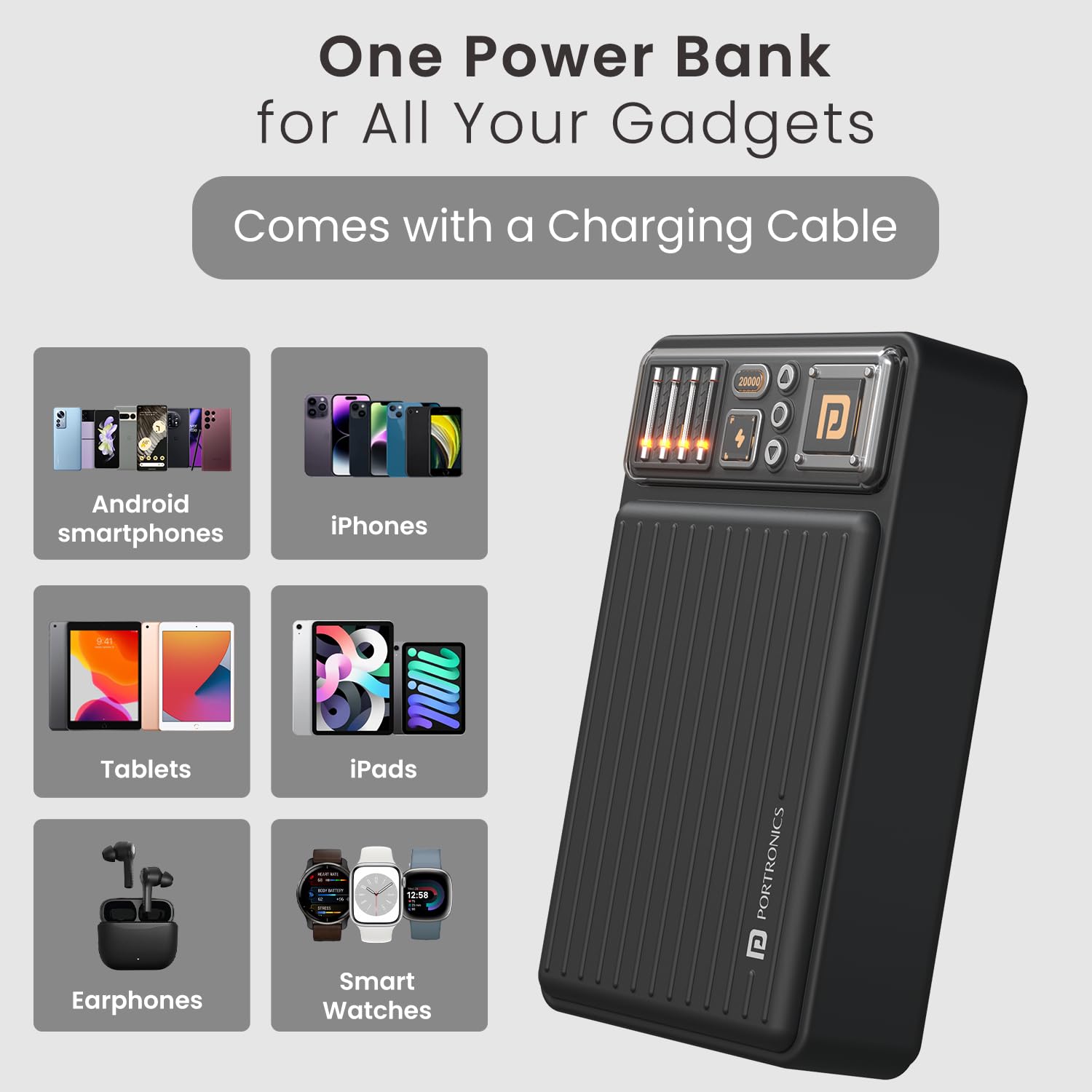
Image: The power bank shown with various compatible devices including Android smartphones, iPhones, tablets, iPads, earphones, and smartwatches.
Safety Information
- Do not disassemble, open, or shred the power bank.
- Do not expose the power bank to heat or fire. Avoid storage in direct sunlight.
- Do not short-circuit the power bank.
- Do not subject the power bank to mechanical shock.
- In case of a battery leak, do not allow the liquid to come into contact with skin or eyes. If contact has occurred, wash the affected area with copious amounts of water and seek medical advice.
- Keep out of reach of children.
- Dispose of the power bank according to local regulations. Do not dispose of it as household waste.

Image: Diagram illustrating the power bank's advanced multilayer protection, including overcharge protection, short circuit protection, fireproof casing, and advanced temperature control.
Warranty and Support
For warranty information and customer support, please refer to the documentation included in your package. You may also contact Portronics Digital Pvt. Ltd. directly:
- Email: help@portronics.com
- Phone: +91 9555-245-245
- Address: First Floor Property No D 8 Upper Basement Sector 8 Noida Uttar Pradesh 201301, India