
ecozy IM-NS451B
ecozy Nugget Ice Maker Countertop Instruction Manual
Brand: ecozy | Model: IM-NS451B
1. Introduction
This manual provides comprehensive instructions for the safe and efficient operation, maintenance, and troubleshooting of your ecozy Nugget Ice Maker. This smart countertop appliance is designed to produce soft, chewable nugget ice, offering features such as APP control, a full-color display panel, and a self-cleaning function. Please read this manual thoroughly before using the appliance and retain it for future reference.

Image: The ecozy Nugget Ice Maker, a compact black unit with a clear ice viewing window, shown alongside a smartphone displaying its control application.
2. Important Safety Instructions
To reduce the risk of fire, electric shock, or injury, always follow basic safety precautions when using electrical appliances.
- Read all instructions before use.
- Do not operate any appliance with a damaged cord or plug, or after the appliance malfunctions or has been damaged in any manner.
- Do not immerse the appliance, power cord, or plug in water or other liquids.
- Ensure the appliance is placed on a stable, level surface away from direct sunlight or heat sources.
- Allow adequate ventilation around the appliance (at least 6 inches clearance on all sides).
- Use only potable water in the ice maker.
- Unplug the appliance before cleaning or when not in use for extended periods.
- Keep children and pets away from the appliance during operation.
3. What's in the Box
Verify that all components are present upon unpacking:
- ecozy Nugget Ice Maker Unit
- Ice Scoop
- User Manual
4. Specifications
| Feature | Detail |
|---|---|
| Brand | ecozy |
| Model Name | IM-NS451B |
| Product Dimensions | 9.33"D x 14.01"W x 15.51"H |
| Ice Production per Day | Up to 44 Pounds |
| Wattage | 192 watts |
| Voltage | 115 Volts |
| Refrigerant | R600a |
| Item Weight | 28.9 pounds |
| Color | Black |
| Material | Black |
| UPC | 850074197089 |

Image: Diagram showing the dimensions of the ecozy Nugget Ice Maker: 9.33 inches deep, 14.01 inches wide, and 15.51 inches high.
5. Setup
5.1 Unpacking and Placement
Carefully remove the ice maker from its packaging. Place the unit on a flat, stable, and heat-resistant surface. Ensure there is at least 6 inches of clearance on all sides for proper ventilation. Avoid placing it near heat sources or in direct sunlight.
5.2 Initial Cleaning
Before first use, it is recommended to clean the internal components. The unit features a self-cleaning function (refer to Section 7.1). For initial manual cleaning:
- Remove the pull-out water tank and ice basket.
- Wash the water tank and ice basket with mild detergent and warm water. Rinse thoroughly.
- Wipe the interior of the ice maker with a soft, damp cloth.
- Ensure all parts are completely dry before reassembling.

Image: A person demonstrating how to refill the pull-out water tank, highlighting its ease of removal and cleaning.
5.3 Water Filling
Fill the pull-out water tank with potable water up to the MAX fill line. Do not overfill. Reinsert the water tank securely into the unit.
5.4 Power Connection
Plug the power cord into a grounded electrical outlet. The IceLumix full-color panel will illuminate, indicating the unit is ready for operation.

Image: A detailed view of the IceLumix full-color smart panel, showcasing its vibrant icons and real-time display of temperature and TDS levels.
6. Operating the Ice Maker
6.1 Control Panel Operation
The IceLumix Full-Color Panel provides intuitive control and real-time information. Use the touch icons to:
- Wi-Fi: Connect to your home network for APP control.
- Clean: Initiate the self-cleaning cycle.
- Timer: Set a schedule for ice production.
- Light: Turn the internal LED basket light on/off.
- Power Button: Turn the ice maker on or off.
The panel also displays real-time air temperature, water temperature, and TDS (Total Dissolved Solids) levels, along with indicators for 'Add Water' and 'Ice Full'.
6.2 Smart APP and Voice Control
The ecozy Nugget Ice Maker can be controlled remotely via the EcozyHome app or voice commands through Alexa and Google Assistant.
- Download App: Download the 'EcozyHome' app from your smartphone's app store.
- Pair Device: Follow the in-app instructions to pair your ice maker with your Wi-Fi network.
- Remote Control: Once paired, you can start/stop ice production, set schedules, monitor status, and initiate cleaning cycles from anywhere.
- Voice Control: Enable the EcozyHome skill/action in your Alexa or Google Assistant app to use voice commands (e.g., "Alexa, turn on the ice maker").

Image: A hand holding a smartphone showing the EcozyHome app interface, demonstrating remote control capabilities for the ice maker.
6.3 Ice Production
Once powered on and with sufficient water, the ice maker will begin producing nugget ice. The unit can produce up to 44 lbs of ice per day. The built-in LED basket light allows for easy monitoring of the ice level.
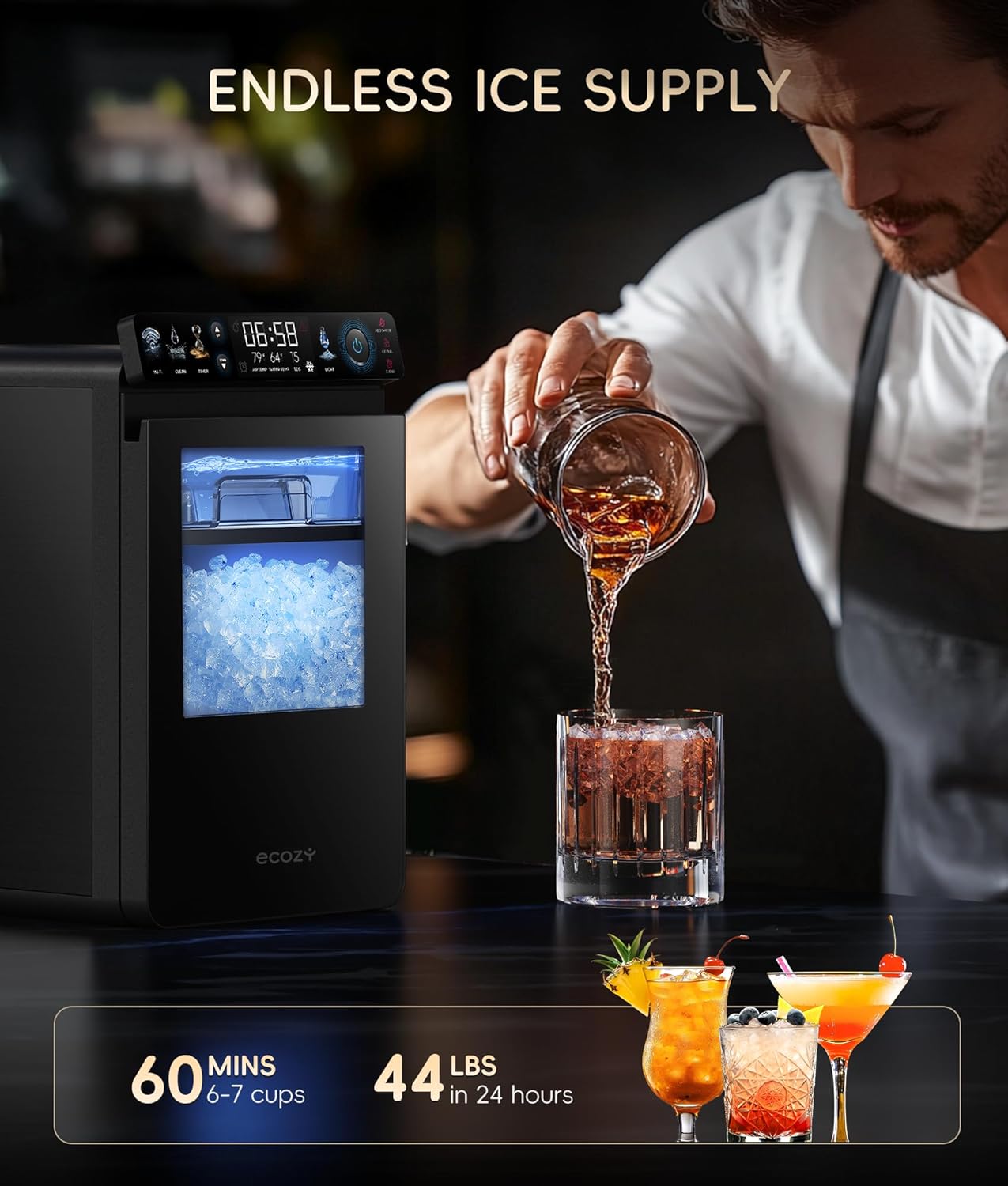
Image: A person preparing a beverage with ice from the ecozy ice maker, illustrating the continuous supply of ice.
Note: No official seller videos were found in the provided product data to embed in this section.
7. Maintenance
7.1 Self-Cleaning Function
The ecozy Nugget Ice Maker features an effortless self-cleaning mode. It is recommended to run the self-cleaning cycle regularly, especially after 50 hours of accumulated use, or when prompted by the app/smart panel.
- Ensure the water tank is filled with clean water.
- Press the 'Clean' button on the control panel or initiate the cleaning cycle via the EcozyHome app.
- The unit will circulate water and clean its internal components.
- Once the cycle is complete, drain any remaining water from the tank and wipe dry.
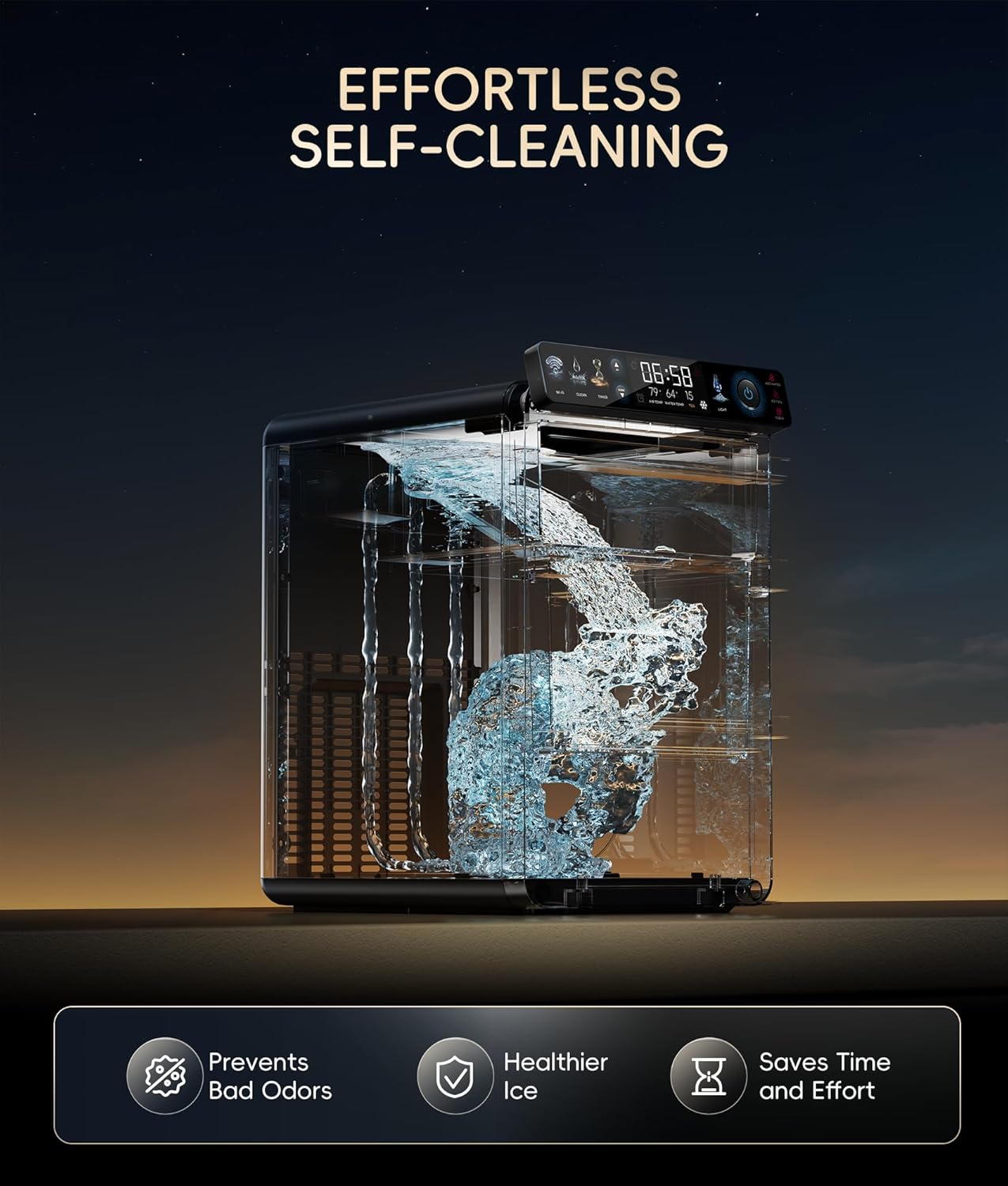
Image: An illustrative diagram demonstrating the internal water circulation during the self-cleaning process of the ice maker.
7.2 Manual Cleaning
For thorough cleaning, especially of the ice basket and water tank:
- Unplug the ice maker from the power outlet.
- Remove the ice basket and pull-out water tank.
- Wash these components with warm water and a mild, non-abrasive detergent. Rinse thoroughly to remove any soap residue.
- Wipe down the exterior and interior surfaces of the main unit with a soft, damp cloth.
- Ensure all parts are completely dry before reassembling and plugging in the unit.
7.3 Descaling
Hard water can lead to mineral buildup (scaling) inside the ice maker, affecting performance and ice quality. The IceLumix panel displays TDS (Total Dissolved Solids) levels, which can indicate water hardness.
- Frequency: Descale monthly in slightly to moderately hard water areas. Descale every two weeks in hard to very hard water areas.
- Method: Use a descaling solution specifically designed for ice makers or a mixture of white vinegar and water (1:1 ratio).
- Procedure: Add the descaling solution to the water tank and run the self-cleaning cycle. After the cycle, drain the solution, rinse the tank, and run several cycles with clean water to flush out any residue.
- Recommendation: For best performance and to minimize scaling, use purified water (TDS 10-200) or bottled water.
8. Troubleshooting
Before contacting customer support, please refer to the following common issues and their solutions:
| Problem | Possible Cause | Solution |
|---|---|---|
| "Add Water" indicator is on. | Water tank is empty or water level is too low. | Refill the water tank with potable water up to the MAX line. |
| "Ice Full" indicator is on. | Ice basket is full, or ice is blocking the sensor. | Remove ice from the basket. Ensure ice is evenly distributed and not blocking the sensor. |
| No ice production. | No water, power issue, or high ambient temperature. | Check water level, ensure unit is plugged in, and operate in a cool, well-ventilated area. |
| Ice tastes strange or has odor. | Unit needs cleaning or water quality issue. | Run self-cleaning cycle. Perform manual cleaning. Use purified or bottled water. |
| Ice is clumping together. | Ice melting and refreezing, or high humidity. | Empty ice basket regularly. Store ice in freezer if not used immediately. Break up clumps with the provided scoop. |
| Unusual noises during operation. | Normal operation sounds (compressor, water pump) or potential blockage. | Some noise is normal. If excessive or unusual, check for blockages in water lines or contact support. |
9. Warranty Information
Specific warranty details for your ecozy Nugget Ice Maker are typically provided with the product packaging or can be found on the official ecozy website. Please refer to these resources for information regarding warranty coverage, duration, and terms and conditions.
10. Customer Support
For further assistance, technical support, or inquiries not covered in this manual, please contact ecozy customer service. Contact information can usually be found on the ecozy official website or within your product packaging.
You may also visit the ecozy store on Amazon for product information and support: ecozy Store
Ask a question about this manual
Ask about setup, troubleshooting, compatibility, parts, safety, or missing instructions. Manuals+ will review the question and use this page’s manual context to help answer it.