
CRONY V10
CRONY V10 Electric Scooter User Manual
Model: V10
Introduction
Welcome to the CRONY V10 Electric Scooter user manual. This manual provides essential information for the safe operation, maintenance, and troubleshooting of your new electric scooter. Please read this manual thoroughly before your first ride to ensure optimal performance and safety.
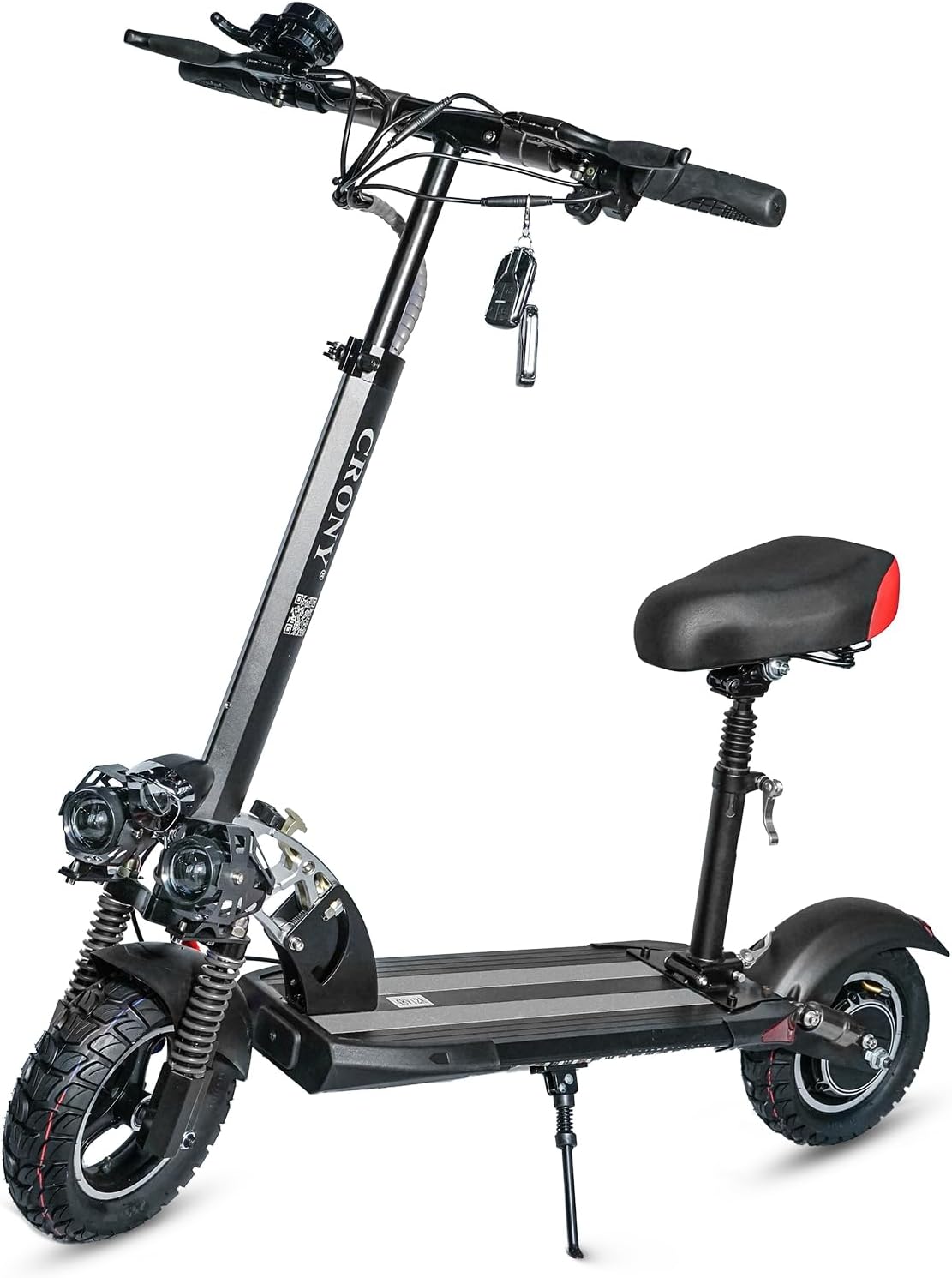
Image: The CRONY V10 Electric Scooter, showcasing its sleek design and robust build.
Safety Information
Your safety is paramount. Always adhere to the following guidelines:
- Always wear a helmet and appropriate safety gear (knee pads, elbow pads) when riding.
- Do not ride under the influence of alcohol or drugs.
- Observe all local traffic laws and regulations.
- Avoid riding in heavy rain, snow, or icy conditions.
- Ensure the scooter is fully charged and all components are secure before each ride.
- Maintain a safe distance from other vehicles and pedestrians.
- The maximum loading weight for this scooter is 120 KG. Do not exceed this limit.
Product Features
The CRONY V10 Electric Scooter is designed for performance and durability:
- Powerful 1200W Motor: Delivers fast speeds and strong acceleration.
- Long-Range Battery: 48V/12AH battery provides 20-40 KM range on a single charge.
- 10-inch Off-Road Tires: Ensures optimal grip and stability on various terrains.
- Dual Disc Brakes: Front and rear disc brakes for reliable stopping power.
- Triple LED Headlamps: Enhances visibility during low-light conditions.
- Dual Suspension: High-quality front suspension for a smooth and comfortable ride.
- Foldable Design: Easy to fold and unfold for convenient storage and transport.
- Detachable Single Seat: Provides comfort for longer rides.
- LED Base Light: Adds visibility and style for night rides.

Image: Diagram highlighting key features such as the accelerator, dual hand brake, adjustable handle height, triple LED headlight, high quality suspension, durable honeycomb tires, easy folding mechanism, detachable single seat, signal lights, and LED base light.
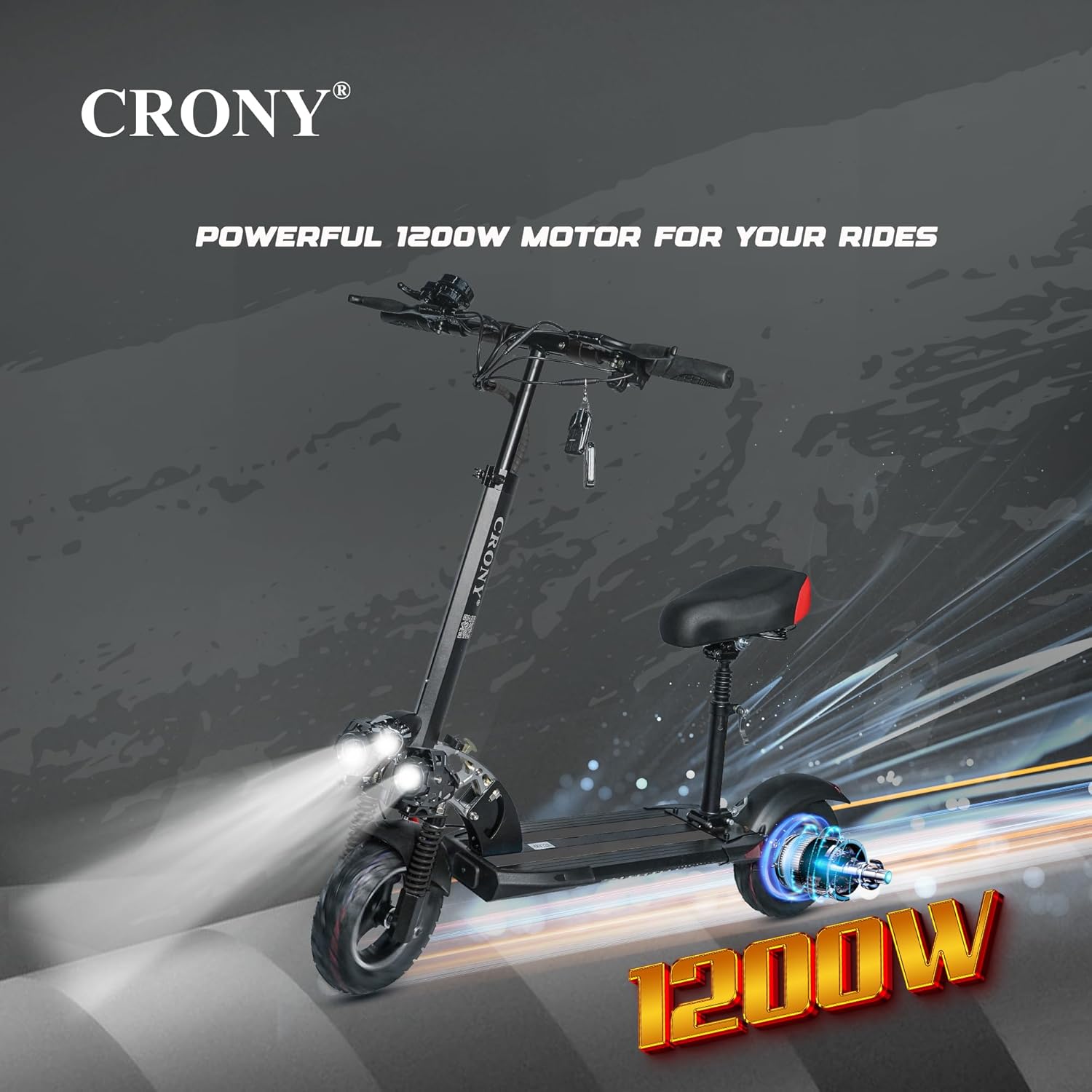
Image: The CRONY V10 Electric Scooter with an overlay emphasizing its powerful 1200W motor.

Image: Close-up view of the CRONY V10's high-quality dual suspension system, designed for smooth rides.
Setup
1. Unboxing and Initial Inspection
Carefully remove all components from the packaging. Inspect the scooter for any signs of damage during transit. Ensure all parts listed in the package contents are present.
2. Assembly
- Handlebar Installation: Unfold the main stem and secure the handlebar into position. Ensure the locking mechanism clicks into place.
- Seat Attachment (Optional): If using the seat, attach it to the designated post and adjust its height for comfortable riding.
- Tire Inflation: Check tire pressure. The 10-inch pneumatic tires may require inflation to the recommended PSI (refer to tire sidewall for specific pressure).
3. Initial Charging
Before first use, fully charge the scooter's battery. Connect the charger to the charging port and then to a power outlet. The charging indicator light will change when fully charged. A full charge takes approximately 5-6 hours.
Operating Instructions
1. Power On/Off
Insert the key into the key socket and turn it to the ON position. Press and hold the power button on the handlebar display to turn the scooter on. Repeat to turn off.
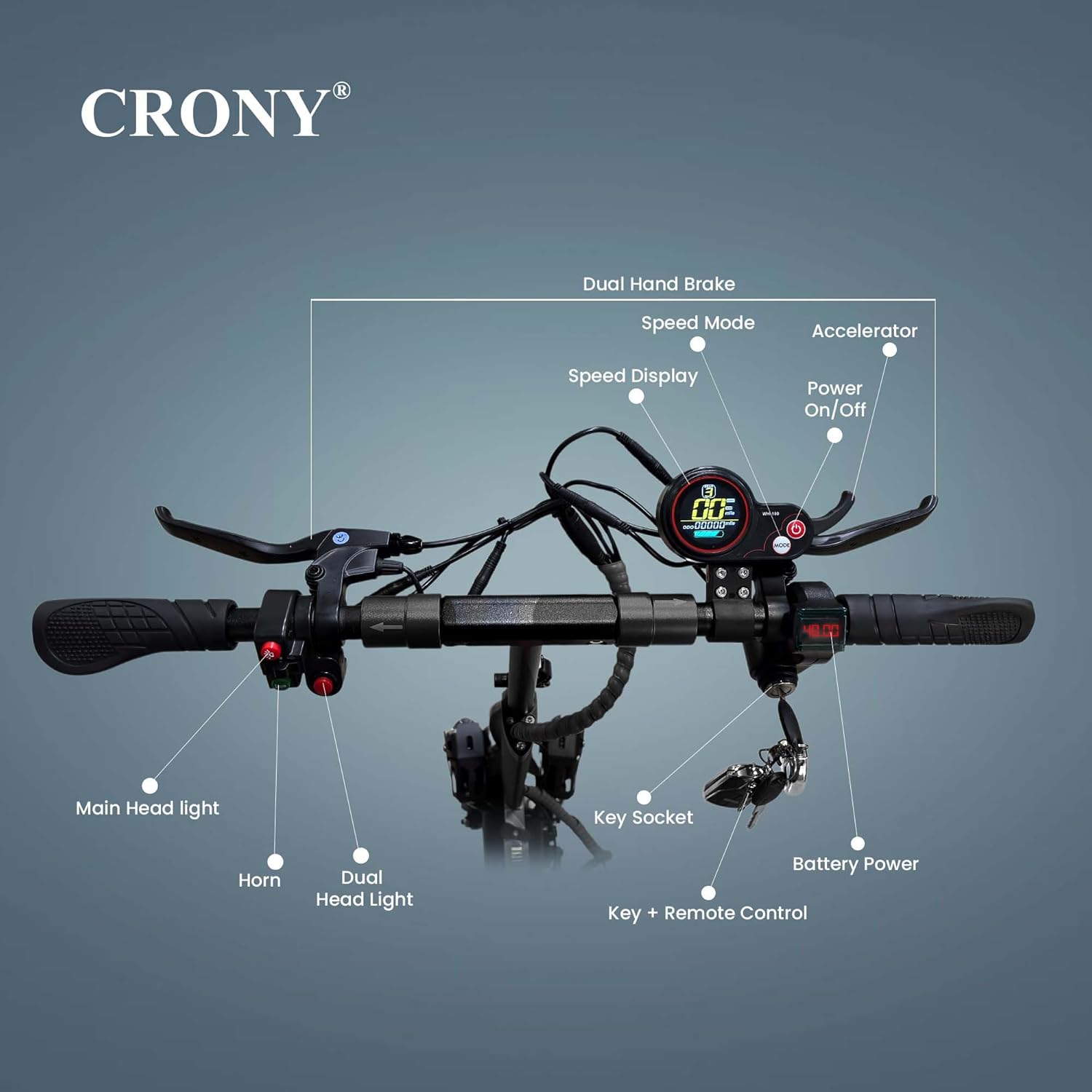
Image: Detailed view of the CRONY V10's handlebar controls, including the speed mode button, speed display, power on/off button, horn, main headlight switch, key socket, battery power indicator, and key with remote control.
2. Riding
- Starting: Place one foot on the deck and push off with the other foot to gain initial momentum. Once moving, gently press the accelerator lever.
- Speed Modes: Use the speed mode button on the handlebar to cycle through available speed settings (e.g., Eco, Standard, Sport).
- Braking: Use the dual hand brake levers to slow down or stop. Apply both brakes simultaneously for optimal stopping power.
- Lights: Activate the triple LED headlamps and LED base light for improved visibility, especially at night.
3. Folding and Unfolding
To fold the scooter, locate the folding mechanism on the stem. Follow the instructions to release the lock and fold the stem down until it latches. Reverse the process to unfold.
Maintenance
Regular maintenance ensures the longevity and safe operation of your CRONY V10 scooter.
- Tires: Regularly check tire pressure and inflate to the recommended PSI. Inspect tires for wear and tear.
- Brakes: Periodically check brake levers and cables for proper tension and function. Ensure disc brakes are clean and free of debris.
- Battery Care:
- Charge the battery fully after each use.
- Avoid completely draining the battery.
- If storing for extended periods, charge the battery to 50-70% every 2-3 months.
- Cleaning: Wipe down the scooter with a damp cloth. Do not use high-pressure water jets or immerse the scooter in water.
- Fasteners: Check all screws and bolts regularly and tighten if necessary.
Troubleshooting
| Problem | Possible Cause | Solution |
|---|---|---|
| Scooter does not power on. | Low battery; Power button not pressed correctly; Key not in ON position. | Charge the battery; Press and hold power button; Ensure key is turned to ON. |
| Reduced range or power. | Under-inflated tires; Battery not fully charged; Riding uphill frequently. | Inflate tires to correct pressure; Fully charge battery; Adjust riding style. |
| Brakes feel loose or ineffective. | Brake cables need adjustment; Worn brake pads. | Adjust brake cable tension; Replace brake pads if worn. |
Specifications
| Feature | Detail |
|---|---|
| Model Name | V10 |
| Motor Power | 1200W |
| Battery | 48V/12AH |
| Max Speed | 28-48 KM/H (depending on mode and conditions) |
| Range per Charge | 20-40 KM |
| Charging Time | 5-6 hours |
| Wheel Size | 10 Inches |
| Tire Type | Off-Road Pneumatic |
| Brake Type | Front and Rear Disc Brakes |
| Suspension | Front Suspension (Dual Suspension) |
| Frame Material | Aluminum |
| Max Loading Weight | 120 Kilograms |
| Package Dimensions | 120 x 35 x 26 cm |
| Item Weight | 23 kg |

Image: Diagram illustrating the key dimensions of the CRONY V10 Electric Scooter, including height, length, and deck clearance.
Warranty and Support
For warranty information and technical support, please refer to the warranty card included with your product or contact CRONY customer service. Keep your purchase receipt as proof of purchase.
For further assistance, please visit the official CRONY website or contact their authorized service centers.
Ask a question about this manual
Ask about setup, troubleshooting, compatibility, parts, safety, or missing instructions. Manuals+ will review the question and use this page’s manual context to help answer it.