
ANSTEN YYK-Q16Pro
ANSTEN AI Instant Translator Earbuds
Model: YYK-Q16Pro
Introduction
The ANSTEN AI Instant Translator Earbuds (Model YYK-Q16Pro) are advanced open-ear Bluetooth 5.4 earbuds designed for seamless communication across language barriers. This innovative 4-in-1 device combines real-time translation, high-definition calls, and immersive music playback. Featuring an intuitive LCD touch screen on the charging case, it supports translation in 144 languages and various accents, making it an ideal companion for travel, business, and study.
The earbuds are equipped with powerful AI translation technology, offering multiple translation modes and a robust language processing system for accurate and low-latency communication. Their open-ear design ensures comfort during extended use while maintaining awareness of your surroundings.
What's in the Box
- Translator Earbuds (2)
- Charging Case (1)
- Type-C Charging Cable (1)
- User Manual (1)

Image: The ANSTEN AI Instant Translator Earbuds, showing both earbuds and their sleek charging case with a digital display.
Setup Guide
Charge the Device: Before first use, fully charge the earbuds and the charging case using the provided Type-C charging cable. Connect the cable to the Type-C port on the charging case and a compatible USB power source. The LCD screen on the case will indicate the charging status.
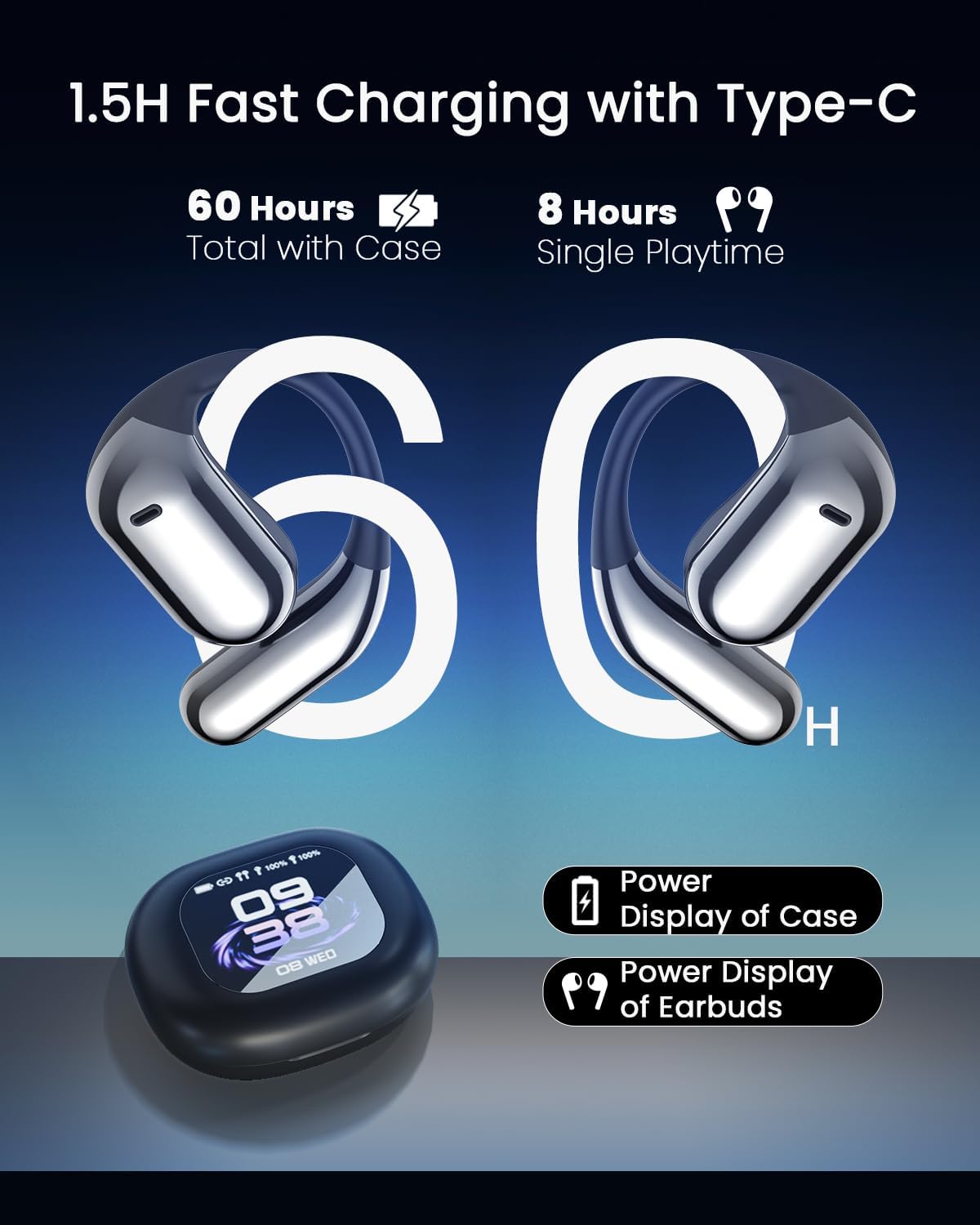
Image: The earbuds and charging case, illustrating the Type-C charging port and displaying battery life indicators for both the case and individual earbuds.
Download the Application: Locate the QR code in the physical user manual or on the product packaging. Scan the QR code with your smartphone to download the dedicated AI translation application (e.g., AICool app). Ensure your phone meets the minimum system requirements for the application.
Pair with Bluetooth:
- Open the charging case. The earbuds will automatically enter pairing mode.
- On your smartphone, go to Bluetooth settings and search for available devices.
- Select "YYK-Q16" or "ANSTEN YYK-Q16Pro" from the list to connect. A successful connection will be indicated by a voice prompt or light indicator on the earbuds.
- Note: A single authorization code may connect to only one device at a time.
Launch the App: Once connected via Bluetooth, open the downloaded AI translation application. Follow the on-screen prompts to complete the initial setup within the app, including language preferences and any necessary permissions.
Operating Instructions
Translation Features
The ANSTEN AI Translator Earbuds support real-time translation in 144 languages and various accents, offering high precision and low latency (approximately 0.2 seconds).
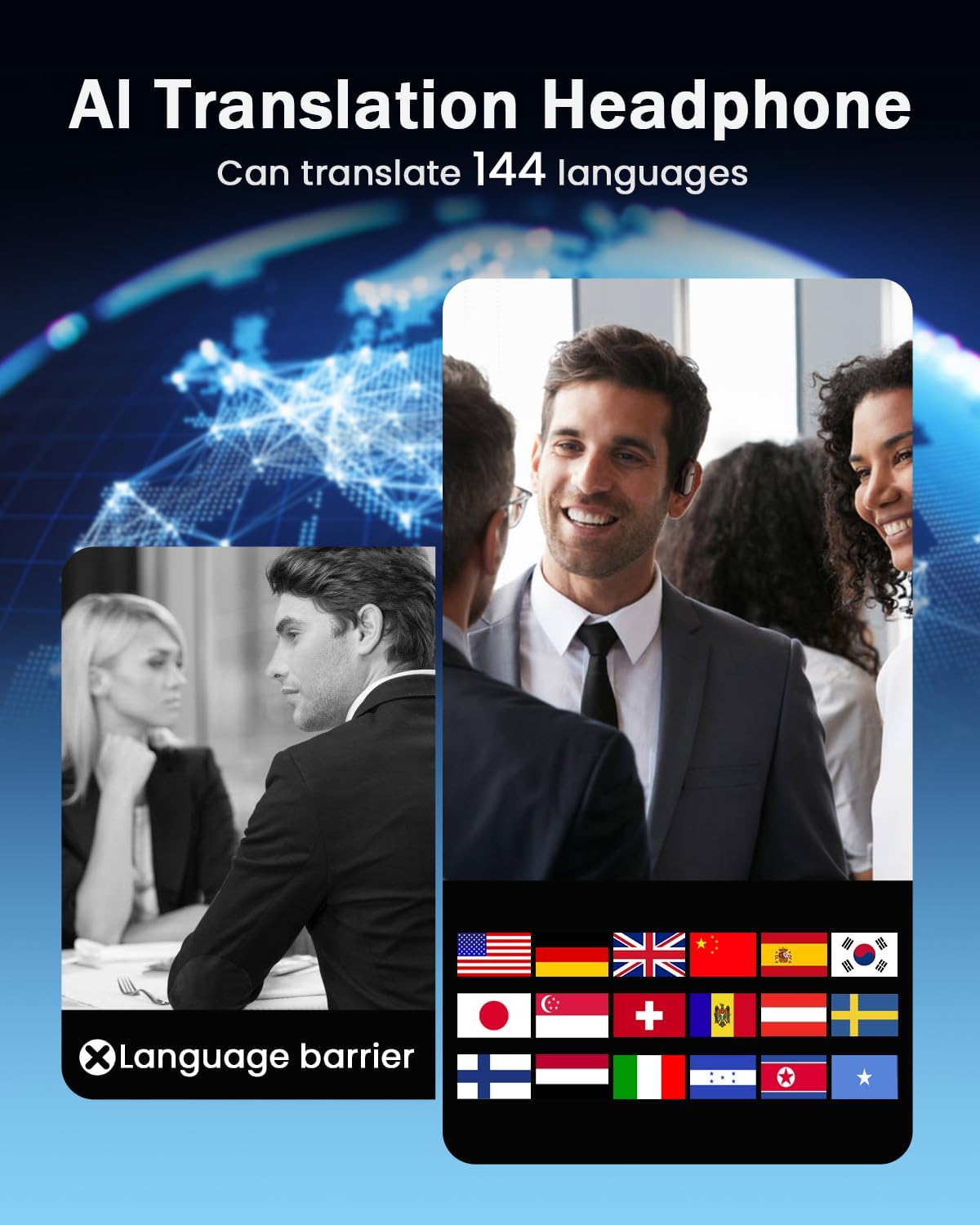
Image: A visual representation of the AI translation capabilities, showing various country flags to denote the 144 supported languages.
Translation Modes:
- Free Conversation Mode: Ideal for natural, back-and-forth dialogues.
- Offline Mode: Supports translation without an internet connection (specific languages may vary).
- Audio Transcription: Converts spoken language into text.
- Image Translation: Translates text from images captured via the app.
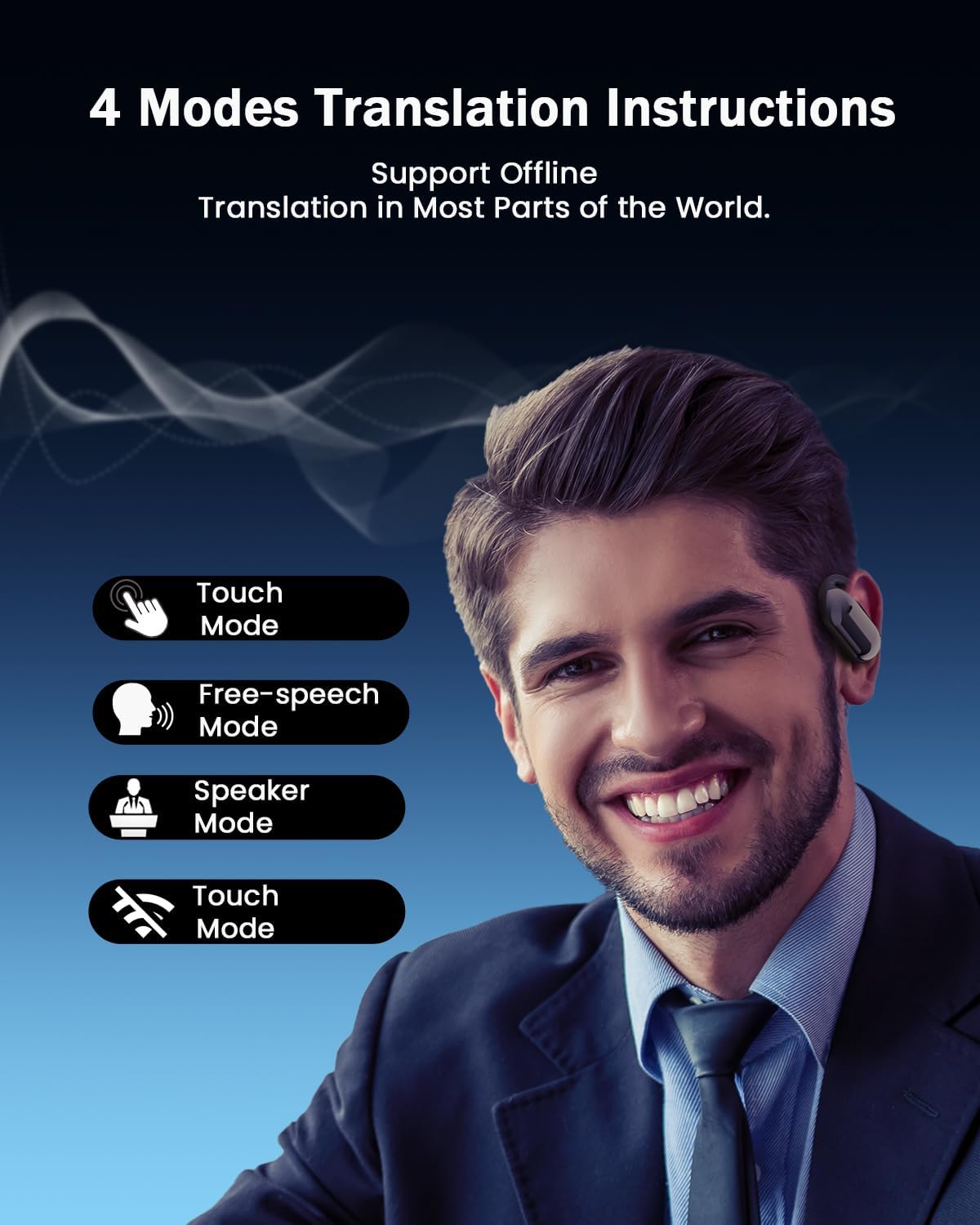
Image: A man wearing the earbuds, with icons representing the four main translation modes: Touch Mode, Free-speech Mode, Speaker Mode, and another Touch Mode variant.
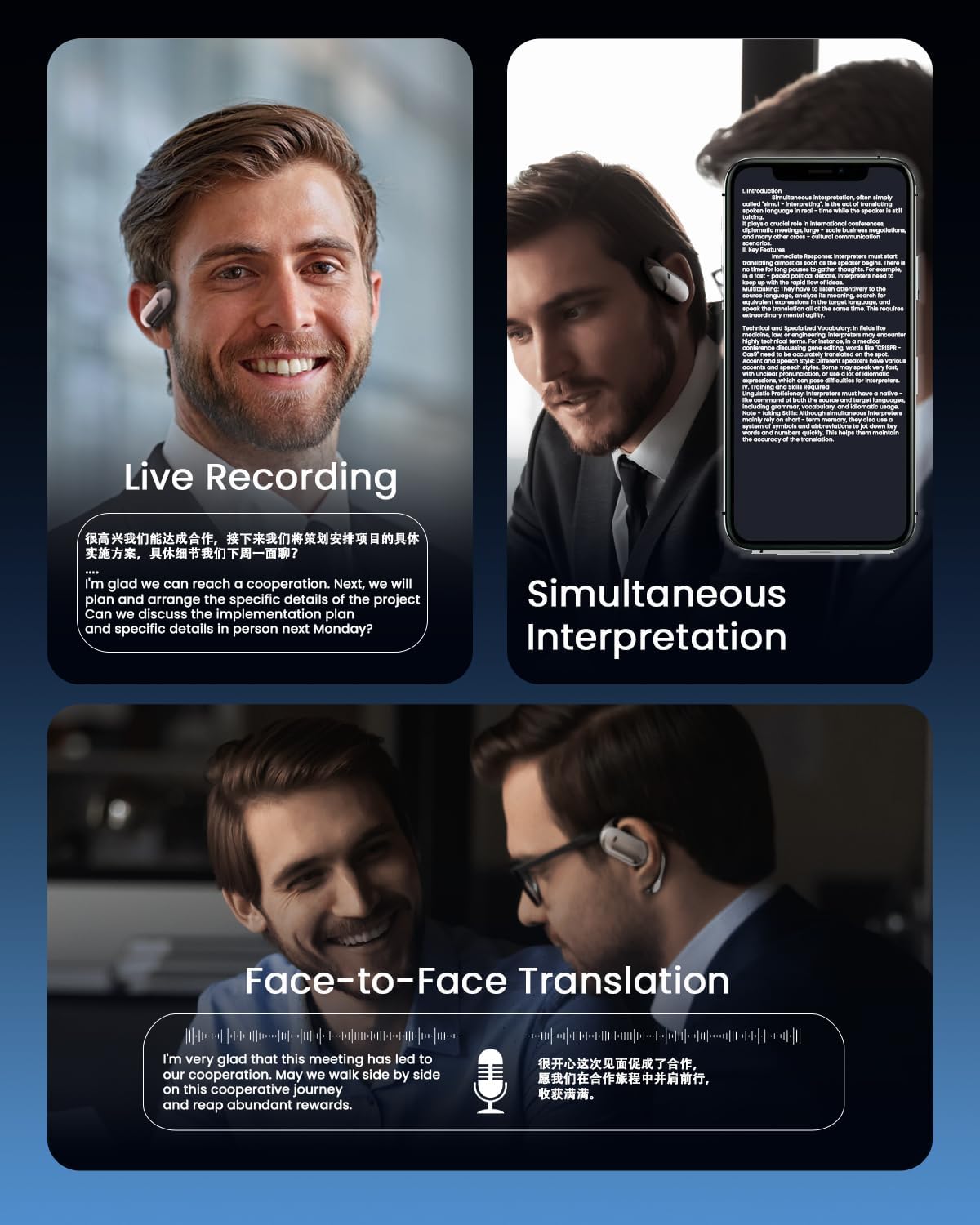
Image: Three panels demonstrating different translation scenarios: Live Recording, Simultaneous Interpretation (showing text on a phone screen), and Face-to-Face Translation with two individuals.
Smart LCD Touch Screen Functions
The charging case features a full-color LCD touch screen, providing convenient control over various functions without needing your phone.
- Music Playback Control: Play, pause, skip tracks.
- Call Management: Answer and hang up calls.
- Noise Reduction: Activate or deactivate noise reduction mode.
- Custom Settings: Access personalized settings and other features.
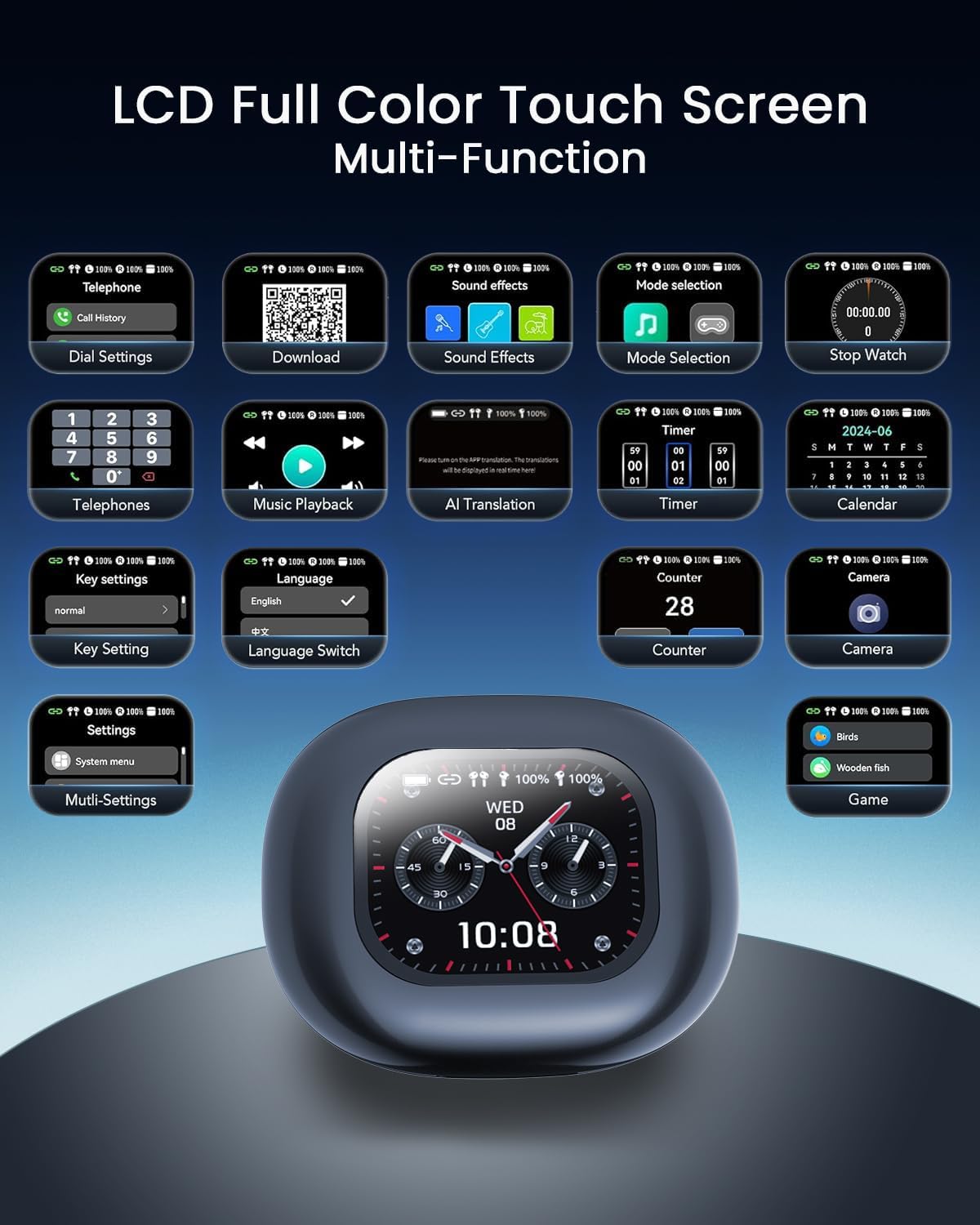
Image: A detailed view of the charging case's LCD touch screen, displaying various icons for functions like telephone, sound effects, mode selection, stopwatch, music playback, AI translation, key settings, language switch, timer, calendar, counter, and camera.
Connectivity and Audio Technology
The earbuds utilize upgraded Bluetooth 5.4 technology for stable, low-power consumption, and dual-channel transmission, ensuring an unbreakable connection. They are equipped with a powerful 15mm dynamic driver and precision directional sound design, delivering an immersive audio experience with rich, leak-free sound.

Image: An internal view of an earbud, highlighting the advanced Bluetooth 5.4 chip and other internal components responsible for connectivity and performance.
Maintenance
- Cleaning: Regularly clean the earbuds and charging case with a soft, dry, lint-free cloth. Avoid using abrasive materials or harsh chemicals.
- Storage: When not in use, store the earbuds in their charging case to protect them from dust and damage.
- Battery Care: To prolong battery life, avoid fully discharging the earbuds and case frequently. Charge them regularly, even if not in daily use.
- Water Resistance: The earbuds feature IP68 water resistance, offering protection against dust and immersion in water up to 1.5 meters for 30 minutes. However, avoid prolonged submersion or exposure to harsh liquids.
Troubleshooting
| Problem | Possible Cause | Solution |
|---|---|---|
| Earbuds not connecting to phone via Bluetooth. | Earbuds not in pairing mode; Bluetooth off on phone; interference; already connected to another device. | Ensure earbuds are in pairing mode (open case). Turn phone's Bluetooth off and on. Restart phone. Forget device in Bluetooth settings and re-pair. Ensure no other devices are connected. |
| Translation function not working or inaccurate. | App not installed or updated; poor internet connection (for online modes); incorrect language settings; background noise. | Ensure the dedicated AI translation app is installed and up-to-date. Check internet connection. Verify language settings in the app. Try a quieter environment. |
| App installation issues. | Incorrect QR code scan; app store region restrictions; phone compatibility. | Ensure you are scanning the correct QR code from the manual. Try searching for "AICool" app directly in your phone's app store. Check phone's operating system compatibility. |
| Earbuds not charging. | Cable or power source issue; dirty charging contacts; earbuds not seated correctly in case. | Try a different Type-C cable and power adapter. Clean the charging contacts on both earbuds and case with a dry cotton swab. Ensure earbuds are properly seated in the charging slots. |
| Sound quality issues (low volume, distortion). | Low battery; earbud placement; audio source quality. | Charge the earbuds fully. Adjust earbud placement for optimal fit. Check the volume on both the earbuds/case and your connected device. Try a different audio source. |
Specifications
| Feature | Detail |
|---|---|
| Brand | ANSTEN |
| Model Number | YYK-Q16Pro |
| Connectivity Technology | Wireless Bluetooth 5.4 |
| Ear Placement | Open Ear |
| Form Factor | True Wireless |
| Sensitivity | 8 ohms |
| Compatible Devices | Mobile phones, tablets, desktop computers, smart speakers |
| Specific Uses | Travel, Business, Study, Daily Communication |
| Material | Acrylonitrile Butadiene Styrene (ABS) |
| Total Playtime (with case) | Up to 60 hours |
| Single Earbud Playtime | Up to 8 hours |
| Charging Time | Approx. 1.5 hours (fast charging) |
| Supported Languages | 144 languages and accents |
| Translation Precision | 98% |
| Real-time Translation Latency | Approx. 0.2 seconds |
| Water Resistance | IP68 |
Warranty and Support
The ANSTEN AI Instant Translator Earbuds (Model YYK-Q16Pro) come with a 2-year manufacturer's warranty. This warranty covers defects in materials and workmanship under normal use.
For technical support, warranty claims, or any inquiries regarding your product, please contact ANSTEN customer service through their official website or the contact information provided in your product packaging. Please have your model number (YYK-Q16Pro) and proof of purchase ready when contacting support.
Ask a question about this manual
Ask about setup, troubleshooting, compatibility, parts, safety, or missing instructions. Manuals+ will review the question and use this page’s manual context to help answer it.