
ANENG ST180Black
ANENG ST180 Mini Digital Clamp Multimeter User Manual
Model: ST180Black
Brand: ANENG
1. Introduction
The ANENG ST180 Mini Digital Clamp Multimeter is a versatile and compact instrument designed for accurate electrical measurements. It features a 4000-count auto-ranging display and a 24mm jaw, allowing for non-contact AC current measurement. This device is ideal for professionals and DIY enthusiasts, offering functions such as AC/DC voltage, resistance, AC current, frequency, capacitance, temperature, continuity, and diode testing. Its user-friendly design includes an energy-saving auto-off function, a backlit LCD for clear readings in low light, and an integrated LED flashlight for improved visibility in dark work areas.

Figure 1: ANENG ST180 Mini Digital Clamp Multimeter and included test leads.
2. Safety Information
Always observe basic safety precautions when using this device to avoid personal injury or damage to the meter or equipment under test. Read and understand all safety information before use.
- Do not exceed the maximum input value specified for any function.
- Use extreme caution when working with voltages above 30V AC RMS, 42V peak, or 60V DC. Such voltages pose a shock hazard.
- Always disconnect the test leads from the circuit before changing functions.
- Important Note for Current Measurement: When measuring current, ensure the object being measured is placed in the center of the clamp jaw to minimize measurement error.
- Do not operate the meter if it appears damaged or if the insulation is compromised.
- Ensure the battery compartment is securely closed before operation.
3. Package Contents
Verify that all items are present and in good condition upon opening the package:
- 1 x ANENG ST180 Clamp Multimeter
- 2 x Test Leads (Red and Black)
- 1 x User Manual
- 1 x Packaging Box
4. Product Features
- High Precision & Auto-Ranging: The ST180 is a 4000-count auto-ranging clamp multimeter, providing accurate measurements across various electrical parameters. It can measure current without breaking the circuit wire.
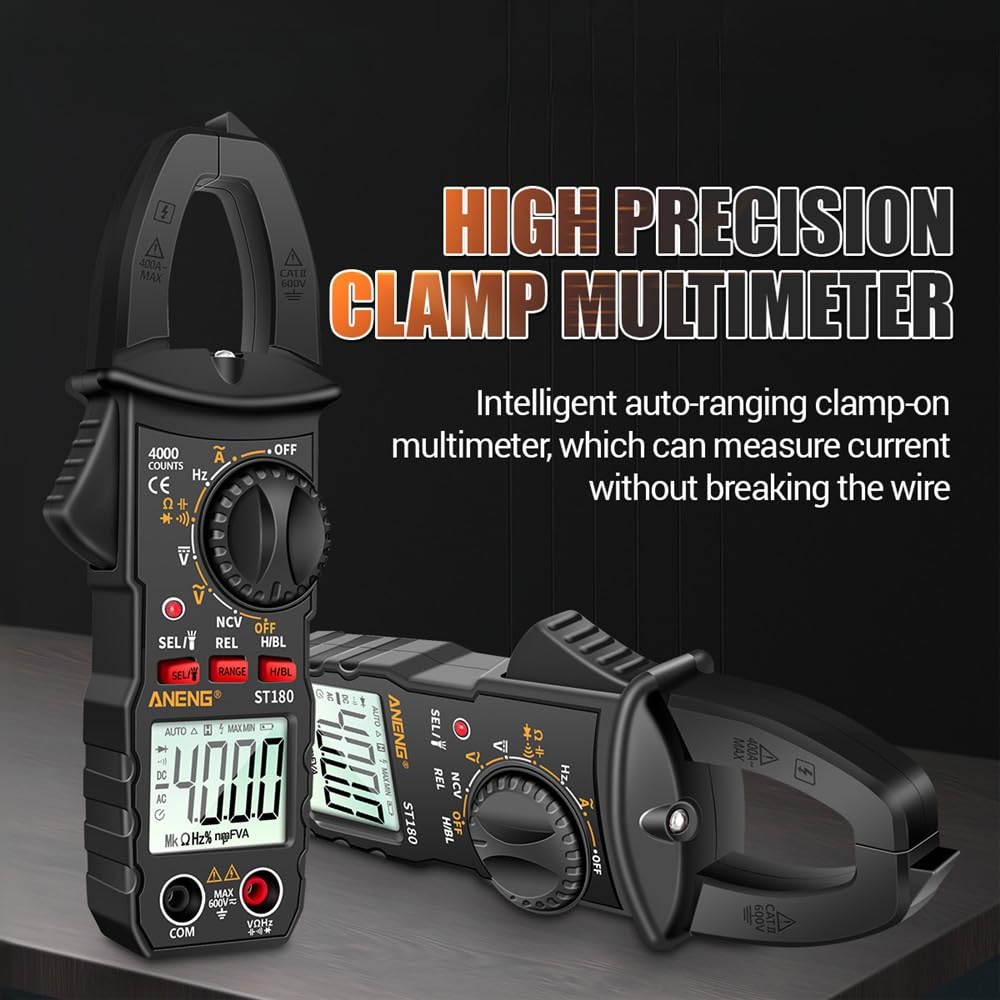
Figure 2: High precision clamp multimeter for non-contact current measurement.
- Compact and Portable Design: Small and lightweight, making it easy to carry for on-the-go measurements. The pen cap protects the probe tip, reducing damage.

Figure 3: Compact dimensions of the ANENG ST180.
- Backlit LCD Display: Features an LCD backlight display, ensuring clear visibility of readings even in dimly lit environments.
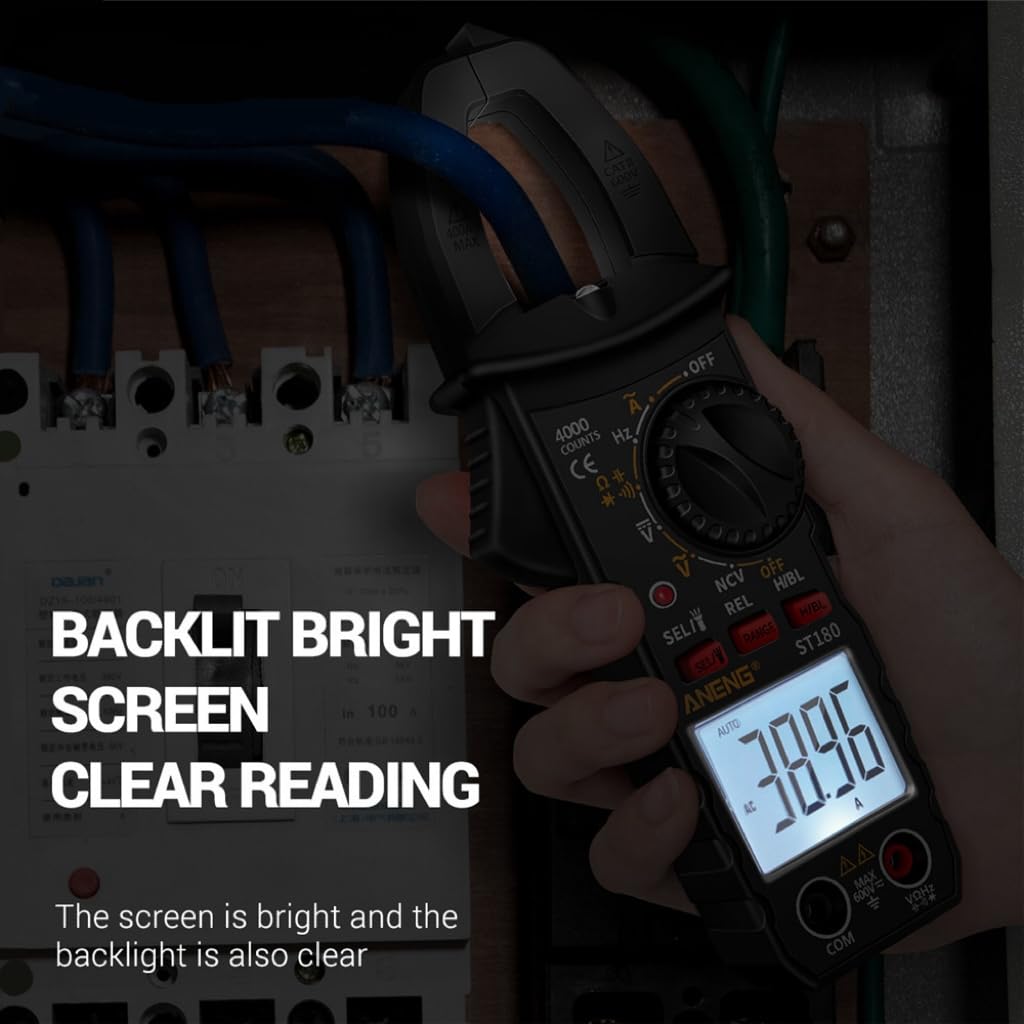
Figure 4: Clear readings with the backlit display.
- Integrated LED Flashlight: Equipped with an LED flashlight to illuminate the measurement area, enhancing safety and convenience in dark spaces.
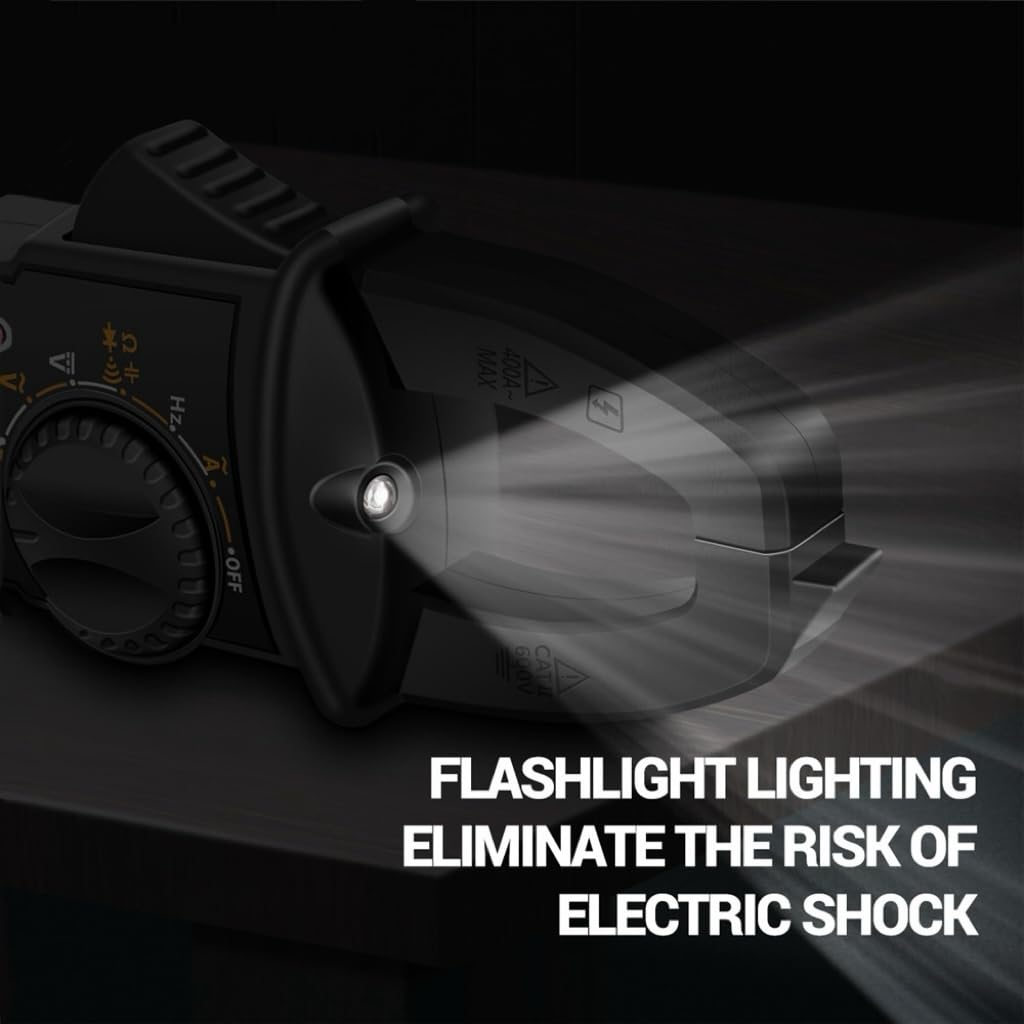
Figure 5: Built-in flashlight for improved visibility.
- Non-Contact Voltage (NCV) Detection: Provides a non-contact method to detect AC voltage. When AC voltage is detected, the display will show "EF", and an alarm buzzer will sound with a red LED blinking. The closer the device is to the voltage source, the faster the alarm sounds.

Figure 6: NCV induction detection in action.
- Energy-Saving Auto-Off: Designed with an auto-off function to conserve battery life when not in use.
5. Setup
5.1 Battery Installation
The ANENG ST180 typically uses AAA batteries (not explicitly stated in input, but common for such devices). To install or replace batteries:
- Ensure the meter is turned OFF.
- Locate the battery compartment cover on the back of the meter.
- Unscrew the retaining screw(s) and remove the cover.
- Insert new batteries, observing correct polarity (+ and -).
- Replace the battery compartment cover and secure it with the screw(s).
5.2 Connecting Test Leads
For most measurements (voltage, resistance, continuity, diode, capacitance, frequency, temperature), you will need to connect the test leads:
- Insert the black test lead into the "COM" (common) input jack.
- Insert the red test lead into the "VΩHz" input jack for voltage, resistance, frequency, capacitance, and diode measurements.
6. Operating Instructions
6.1 General Operation
- Turn the rotary switch to the desired measurement function.
- Connect the test leads or clamp the jaw around the conductor as appropriate for the selected function.
- Read the measurement value on the LCD display.
- To turn off the meter, rotate the switch to the "OFF" position.
6.2 Measurement Functions
- AC/DC Voltage Measurement (V~ / V-):
Select the AC or DC voltage range. Connect the test leads in parallel to the circuit or component to be measured.
- AC Current Measurement (A~):
Select the AC current range. Open the clamp jaw and enclose a single conductor (not a cable with multiple conductors) through which the current flows. Ensure the conductor is centered in the jaw for accuracy.
- Resistance (Ω), Continuity (♫), Diode Test (▲), Capacitance (F), Frequency (Hz), Temperature (℃/℉):
Select the appropriate function on the rotary dial. Connect the test leads to the component or circuit. For continuity, a buzzer will sound if resistance is below a certain threshold. For diode test, the forward voltage drop will be displayed.
- Non-Contact Voltage (NCV) Detection:
Rotate the dial to the NCV position. Move the top part of the meter near the conductor or outlet. The meter will indicate the presence of AC voltage with an "EF" display, audible alarm, and flashing red LED.
6.3 Special Functions
- Backlight: Press the backlight button (if available, usually indicated by a light bulb icon) to turn on/off the LCD backlight.
- Flashlight: Press the flashlight button (if available, often integrated with backlight or a separate button) to turn on/off the LED flashlight.
- Data Hold (HOLD): Press the HOLD button to freeze the current reading on the display. Press again to release.
7. Maintenance
7.1 Cleaning
Wipe the meter casing with a damp cloth and mild detergent. Do not use abrasives or solvents. Ensure the meter is completely dry before use.
7.2 Storage
If the meter is not to be used for a long period, remove the batteries to prevent leakage and damage. Store the meter in a cool, dry place, away from direct sunlight and extreme temperatures.
8. Troubleshooting
If the meter does not function properly, check the following:
- No display or dim display: Check battery level and replace if necessary. Ensure batteries are installed with correct polarity.
- Incorrect readings:
- Ensure the correct function is selected on the rotary switch.
- Verify test leads are properly connected and not damaged.
- For current measurement, ensure the conductor is centered in the clamp jaw.
- Check if the measurement range is appropriate (though auto-ranging, extreme values might require manual range selection if available).
- Meter does not turn on: Check batteries. If the issue persists, contact customer support.
9. Specifications
| Parameter | Value |
|---|---|
| Brand | ANENG |
| Model | ST180Black |
| Product Weight | 0.6 g |
| Product Dimensions (LxWxH) | 50 x 50 x 20 mm |
| Color | Black |
| Display Counts | 4000 Counts |
| Jaw Opening | 24mm |
| Measurement Accuracy | Not specified in detail |
| First Available Date (Amazon.co.jp) | 2025/3/25 |
10. Warranty and Support
ANENG is committed to providing excellent after-sales service. If you encounter any issues with your ANENG ST180 Mini Digital Clamp Multimeter, please refer to the troubleshooting section first. For further assistance, warranty claims, or technical support, please contact ANENG customer service through the retailer or the official ANENG website. Please retain your purchase receipt as proof of purchase for warranty purposes.
For more information, visit the ANENG Store on Amazon.
Related documentsST180Black


Ask a question about this manual
Ask about setup, troubleshooting, compatibility, parts, safety, or missing instructions. Manuals+ will review the question and use this page’s manual context to help answer it.