
1. Introduction
Thank you for choosing the HZVEKCRI SK-H050 Handheld Static Elimination Sensor. This device is designed for high-precision measurement and elimination of static electricity. This manual provides essential information for the safe and effective use, setup, operation, and maintenance of your SK-H050 sensor. Please read this manual thoroughly before using the product and keep it for future reference.
2. Safety Information
To ensure safe operation and to prevent damage to the device or injury to yourself, please observe the following safety precautions:
- Do not expose the device to extreme temperatures, humidity, or direct sunlight.
- Avoid dropping the device or subjecting it to strong impacts.
- Do not attempt to open or modify the device. Refer all servicing to qualified personnel.
- Keep the device away from water and other liquids.
- Use only the specified power source or charging accessories (if applicable).
- Ensure the measurement area is clear of obstructions and other electrical devices that might interfere with readings.
3. Product Overview
3.1 Package Contents
- HZVEKCRI SK-H050 Handheld Static Elimination Sensor
- Instruction Manual
- (Assumed) Charging Cable / Power Adapter
3.2 Device Components
Familiarize yourself with the various parts of your SK-H050 sensor:
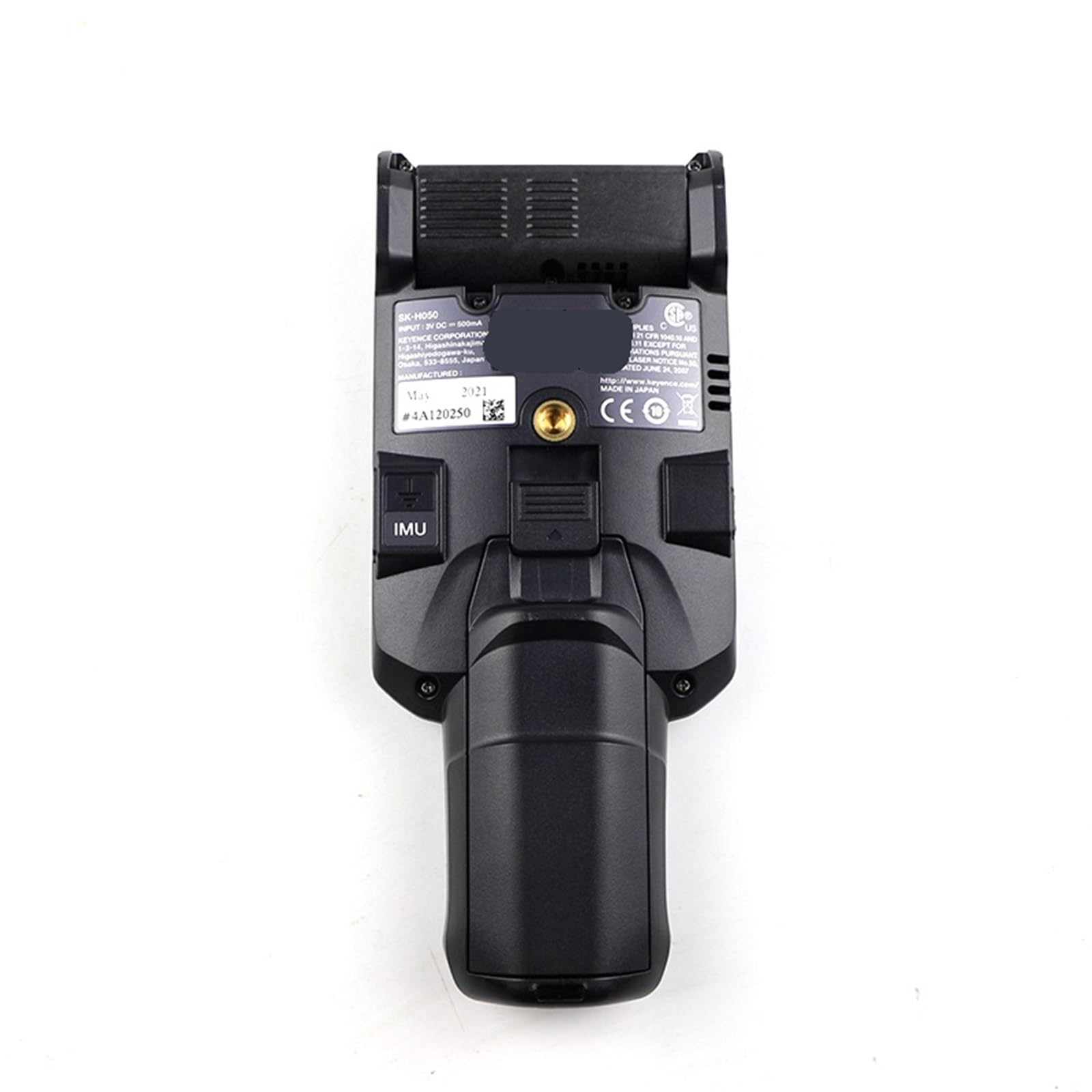
Figure 1: Top-front view of the SK-H050 sensor, highlighting the display and ergonomic design.

Figure 2: Front view of the SK-H050 sensor, detailing the static sensing area and measurement aperture.
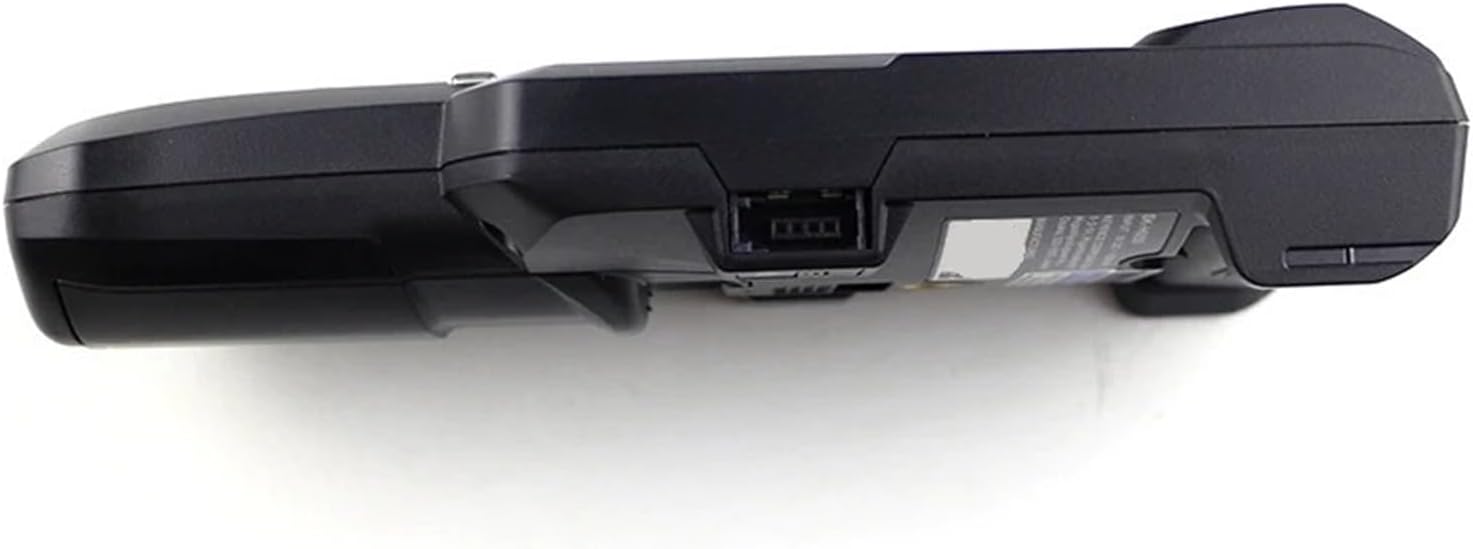
Figure 3: Side view of the SK-H050 sensor, illustrating the charging port or data interface.
4. Setup
4.1 Initial Charging
Before first use, fully charge the device. Connect the charging cable to the device's charging port and plug the other end into a suitable power source. The charging indicator (if present) will show the charging status.
4.2 Powering On/Off
- To Power On: Press and hold the Power button (location assumed, typically on the side or front panel) for approximately 3 seconds until the display illuminates.
- To Power Off: Press and hold the Power button again for approximately 3 seconds until the display turns off.
5. Operating Instructions
The SK-H050 offers two primary measurement modes:
5.1 Selecting Measurement Mode
The device supports two measurement distance modes:
- High-precision mode: Optimized for measurements at a distance of 25mm from the target surface.
- Wide range mode: Suitable for measurements at a distance of 100mm from the target surface.
Refer to the device's on-screen menu or dedicated mode button (if present) to switch between these modes. Ensure the correct mode is selected for your application.
5.2 Taking a Static Measurement
- Power on the device as described in Section 4.2.
- Select the appropriate measurement mode (High-precision or Wide range) based on your required distance.
- Position the front static sensing area of the SK-H050 sensor at the specified distance (25mm for high-precision, 100mm for wide range) from the object or surface you wish to measure.
- Ensure the sensor is held steady and perpendicular to the surface for accurate readings.
- The static charge reading will be displayed on the screen. The unit of measurement will typically be Volts (V).
- Record the reading if necessary.
5.3 Interpreting Readings
The displayed value indicates the magnitude and polarity (positive or negative) of the static charge. Consult industry standards or your specific application requirements to determine acceptable static levels.
5.4 Battery Life
The device is designed for approximately 8 hours of continuous operation on a full charge. Battery life may vary based on usage patterns and environmental conditions. Recharge the device when the low battery indicator appears.
6. Maintenance
6.1 Cleaning
- Gently wipe the exterior of the device with a soft, dry, lint-free cloth.
- Do not use abrasive cleaners, solvents, or strong chemicals, as these can damage the casing or display.
- Keep the static sensing area clean and free from dust or debris to ensure accurate measurements.
6.2 Storage
When not in use, store the SK-H050 in a cool, dry place, away from direct sunlight and extreme temperatures. If storing for extended periods, ensure the battery is partially charged (around 50%) to prolong its lifespan.
7. Troubleshooting
If you encounter issues with your SK-H050 sensor, refer to the following common problems and solutions:
- Device not turning on: Ensure the battery is charged. Connect to a power source and try again.
- Inaccurate or inconsistent readings:
- Verify the correct measurement distance (25mm or 100mm) is maintained.
- Check for dust or debris on the static sensing area.
- Ensure the device is held steady and perpendicular to the surface.
- Confirm the ambient environmental temperature is within the operating range (0-40°C).
- Short battery life: Ensure the device is fully charged before use. Battery performance can degrade over time.
If the problem persists, contact customer support.
8. Specifications
| Feature | Specification |
|---|---|
| Model | SK-H050 |
| Working Time | Approximately 8 hours |
| Environmental Temperature | 0 - 40°C (32 - 104°F) |
| High-precision Measuring Distance | 25mm |
| Wide Range Measuring Distance | 100mm |
| Package Dimensions | 1.18 x 0.79 x 0.39 inches |
| Item Weight | 1.76 ounces |
9. Warranty and Support
HZVEKCRI products are manufactured to high-quality standards. For information regarding warranty coverage, please refer to the warranty card included with your purchase or visit the official HZVEKCRI website. For technical support, troubleshooting assistance, or to inquire about replacement parts, please contact HZVEKCRI customer service through the contact information provided on our website or product packaging.