
1. Introduction
Thank you for choosing the SURFOU Wireless Doorbell System N128. This manual provides essential information for the safe and efficient use of your new doorbell system. Please read it thoroughly before installation and operation, and retain it for future reference.
The SURFOU Wireless Doorbell System N128 offers a reliable and convenient solution for your home or office. Key features include a long operating range, weatherproof design, multiple melody options, and adjustable volume levels.
2. Package Contents
Verify that all items listed below are included in your package:
- 3 x Plug-in Receivers
- 1 x Battery-Operated Transmitter (Push Button)
- 1 x 12V23A Battery (for Transmitter)
- 1 x Screwdriver
- 4 x Screw Sets
- 2 x Double-Sided Adhesive Tapes
- 1 x Instruction Manual

Figure 2.1: Complete SURFOU Wireless Doorbell System N128 package contents.
3. Safety Information
- Read all instructions carefully before use.
- Do not expose the transmitter or receivers to extreme temperatures, direct sunlight, or moisture beyond their specified operating conditions.
- Avoid placing the transmitter and receiver near large metal objects, as this may interfere with the wireless signal and reduce the operating range.
- Keep batteries out of reach of children. Dispose of used batteries responsibly according to local regulations.
- Do not attempt to disassemble or repair the device yourself. Contact customer support for assistance.
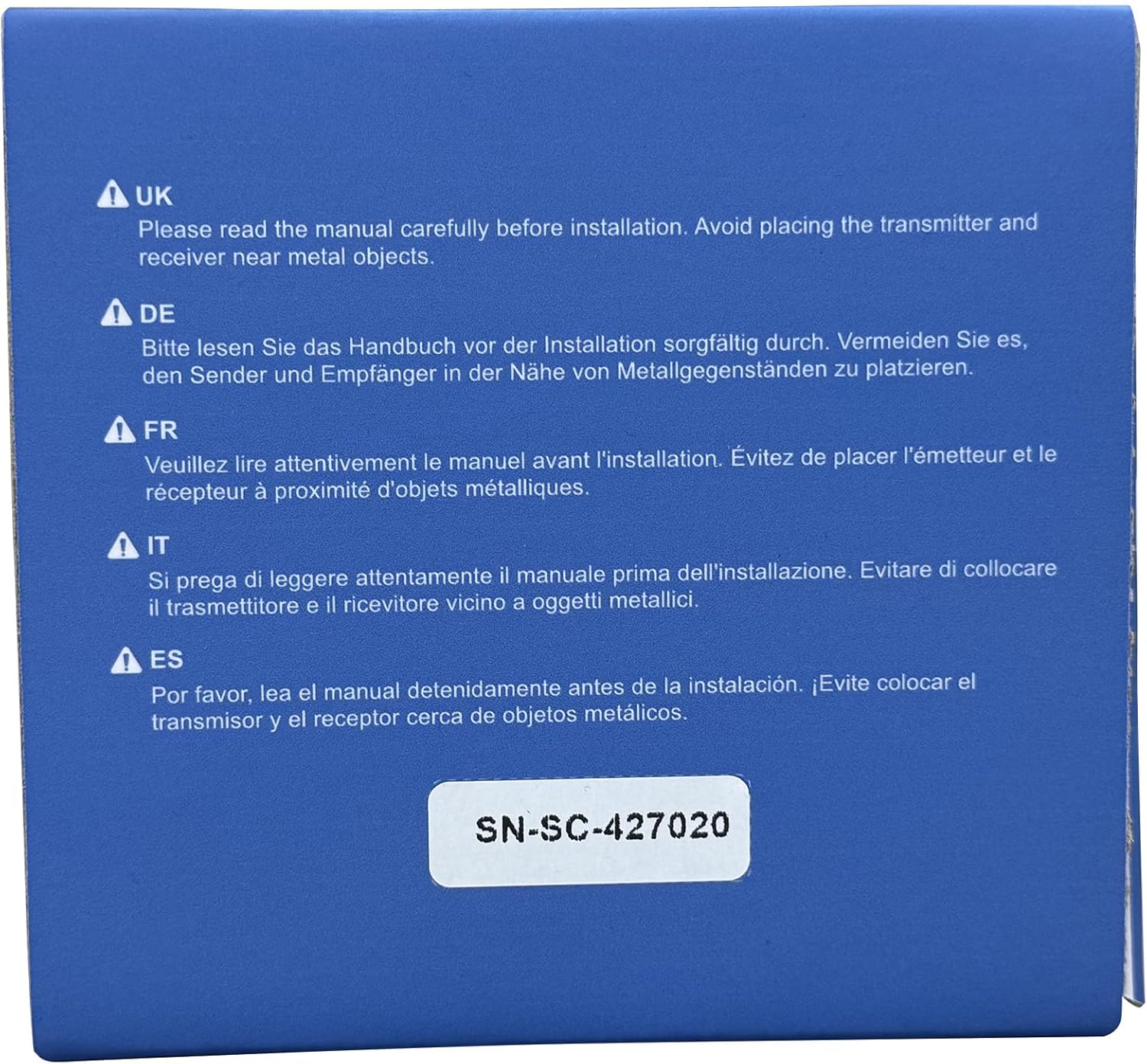
Figure 3.1: Important safety notice regarding installation near metal objects.
4. Setup and Installation
4.1 Transmitter (Push Button) Installation
- Insert Battery: Open the back cover of the transmitter and insert the provided 12V23A battery, ensuring correct polarity. Close the cover securely.
- Choose Location: Select a suitable location for the transmitter near your front door or desired entry point. Ensure the surface is clean and dry.
- Mounting Options:
- Adhesive Tape: Peel off one side of the double-sided adhesive tape and attach it to the back of the transmitter. Peel off the other side and firmly press the transmitter onto the desired surface for at least 30 seconds.
- Screws: Use the provided screws and screwdriver to securely mount the transmitter to the wall. Mark the screw holes, drill pilot holes if necessary, and then fasten the transmitter.
4.2 Receiver Installation
- Plug In: Plug each receiver into a standard electrical outlet in your desired locations within your home or office. Ensure the outlets are easily accessible and not obstructed.
- Placement: For optimal performance, place receivers centrally within the desired coverage area and away from large metal objects or other electronic devices that may cause interference.
4.3 Pairing Transmitter and Receiver (If needed)
The system is typically pre-paired. If pairing is lost or you wish to add more transmitters/receivers:
- Plug in the receiver.
- Press and hold the "SET" button on the receiver for approximately 3-5 seconds until the LED indicator flashes rapidly.
- Immediately press the transmitter (push button) once. The receiver will chime, indicating successful pairing.
- Repeat for additional receivers or transmitters.
5. Operating Instructions

Figure 5.1: Receiver and Transmitter button functions and dimensions.
5.1 Changing Melodies
- On the receiver, press the "Next" button (often labeled with an arrow or musical note icon) to cycle through the 55 available melodies.
- Once you hear a melody you like, stop pressing the button. The receiver will automatically save your selection.
5.2 Adjusting Volume
- On the receiver, press the "Volume" button (often labeled with a speaker icon) to cycle through the 5 volume levels (up to 110 dB).
- Select the desired volume level. The receiver will save your preference.
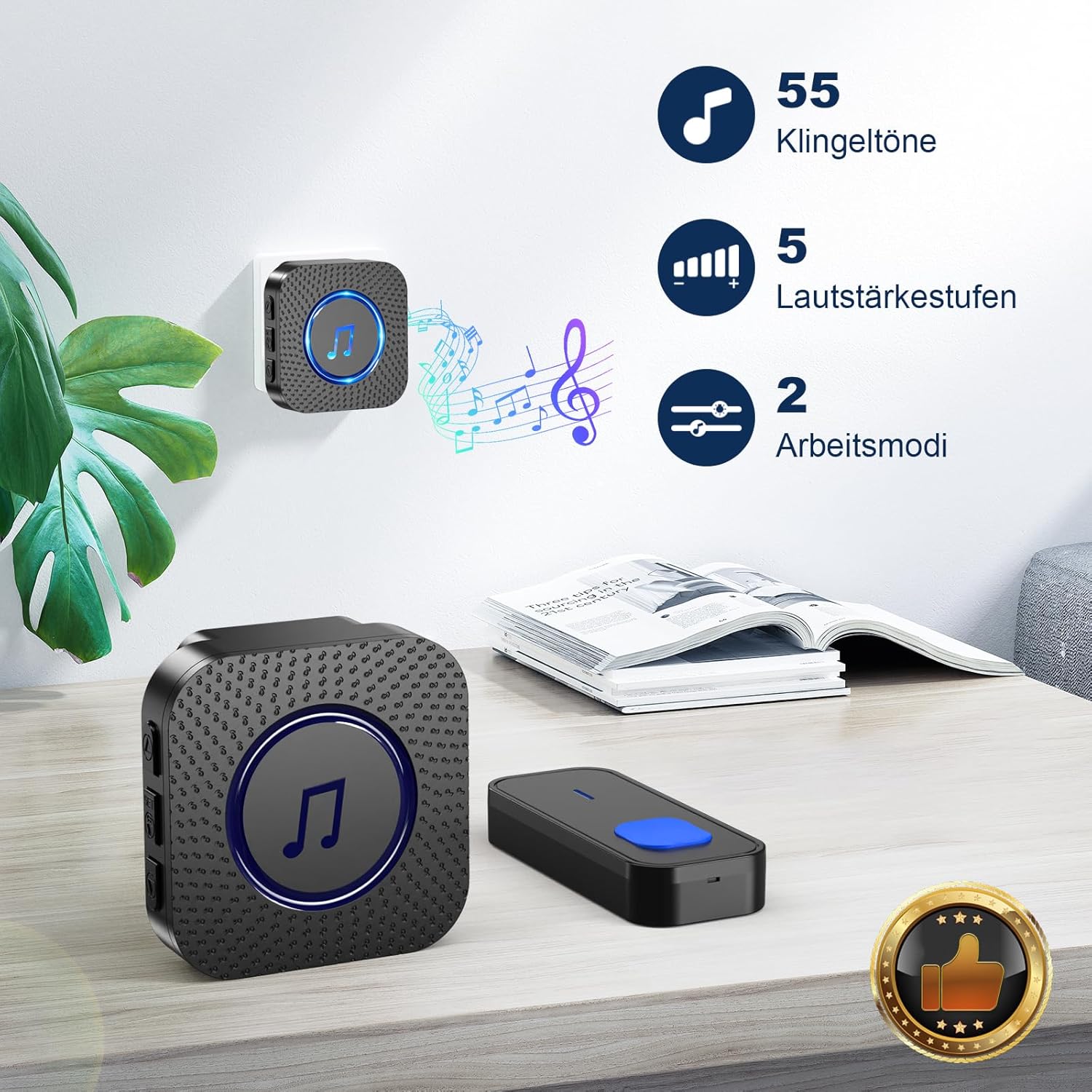
Figure 5.2: Melody and Volume options.
5.3 Operating Modes (LED Only / LED + Bell)
The doorbell system offers flexible notification modes:
- LED + Bell Mode: When the transmitter is pressed, the receiver will play the selected melody and its LED indicator will flash. This is the default mode.
- LED Only (Mute) Mode: To activate mute mode, press the volume button repeatedly until the volume is set to 0 or a mute icon appears. In this mode, the receiver's LED indicator will flash when the transmitter is pressed, but no sound will be produced. This is ideal for quiet environments or for individuals with hearing impairments.

Figure 5.3: LED indicator and Mute mode functionality.
6. Maintenance
6.1 Cleaning
- Wipe the surfaces of the transmitter and receivers with a soft, dry cloth.
- Do not use abrasive cleaners, solvents, or harsh chemicals, as these may damage the finish or internal components.
6.2 Battery Replacement (Transmitter)
The transmitter is powered by a 12V23A alkaline battery. When the operating range decreases significantly or the LED on the transmitter no longer lights up, it's time to replace the battery.
- Carefully open the back cover of the transmitter using the provided screwdriver or a small flat-head screwdriver.
- Remove the old battery and dispose of it properly.
- Insert a new 12V23A alkaline battery, ensuring the positive (+) and negative (-) terminals are correctly aligned.
- Close the back cover securely.
7. Troubleshooting
| Problem | Possible Cause | Solution |
|---|---|---|
| Receiver does not chime when transmitter is pressed. |
|
|
| Short operating range. |
|
|
| Receiver LED flashes but no sound. | Receiver is in mute (LED only) mode. | Adjust volume on receiver to a higher level. |
8. Specifications
| Feature | Detail |
|---|---|
| Model Number | N128 |
| Brand | SURFOU |
| Operating Range | Up to 400 meters (in open areas) |
| Melodies | 55 selectable melodies |
| Volume Levels | 5 adjustable levels (up to 110 dB) |
| Operating Temperature | -30°C to 70°C (-22°F to 158°F) |
| Waterproof Rating | Dust-proof and waterproof (Transmitter) |
| Transmitter Battery | 1 x 12V23A Alkaline Battery |
| Receiver Power | AC Plug-in |
| Receiver Dimensions | Approx. 7 x 7 x 6.5 cm |
| Transmitter Dimensions | Approx. 8.6 x 3.5 x 1.5 cm (estimated from image) |

Figure 8.1: Weather resistance and operating temperature details.
9. Warranty and Customer Support
SURFOU is committed to providing reliable products and excellent customer service. Your SURFOU Wireless Doorbell System N128 is backed by our commitment to quality.
For any questions, technical assistance, or warranty claims, please contact our customer support team. We are available 24/7 to assist you.
Contact Information: Please refer to the contact details provided on the product packaging or the official SURFOU website for the most up-to-date support information.


