
Introduction
The Morelax EYE-X1 Eye Massager is designed to provide a comfortable and relaxing experience, helping to reduce eye strain, relieve headaches, and improve sleep quality. This device combines air pressure, vibration, heat, and optional music to offer a comprehensive eye care solution. Its portable and foldable design makes it suitable for use at home, in the office, or while traveling.

Image: The Morelax EYE-X1 Eye Massager in use, promoting relaxation.
Important Safety Information
- The product may produce normal operating noise below 45dB during use.
- Before use, please verify if you have any allergies to protein leather.
- This eye massager is not recommended for individuals who have undergone eye operations or have pre-existing eye conditions such as retina conditions, cataracts, or glaucoma.
- Statements regarding dietary supplements have not been evaluated by the FDA and are not intended to diagnose, treat, cure, or prevent any disease or health condition.
What's in the Box
Upon unboxing your Morelax EYE-X1 Eye Massager, you should find the following items:
- Morelax EYE-X1 Eye Massager Device
- USB-C Charging Cable
- Instruction Manual
- Storage Bag
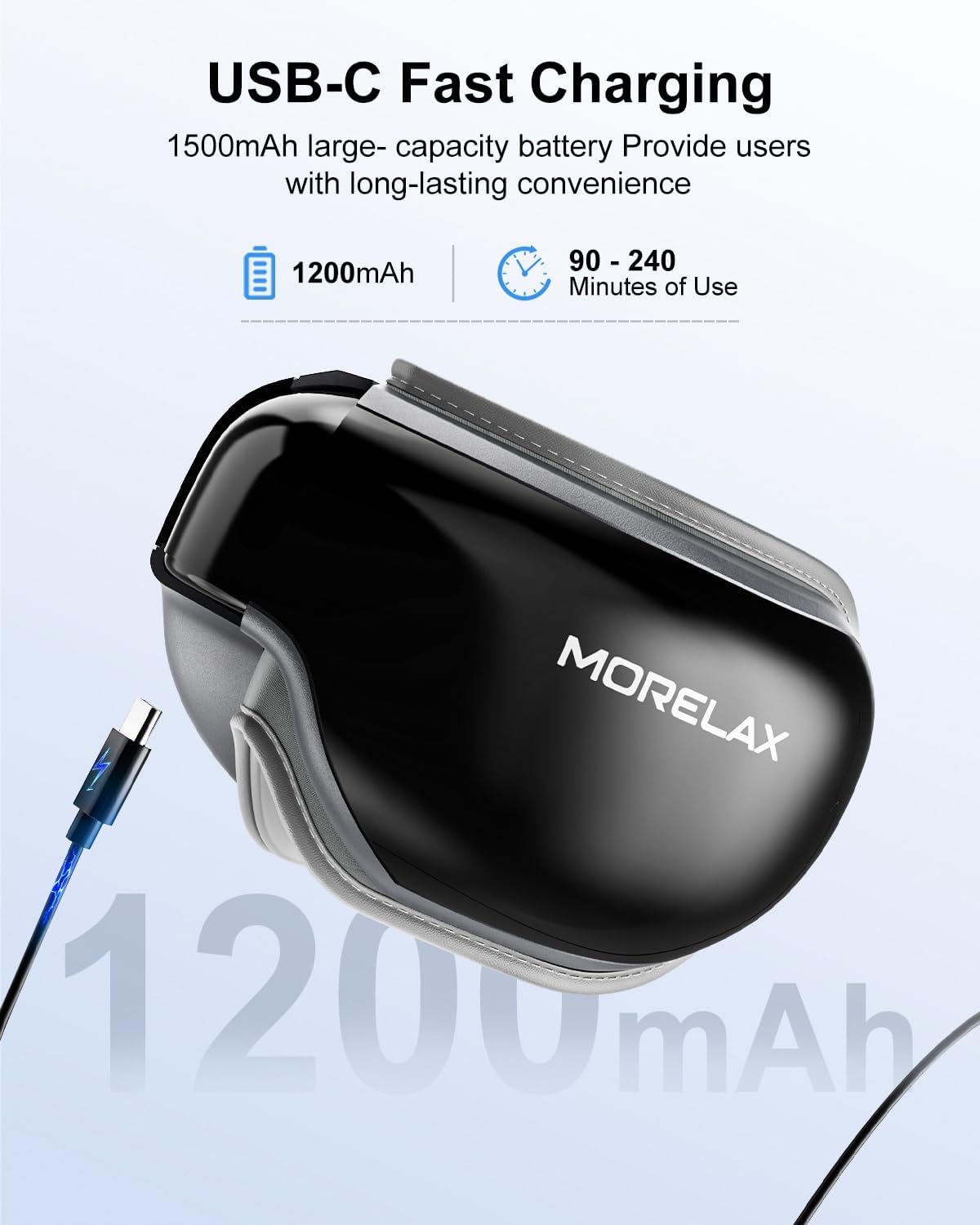
Image: The Morelax EYE-X1 Eye Massager, USB-C charging cable, and instruction manual.
Video: Unboxing and initial impressions of the Morelax EYE-X1 Eye Massager.
Setup
1. Charging the Device
Before initial use, fully charge your Morelax EYE-X1 Eye Massager. Connect the provided USB-C charging cable to the device and a compatible power source. A full charge typically takes 2-3 hours and provides 2-5 hours of operation, depending on usage intensity.
2. Adjusting the Headband
The eye massager features an adjustable headband to ensure a comfortable and secure fit for various head sizes and face shapes. Adjust the strap until the device rests comfortably over your eyes without being too tight or too loose.

Image: The adjustable headband and foldable design of the Morelax EYE-X1 Eye Massager.
Operating Instructions
1. Power On/Off
To power on the device, press and hold the power button for a few seconds. To power off, press and hold the power button again.
2. Mode Selection
The Morelax EYE-X1 offers 4 distinct modes. Short press the power button to cycle through the available modes:
- Gentle Mode: Provides moderate air pressure for a soft massage.
- Strong Mode: Delivers strong air pressure for a more intense massage.
- Wake Up Mode: Combines moderate air pressure with vibration.
- Sleep Mode: Features a hot compress with soothing music, without vibration or air pressure.
3. Music and Volume Control
The device includes built-in white noise music and Bluetooth connectivity. Use the dedicated music control buttons to adjust volume or skip tracks. To turn off the music, lower the volume to '0'. You can also connect your smartphone via Bluetooth to play your preferred audio.
4. Automatic Shut-off
For safety and energy conservation, the massager features an automatic 15-minute pause function.
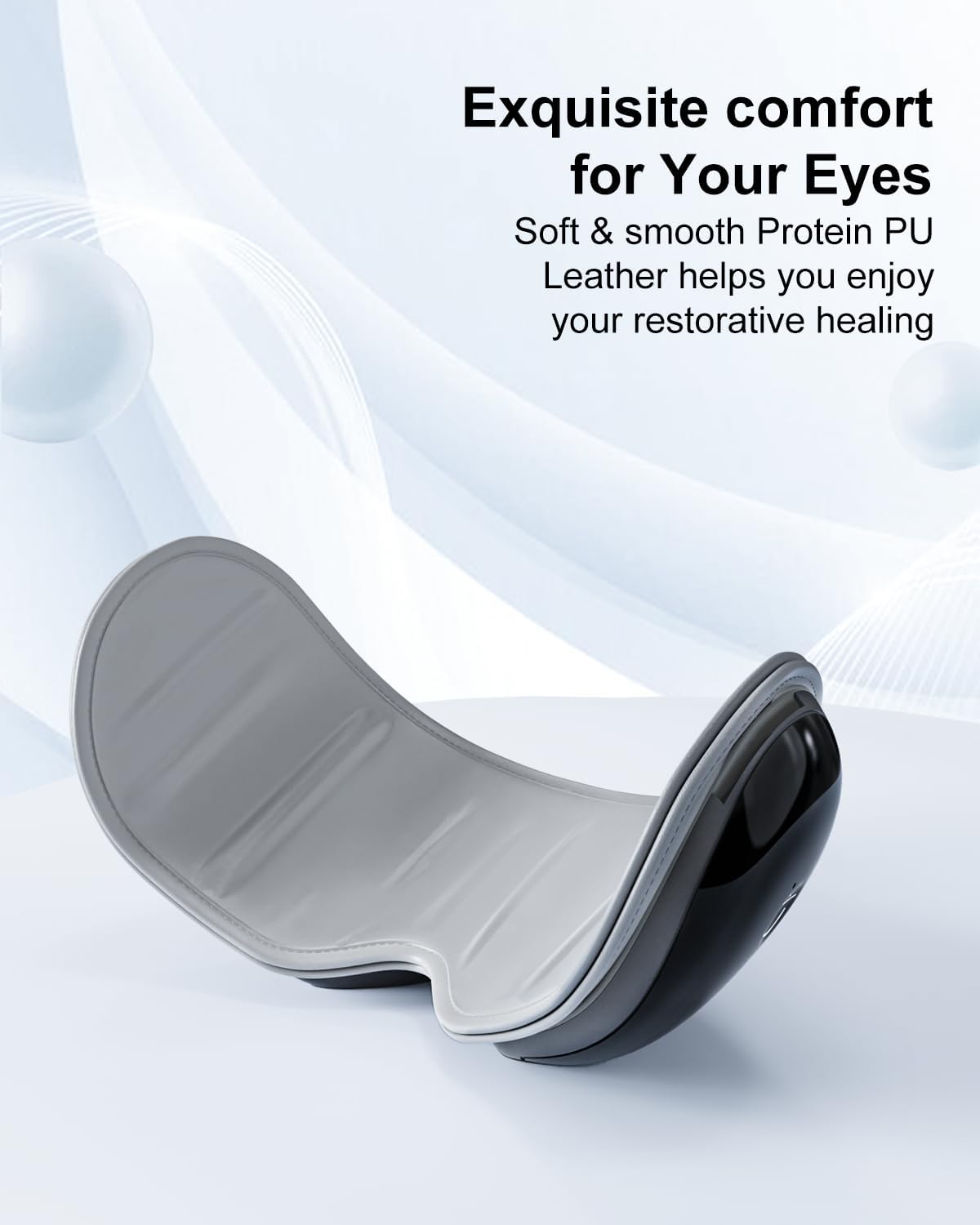
Image: Control panel of the Morelax EYE-X1 Eye Massager, detailing power, track, and volume buttons.

Image: Visual representation of the four relaxation modes and corresponding control functions.
Video: A user demonstrating the Morelax EYE-X1 Eye Massager, highlighting its ability to block out external stimuli.
Video: A user reviewing the Morelax EYE-X1 Eye Massager, emphasizing its comfort, heat, and music features.
Video: A brief demonstration of the Morelax EYE-X1 Eye Massager's relaxation capabilities.
Maintenance
Cleaning
To maintain hygiene and prolong the life of your eye massager, clean it with a damp cloth after each use. Ensure the device is powered off and disconnected from any charging cables before cleaning. Do not immerse the device in water as it is not water resistant.

Image: The soft PU leather interior of the eye massager, designed for easy cleaning and breathability.
Storage
The Morelax EYE-X1 features a 180° foldable design for convenient storage. Fold the device and place it in the provided storage bag to protect it from dust and damage when not in use. Store in a cool, dry place.
Troubleshooting
- Device not turning on: Ensure the device is fully charged. Connect it to the USB-C charging cable and allow 2-3 hours for a full charge.
- No music or sound: Check the volume settings using the dedicated buttons. If using Bluetooth, ensure the device is properly paired with your audio source.
- Massage feels too strong/weak: Cycle through the different modes (Gentle, Strong, Wake Up, Sleep) by short pressing the power button to find your preferred intensity.
- No heat: Ensure the device is powered on and in a mode that includes the heating function (e.g., Sleep Mode or any mode with heat enabled).
Specifications
| Model Number | EYE-X1 |
| Brand | Morelax |
| Product Dimensions | 7.25 x 5.9 x 3.85 inches |
| Item Weight | 1.1 Pounds (0.5 Kilograms) |
| Power Source | Battery Powered (Cordless) |
| Battery Capacity | 1500mAh |
| Charging Time | 2-3 hours |
| Operation Time | 2-5 hours (depending on mode) |
| Heat Temperature | Up to 107°F (42°C) |
| Massage Technique | Compression, Vibration |
| Special Features | Foldable, Heat, Portable, Bluetooth Music |
| Water Resistance | Not Water Resistant |
| Material Type | Leather, Metal, Plastic |
| UPC | 797457470103 |
Warranty and Support
Specific warranty details are not provided in this manual. For warranty information, product support, or any inquiries, please contact Morelax customer service:
- Email: support
- Phone: +1 6264203
- Operating Hours: Monday - Friday, 9:00 AM - 5:00 PM (PST)