
1. Introduction
The Herz P1 Smart Ring is a wearable health tracker designed to monitor various biometrics. This manual provides essential information for setting up, operating, maintaining, and troubleshooting your device to ensure optimal performance and accurate data collection.
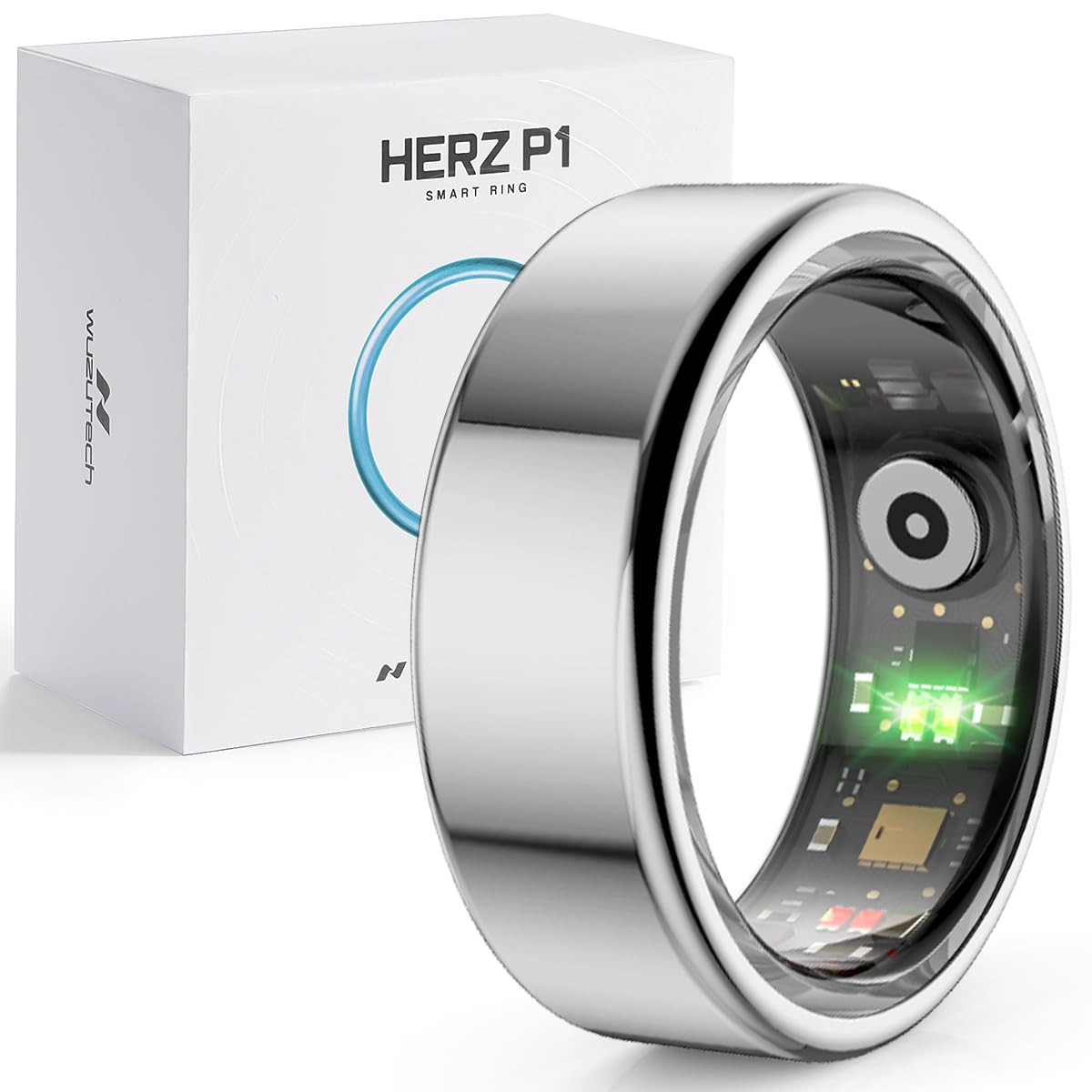
Image: The Herz P1 Smart Ring, showcasing its sleek design.
2. What's in the Box
Verify that all components are present in your Herz P1 Smart Ring package:
- Herz P1 Smart Ring
- Charging Cable
- User Manual

Image: Herz P1 Smart Ring with its dedicated charging cable.
3. Sizing Information
To ensure accurate readings and comfortable wear, select the correct ring size. Refer to the sizing chart below:

Image: Sizing chart for Herz P1 Smart Ring, showing US codes, finger circumference, and ring diameter.
4. Setup Guide
Follow these steps to set up your Herz P1 Smart Ring:
- Charge the Ring: Connect the charging cable to the ring and a USB power source. Ensure the ring is fully charged before first use.
- Download the App: Search for the official Herz P1 app on the Apple App Store (for iOS devices) or Google Play Store (for Android devices).
- Pair the Ring: Open the app and follow the on-screen instructions to pair your Herz P1 Smart Ring via Bluetooth.
- Wear the Ring: Wear the ring on your preferred finger for continuous health monitoring.
Video: Official setup guide for the Herz P1 Smart Ring, demonstrating the pairing process with the free mobile application.

Image: A smartphone screen showing the Herz P1 application interface.
5. Operating the Herz P1 Smart Ring
The Herz P1 Smart Ring continuously tracks various health metrics. Data is synchronized with the companion app on your iOS or Android device.
5.1 Biometric Tracking
The ring monitors over 20 biometrics, including:
- Heart Rate (HR)
- Heart Rate Variability (HRV)
- Blood Oxygen (SpO2)
- Body Temperature
- Activity (steps, calories burned)
- Sleep Quality (duration, stages)
- Stress Levels
- Menstrual Cycle Tracking

Image: Visual representation of the various health metrics tracked by the Herz P1 Smart Ring.
5.2 App Compatibility
The Herz P1 Smart Ring is compatible with both iOS and Android devices. Ensure your device meets the minimum operating system requirements for the app.

Image: Icons representing iOS and Android operating systems, confirming device compatibility.
5.3 Battery Life
The Herz P1 Smart Ring offers up to 6 days of battery life on a single charge. Actual battery performance may vary based on usage patterns and settings.

Image: A Herz P1 Smart Ring highlighting its extended battery life.
Video: Official demonstration of the Herz P1 Smart Ring's tracking capabilities and data visualization within the app.
6. Maintenance
6.1 Cleaning
To clean your Herz P1 Smart Ring, wipe it gently with a soft, damp cloth. Avoid using harsh chemicals or abrasive materials that could damage the finish or sensors.
6.2 Water Resistance
The Herz P1 Smart Ring is waterproof up to 164 feet (5 ATM). It is suitable for swimming and showering, but not recommended for diving or high-pressure water activities.

Image: The Herz P1 Smart Ring demonstrating its water resistance.
7. Troubleshooting
If you encounter issues with your Herz P1 Smart Ring, consider the following common solutions:
- Connectivity Issues: Ensure Bluetooth is enabled on your smartphone and the ring is within range. Restart both the ring (if applicable) and your phone.
- Inaccurate Readings: Ensure the ring is worn snugly on your finger. Environmental factors or improper fit can affect sensor accuracy.
- Battery Draining Quickly: Check for excessive background app usage or frequent data synchronization. Reduce notifications if possible.
- App Not Syncing: Verify your internet connection and that the app has necessary permissions on your device.
For more detailed troubleshooting, refer to the official Troubleshooting Guide (PDF).
8. Specifications
| Feature | Specification |
|---|---|
| Operating System | RTOS |
| Special Features | Activity Tracker, Cycle Tracking, Lightweight, Sleep Tracker |
| Battery Capacity | 17 mAh |
| Connectivity Technology | Bluetooth |
| Wireless Communication Standard | Bluetooth |
| Battery Cell Composition | Lithium Ion |
| GPS | No GPS |
| Shape | Round |
| Band Material Type | Stainless Steel |
| Water Resistance Level | Waterproof |
| Water Resistance Depth | 164 feet |
| Metrics Measured | Blood Oxygen (SpO2), Blood Pressure, Body Temperature, Calories Burned, Menstrual Cycle |
| Compatible Devices | Android, Smartphone, iPhone |
| Item Weight | 0.07 kg |
9. Warranty and Support
The Herz P1 Smart Ring comes with a 1-Year Manufacturer's Limited Warranty. For warranty claims or technical support, please contact WuzuTech customer service.
Additional resources:


