
Introduction
This manual provides detailed instructions for the EZ EAR KBEAR CX01 USB-C IEM Cable with Microphone. This cable is designed to enhance your in-ear monitor (IEM) experience by offering a high-quality audio connection and integrated microphone functionality for compatible devices. Please read this manual thoroughly before using the product to ensure proper operation and longevity.
Product Overview
The KBEAR CX01 is a 2-meter (6.5 feet) USB-C IEM cable featuring a built-in microphone and inline controls. It is constructed with 4-core Oxygen-Free Copper (OFC) cables to deliver clear audio. The cable supports 2-pin and QDC type connections for a wide range of in-ear monitors.
Key Features:
- 2-Meter Length: Provides extended reach for various activities.
- USB-C Connectivity: Compatible with modern devices featuring a USB-C port.
- Integrated Microphone: Enables clear voice communication.
- Inline Controls: For convenient management of audio playback and calls.
- High-Resolution Audio: Built-in DAC supports 24-bit/96kHz audio playback.
- Durable Construction: Lightweight, pliable, and braided cable design with a protective coating.
- Versatile Pin Adapters: Available in 2-pin and QDC types for broad IEM compatibility.
What's in the Box:
- 1 x EZ EAR KBEAR CX01 USB-C IEM Cable with Microphone
Setup
Follow these steps to connect your IEMs to the KBEAR CX01 cable and then to your audio device.
- Identify IEM Connectors: Determine if your In-Ear Monitors (IEMs) use 2-pin or QDC connectors. The KBEAR CX01 cable is available in both variants.
- Connect Cable to IEMs: Carefully align the 2-pin or QDC connectors on the cable with the corresponding ports on your IEMs. Push firmly until a stable and reliable connection is established. Ensure the left (L) and right (R) indicators on the cable match your IEMs.
- Connect USB-C Plug to Device: Insert the USB-C plug of the cable into the USB-C port of your smartphone, tablet, computer, or other compatible audio device.
- Verify Connection: Once connected, your device should recognize the cable as an audio output device. You may need to select it from your device's audio settings.

Image: Demonstrates the KBEAR CX01 cable with its USB-C plug and 2-pin IEM connectors.

Image: The KBEAR CX01 USB-C cable connected to a smartphone, illustrating its use for high-fidelity audio playback.
Operating Instructions
The KBEAR CX01 cable features inline controls for managing your audio and calls.
Inline Remote Control:

Image: Detailed view of the inline remote control with volume and multi-function buttons.
- Volume Up (+): Press to increase audio volume.
- Volume Down (-): Press to decrease audio volume.
- Multi-function Button (Center):
- Single Press: Play/Pause music; Answer/End calls.
- Double Press: Skip to the next track.
- Triple Press: Go to the previous track.
- Long Press: Activate voice assistant (if supported by your device).
- Microphone: The integrated microphone allows for hands-free calls and voice commands. Ensure the microphone is positioned clearly for optimal voice pickup.
Compatibility
The EZ EAR KBEAR CX01 cable is designed for broad compatibility with various IEMs and USB-C devices.
IEM Compatibility (2-pin and QDC types):
- 2-pin Type: Compatible with models such as KZ ZS10 PRO, ZST, ZS12 PRO X, ZS10 PRO 2, ZSN PRO X, ZSN PRO, EDX PRO, Castor, ZAR, ZAS, AS24, ES4, DQS, ZAX, AS16 PRO, ZST-X, ZEX, CCA CRA, C10, C12, and other IEMs with standard 0.75mm or 0.78mm 2-pin connectors.
- QDC Type: Compatible with models such as KZ ZSN PRO X, ZS12 Pro X, ZS10 Pro, ZS10 Pro X, EDX Pro, Castor, ZS10 Pro 2, ZA12, ZAS, ZAR, CCA CRA, and other IEMs with QDC connectors.

Image: Illustrates the cable's compatibility with different IEM connector types.
Device Compatibility:
- Compatible with iPhone 15 series, iPhone 16 series, and all other devices equipped with a USB-C interface.
Maintenance
Proper care and maintenance will extend the life of your KBEAR CX01 cable.
- Storage: When not in use, coil the cable loosely to prevent kinks and tangles. Avoid sharp bends or excessive force.
- Cleaning: Wipe the cable with a soft, dry cloth to remove dust and debris. Do not use harsh chemicals or abrasive materials.
- Connection Points: Handle the connectors gently when plugging and unplugging to avoid damage to the pins or ports.
- Environmental Protection: The cable conforms to Pb-free and RoHS standards. Avoid exposing the cable to extreme temperatures, direct sunlight, or moisture.
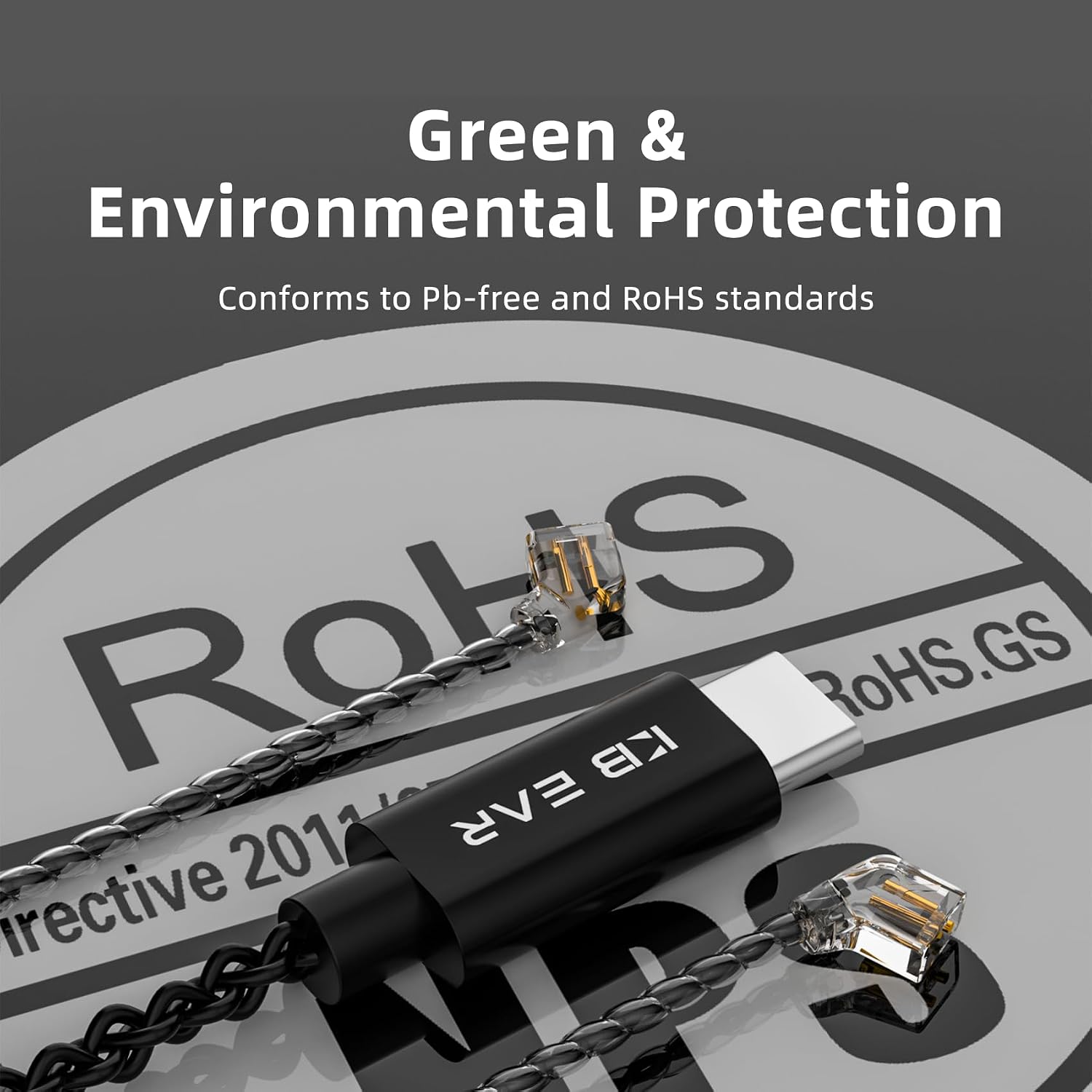
Image: Illustrates the cable's compliance with environmental protection standards.
Troubleshooting
If you encounter issues with your KBEAR CX01 cable, refer to the following common solutions:
| Problem | Possible Cause | Solution |
|---|---|---|
| No sound or intermittent audio. |
|
|
| Microphone not working. |
|
|
| Inline controls are unresponsive. |
|
|
Specifications
| Brand | EZ EAR |
| Model Name | KBEAR CX01 |
| Connector Type | USB-C (Auxiliary) |
| Cable Type | OFC Braided Audio Cable |
| Compatible Devices | Headphones (IEMs), iPhone 15/16 series, USB-C devices |
| Color | Black |
| Connector Gender | Female-to-Female (IEM side), Male (USB-C side) |
| Data Transfer Rate | 96000 Bits Per Second (Audio) |
| Number of Pins | 2 (for IEM connection) |
| Frequency | 96000 Hz (Max Audio Sample Rate) |
| Cable Length | 2 meters (approx. 6.56 feet) |
| Item Weight | 18 Grams (0.635 ounces) |
| Manufacturer | EZ EAR |
Warranty and Support
EZ EAR products are designed for quality and performance. In the event of any issues, please refer to the following information:
- Warranty: Any reported issues will be addressed in the form of a replacement. Please retain your proof of purchase.
- Customer Support: For questions regarding product usage, troubleshooting, or warranty claims, please contact EZ EAR customer support through the retailer where the product was purchased or visit the official EZ EAR website for contact information.
Official Product Video
Video: Official product overview of the KBEAR CX01 USB-C IEM Cable, demonstrating its features and use cases.