
1. Introduction
This manual provides detailed instructions for the installation, operation, and maintenance of your EDYELL EMBH-C1 Motorcycle Helmet Bluetooth Headset. Please read this manual thoroughly before using the device to ensure proper function and safety. The EMBH-C1 is designed to provide clear audio for music, GPS navigation, and hands-free calls while riding.
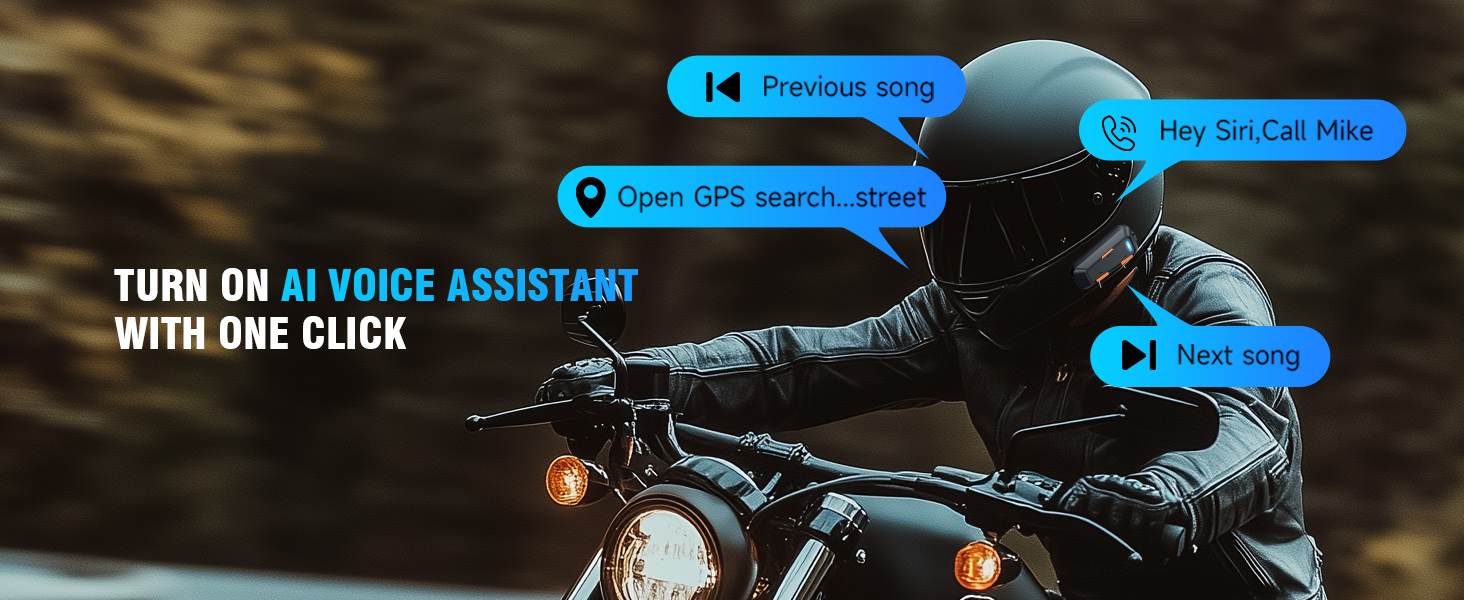
Image: The EMBH-C1 headset mounted on a motorcycle helmet, illustrating its functions for listening to music, hearing GPS navigation, and taking phone calls.
2. Package Contents
Verify that all items listed below are included in your package:
- 1 x EDYELL EMBH-C1 Motorcycle Bluetooth Headset
- 1 x Replaceable Hard Mic
- 2 x Microphone Velcro Tape
- 2 x Speaker Velcro
- 2 x Booster Sticker
- 1 x User Manual (this document)
- 1 x USB-C Charging Cable

Image: A visual representation of the EDYELL EMBH-C1 package contents, including the main unit, microphone, speakers, and accessories.
3. Product Features
- Lightweight and Slim Design: Weighing only 42.5g and 18.2mm thick, ensuring minimal burden on your helmet.
- IPX5 Waterproof: Designed to resist water ingress, allowing use in various weather conditions.
- Advanced Bluetooth 5.3: Provides stable and fast connections with minimal interference.
- Dual-Phone Support: Connects simultaneously to two smartphones for managing navigation, calls, and music.
- Hi-Fi Stereo Audio: Equipped with 40mm speakers for a clear sound experience.
- ENC Noise Control: Built-in microphone with Environmental Noise Cancellation for clear voice transmission.
- Voice Assistant Access: Supports