
1. Product Overview
The Mesqool Emergency Weather Radio & Lantern (Model B0F2SRBKHJ) is a versatile device designed for emergency preparedness and outdoor activities. It combines multiple essential functions into a single, portable unit, ensuring access to vital information and illumination when traditional power sources are unavailable. This device features a multi-band radio, a powerful LED flashlight, a reading lamp, and an SOS alarm. It offers multiple charging options including a built-in rechargeable battery, solar panel, and hand crank, along with the capability to charge external devices via USB.
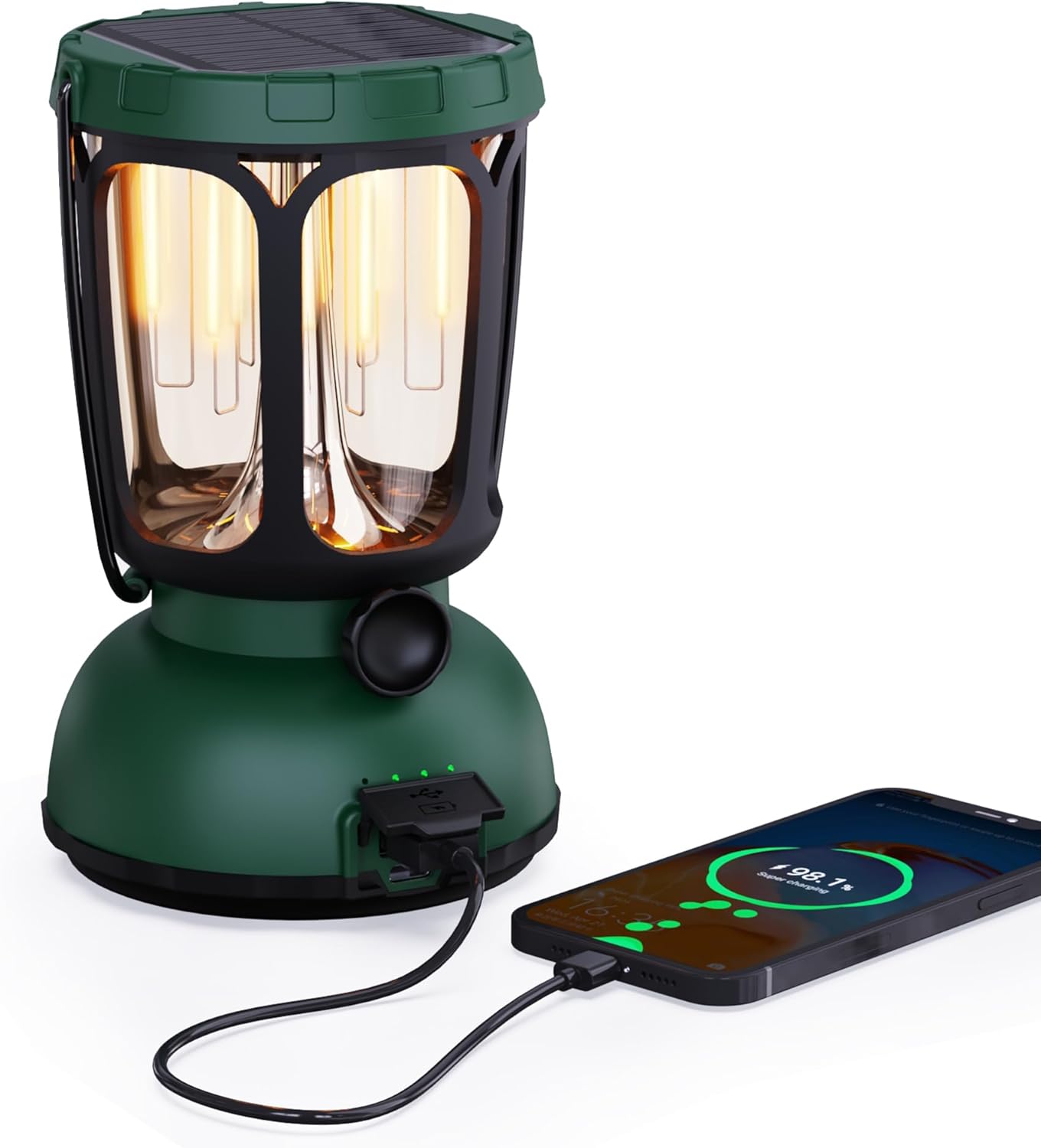
Figure 1: Front view of the Mesqool Emergency Weather Radio and Lantern, showcasing its compact design and integrated handle.
2. What's in the Box
Upon unboxing your Mesqool Emergency Weather Radio & Lantern, please ensure all the following items are present:
- Mesqool Emergency Weather Radio & Lantern Unit
- Power Cord
- Power Adapter
- User Manual (this document)
3. Key Features
- Multi-Band Radio: Access to AM, FM, Shortwave (SW), and 7 pre-configured NOAA Weather Alert Stations for comprehensive coverage.
- Multiple Power Sources:
- Built-in 12000mAh Replaceable/Rechargeable Li-ion Battery.
- Integrated Solar Panel for charging via sunlight.
- Hand Crank for manual power generation.
- Type-C USB input for charging via adapter.
- AAA Battery compartment (3x AAA, not included) for additional backup power.
- Illumination:
- Handy Bright Camping Flashlight.
- LED Reading Lamp with dimmable warm white (50-350LM, 2700K) and bright white (350-650LM, 10000-15000K) modes.
- Emergency Functions:
- Loud SOS Alarm.
- Emergency Cell Phone Charger via USB output.
- Durability: Waterproof and 4-foot drop-proof design.
- Portability: Rugged handle and compact design for easy transport.
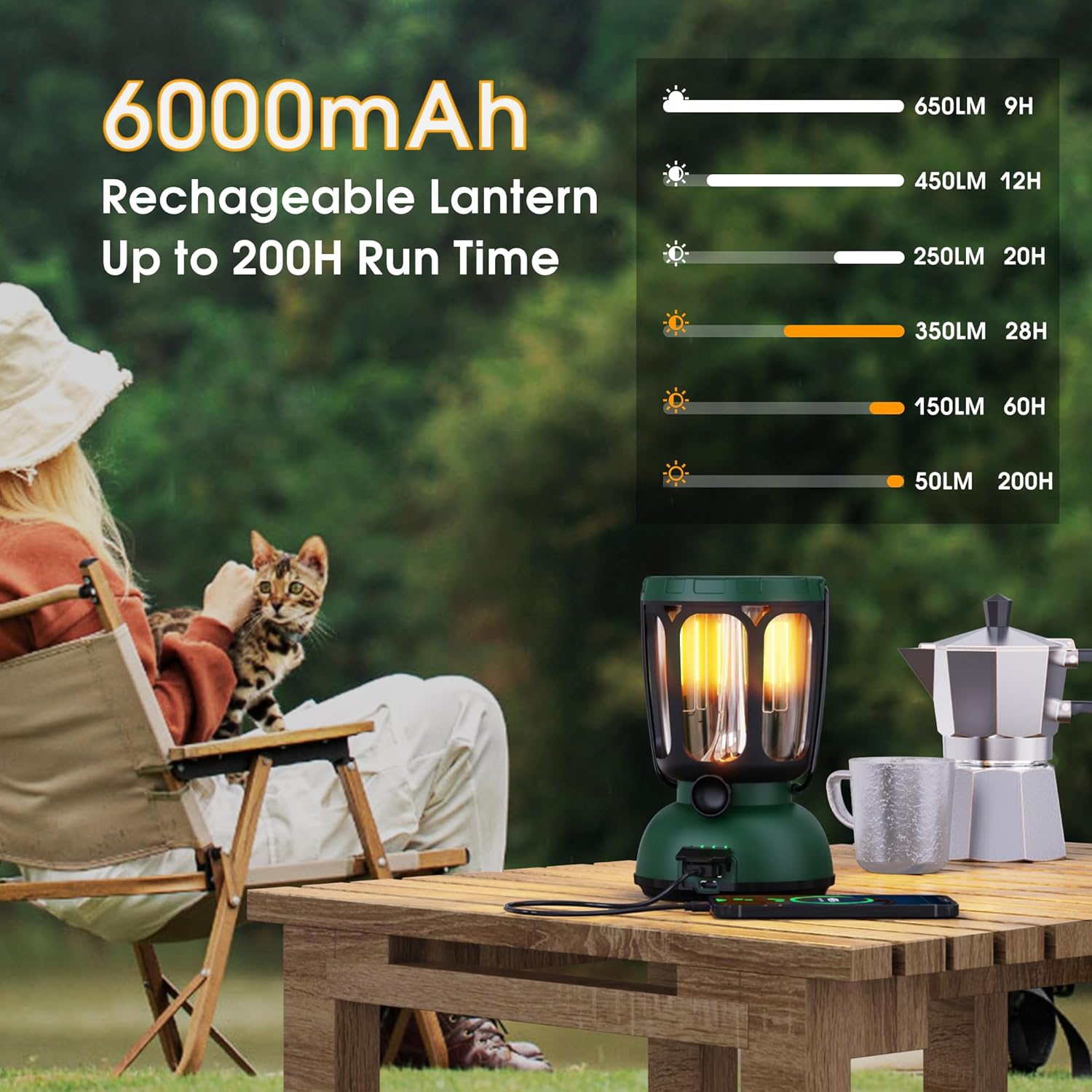
Figure 2: The lantern's 6000mAh rechargeable battery provides up to 200 hours of run time on low settings.

Figure 3: Two distinct light modes, warm and bright white, with a dimmable feature for adjustable illumination.
4. Initial Setup
- Unpacking: Carefully remove all items from the packaging. Inspect the unit for any damage.
- Initial Charge: For optimal performance, fully charge the built-in Li-ion battery before first use. Connect the provided Type-C USB cable to the device and the power adapter to a wall outlet. The charging indicator will illuminate.
- AAA Battery Installation (Optional Backup): If desired, open the battery compartment and insert 3 AAA batteries (not included) for an additional power backup. Ensure correct polarity.
- Antenna: Extend the telescopic antenna for improved radio reception.
5. Operating Instructions
5.1. Powering On/Off
- Press the POWER button to turn the unit on or off.
- The display will show the time and battery level.
5.2. Radio Operation (AM/FM/SW/NOAA)
- Select Band: Press the BAND button repeatedly to cycle through AM, FM, SW, and NOAA weather bands.
- Tune Stations: Use the TUNE + and TUNE - buttons to manually adjust the frequency. For automatic scanning, press and hold the TUNE + or TUNE - button.
- Volume Control: Adjust the volume using the VOL + and VOL - buttons.
- NOAA Weather Alert: Press the WX ALERT button to activate or deactivate the weather alert function. When active, the radio will automatically switch to the NOAA weather band and sound an alarm if a weather alert is issued.
5.3. Flashlight & Reading Lamp
- Flashlight: Press the dedicated flashlight button (usually on the side) to turn the flashlight on/off. Some models may have multiple brightness settings.
- Reading Lamp: Lift the solar panel to reveal the LED reading lamp. Press the reading lamp button (often located near the lamp) to turn it on/off and cycle through dimmable warm white and bright white modes.

Figure 4: The warm light mode of the lantern is ideal for creating a cozy ambiance or for low-light tasks.
5.4. SOS Alarm
- Press the SOS button to activate a loud emergency alarm and flashing beacon light.
- Press the SOS button again to deactivate the alarm.
5.5. Charging the Unit
- USB Charging: Connect the provided Type-C USB cable to the unit's input port and the power adapter to a standard wall outlet.
- Solar Charging: Place the unit with the solar panel facing direct sunlight. The solar charging indicator will light up. This method is best for maintaining charge or slow charging.
- Hand Crank Charging: Extend the hand crank and rotate it clockwise or counter-clockwise for manual power generation. A few minutes of cranking can provide power for basic functions.

Figure 5: The versatile charging options ensure the device remains powered in various situations.
5.6. Charging External Devices
- Connect your external device (e.g., smartphone) to the unit's USB output port using your device's charging cable.
- The unit's internal battery will transfer power to your external device. This feature is intended for emergency use to provide a minimal charge.
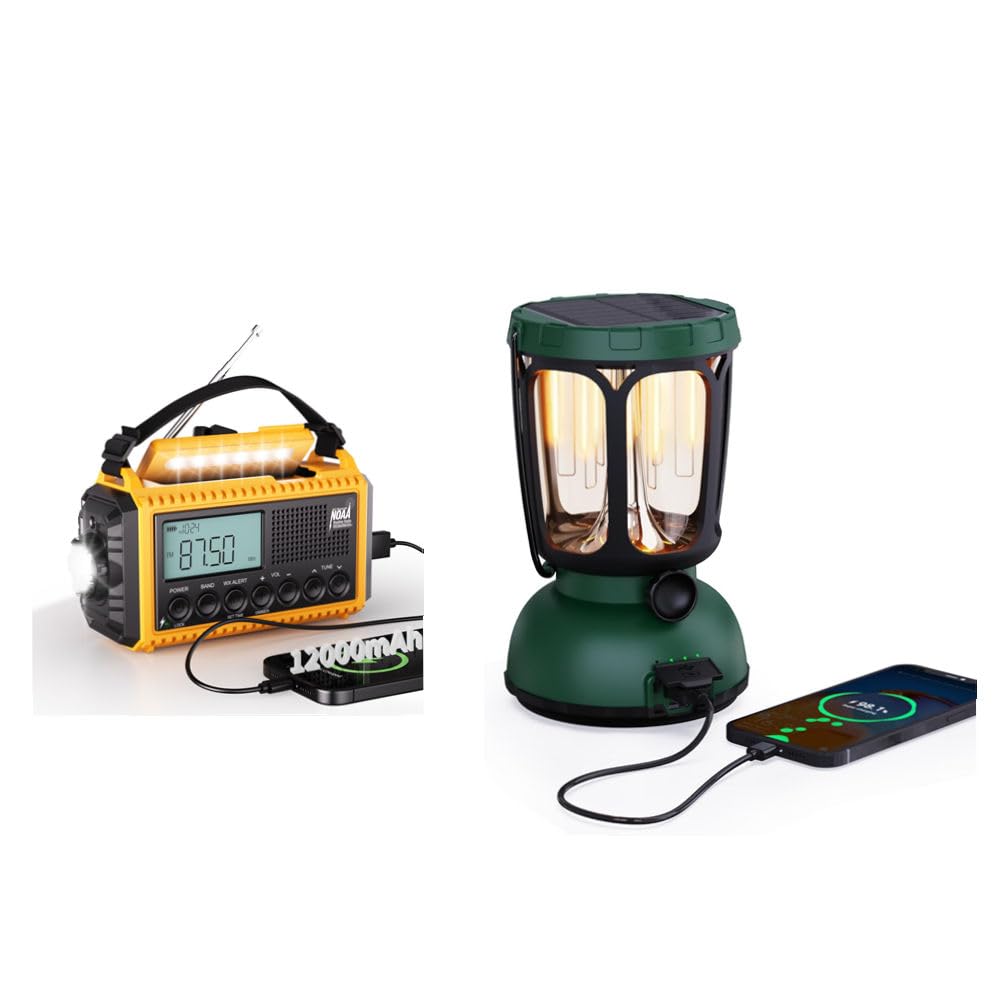
Figure 6: The lantern can serve as an emergency power bank for small electronic devices.
6. Maintenance
- Cleaning: Wipe the unit with a soft, damp cloth. Do not use harsh chemicals or abrasive cleaners.
- Storage: Store the unit in a cool, dry place away from direct sunlight and extreme temperatures.
- Battery Care: To prolong battery life, fully charge the internal Li-ion battery every 3-6 months, even if not in use. Remove AAA batteries if storing for extended periods.
- Water Resistance: Ensure all port covers are securely closed to maintain water resistance.
7. Troubleshooting
| Problem | Possible Cause | Solution |
|---|---|---|
| Unit does not power on. | Low or depleted battery. | Charge the unit via USB, solar, or hand crank. Check AAA batteries if installed. |
| Poor radio reception. | Antenna not extended or weak signal. | Fully extend the telescopic antenna. Try repositioning the unit. |
| Flashlight/Lamp not working. | Low battery or faulty LED. | Charge the unit. If problem persists, contact support. |
| External device not charging. | Unit's battery too low or incorrect cable. | Ensure the unit is sufficiently charged. Use the correct USB cable for your device. |
8. Specifications
- Brand: Mesqool
- Model: B0F2SRBKHJ
- Radio Bands: AM/FM/SW/NOAA Weather Band
- Battery: 12000mAh Rechargeable Li-ion Battery
- Charging Methods: USB (Type-C input), Solar Panel, Hand Crank, 3x AAA Batteries (not included)
- Lantern Light Modes: Warm White (50-350LM, 2700K), Bright White (350-650LM, 10000-15000K)
- Lantern Run Time: Up to 200 hours (on warm white, low setting)
- Emergency Features: SOS Alarm, Emergency Phone Charger
- Durability: Waterproof, 4-foot Drop-Proof
- Included Components: Power Adapter, Power Cord
9. Warranty and Support
Mesqool products are designed for reliability and performance. For warranty information, technical support, or any inquiries regarding your Emergency Weather Radio & Lantern, please refer to the contact details provided in the product packaging or visit the official Mesqool website. Please retain your proof of purchase for warranty claims.
10. Product Videos
Emergency Weather Radio - AM/FM/NOAA Hand Crank Radio
This video provides a detailed overview of the Mesqool Emergency Weather Radio, demonstrating its AM/FM/NOAA functionalities and the hand crank charging mechanism. It highlights the radio's ease of use and essential features for emergency situations.


