
Introduction
Thank you for choosing the HITELLARCAM CB54-W 2K Wireless Security Camera. This manual provides essential information for the proper installation, operation, and maintenance of your device. This camera is designed for both outdoor and indoor surveillance, offering advanced features such as 2K video resolution, night vision, AI motion detection, two-way audio, and flexible storage options. Please read this manual thoroughly before use to ensure optimal performance and safety.

Figure 1: HITELLARCAM CB54-W camera highlighting its upgraded features including 2K QHD Video, Free Cloud Storage, PIR Motion Detection, 2-way Audio, 2.4G & 5G WiFi, Multi-user Sharing, IP-65 Waterproof, and Rechargeable Battery.
What's in the Box
Verify that all components are present in the package:
- HITELLARCAM CB54-W 2K Wireless Security Camera
- Instruction Manual
- Mounting Screw set
- Stand
- 64GB SD Card (pre-installed or included separately)
Video 1: This video demonstrates the unboxing and initial setup process for the HITELLARCAM CB54-W Dual-band Wi-Fi Camera, highlighting its suitability for home or garage security.
Setup
Follow these steps to set up your HITELLARCAM CB54-W camera:
- Charge the Camera: Before initial use, fully charge the camera using the provided USB cable. The indicator light will change once charging is complete.
- Download the App: Search for the "O-KAM Pro" app in your smartphone's app store (iOS or Android) and install it.
- Create an Account: Open the O-KAM Pro app and follow the on-screen instructions to create a new user account.
- Add Device: In the app, tap the "+" icon to add a new device. Select your camera model from the list.
- Connect to Wi-Fi: Follow the app's instructions to connect the camera to your home Wi-Fi network. Ensure your Wi-Fi is 2.4GHz or 5GHz compatible.
- Mount the Camera: Use the included mounting screws and stand to securely install the camera in your desired location. The camera is IP65 waterproof, suitable for outdoor installation.

Figure 2: The O-KAM Pro App interface, showing live camera feed and control options.

Figure 3: The camera supports dual-band Wi-Fi (2.4GHz & 5GHz) for stable connectivity.
Operating the Camera
The HITELLARCAM CB54-W camera offers various functions accessible through the O-KAM Pro app:
- Live View: Access real-time 2K HD video from your camera anytime, anywhere via the app.
- Night Vision: The camera features advanced night vision for clear monitoring in low-light conditions. It can activate a spotlight for enhanced visibility.
- AI Motion Detection: Equipped with PIR sensors, the camera detects human motion and sends instant alerts to your phone. You can customize activity zones to reduce false alarms.
- Two-Way Audio: Use the built-in microphone and speaker to communicate with visitors or deter intruders directly through the app.
- Siren Alarm: Activate a siren directly from the app to scare off unwanted individuals.
- Storage Options:
- Free Cloud Storage: Enjoy 3-day rolling cloud storage for your recorded footage.
- Local SD Card Storage: The camera supports up to 256GB SD card storage. A 64GB SD card is included.
- Multi-user Sharing: Share access to your camera's feed with family and friends through the app.

Figure 4: Monitor your property 24/7 with live 2K HD video and two-way communication via the O-KAM Pro App.

Figure 5: Clear night vision with optional spotlight illumination.
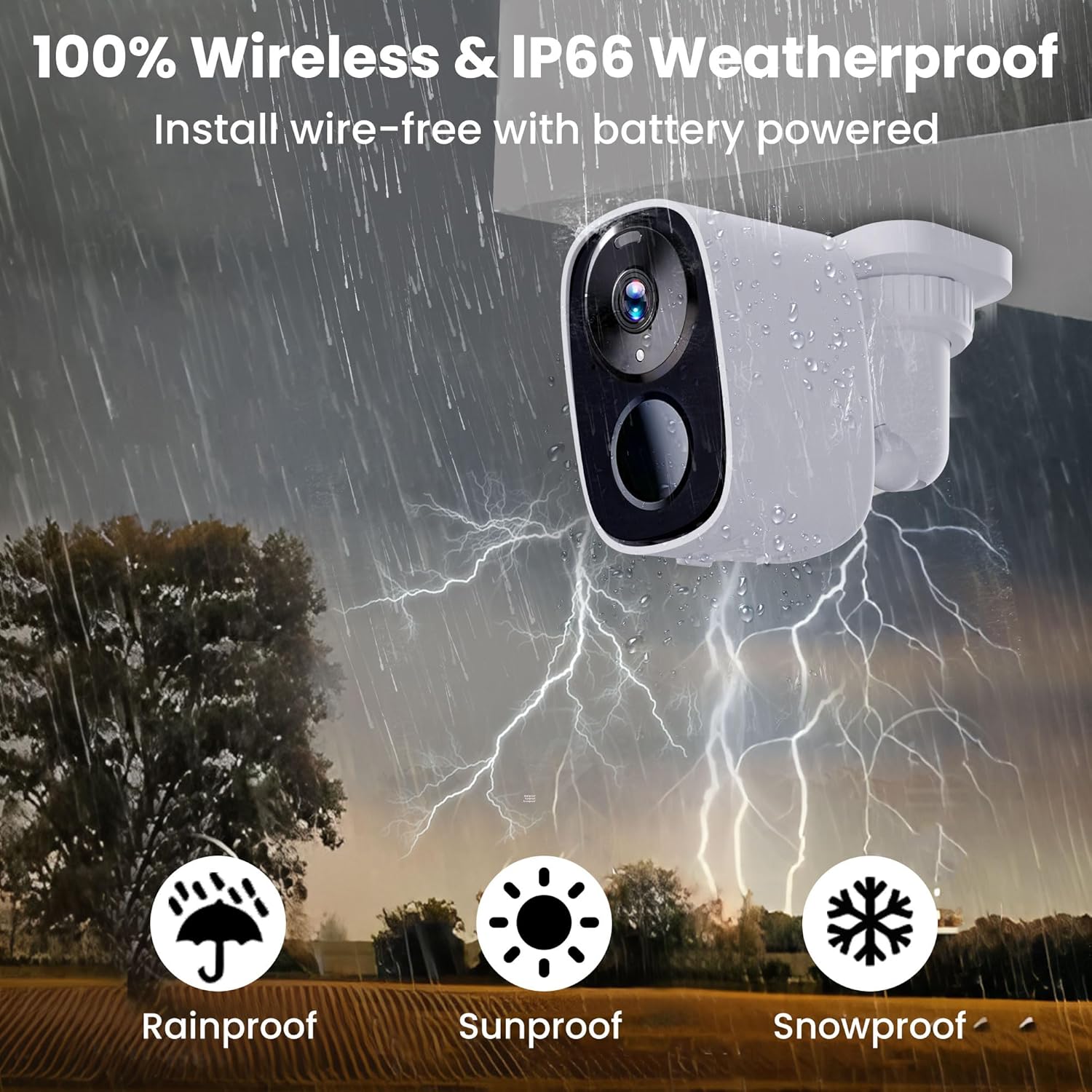
Figure 6: Voice alarm, two-way talk, and motion spotlights for enhanced security.

Figure 7: Dual storage options including a 64GB SD card and free cloud storage.
Maintenance
- Battery Life: The camera features a long-lasting rechargeable battery, providing 1 to 5 months of operation on a single charge, depending on usage and settings. Monitor battery status via the O-KAM Pro app.
- Weather Resistance: With an IP65 waterproof rating, the camera is designed to withstand various weather conditions, including rain, sun, and snow. Ensure the charging port cover is securely closed when not charging to maintain water resistance.
- Cleaning: Gently wipe the camera lens and body with a soft, dry cloth to remove dust or smudges. Avoid using harsh chemicals or abrasive materials.
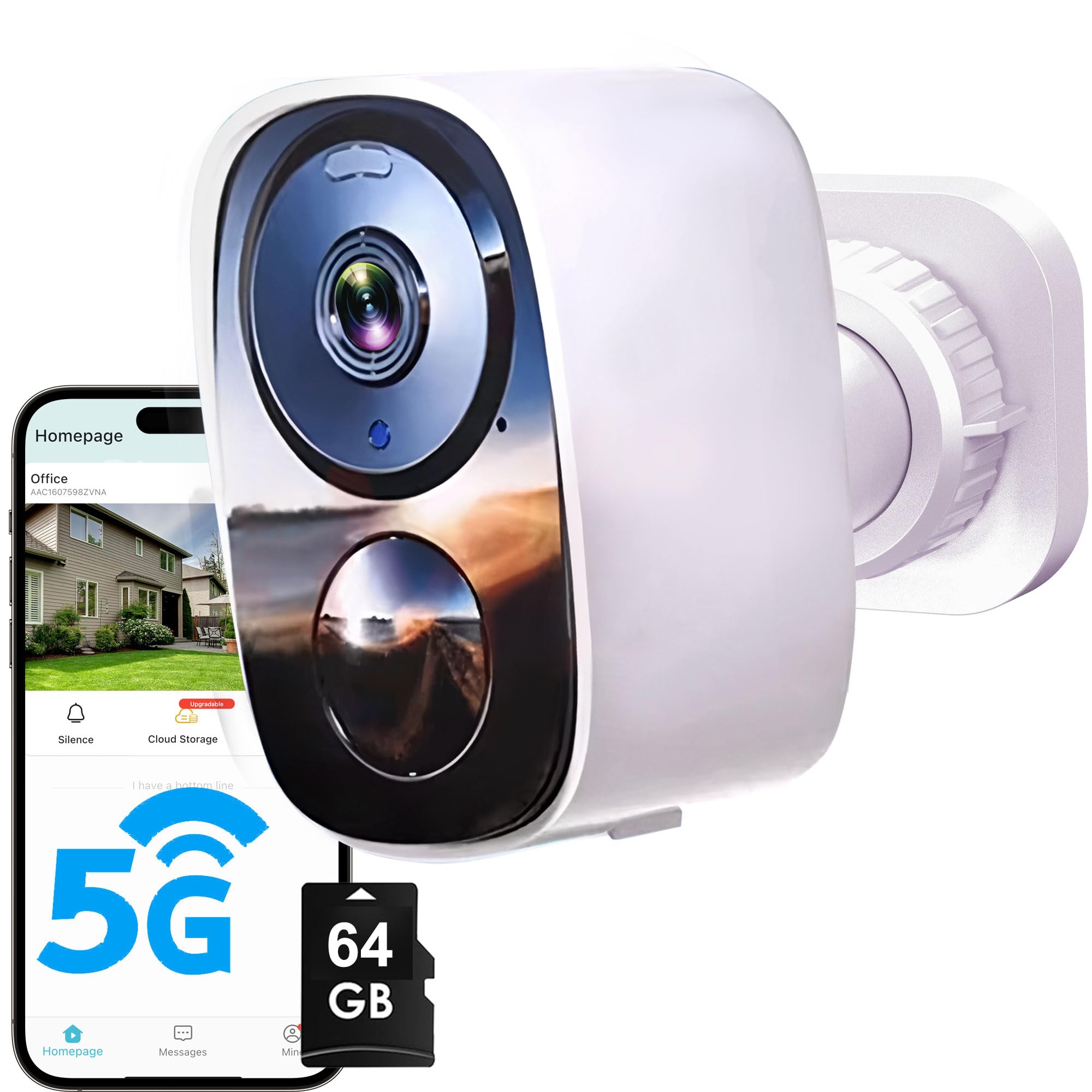
Figure 8: The camera is 100% wireless and IP66 weatherproof, suitable for all seasons.
Troubleshooting
If you encounter issues with your camera, consider the following common solutions:
- Camera Not Connecting: Ensure your Wi-Fi network is stable and within range. Verify that you have selected the correct Wi-Fi band (2.4GHz or 5GHz) during setup. Restart your router and the camera.
- Poor Video Quality: Check your Wi-Fi signal strength. Move the camera closer to the router or consider a Wi-Fi extender. Ensure the camera lens is clean.
- Motion Detection Not Working: Verify that motion detection is enabled in the app settings. Adjust sensitivity levels and activity zones as needed. Ensure there are no obstructions blocking the camera's view.
- Battery Draining Quickly: Frequent motion detection events, live viewing, or two-way audio usage can reduce battery life. Adjust settings to optimize power consumption. Ensure the camera is fully charged.
- App Issues: Ensure your O-KAM Pro app is updated to the latest version. Restart the app or your smartphone.
Specifications
| Model Name | CB54-W |
| Brand | HITELLARCAM |
| Video Capture Resolution | 2K |
| Connectivity Technology | Wireless (2.4G & 5G WiFi) |
| Power Source | Battery Powered (1-5 months battery life) |
| Indoor/Outdoor Usage | Indoor, Outdoor |
| Waterproof Rating | IP65 |
| Special Features | 2-Way Audio, 2K Image & Night Vision, Free Cloud Storage, AI Motion Detection, Spotlight, Siren Alarm |
| Storage | 64GB SD Card (included), Free 3-Day Rolling Cloud Storage, supports up to 256GB SD card |
| Mounting Type | Wall Mount |
| Product Dimensions | 2.13 x 3 x 2 inches |
| Item Weight | 13.1 ounces |
Warranty and Support
HITELLARCAM is committed to providing excellent customer service. If you have any questions, require technical assistance, or need to address warranty concerns, please contact our support team.
- After-Sales Support: We offer both phone and online customer service.
- Contact: Refer to the contact information provided in your product packaging or on the official HITELLARCAM website for the most up-to-date support channels.