
1. Product Overview
This user manual provides essential information for the proper use and maintenance of your Coverage Silicon Matte Rubber Hybrid Armor Case. This case is designed to provide robust protection and enhance the aesthetic appeal of your compatible smartphone.
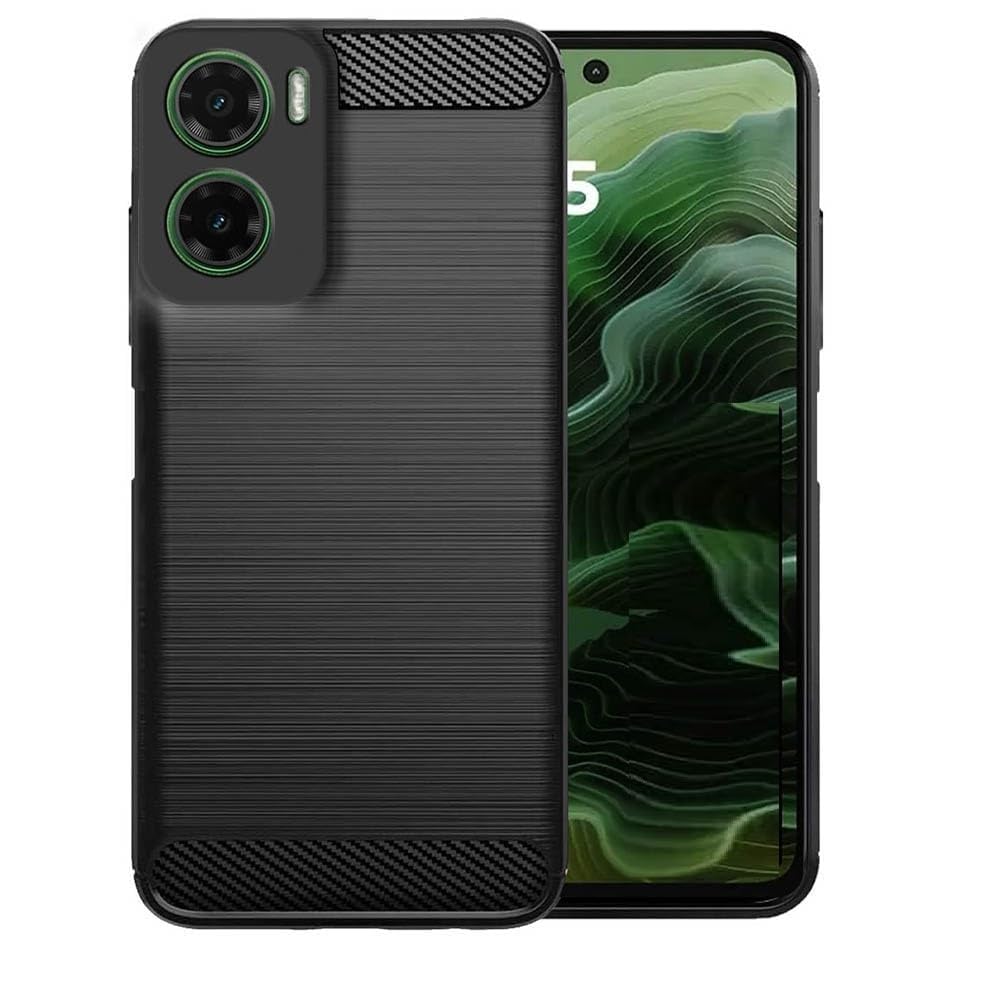
Image 1.1: The Coverage Silicon Matte Rubber Hybrid Armor Case in black, fitted onto a compatible smartphone, showcasing its design and fit.
2. What's in the Box
- Coverage Silicon Matte Rubber Hybrid Armor Case (1 unit)
- Cleaning Cloth (1 unit)
3. Compatibility
This case is specifically designed for the Realme P3 5G (Model: Realme RMX5070 / Realme_P3). It is crucial to verify your phone's model number before installation to ensure a correct fit and optimal protection. This case is not compatible with Realme P3 Pro 5G or Realme P3 Ultra models.

Image 3.1: Visual guide illustrating the specific compatibility of the case with Realme P3 5G, and its incompatibility with Realme P3 Pro and Realme P3 Ultra models.
To check your mobile model, navigate to "Settings" > "About Phone" on your device.
4. Features
- Material: Crafted from high-quality silicone for durability and resilience.
- Protection: Provides excellent shock-absorption and complete 360-degree protection from all sides, safeguarding against bumps, damages, and cracks.
- Design: Sleek design that enhances the phone's aesthetic appeal while providing a comfortable grip.
- Accessibility: Designed to fit the contour precisely, allowing easy access to all controls and buttons.
- Special Features: Includes kickstand functionality, flexibility, shock-absorbent properties, and is compatible with wireless charging.

Image 4.1: Visual representation of key features including non-slip grip, anti-fingerprint surface, and anti-scratch durability.
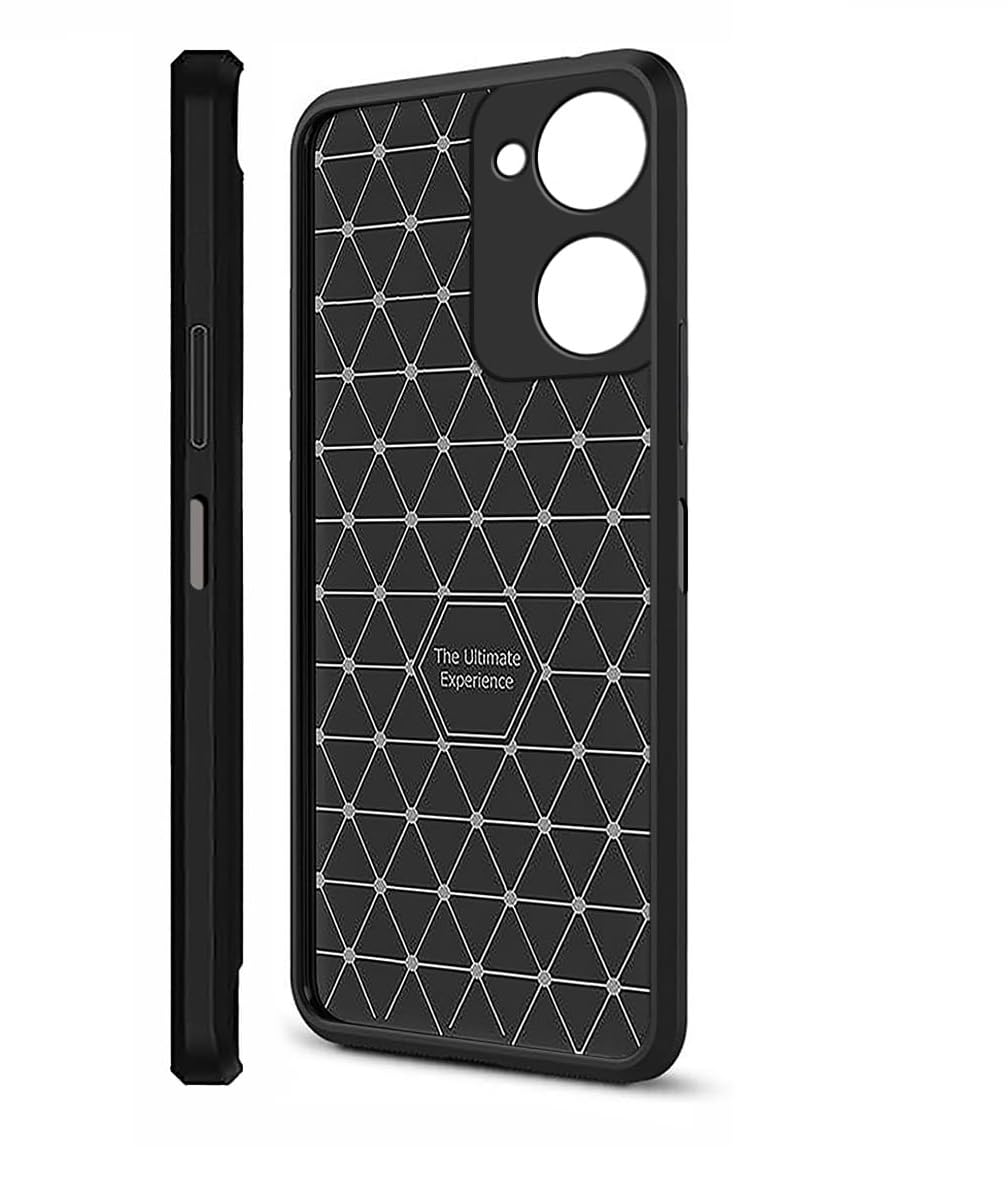
Image 4.2: The interior design of the case, featuring a geometric pattern intended to enhance shock absorption and provide optimal protection.
5. Setup (Installation)
- Clean Your Device: Before installing the case, use the provided cleaning cloth to gently wipe your smartphone, ensuring it is free of dust, fingerprints, and smudges.
- Align the Case: Hold the case with the camera cutout aligned with your phone's camera module.
- Insert One Side: Gently push one side of your phone into the case, starting with either the top or bottom edge.
- Snap into Place: Apply gentle pressure around the edges of the phone until it fully snaps into the case. Ensure all corners are securely fitted.
- Check Fit: Verify that all buttons, ports, and camera cutouts are perfectly aligned and accessible.

Image 5.1: A side profile of the case fitted onto the smartphone, demonstrating its slim profile and precise cutouts for buttons and ports.
6. Care and Maintenance
To maintain the appearance and protective qualities of your case, follow these guidelines:
- Cleaning: Use a soft, damp cloth (or the provided cleaning cloth) to wipe down the case regularly. For stubborn dirt, a mild soap solution can be used, but ensure the case is completely dry before re-installing your phone.
- Avoid Harsh Chemicals: Do not use abrasive cleaners, solvents, or harsh chemicals, as these can damage the material and finish of the case.
- Storage: When not in use, store the case in a cool, dry place away from direct sunlight to prevent material degradation.
7. Troubleshooting
If you encounter any issues with your case, consider the following:
- Case Does Not Fit: Double-check your phone's model number against the compatibility information in Section 3. This case is exclusively designed for Realme P3 5G.
- Buttons Are Stiff/Unresponsive: Ensure the case is correctly aligned and fully seated around your phone. Remove and re-install the case, making sure all edges are properly snapped into place.
- Scratches/Wear: While the case offers protection, extreme impacts or abrasive surfaces can still cause cosmetic wear. Regular cleaning and careful handling can prolong its appearance.
8. Specifications
| Brand | Coverage |
| Model Name | Realme RMX5070 / Realme_P3 |
| Compatible Devices | Realme RMX5070 / Realme_P3 |
| Material | Silicone |
| Color | Black |
| Form Factor | Bumper |
| Special Features | Kickstand, Flexible, Shock-Absorbent, Wireless Charging Compatible |
9. Warranty and Support
For information regarding warranty coverage or product support, please refer to the retailer or manufacturer's official website where the product was purchased. Keep your proof of purchase for any warranty claims.