
AMOCAM D4AR34W
AMOCAM 2-Wires Video Intercom System User Manual
Model: D4AR34W
Product Overview
The AMOCAM 2-Wires Video Intercom System is a comprehensive security solution designed for homes and apartments. It features a 7-inch 1080P WiFi touch screen indoor monitor and an outdoor doorbell camera, enabling two-way communication, remote unlocking, and monitoring via the Tuya App. This system offers multiple access methods including password, IC card, and app control, ensuring convenience and security.
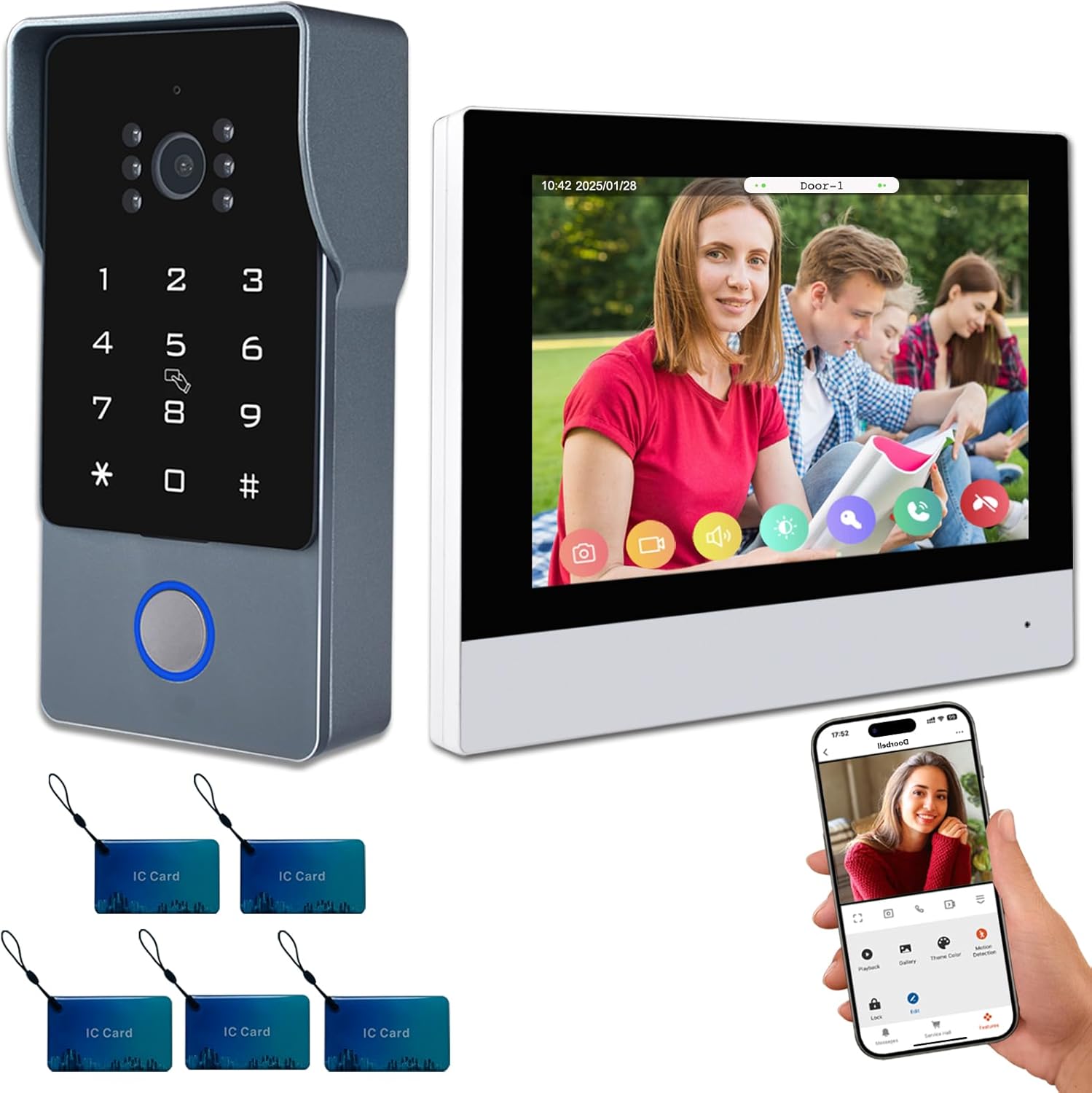
Overview of the AMOCAM 2-Wires Video Intercom System components.
What's in the Box
Please verify that all items are present in your package:
- Outdoor camera
- Indoor monitor
- Power supply adapter
- 32G TF Card
- 5 IC keyfobs
- 4 x 2-core short connection wire
- Bag screws
- User manual

All components included in the package.
Setup and Installation
This system utilizes a simple 2-wire connection between the outdoor camera and the indoor monitor. The monitor supports wireless WiFi for app connectivity. Ensure the monitor is connected to a power source.
Wiring Diagram
Connect the outdoor camera to the indoor monitor using the provided 2-core wires. The maximum distance between the call panel and the monitor can be up to 300 feet. The monitor requires a power supply adapter.

Wiring connections for the video intercom system.
Physical Installation
Mount the outdoor camera in a suitable location near your door, ensuring it is protected from direct heavy rain if possible, although it is designed to be weatherproof. Install the indoor monitor in a convenient location within your home, ensuring access to a power outlet.
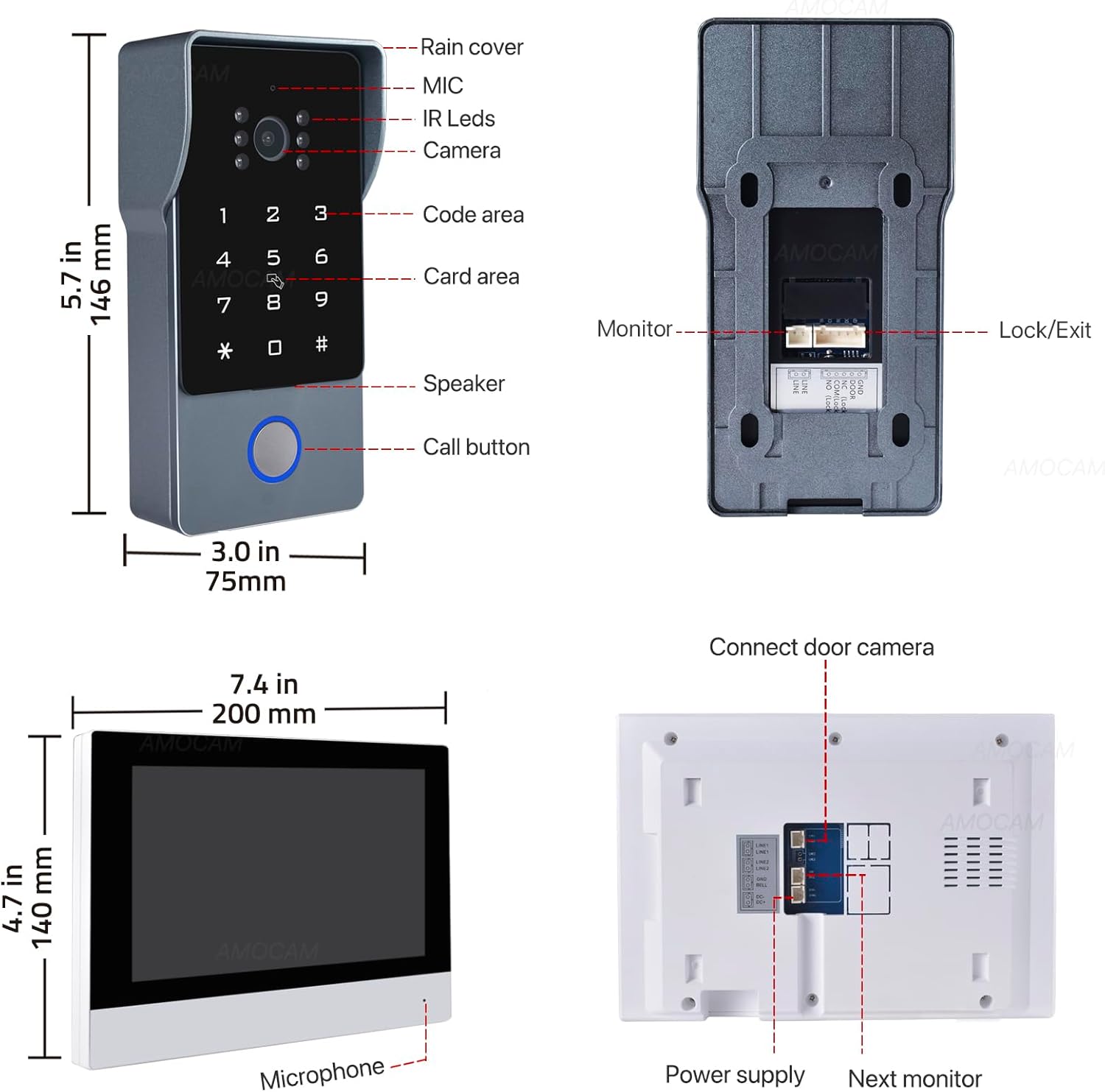
Dimensions and connection points for the outdoor station and indoor monitor.
Operating Instructions
Indoor Monitor Operation
The 7-inch touch screen monitor allows for hands-free operation. When a visitor presses the doorbell, the monitor will display the live feed from the outdoor camera. You can then communicate with the visitor and unlock the door directly from the monitor.
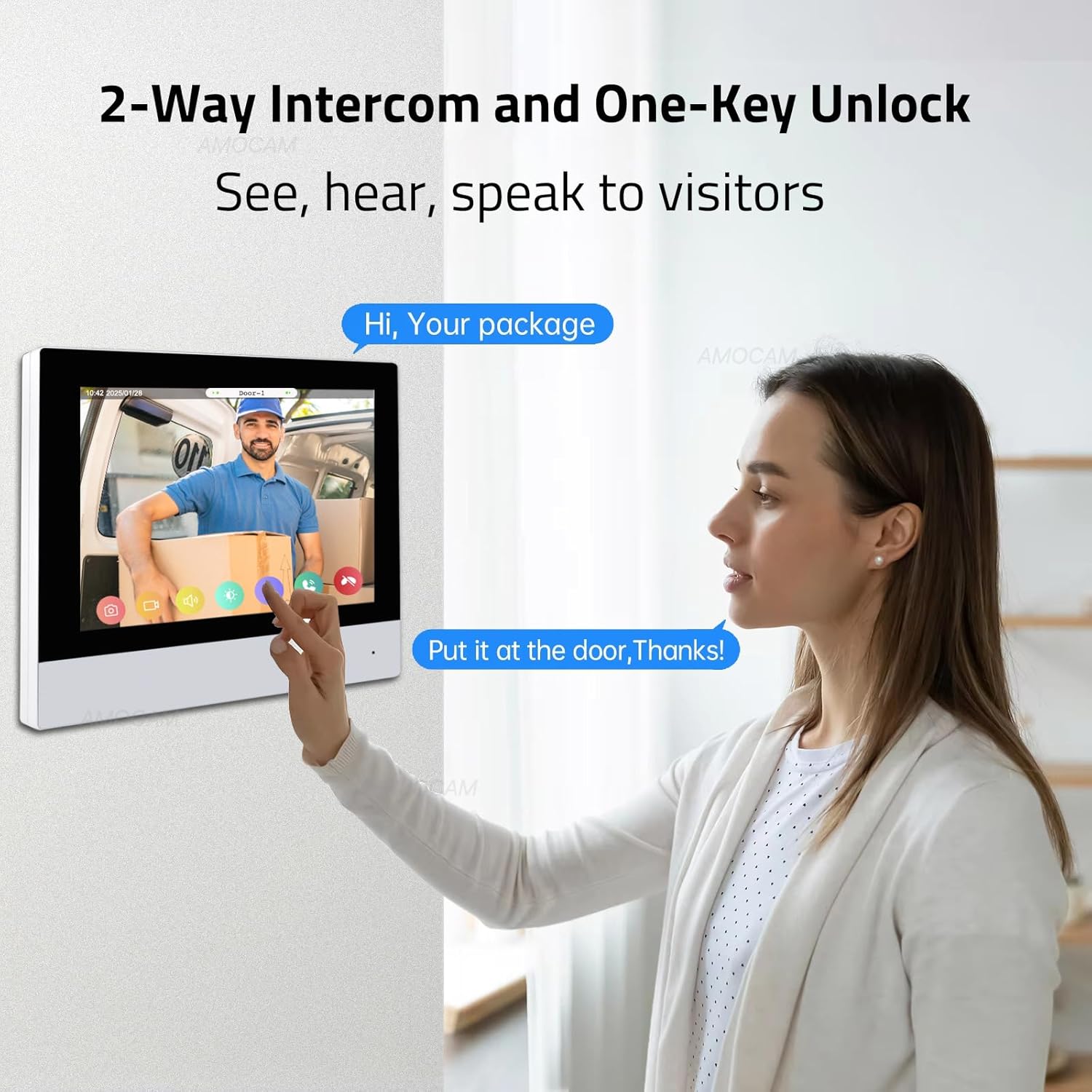
Two-way intercom and one-key unlock functionality.
Unlocking the Door
The system supports multiple methods for unlocking the door:
- Screen Unlock: Directly from the indoor monitor.
- Code Unlock: Enter a pre-set password on the outdoor keypad.
- IC Card Unlock: Use the provided IC cards by tapping them on the outdoor unit.
- App Unlock: Remotely unlock the door using the Tuya App on your smartphone.
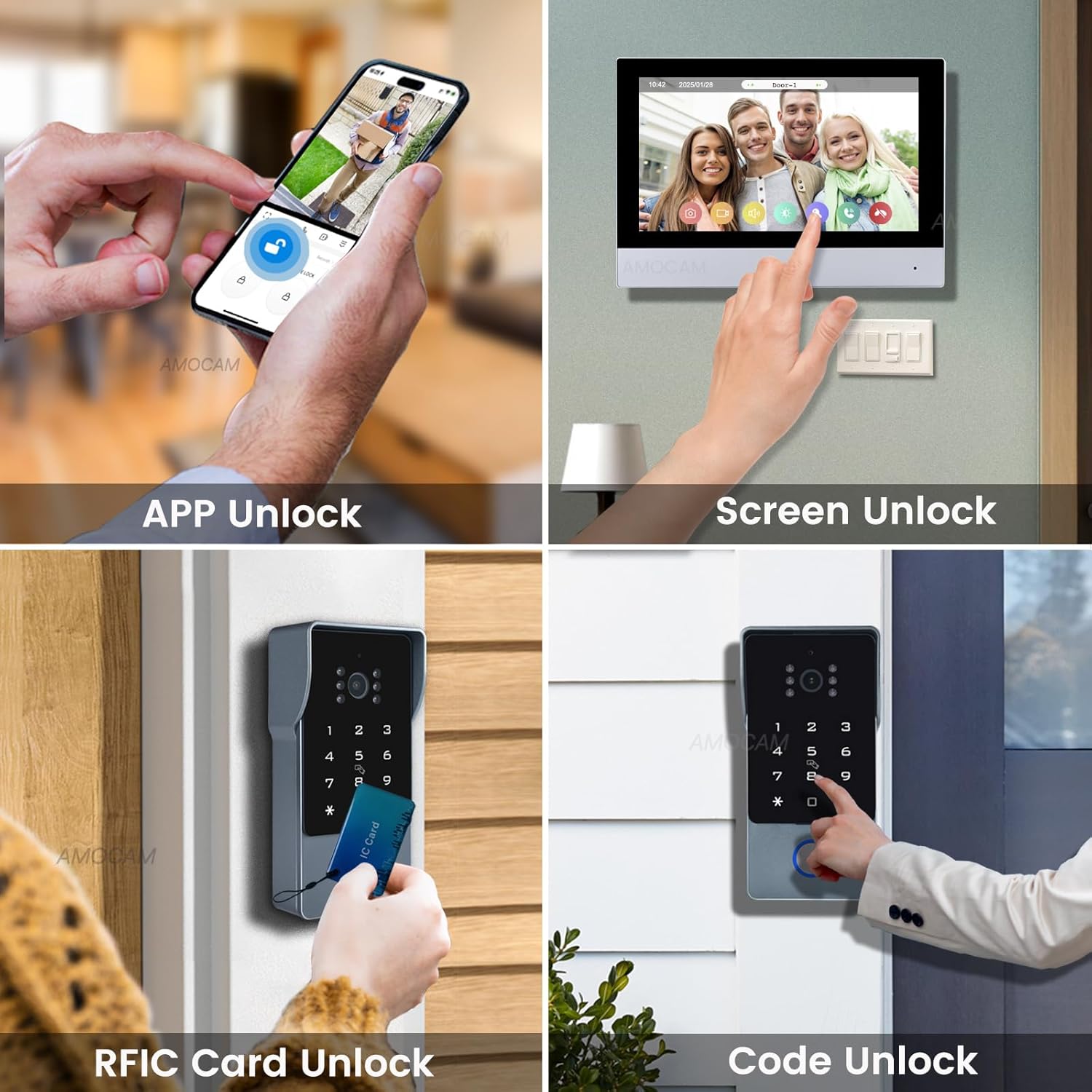
Various methods for unlocking the door.
Tuya App Connectivity
Connect the indoor monitor to the Tuya App via WiFi (2.4GHz only). This allows for real-time online monitoring, video intercom, and remote unlocking from your smartphone. Notifications will be sent to your phone when visitors press the doorbell or motion is detected.
Demonstration of the AMOCAM D4AR34W Video Doorbell System, including unboxing, setup, and features like password and IC card unlocking, and Tuya App remote control.
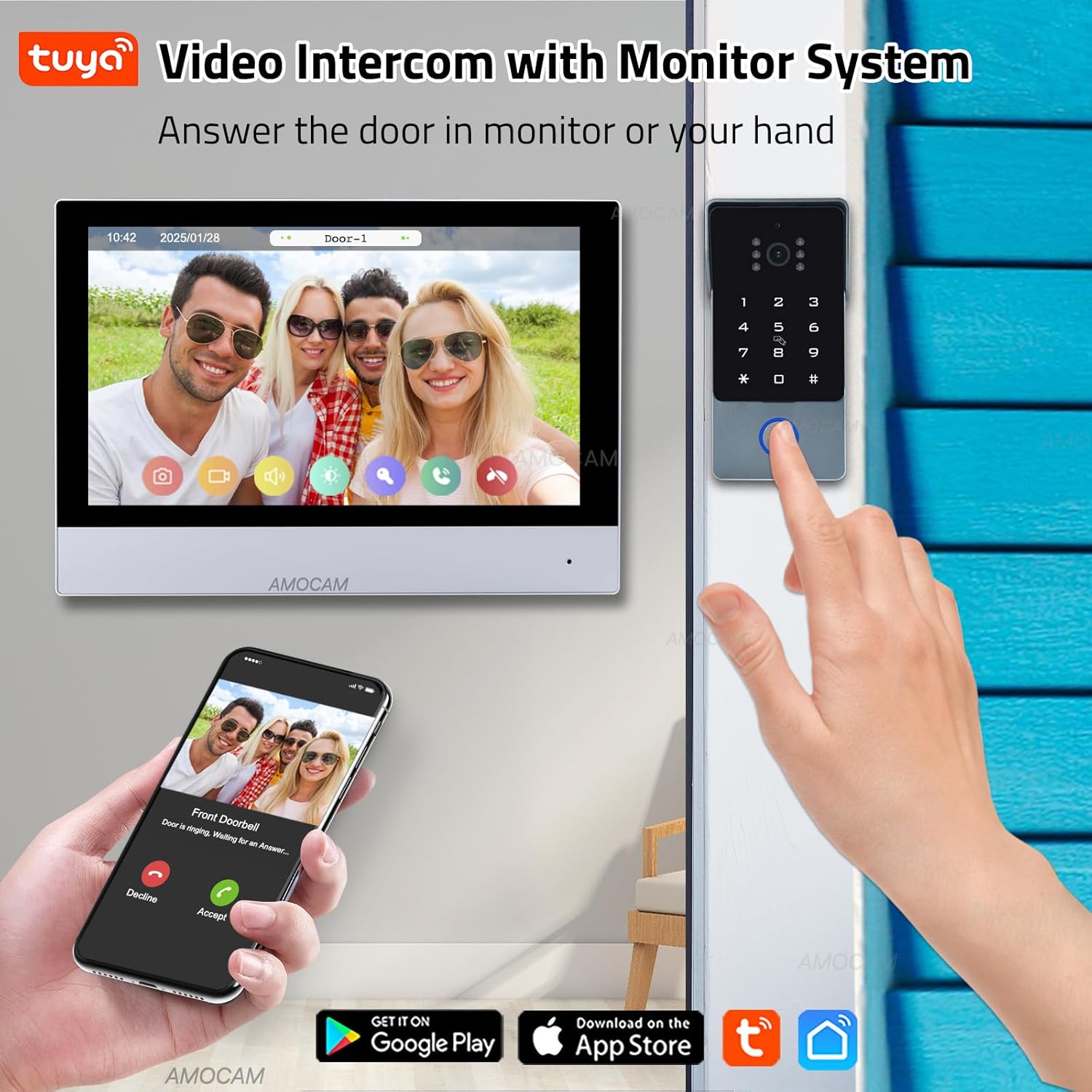
Integration with the Tuya App for remote control.
Recording and Monitoring
When visitors press the doorbell or motion is detected, the system automatically takes snapshots or video recordings and stores them on the included 32G Micro SD card in the indoor monitor. You can view these recordings on the monitor or through the Tuya App.
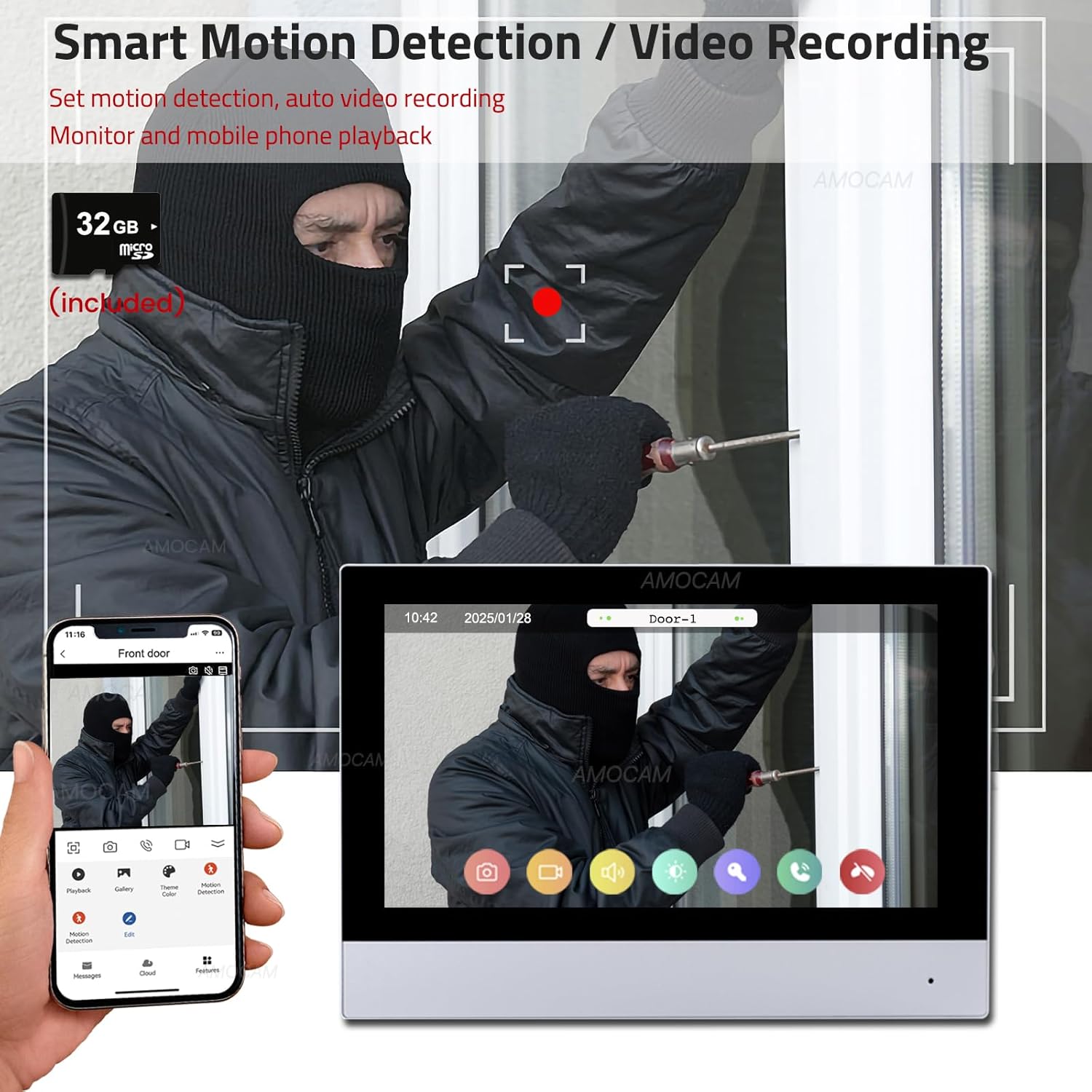
Smart motion detection and video recording capabilities.
Night Vision
The outdoor camera features a built-in infrared sensor and 110° wide-angle lens, providing clear images both day and night.
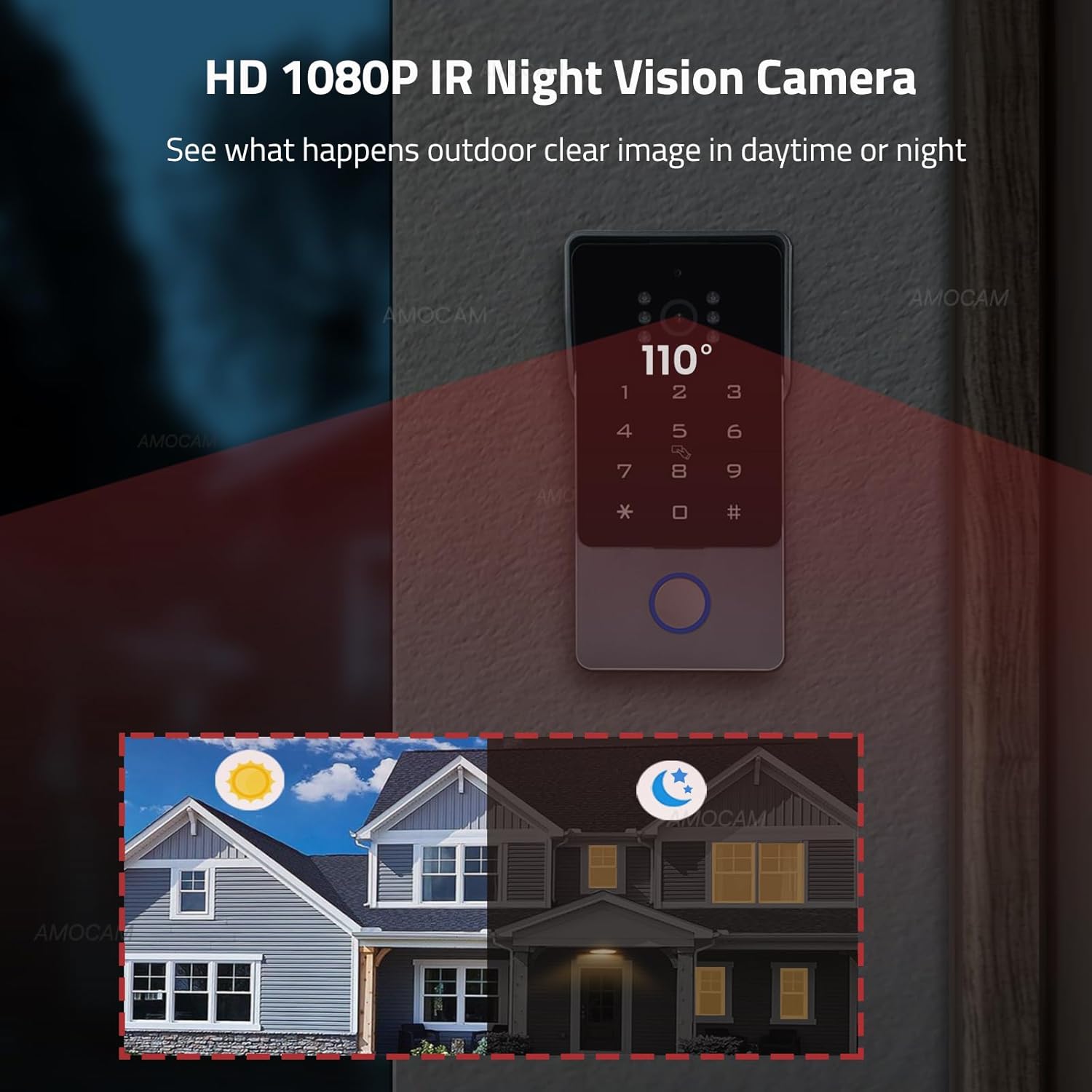
HD 1080P IR Night Vision Camera for clear viewing day and night.
Maintenance
To ensure optimal performance and longevity of your AMOCAM Video Intercom System, follow these maintenance guidelines:
- Cleaning: Gently wipe the indoor monitor screen and outdoor camera lens with a soft, dry, lint-free cloth. Avoid using abrasive cleaners or solvents.
- Firmware Updates: Periodically check for firmware updates through the Tuya App to ensure your system has the latest features and security enhancements.
- SD Card Management: Regularly back up important recordings from the 32G Micro SD card and format it to maintain recording efficiency.
- Environmental Protection: While the outdoor unit is weatherproof, extreme temperatures (-20°C to 70°C) can affect performance. Ensure proper installation to minimize exposure to harsh conditions.
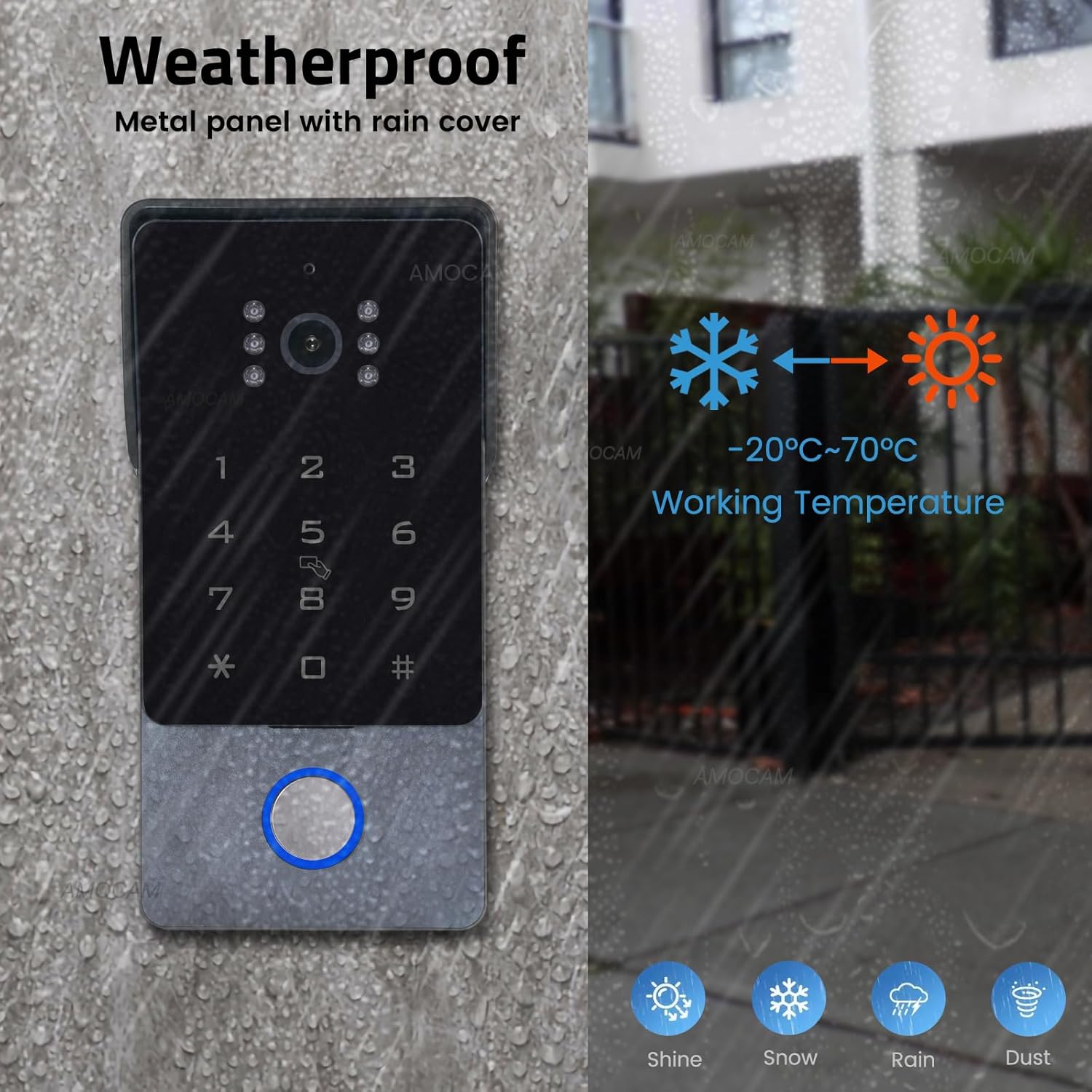
The outdoor unit is designed to be weatherproof.
Troubleshooting
If you encounter issues with your AMOCAM Video Intercom System, refer to the following common problems and solutions:
| Problem | Possible Cause | Solution |
|---|---|---|
| No image on indoor monitor | Loose wiring connection; Power supply issue; Camera malfunction. | Check all 2-wire connections between outdoor camera and indoor monitor. Ensure power adapter is securely plugged in and receiving power. Contact support if issue persists. |
| No sound during intercom | Microphone/speaker obstruction; Volume settings. | Check for any obstructions on the microphone or speaker. Adjust volume settings on the indoor monitor. |
| Cannot connect to Tuya App | Incorrect WiFi password; 5GHz WiFi network; Poor WiFi signal. | Ensure you are connecting to a 2.4GHz WiFi network. Double-check your WiFi password. Move the monitor closer to your router or consider a WiFi extender. |
| Door unlock not working | Incorrect password/IC card; Lock wiring issue; Electronic lock power supply. | Verify the password or IC card is correctly programmed. Check the wiring to the electronic lock. Ensure the electronic lock has its own dedicated 12V power supply (not included with this system). |
| Motion detection not triggering | Motion sensor not present (as noted in some reviews); Settings in app. | Note that some versions or interpretations of this product may not have a dedicated motion sensor for recording. Check the Tuya App settings for any motion detection configuration options. The system primarily records upon doorbell press. |
Specifications
- Brand: AMOCAM
- Model: D4AR34W
- Color: TUYA-Black
- Power Source: Power supply adapter
- Compatible Devices: Smartphone
- Item Dimensions (L x W x H): 9.8 x 6.5 x 3 inches
- Connectivity Technology: Wired, Wireless (2.4GHz WiFi for monitor)
- Installation Type: Screw-In
- Alert Type: Motion Only (Note: Some user reviews indicate primary trigger is doorbell press for recording)
- Item Weight: 2.5 Pounds
- Voltage: 18 Volts (DC)
- Control Method: App
- Maximum Range (Outdoor to Indoor): 300 Feet
- Recommended Uses: Outdoor / Indoor
- UPC: 721927700711
Warranty and Support
For warranty information and technical support, please refer to the documentation included with your product or visit the official AMOCAM website. You may also contact AMOCAM customer service directly for assistance with product setup, operation, or troubleshooting.
Ask a question about this manual
Ask about setup, troubleshooting, compatibility, parts, safety, or missing instructions. Manuals+ will review the question and use this page’s manual context to help answer it.