
Introduction
Thank you for choosing the MUDDY Mitigator 2.0 24MP Cellular Camera Combo. This manual provides detailed instructions for setting up, operating, and maintaining your cellular camera and the included high-speed card reader. Please read this manual thoroughly before use to ensure optimal performance and longevity of your device.
Product Overview
The MUDDY Mitigator 2.0 Cellular Camera is designed for versatile and reliable performance in outdoor environments, capturing high-quality photos and videos. It is bundled with an All-In-One High Speed Card Reader for convenient data transfer.
Key Features:
- 24MP Photo Resolution: Selectable resolutions including 4MP, 8MP, 16MP, or 20MP.
- 720P Video Recording: Captures clear video footage.
- Fast Trigger Speed: 0.5-second trigger speed for quick capture.
- Photo Burst Mode: Captures 1-3 photos in rapid succession.
- Customizable Time-Out Delay: Adjustable from 2-59 seconds or 1-59 minutes.
- Extended Detection & Flash Range: Up to 80 feet.
- Command Pro App Compatibility: Remote control and access to photos/videos.
- Versatile Mounting Options: Integrated multi-position mount, 1/4-20 threaded insert, and python cable provision.
- External Power Support: 12V DC auxiliary jack for external power packs.

Image illustrating key features of the Mitigator 2.0 camera, including 24MP resolution, 80 ft detection, 0.5s trigger speed, 80 ft flash range, and HuntStand app integration.
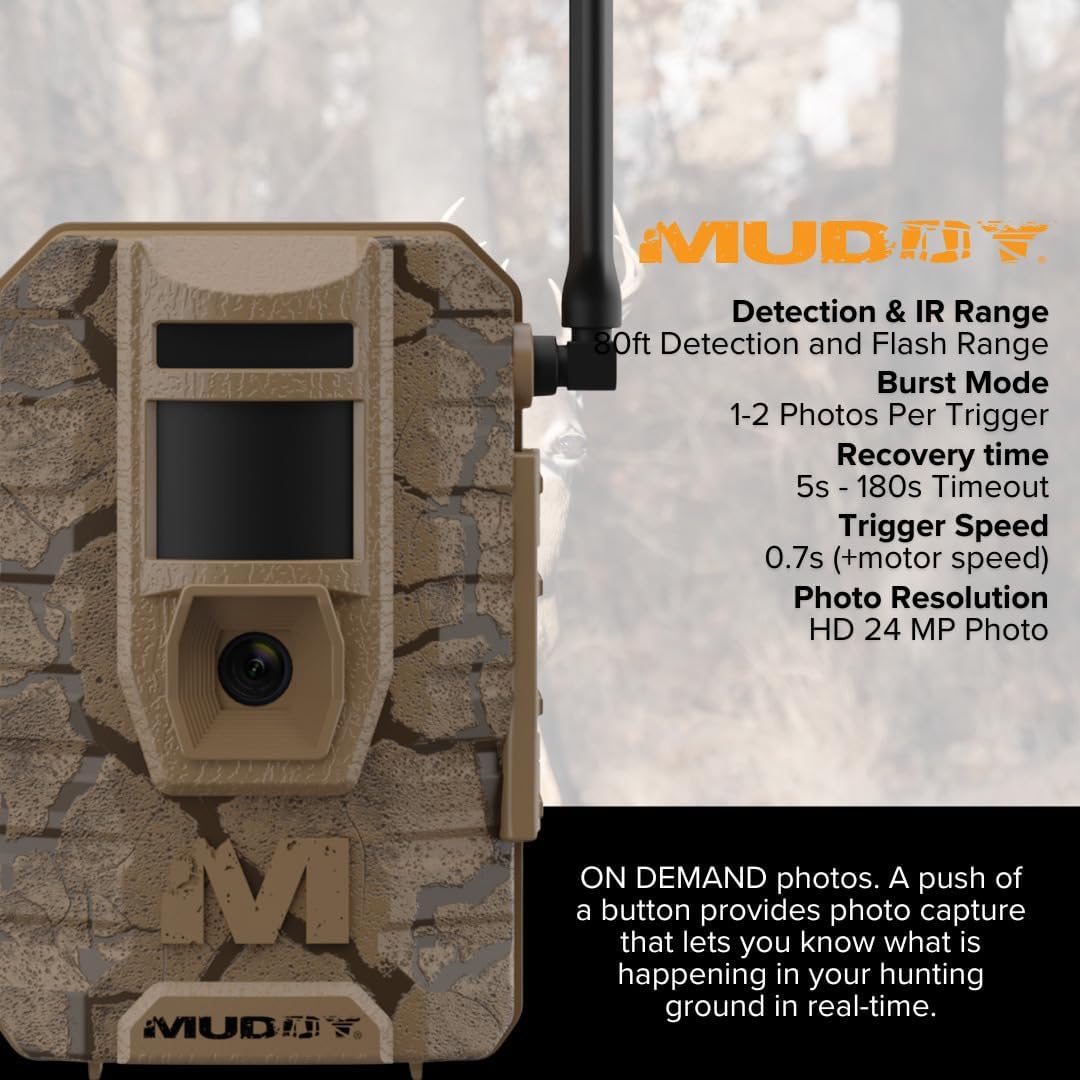
Close-up image of the Mitigator 2.0 camera highlighting detection and IR range, burst mode, recovery time, trigger speed, and photo resolution details.
What's in the Box:

Image showing the complete bundle contents: the Muddy Mitigator 2.0 cellular camera, an All-In-One High Speed Card Reader, AA batteries, and an SD card.
- Muddy Mitigator 2.0 24MP Cellular Camera Combo with 720p Video and Versatile Mounting (Brown)
- All-In-One High Speed Card Reader
- 16 AA Batteries
- 2 SD Cards
Setup
1. Battery Installation:
Locate the 8-piece battery tray on the camera. Insert 16 AA batteries, ensuring correct polarity (+/-) as indicated inside the tray. Close the battery compartment securely.
2. SD Card Insertion:
Open the camera's SD card slot cover. Insert one of the provided SD cards into the slot until it clicks into place. Ensure the card is oriented correctly.
3. Mounting the Camera:
The Mitigator 2.0 offers several mounting options:
- Integrated Multi-Position Mount: Use the built-in strap or bracket to secure the camera to a tree or post.
- 1/4-20 Threaded Insert: Attach the camera to a standard tripod or other compatible mounting accessories using the threaded insert at the bottom.
- Python Cable Provision: For added security, a python cable can be threaded through the designated provision on the camera body.

A person kneeling to secure the Muddy Mitigator 2.0 camera to a tree using a strap, demonstrating a typical outdoor setup.
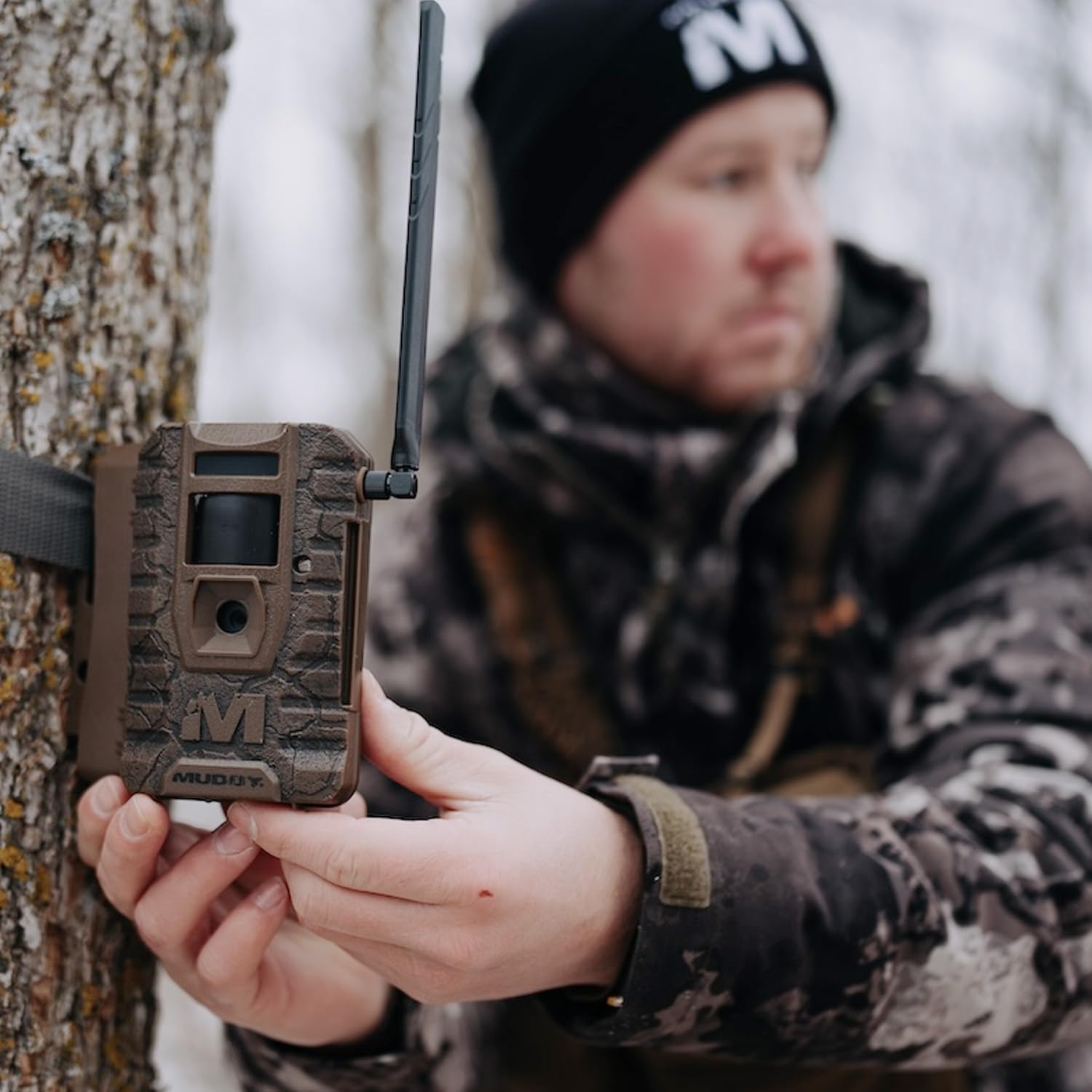
A person holding the Muddy Mitigator 2.0 camera, showcasing its design and the attached antenna, possibly during installation or inspection.
4. Initial Power On:
After installing batteries and SD card, power on the camera using the designated power switch. Follow on-screen prompts for initial setup, including date and time settings.
5. Command Pro App Connection:
Download the Command Pro App from your device's app store. Follow the in-app instructions to connect your Mitigator 2.0 camera for remote control and monitoring. This allows for photo and video on demand functionality.
6. External Power (Optional):
If extended power is required, connect a compatible 12V DC external power pack to the auxiliary jack on the camera.
Operating Instructions
1. Setting Photo and Video Modes:
Navigate through the camera's menu to select your desired photo resolution (4MP, 8MP, 16MP, or 20MP) and enable 720P video recording if desired. You can also set the photo burst mode (1-3 photos per trigger).
2. Adjusting Time-Out Delay:
Configure the time-out delay between triggers from 2 to 59 seconds or 1 to 59 minutes, depending on your monitoring needs.
3. Monitoring Detection and Flash Range:
The camera has an 80-foot detection and flash range. Position the camera to maximize coverage within this range for optimal capture.
4. Using Photo and Video On Demand:
Utilize the Command Pro App to request photos or videos from your camera in real-time, providing immediate insights into your monitored area.
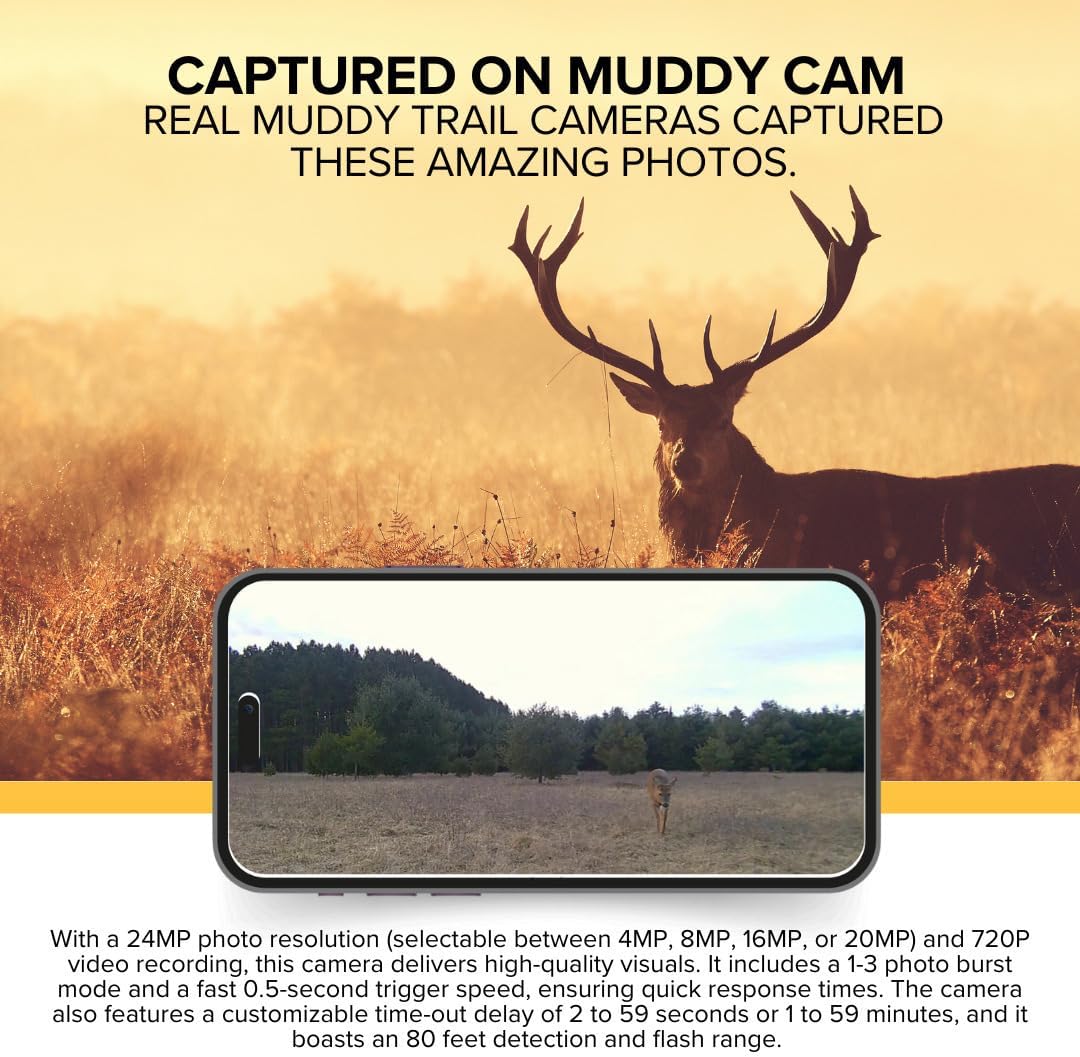
An image showcasing real photos captured by Muddy trail cameras, demonstrating the quality of images the Mitigator 2.0 can produce, including wildlife and landscape shots.
5. Using the All-In-One High Speed Card Reader:
To transfer data from your SD card to a computer, insert the SD card into the appropriate slot on the Focus All-In-One High Speed Card Reader. Connect the card reader to your PC or Mac via a USB 2.0 port. The card reader supports various media cards including SD, SDHC, micro SD, MMC, TF, M2, and PRO Duo cards, offering a transfer rate of 480 Mbps.
Maintenance
- Cleaning: Gently wipe the camera lens and housing with a soft, dry cloth. Avoid abrasive cleaners or solvents.
- Battery Replacement: Replace all batteries when the low battery indicator appears or when performance degrades. Always use fresh, high-quality AA batteries.
- SD Card Management: Regularly format your SD card within the camera to ensure optimal performance and prevent data corruption. Back up important files before formatting.
- Storage: When not in use for extended periods, remove batteries and store the camera in a cool, dry place away from direct sunlight.
Troubleshooting
Camera Not Powering On:
- Ensure batteries are inserted correctly with proper polarity.
- Check if batteries are fully charged. Replace with new ones if necessary.
- Verify the power switch is in the 'ON' position.
Poor Image/Video Quality:
- Clean the camera lens.
- Ensure the camera is within the optimal detection and flash range of the subject.
- Check selected resolution settings; higher resolution yields better quality.
No Photos/Videos Captured:
- Verify the SD card is inserted correctly and has sufficient free space.
- Format the SD card (after backing up data).
- Check trigger speed and time-out delay settings.
- Ensure the camera's detection area is clear of obstructions.
App Connectivity Issues:
- Ensure the camera has cellular signal.
- Restart both the camera and your mobile device.
- Update the Command Pro App to the latest version.
Specifications
| Feature | Detail |
|---|---|
| Photo Resolution | 24MP (selectable 4MP, 8MP, 16MP, 20MP) |
| Video Resolution | 720P |
| Trigger Speed | 0.5 seconds |
| Detection Range | 80 feet |
| Flash Range | 80 feet |
| Time-Out Delay | 2-59 seconds or 1-59 minutes |
| Battery Type | AA (16 batteries required) |
| External Power | 12V DC auxiliary jack |
| Mounting Options | Integrated multi-position mount, 1/4-20 threaded insert, python cable provision |
| App Compatibility | Command Pro App |
| Product Dimensions | 9.1 x 9.1 x 9.1 inches |
| Item Weight | 9.41 pounds |
| UPC | 196271502159 |
Warranty and Support
For warranty information and technical support, please contact GSM Outdoors, the manufacturer of MUDDY products. Refer to the product packaging or the official MUDDY website for the most current contact details and warranty policies.
Additional protection plans may be available for purchase separately. Please consult your retailer for details on extended warranty options.


