
1. Product Overview
The Makayuron H06 Smart Door Lock offers advanced security and multiple convenient access methods for your home, hotel, office, apartment, or bedroom. This manual provides detailed instructions for installation, operation, and maintenance to ensure optimal performance and security.
Key Features:
- Multiple Unlock Methods: Access via palm print, face recognition, fingerprint, IC card, password, remote app control, and physical key.
- Video Doorbell and Intercom: See and communicate with visitors via the indoor screen or remotely through the app.
- Tuya App Management: Set temporary passwords, monitor battery status, and review door lock activity logs.
- Enhanced Security: Durable aluminum alloy and full steel lock body with an independent internal lock for added safety.
- Emergency Power: 5000mAh rechargeable lithium battery with external charging port and mechanical key backup.
2. Package Contents
Before installation, please verify that all components are present:
- Smart Door Lock Unit (Front and Back Panels)
- Mortise Lock Body
- 5000mAh Rechargeable Lithium Battery
- IC Cards (x6)
- Mechanical Keys (x2)
- Installation Manual
- Mounting Accessories (screws, connecting rods, square bar)

Image: Makayuron H06 Smart Door Lock components.
3. Installation Guide
3.1. Door Preparation and Mortise Installation
Ensure your door is prepared with the necessary holes for the mortise lock body and the smart lock panels. Refer to the provided drilling template if needed.
- Insert the mortise lock body into the door edge.
- Secure the mortise with screws.
- Drill pilot holes for the connecting rods and square bar if not already present.
Video: Smart Door Lock Installation Instructions. This video demonstrates the initial steps of installing the mortise lock body and preparing the door.
3.2. Adjusting Handle and Latch Direction
The handle and latch direction must be adjusted to match your door's opening orientation (left/right, inward/outward).
- Adjusting Handle Direction: On the back of the front panel, locate the reversing screw. Use a screwdriver to rotate the internal mechanism so that the triangle mark points downwards. This adjusts the handle for left or right opening.
- Adjusting Latch Direction: On the mortise lock body, push the latch bolt and rotate it 180 degrees to change its direction for inward or outward opening.
Video: Adjust Handle for Left or Right Opening. This video shows how to adjust the handle direction on the smart lock panel.
Video: Door Direction Adjustment. This video illustrates how to adjust the latch direction on the mortise lock body.
3.3. Panel Installation
- Pass the connecting cables from the front panel through the door.
- Insert the square bar and connecting rods through the mortise and into the front panel.
- Connect the cables from the front panel to the back panel.
- Align the back panel with the front panel and secure it with screws.
- Install the 4 AA batteries into the battery compartment.
- Close the battery cover.
Video: Smart Door Lock Installation. This video provides a comprehensive guide to installing the smart door lock, including connecting cables and securing panels.
4. Operating Instructions
4.1. Unlocking Methods
The Makayuron H06 Smart Door Lock supports various unlocking methods:
- Fingerprint: Place your registered finger on the sensor for quick biometric identification (0.3s, 99.9% recognition rate, stores up to 100 fingerprints).
- Passcode: Enter your programmed numerical code on the keypad.
- IC Card: Tap a registered IC card on the designated area.
- Mechanical Key: Use the physical key as a traditional backup.
- TT Lock App (Bluetooth Control): Unlock remotely via the app on your smartphone.
- Power Supply Unlocking: In case of battery depletion, connect an external power bank to the emergency charging port.
Image: Multiple Choice for Opening - Illustrates the various methods to unlock the door.

Image: Fingerprint Quick Unlock - Details the speed and accuracy of fingerprint recognition.
4.2. Automatic Locking
The lock features an auto-lock function for convenience and peace of mind. After closing the door, the lock will automatically engage.
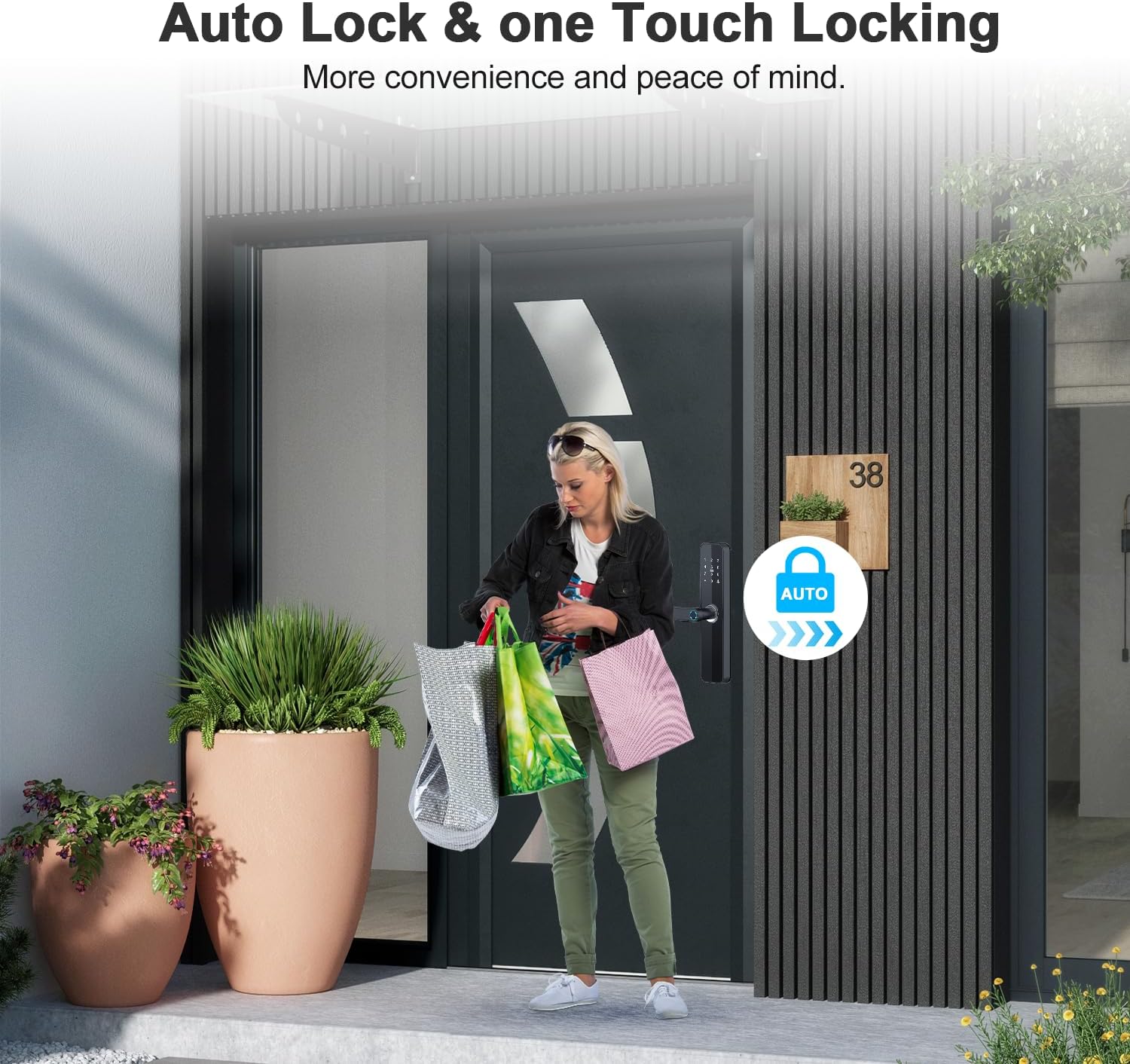
Image: Auto Lock & one Touch Locking - Demonstrates the automatic locking function.
4.3. Tuya App Control
Manage your smart lock remotely using the Tuya app:
- Temporary Passwords: Generate and manage one-time or recurring access codes.
- User Management: Add or remove users and their access methods.
- Lock Opening Records: View a history of who accessed the door and when.
- Battery Status: Monitor the current battery level.
- Doorbell & Intercom: Receive notifications and communicate with visitors.
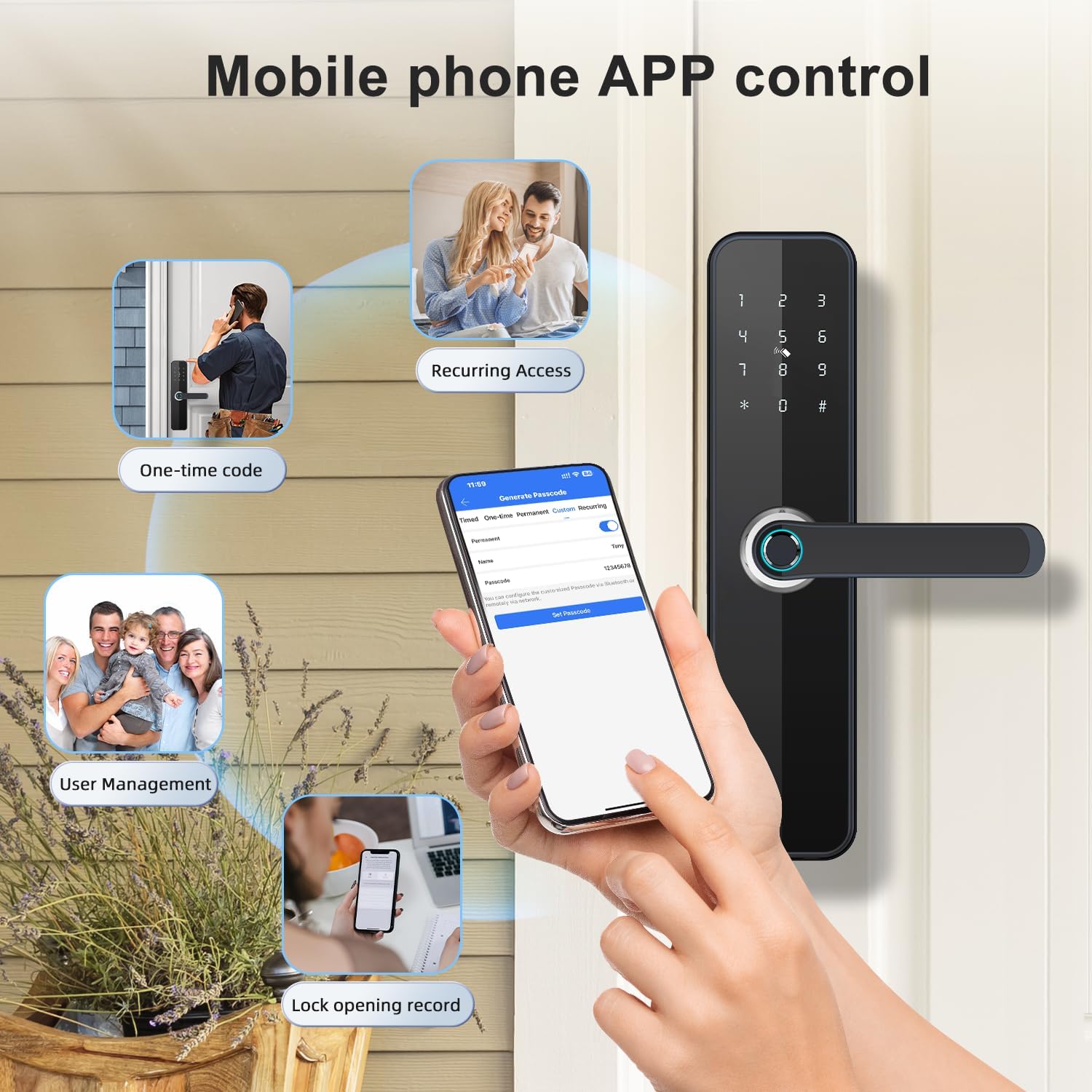
Image: Mobile phone APP control - Illustrates the various functions available through the mobile application.
5. Maintenance
5.1. Battery Management
The lock is powered by 4 AA batteries. It features a 5000mAh rechargeable lithium battery.
- Low Battery Alarm: The lock will issue an alarm when the battery is low. You can still open the door approximately 50 times after the alarm.
- Emergency Charging: If the battery completely drains, connect an external power bank to the emergency charging port for temporary power to unlock.
- Mechanical Key: Always keep your mechanical keys in a safe, accessible location as a final backup.

Image: Large Capacity Rechargeable Battery - Shows the battery type and capacity.

Image: Emergency charging port - Demonstrates how to use an external power bank for emergency unlocking.
5.2. Cleaning
Wipe the lock surface with a soft, dry cloth. Avoid using abrasive cleaners or solvents that could damage the finish.
6. Troubleshooting
- Lock not responding: Check battery levels. Use the emergency charging port or mechanical key.
- Fingerprint not recognized: Ensure your finger is clean and dry. Re-register your fingerprint if issues persist.
- App connectivity issues: Ensure Bluetooth is enabled on your phone and you are within range. Check Wi-Fi connection for remote features.
- Doorbell camera not working: Verify power supply and app settings. Some users reported intermittent camera issues; try removing and reinserting batteries if this occurs.
- Programming difficulties: Refer to the detailed programming instructions in the full manual or contact customer support.
7. Specifications
| Feature | Detail |
|---|---|
| Product Model | H06 |
| Dimensions (L x W x H) | 19 x 23 x 27 cm |
| Weight | 2.02 Kilograms |
| Material | Solid Alloy |
| Finish Type | Polished Glossy |
| Color | Vivid |
| Lock Type | Biometric |
| Special Feature | Fob Unlock |
| Control Device Type | TT Lock App |
| Control Method | Via App |
| Communication Protocol | Wi-Fi |
| Power Source | 4 AA Batteries (included) |
| Recommended Uses | Home, Hotel, Office, Apartment, Bedroom |
| Included Components | Lock, Battery, Cards, Manual, Accessories |
| Country of Origin | China |
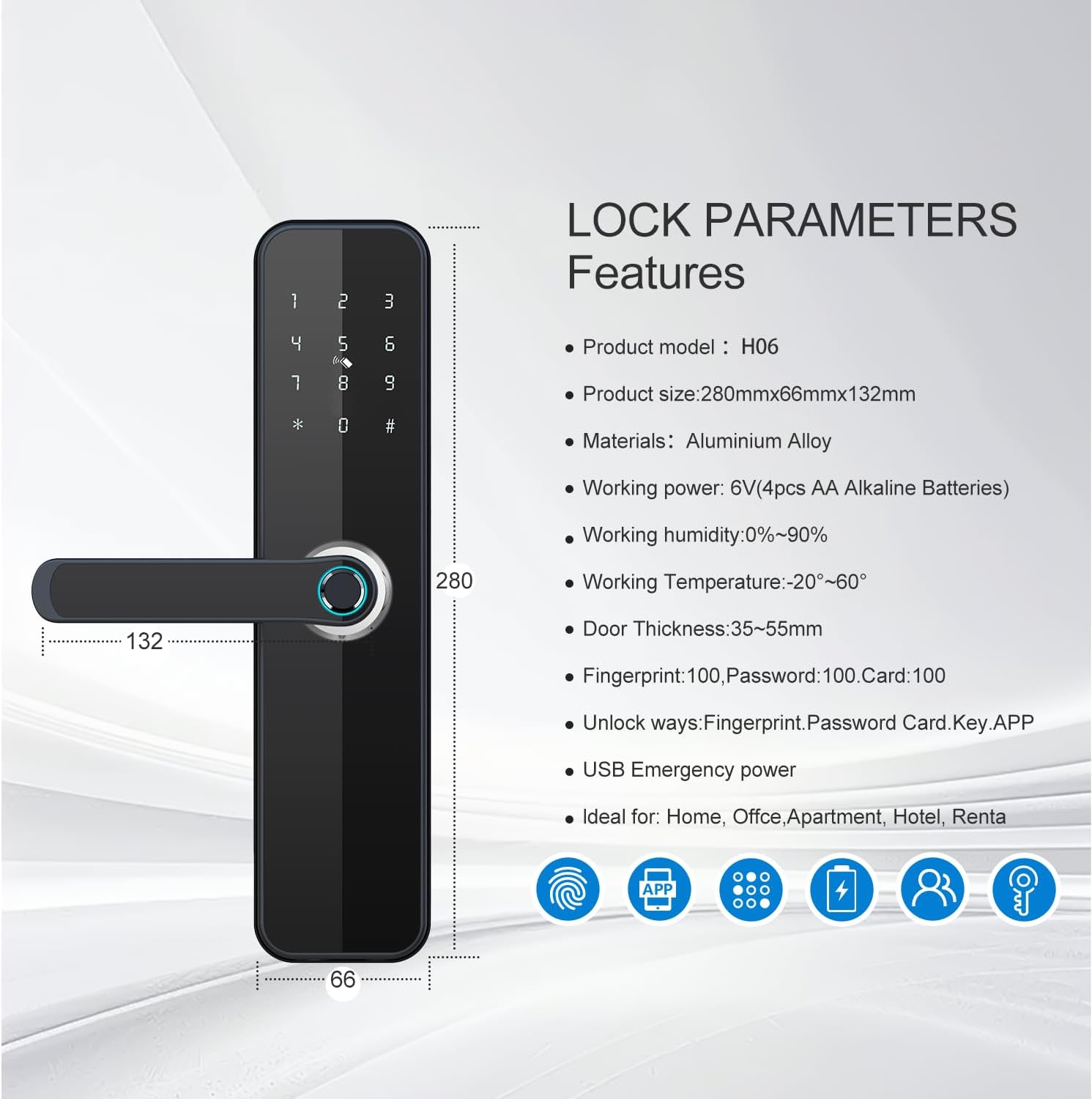
Image: Lock Parameters and Features - Visual representation of product specifications.
8. Warranty and Support
For warranty information, technical support, or further assistance, please refer to the contact details provided in your product packaging or visit the official Makayuron website.
This product comes with a 15-day return policy.