1. Product Overview
The Vieta Pro Aura Gaming Headset (VGA-HC100NI) is designed to provide an immersive audio experience for gaming across various platforms. Featuring a comfortable and lightweight design, an adjustable microphone, and universal compatibility, it ensures clear communication and high-definition sound for extended gaming sessions.

Image 1: Vieta Pro Aura Gaming Headset showcasing its adjustable microphone, lightweight design, 1.3m cable, 3.5mm mini jack, and volume adjustment.

Image 2: Close-up view of the ultra-comfortable ear pads, designed for extended wear.

Image 3: Detail of the headset highlighting its high-quality sound capabilities.
2. Setup Instructions
2.1 Connecting the Headset
The Vieta Pro Aura Gaming Headset connects via a standard 3.5mm audio jack. Follow these steps to connect your headset:
- Locate the 3.5mm audio port on your gaming console (PS5, PS4, Xbox, Nintendo Switch), PC, laptop, or mobile device.
- Insert the 3.5mm jack from the headset cable firmly into the audio port.
- Ensure the connection is secure to prevent audio interruptions.
2.2 Adjusting the Microphone
The microphone is flexible and adjustable. Position it close to your mouth for optimal voice clarity. When not in use, the microphone can be moved out of the way.
3. Operating Instructions
3.1 Volume Control
The headset features an integrated volume control wheel located on one of the earcups. Rotate the wheel upwards to increase the volume and downwards to decrease it.
3.2 Microphone Mute Function
A mute button for the microphone is conveniently located on the headset. Press the button to mute or unmute your microphone during gameplay or calls.
4. Maintenance
Proper maintenance ensures the longevity and optimal performance of your Vieta Pro Aura Gaming Headset:
- Cleaning: Use a soft, dry cloth to wipe down the earcups and headband. For deeper cleaning, a slightly damp cloth with mild soap can be used, ensuring no moisture enters the speaker grilles or microphone.
- Storage: Store the headset in a cool, dry place away from direct sunlight and extreme temperatures. Avoid placing heavy objects on top of the headset.
- Cable Care: Avoid sharp bends or excessive pulling on the cable to prevent damage. When storing, gently coil the cable.
- Microphone Care: Handle the adjustable microphone gently. Avoid excessive bending or twisting.
5. Troubleshooting
If you encounter issues with your headset, refer to the following common solutions:
- No Sound:
- Ensure the 3.5mm jack is fully inserted into the device's audio port.
- Check the volume control wheel on the headset and your device to ensure volume is not muted or too low.
- Test the headset with another device to rule out a device-specific issue.
- Microphone Not Working:
- Ensure the microphone mute button on the headset is not activated.
- Check your device's audio settings to ensure the correct microphone input is selected and not muted.
- Verify the microphone is securely connected to the headset (if detachable).
- Distorted Sound:
- Lower the volume on both the headset and your device.
- Ensure the 3.5mm jack is clean and free of debris.
- Test with another device to determine if the issue is with the headset or the source device.
6. Technical Specifications
| Feature | Specification |
|---|---|
| Model Name | Aura |
| Product Model Number | VGA-HC100NI |
| Brand | Vieta Pro |
| Color | Grey |
| Connectivity Technology | Wired |
| Headphone Connector | 3.5 mm Jack |
| Impedance | 32 Ohms |
| Sensitivity | 32 Ohm |
| Noise Control | Passive Noise Cancellation |
| Form Factor | Circumaural |
| Ear Placement | Supra-aural |
| Material Type | Plastic |
| Product Weight | 700 g |
| Package Dimensions | 25 x 22 x 20 cm |
| Included Components | Ear pads, Headband, Microphone |
| Compatible Devices | Nintendo Switch, PC and Laptops, PS5, PS4, Video Consoles, Xbox |
| Specific Product Uses | Listening to music, Video games |
7. Product Media
7.1 Product Images
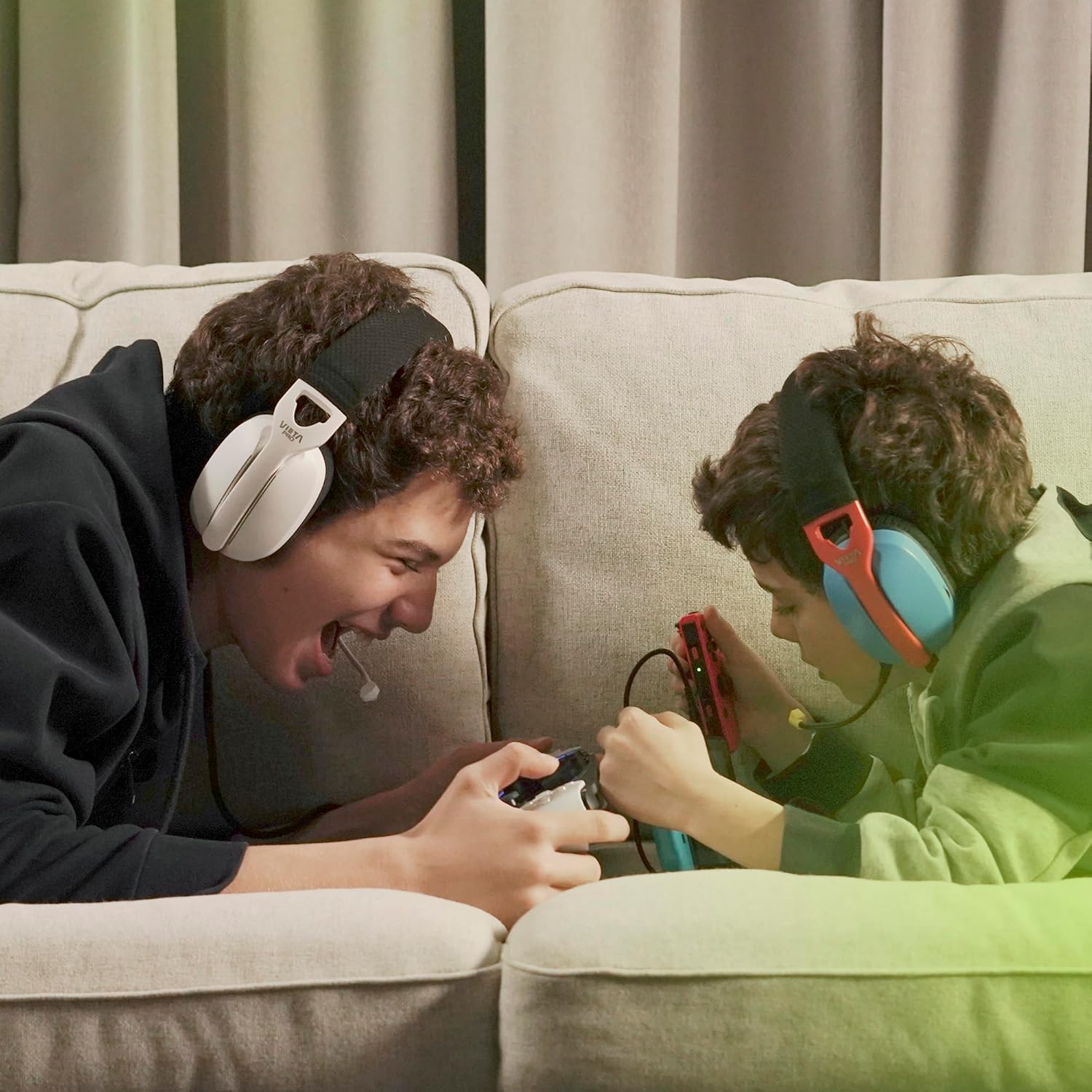
Image 4: Two users enjoying a gaming session with the Vieta Pro Aura Gaming Headset.

Image 5: A user demonstrating the perfect fit of the headset, highlighting its ergonomic design.

Image 6: Another close-up emphasizing the high-quality sound output of the headset.

Image 7: The headset showing its 3.5mm jack connector and integrated controls.

Image 8: A user comfortably gaming while lying down, showcasing the headset's ergonomic design.
7.2 Official Product Videos
Video 1: FC200 Gaming Headset - This video provides a detailed overview of the FC200 Gaming Headset, highlighting its features and design. (Duration: 3:17)
Video 2: Fachixy FC-200 Gaming Headset - A promotional video showcasing the Fachixy FC-200 Gaming Headset's capabilities and user experience. (Duration: 0:41)
Video 3: NUBWO HG04L – The BEST cheap gaming headphones of 2025? - A review video discussing the NUBWO HG04L gaming headphones, focusing on their value and performance. (Duration: 6:48)
8. Warranty & Support
Vieta Pro products are designed for durability and performance. For specific warranty information and support, please refer to the documentation included with your purchase or visit the official Vieta Pro website. Keep your proof of purchase for any warranty claims.


