
1. Introduction
Thank you for choosing the Fanbulous 42-inch Outdoor Ceiling Fan. This manual provides essential information for the safe installation, operation, and maintenance of your new ceiling fan. Please read this manual thoroughly before installation and keep it for future reference.

The Fanbulous outdoor ceiling fan, designed to withstand various weather conditions.
Key Features:
- IP65 Waterproof Rating: Designed for outdoor use in patios, decks, porches, canopies, gazebos, and greenhouses.
- Plug-and-Play Installation: Quick and easy setup with pre-assembled components and a 9.8FT power cord.
- Remote Control: Full control over 6 fan speeds, 3 CCT LED light settings (3000K Warm, 4500K Neutral, 6500K Cool), and 1H/4H/8H timers.
- Reversible DC Motor: Provides powerful yet quiet airflow, with modes for summer cooling and winter warm air circulation.
- Dual-Finish Blades: Reversible blades with walnut and matte black finishes to complement various outdoor decors.
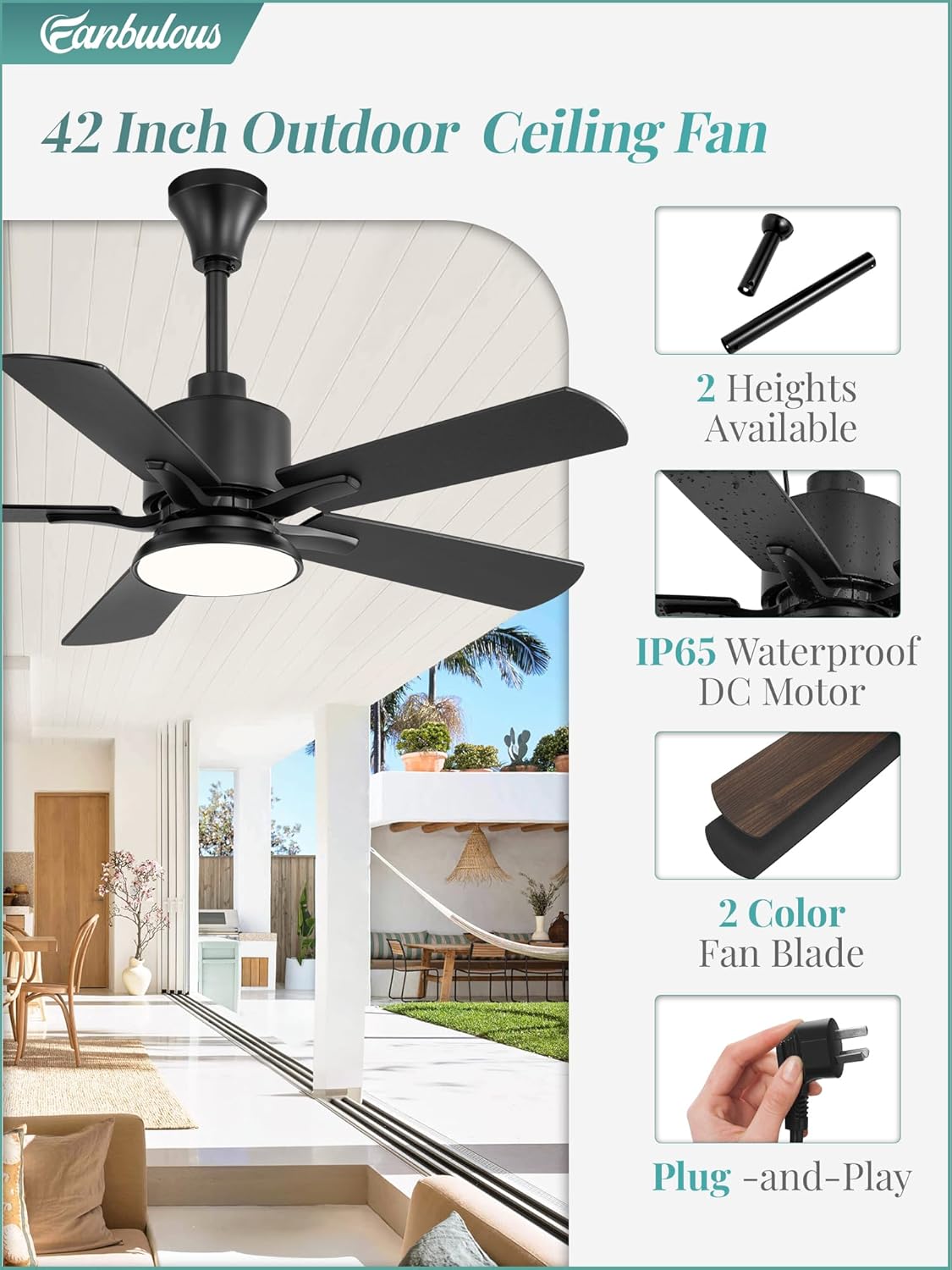
Overview of the fan's design and features, highlighting its adaptability and ease of use.
2. Safety Information
Please read and understand all safety instructions before attempting to assemble, install, operate, or troubleshoot this product. Failure to follow these instructions could result in electric shock, fire, or serious personal injury.
- Always disconnect power at the main circuit breaker before installation or maintenance.
- This fan is rated IP65 for outdoor use, meaning it is protected against dust ingress and low-pressure water jets from any direction. However, ensure the power outlet is also suitable for outdoor use and protected from direct heavy rain or submersion.
- Do not operate the fan with a damaged cord or plug. If the cord is damaged, it must be replaced by the manufacturer, its service agent, or similarly qualified persons to avoid a hazard.
- Ensure the mounting structure can support the weight of the fan (approximately 12.56 pounds) and is securely fastened.
- Keep hands, hair, and clothing away from moving fan blades.
- Do not insert any objects into the fan blades while the fan is operating.
- This appliance is not intended for use by persons (including children) with reduced physical, sensory or mental capabilities, or lack of experience and knowledge, unless they have been given supervision or instruction concerning use of the appliance by a person responsible for their safety.
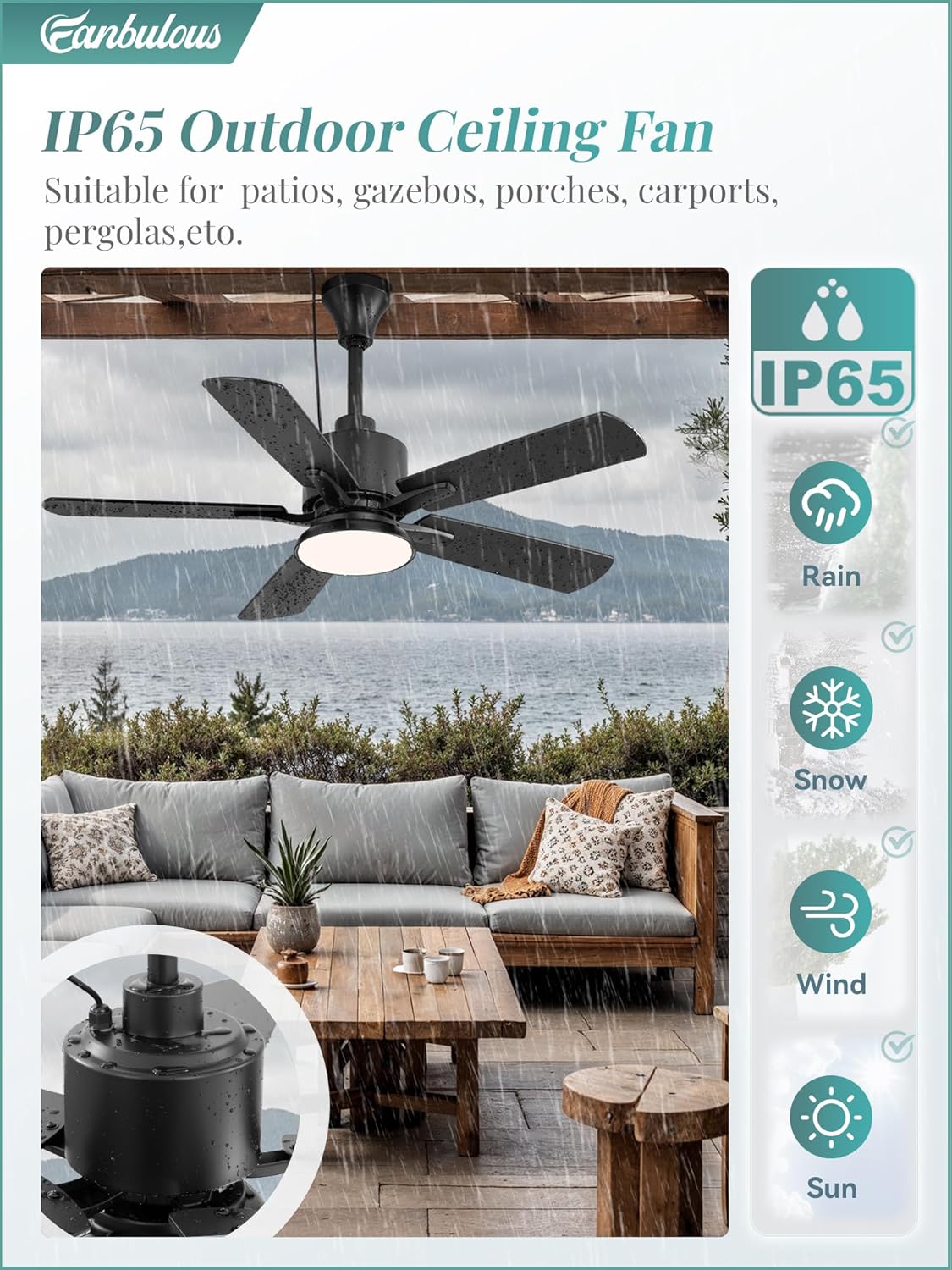
The IP65 rating ensures durability against various outdoor elements.
3. Package Contents
Carefully unpack your fan and ensure all components are present and undamaged. If any parts are missing or damaged, contact Fanbulous customer service immediately.
- Ceiling Fan Unit (with integrated LED light and DC motor)
- Remote Control
- Downrods (4-inch and 8-inch options)
- Mounting Hardware (screws, brackets, etc.)
- User Manual
4. Installation Guide
This Fanbulous ceiling fan features a 'Plug-and-Play' design for simplified installation. No electrician is typically needed for the fan's electrical connection, as it plugs into a standard outdoor-rated power outlet.
Before You Begin:
- Choose a suitable outdoor location with a sturdy overhead structure (e.g., pergola, gazebo beam) capable of supporting the fan's weight.
- Ensure the chosen location has access to a protected, outdoor-rated electrical outlet within 9.8 feet of the fan's intended mounting point.
- Gather necessary tools: screwdriver, drill (if needed for mounting bracket), ladder.
Installation Steps:
- Prepare Mounting Location: Securely attach the mounting bracket to your chosen overhead structure using appropriate screws and anchors. Ensure the bracket is level and firmly secured.
- Select Downrod Length: Choose between the 4-inch or 8-inch downrod based on your desired fan height and ceiling clearance. Attach the selected downrod to the fan motor housing according to the diagrams in the quick installation guide (not provided here, refer to included paper manual).
- Attach Fan Blades: The fan comes with dual-sided blades (walnut/matte black). Decide which finish you prefer and attach the blades to the fan motor housing. Ensure all screws are tightened securely.
- Hang the Fan: Carefully lift the fan assembly and hang it onto the mounting bracket. Ensure the fan is securely seated in the bracket's hook or groove.
- Connect Power: Route the 9.8FT power cord to your outdoor-rated electrical outlet and plug it in. Ensure the cord is not a tripping hazard and is protected from damage.
- Final Check: Double-check all connections and ensure the fan is stable and securely mounted before turning on power.
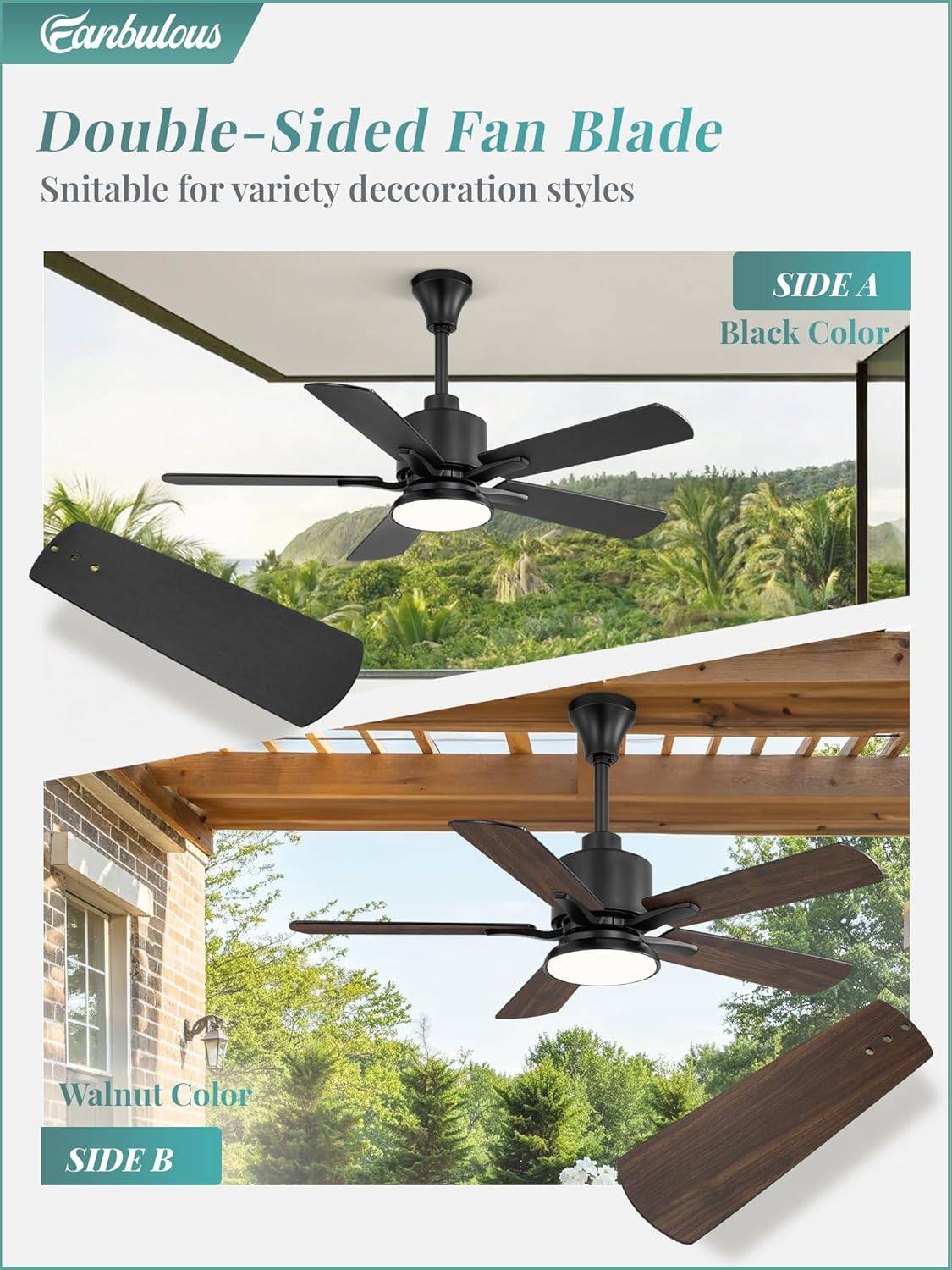
Choose between matte black or walnut finish for your fan blades.
5. Operating Instructions
Your Fanbulous outdoor ceiling fan is operated via the included remote control. The remote allows you to control fan speed, light settings, and timer functions.
Remote Control Functions:

Remote control layout and functions.
- Power On/Off: Press the Fan On/Off button to turn the fan on or off. Press the Light On/Off button to control the light independently.
- Fan Speed: Use buttons 1-6 to select desired fan speed. 1 is the lowest speed, 6 is the highest.
- Light Color Temperature (CCT): Press the Light On/Off button repeatedly to cycle through 3000K (Warm Light), 4500K (Neutral Light), and 6500K (Cool Light) settings.
- Timer Function: Press 1H, 4H, or 8H to set the fan to automatically turn off after the selected duration.
- Reversible Motor: Press the Forward/Reverse button to change the direction of the fan blades.
- Summer Mode (Forward): Blades rotate counter-clockwise, pushing air downwards to create a cooling breeze.
- Winter Mode (Reverse): Blades rotate clockwise, drawing air upwards to circulate warm air trapped near the ceiling.
- Memory Function: The fan remembers your last light setting, wind speed, and fan direction when powered off for more than 10 seconds and will resume these settings upon restart.
- Natural Wind Mode: Press the Natural Wind button to simulate a natural breeze by varying fan speeds.
- Mute Function: Press the Mute button to silence remote control beeps.
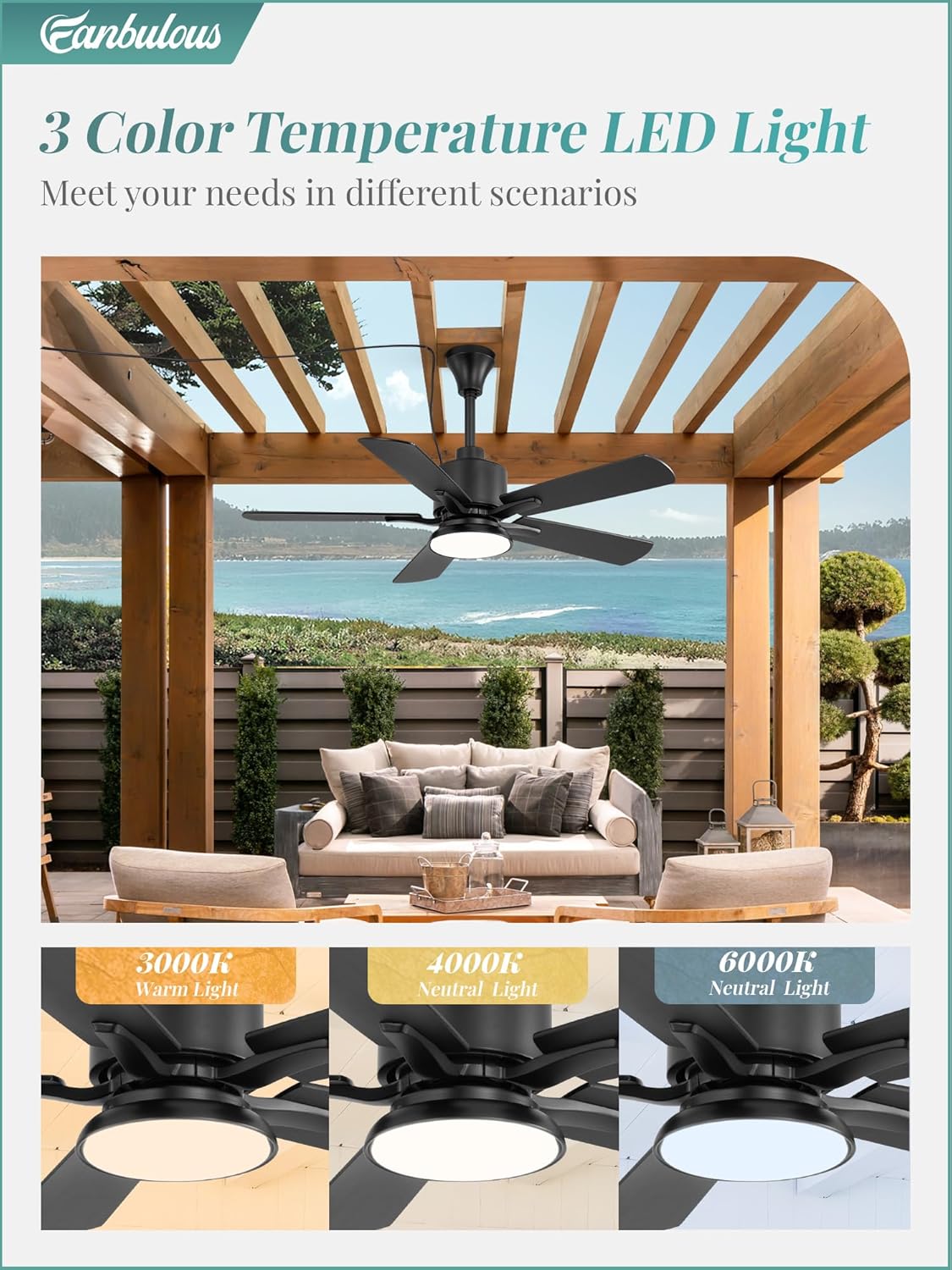
Adjustable light color temperature for different moods and scenarios.

Utilize the reversible motor for year-round comfort.
6. Maintenance
Regular maintenance will ensure the longevity and optimal performance of your Fanbulous ceiling fan.
- Cleaning: To clean the fan, wipe with a soft, damp cloth. Do not use abrasive cleaners or solvents, as these may damage the finish or electrical components. Ensure the fan is unplugged before cleaning.
- Blade Cleaning: The fan blades can be wiped clean with a soft cloth. For stubborn dirt, a mild soap solution can be used, followed by a dry cloth.
- Inspection: Periodically check all connections and mounting hardware to ensure they remain secure. Tighten any loose screws.
- Motor Lubrication: The DC motor is permanently lubricated and does not require additional oiling.
7. Troubleshooting
If you experience issues with your Fanbulous ceiling fan, refer to the following common problems and solutions:
| Problem | Possible Cause | Solution |
|---|---|---|
| Fan does not turn on. | No power to the fan; Remote control battery is dead; Remote not paired. | Check if the power cord is securely plugged into a working outlet. Replace remote battery. Refer to remote pairing instructions (if applicable, usually automatic). |
| Light does not work. | Light is turned off; LED module failure. | Ensure the light is turned on via the remote. If still not working, contact customer service. |
| Fan wobbles. | Loose mounting screws; Unbalanced blades. | Ensure all mounting screws are tightened. Check if blades are securely attached. |
| Remote control not responding. | Battery low/dead; Obstruction between remote and receiver. | Replace remote battery. Ensure clear line of sight to the fan's receiver (usually in the canopy). |
| Fan makes unusual noise. | Loose screws; Internal component issue. | Check and tighten all screws. If noise persists, contact customer service. |
If you are unable to resolve the issue using the troubleshooting guide, please contact Fanbulous customer service for assistance.
8. Specifications
Technical specifications for the Fanbulous 42" Outdoor Ceiling Fan (Model: ZX42).

Dimensions and core specifications of the fan.
| Feature | Detail |
|---|---|
| Brand | Fanbulous |
| Model Number | ZX42 |
| Product Dimensions | 42"D x 42"W x 16.1"H |
| Item Weight | 12.56 pounds |
| Color | Black |
| Power Source | AC/DC (Plug-in) |
| Motor Type | DC Motor (Reversible) |
| Fan Speeds | 6 Speeds |
| Light Type | Integrated LED |
| Light Color Temperature | 3000K (Warm), 4500K (Neutral), 6500K (Cool) |
| Timer Settings | 1H, 4H, 8H |
| Indoor/Outdoor Usage | Outdoor (IP65 Waterproof) |
| Included Components | Remote Control, 4" & 8" Downrods |
9. Warranty and Customer Support
Fanbulous is committed to providing high-quality products and excellent customer service.
Warranty:
This Fanbulous ceiling fan comes with a 2-year warranty from the date of purchase. This warranty covers defects in materials and workmanship under normal use. It does not cover damage resulting from improper installation, misuse, abuse, accidents, or unauthorized repairs.
Customer Support:
Should you have any questions, concerns, or require assistance with your Fanbulous product, please do not hesitate to contact our dedicated customer service team. We are ready to assist you and ensure your satisfaction.
For support, please refer to the contact information provided on the product packaging or the official Fanbulous website.
