
ROQIOO B0F2FLV2BW
ROQIOO 4K Night Vision Goggles
Model: B0F2FLV2BW
Introduction
Thank you for choosing the ROQIOO 4K Night Vision Goggles. This manual provides detailed instructions for the proper setup, operation, and maintenance of your device. Designed for outdoor enthusiasts, hunters, and tactical users, these binoculars offer advanced night vision capabilities with a high-resolution display and robust features.

Image: The ROQIOO 4K Night Vision Goggles, showcasing the main unit, included 32GB memory card, Type-C data cable, and lanyard.
What's in the Box
- Night Vision Goggles
- 32GB memory card
- Type-C Data cable
- Lanyard
- Instruction manual (this document)
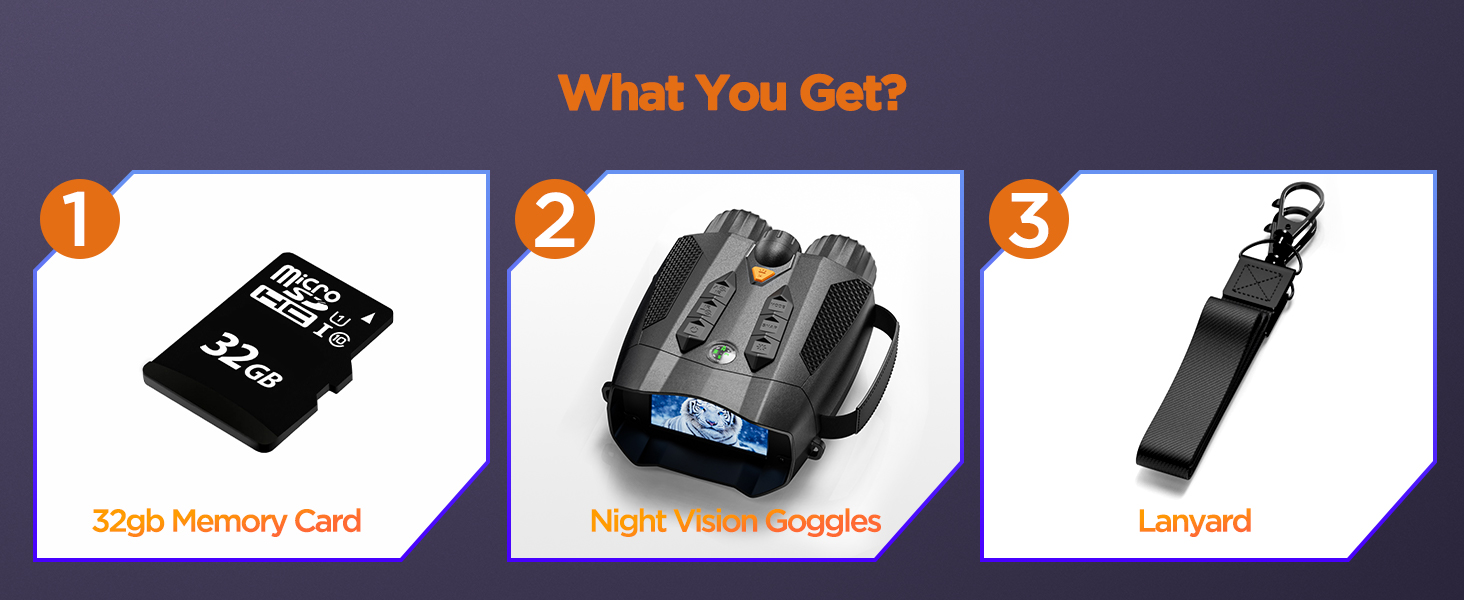
Image: Visual representation of the items included in the product package: the night vision goggles, a 32GB memory card, and a lanyard.
Key Features
- 4K Digital Night Vision: Capture ultra-sharp 4K images and videos with exceptional clarity, day or night.
- 5W Upgraded Infrared (IR): Features 7 adjustable levels of 850nm infrared illumination for clear viewing in total darkness.
- 3'' IPS Screen with 10X Zoom: High-resolution display for vivid images and an intuitive interface, allowing for detailed observation and seamless operation.
- 5000mAh High-Capacity Battery: Provides extended performance for prolonged use without frequent recharging.
- Built-in Compass: Ensures reliable navigation and orientation in the field.
- 3W Fill Light: Versatile illumination with lighting, flashing, and SOS modes for enhanced visibility and emergencies.
- Tripod Compatibility: Equipped with a 1/4-inch threaded hole for stable, hands-free use.
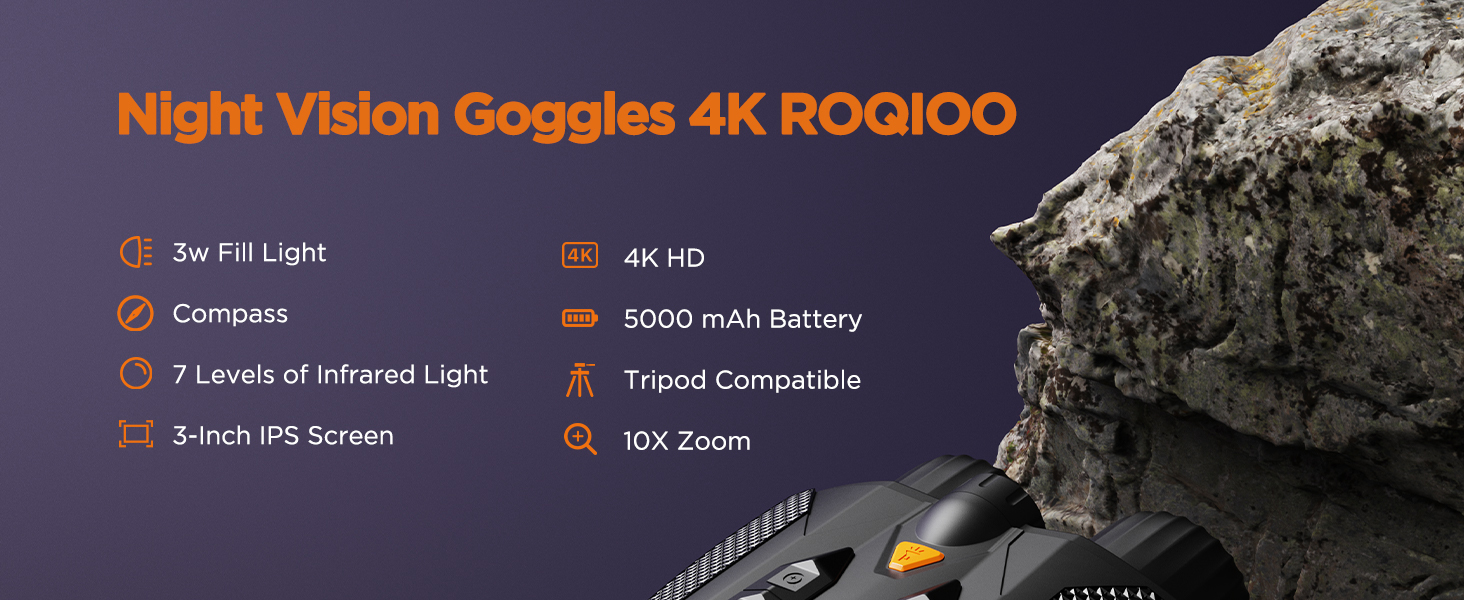
Image: A graphic summarizing the key features of the ROQIOO 4K Night Vision Goggles, including 3W Fill Light, Compass, 7 Levels of Infrared Light, 3-Inch IPS Screen, 4K HD, 5000 mAh Battery, Tripod Compatible, and 10X Zoom.
Setup
1. Charging the Battery
The device is equipped with a built-in 5000mAh rechargeable battery. Before first use, fully charge the device using the provided Type-C data cable and a compatible USB power adapter (not included). The charging indicator will show the charging status.
2. Inserting the Micro SD Card
Locate the Micro SD card slot on the device. Gently insert the included 32GB Micro SD card into the slot until it clicks into place. Ensure the card is inserted in the correct orientation. This card is essential for saving photos and videos.
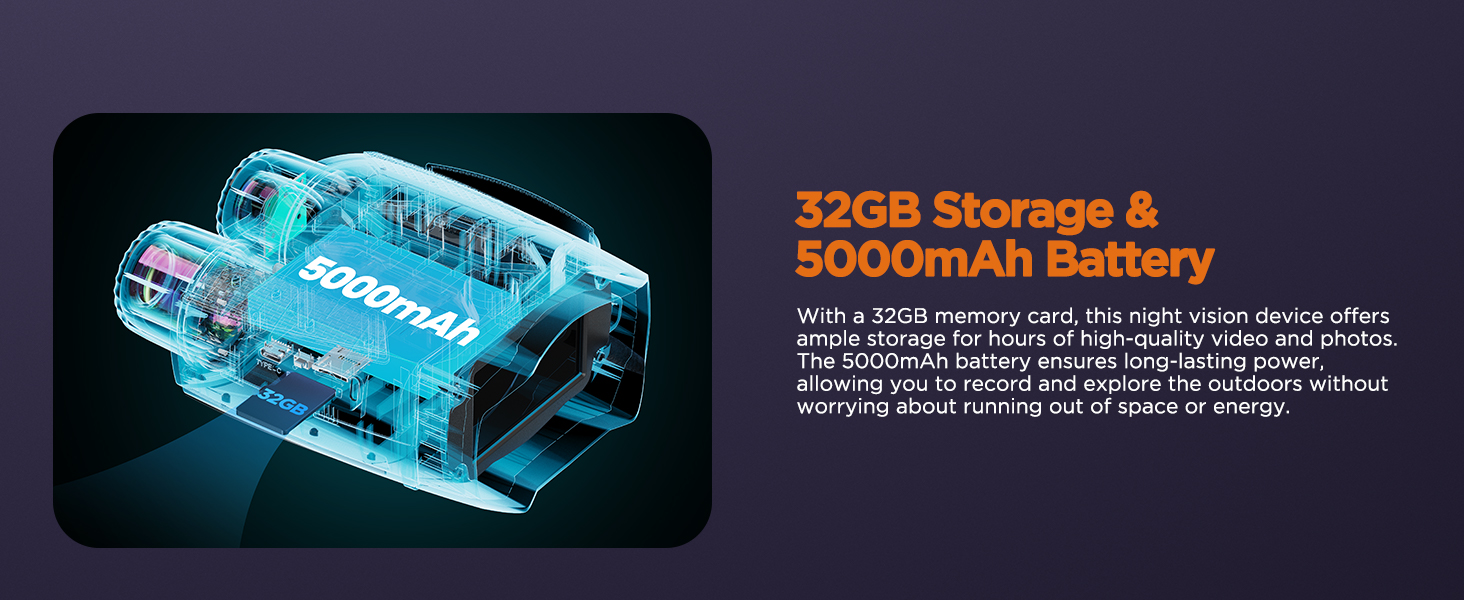
Image: An X-ray style diagram illustrating the internal 5000mAh battery and the 32GB TF card slot, emphasizing long-lasting power and ample storage.
3. Attaching the Lanyard
Attach the provided lanyard to the designated attachment point on the goggles. This helps prevent accidental drops and provides a secure way to carry the device.
4. Initial Power On
Press and hold the Power button (refer to the device's physical labels for correct identification, as some early units may have had reversed labels for Power and Mode buttons) to turn on the device. The 3-inch IPS screen will illuminate.
Operating Instructions
1. Power On/Off
- To turn on: Press and hold the Power button.
- To turn off: Press and hold the Power button again until the screen shuts down.
2. Adjusting Focus and Zoom
Use the focus wheel located on the device to sharpen the image on the screen. The device features a 10X digital zoom. Use the zoom buttons (typically marked with '+' and '-') to adjust the magnification level for distant objects.
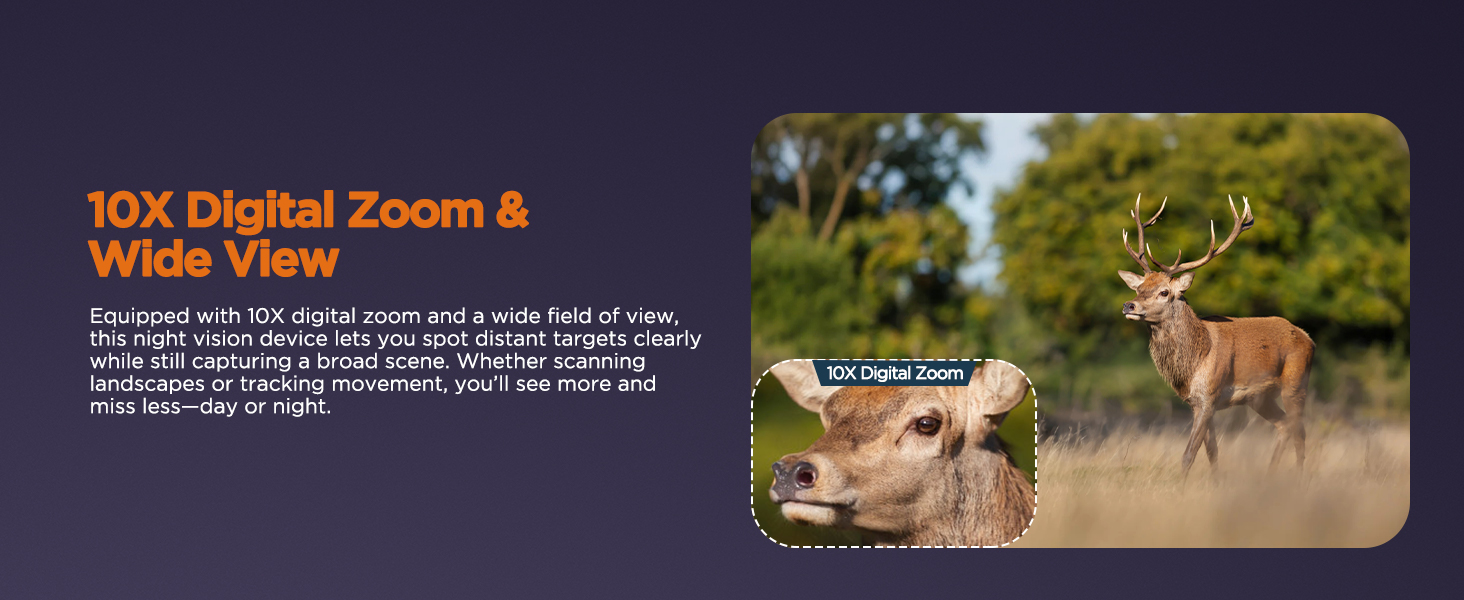
Image: The night vision device showcasing its 10X digital zoom capability, allowing users to spot distant targets clearly.
3. Infrared (IR) Illumination
The 5W infrared function has 7 adjustable levels. Press the IR button to cycle through the intensity levels. Higher IR levels provide better visibility in complete darkness but may consume more battery power.

Image: A visual demonstrating the 4K Ultra HD capability and the 7-level adjustable IR light of the night vision goggles, showing varying degrees of infrared illumination.
4. Using the 3W Fill Light
The 3W fill light offers multiple modes. Press the Light button to switch between standard lighting, flashing, and SOS modes. This feature is useful for close-range illumination or signaling.

Image: The night vision goggles highlighting the built-in compass and the integrated flashlight, which aids in staying oriented and seeing clearly at night.
5. Photo and Video Recording
To capture photos, press the SNAP button. To record video, press the Record button (if available, or press SNAP button again to start/stop recording if it's a multi-function button). Ensure a Micro SD card is inserted to save your media.
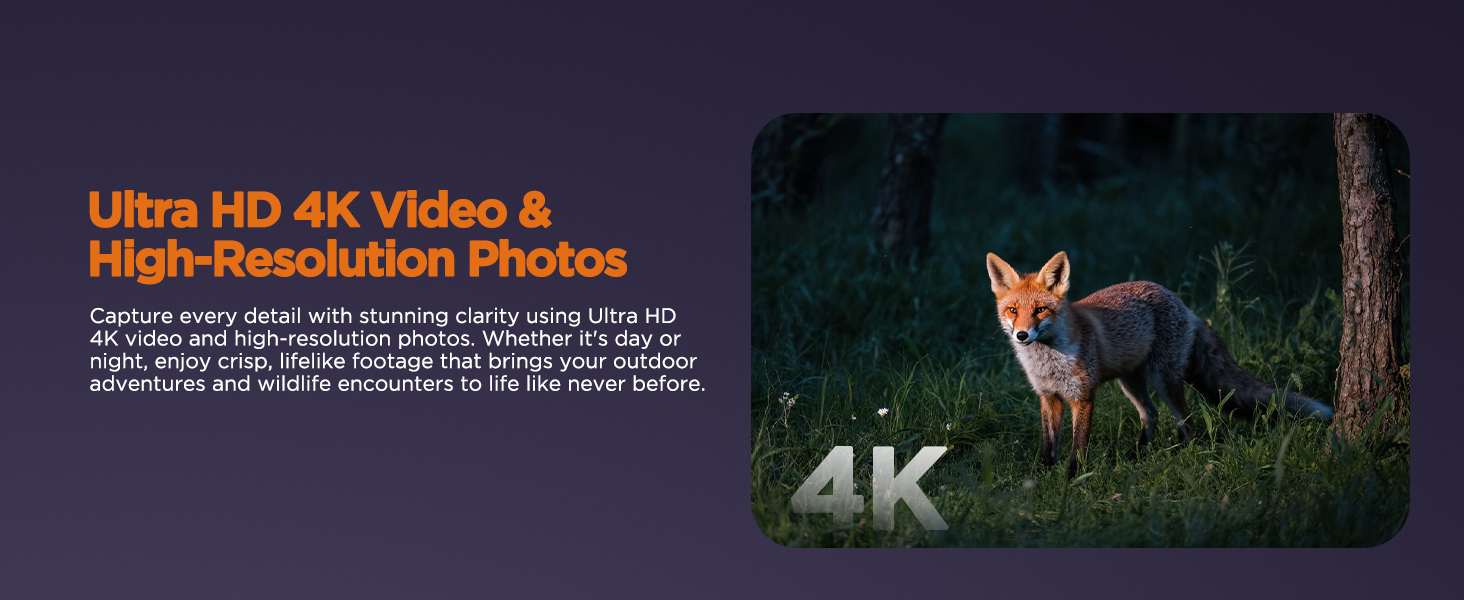
Image: A visual representation of the goggles' ability to capture Ultra HD 4K video and high-resolution photos, depicted with a fox in a forest setting.
6. Menu Navigation
Press the MENU button to access settings. Use the navigation buttons (up/down/left/right, or similar) to browse options and the OK/Enter button to select. Settings include date/time, language, resolution, and more.
Maintenance
1. Cleaning
- Use a soft, lint-free cloth to clean the lenses and screen. Avoid abrasive materials or harsh chemicals.
- For stubborn smudges, a lens cleaning solution designed for optics can be used sparingly on the cloth, not directly on the lens.
- Wipe the body of the device with a damp cloth as needed.
2. Storage
Store the goggles in a cool, dry place away from direct sunlight and extreme temperatures. If storing for an extended period, ensure the battery is partially charged (around 50%) to prolong its lifespan.
3. Battery Care
To maximize battery life, avoid fully discharging the battery frequently. Recharge the device when the low battery indicator appears. Use only the provided Type-C cable for charging.
Troubleshooting
| Problem | Possible Cause | Solution |
|---|---|---|
| Device does not power on. | Low battery; incorrect button press; internal malfunction. | Charge the battery fully. Ensure you are pressing and holding the correct Power button (some early units may have had reversed labels for Power and Mode buttons). If problem persists, contact support. |
| Image is dark or unclear at night. | IR illumination level too low; focus not adjusted; environmental factors. | Increase the IR illumination level (cycle through 7 levels). Adjust the focus wheel. Ensure there are no obstructions to the IR emitter. |
| Cannot save photos/videos. | No Micro SD card inserted; Micro SD card full or corrupted. | Insert the 32GB Micro SD card. Check if the card is full and delete unnecessary files or replace the card. Format the card via the device's menu if issues persist. |
| Compass shows incorrect readings. | Interference from magnetic fields; device not calibrated. | Move away from strong magnetic sources (e.g., large metal objects, other electronics). Refer to the menu for compass calibration options if available. Note that the built-in compass is for general orientation and not precision navigation. |
Specifications
| Feature | Detail |
|---|---|
| Product Dimensions | 4.88 x 6.57 x 2.72 inches |
| Item Weight | 1.43 pounds |
| ASIN | B0F2FLV2BW |
| Batteries | 1 A batteries required. (included) - Note: Refers to internal rechargeable battery. |
| Brand | ROQIOO |
| Magnification Maximum | 10 x |
| Color | Black |
| Material | Plastic |
| Manufacturer | ROQIOO |
| First Available Date | March 25, 2025 |
Warranty and Support
For warranty information or technical support, please refer to the contact details provided on the product packaging or visit the official ROQIOO website. Keep your purchase receipt for warranty claims.
Ask a question about this manual
Ask about setup, troubleshooting, compatibility, parts, safety, or missing instructions. Manuals+ will review the question and use this page’s manual context to help answer it.